AI B-Roll Generator
Add high-quality B-roll to your videos in one click. Let AI analyze your content and create engaging visuals that match your topic. No endless searching or tool switching with Edimakor AI B-Roll Generator.
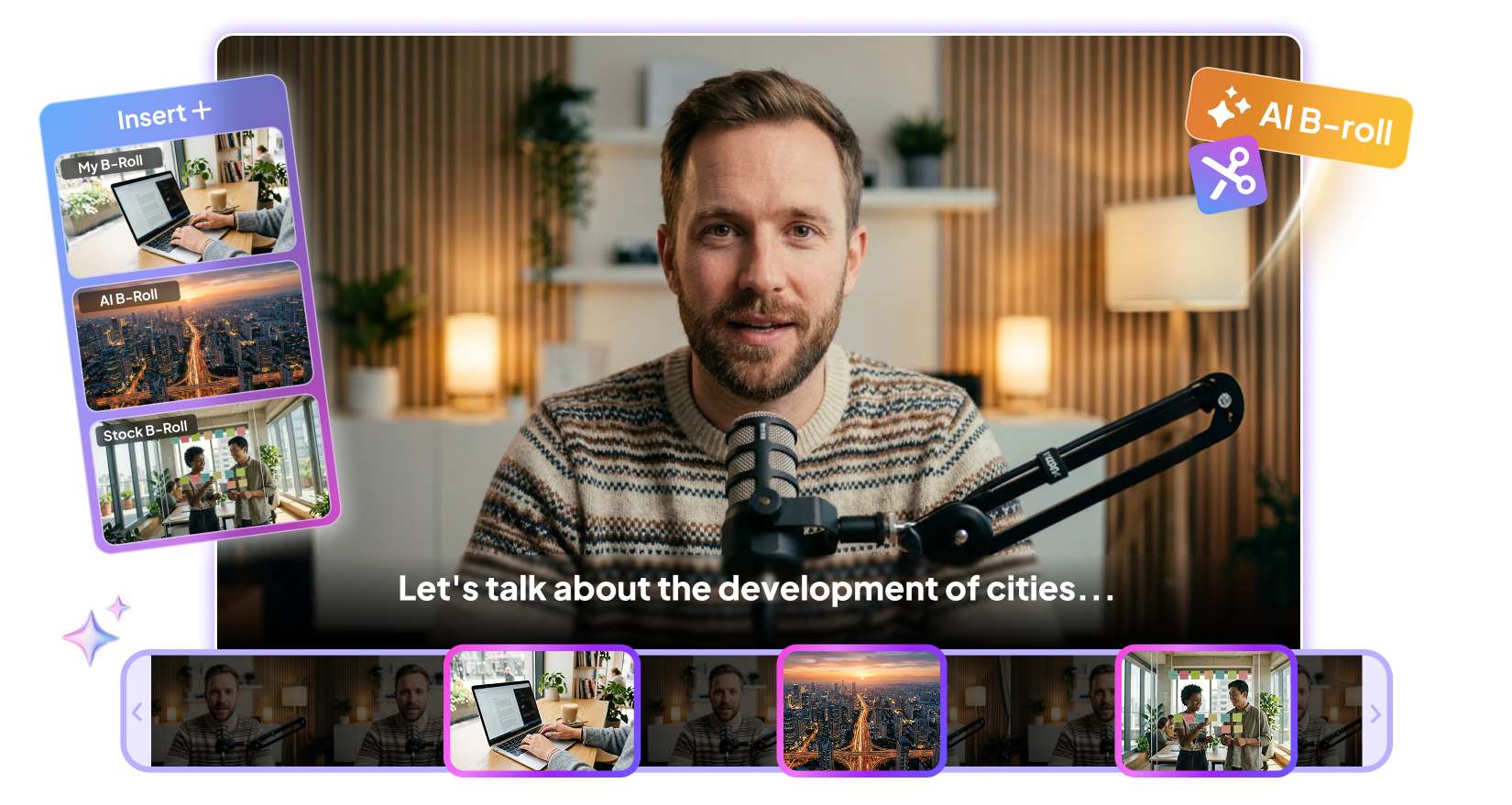







Why Edimakor AI B-Roll Generator Stands Out

Choose From Multiple B-Roll Sources
Enter a text prompt to generate matching images or videos. Browse stock footage or upload your own media whenever needed. With different B-roll sources, you can create richer visuals for every project.
AI Context Analysis for B-Roll Matches
AI analyzes your script and identifies the best moments for B-roll. It matches relevant images or videos based on context. Avoid the hassle of manual placement and save time.
Control Your B-Roll Mix and Balance
Decide how much B-roll appears in your video and how often it is used. Balance AI-generated visuals with stock media based on your creative needs. Ensure that the new footage does not overshadow your main content.
Add Animations to Every B-Roll
Apply natural animations to make B-roll enter and exit the frame smoothly. Reduce visual jumps and preserve your original pacing. Make every added asset blend naturally into the flow of your video.
Edimakor AI B-Roll Generator Built for Every Creator

I create short educational videos for students, and finding the right B-roll used to take a lot of time. Edimakor helps me create visuals that match what I'm explaining. The footage makes difficult topics easier to follow while keeping my main content clear.

I make YouTube videos on different topics, so I often need extra footage to keep my videos moving. The AI B-roll generator gives me matching visuals without spending hours searching for clips. I can try different scenes and find something that fits. It makes my editing process much easier.

Derek Coleman
I use B-roll to show how my products look and work in real situations. Edimakor's AI B-roll generator is helpful when I need extra scenes for product videos or UGC content. I can quickly create visuals that fit the product and the script. This saves me a lot of time when preparing new videos.

Megan Torres
More Features & More Possibilities
AI Video Generator
Create professional videos from text, images,and videos in minutes.
AI Script Generator
Turn creative ideas into engaging video scripts,stories, and content for any project instantly.
AI Image Generator
Create high-quality images from simple text prompts for any creative project.
AI Voiceovers & Royalty-Free Music
Create engaging videos with natural AI voices and a built-in library of royalty-free music.
Built-in Video Editor
Edit, subtitle, enhance, and perfect your videos in one powerful workspace.
Hyper Realistic AI Avatars
Generate stunning product visuals, creator-style ads and commercial videos with realistic avatars.
FAQs about AI B-Roll Generators
A B-roll generator creates supplementary footage for your main video. It can turn text prompts into relevant visuals. This helps add context, variety, and visual interest to your videos.
Commercial use depends on the tool's terms and the generated content. Check the platform's licensing rules before publishing or monetizing your videos. Also review any third-party assets used alongside generated footage.
Edimakor's AI B-roll Generator analyzes your prompt, script, and video context to identify relevant visuals. It considers subjects, actions, settings, and other details. It then generates or suggests footage that matches the intended scene.
Yes, you can upload your own B-roll and combine it with AI-generated footage in Edimakor. This gives you more control over your video's visual style. You can also use existing clips alongside newly generated scenes.
Edimakor's AI B-roll generator can support many types of video content. Common uses include tutorials, social media videos, product videos, and presentations. It can also help fill visual gaps in longer videos.
 Edimakor
You
+ Edimakor - Turn ideas
into dynamic
videos
Rachel Simmons