Gemini AI Hairstyle Prompts
Try New Haircuts, Hair Colors & Styles Instantly (Copy & Paste)
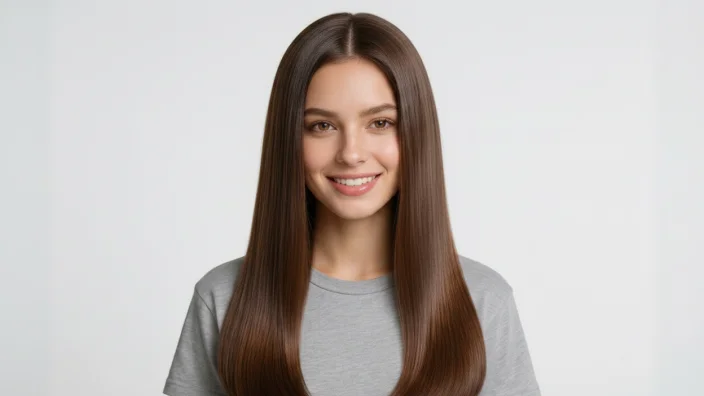
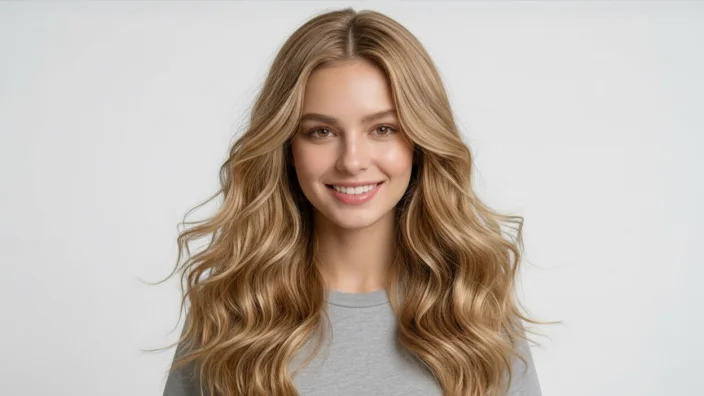
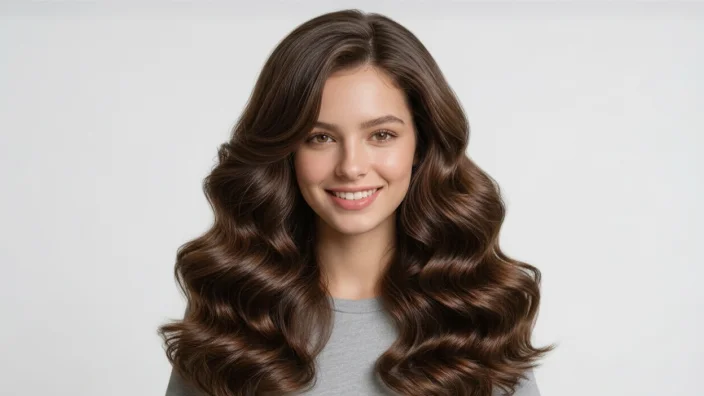
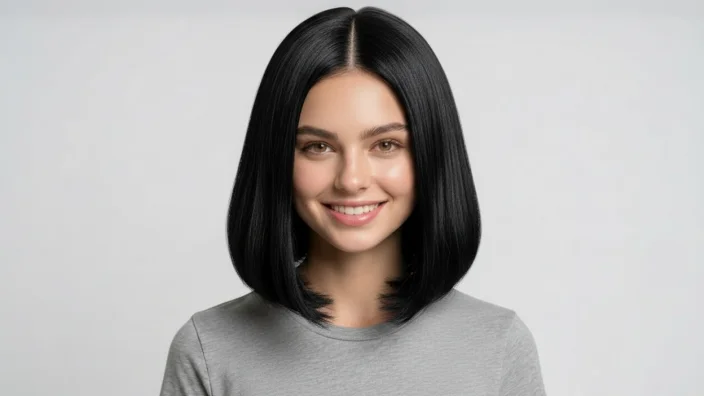
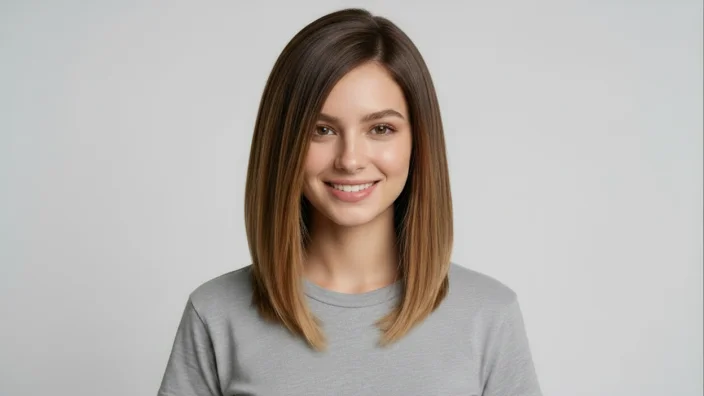
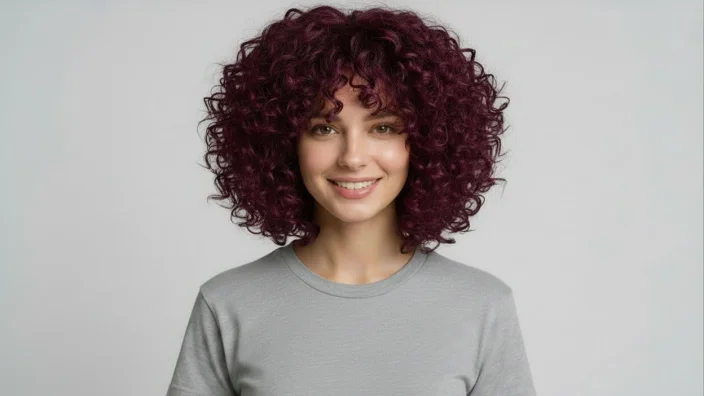
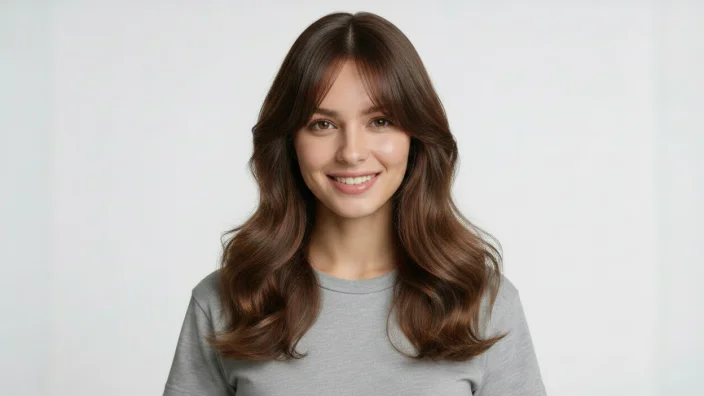
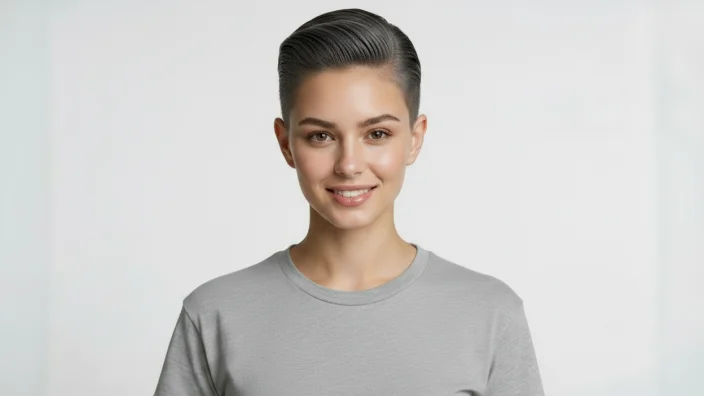
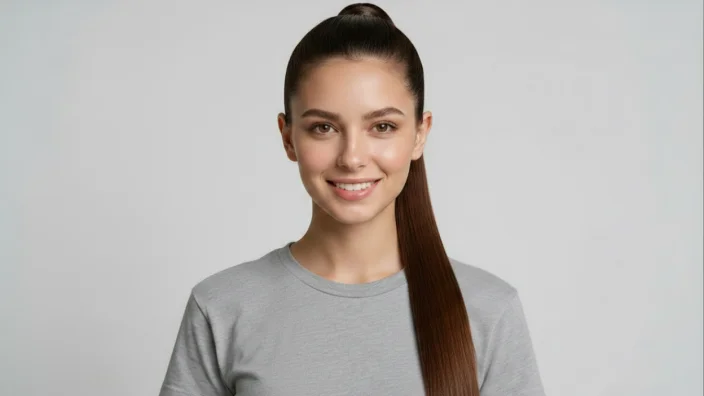
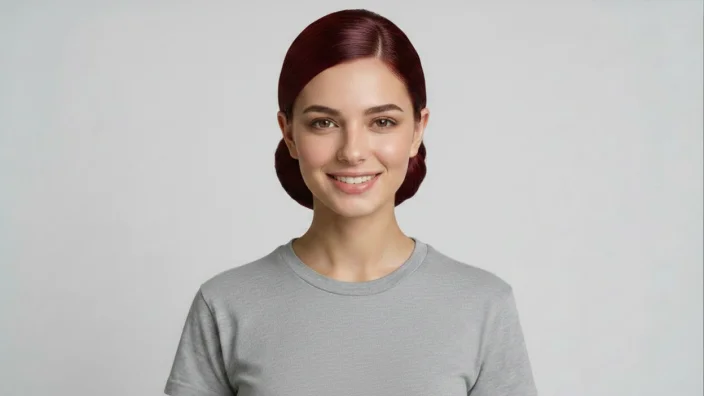
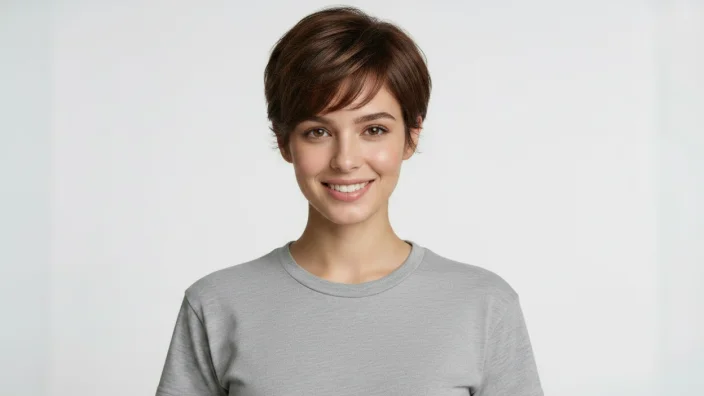
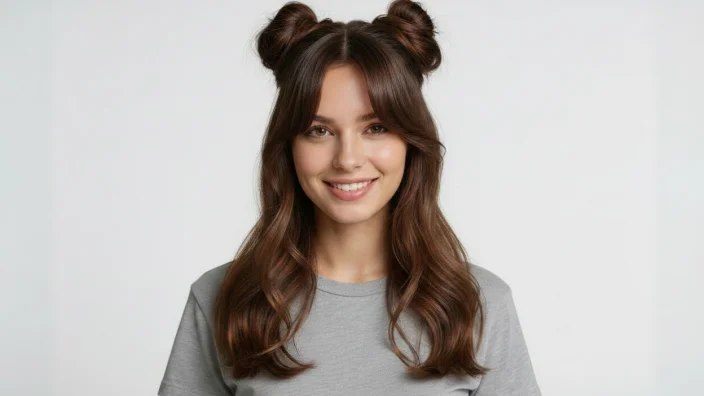
Transform your selfies with Gemini AI hairstyle prompts. Instantly preview different haircuts like bob, pixie, wolf cut, and fade, or test trending bangs such as curtain and blunt styles. Explore popular hair colors including balayage, ash brown, and pastel shades while keeping your original face unchanged. No editing skills or apps needed — just copy, paste, and generate realistic hairstyle try-on results in seconds.
Copy & Paste Gemini AI Hairstyle Prompts for Images
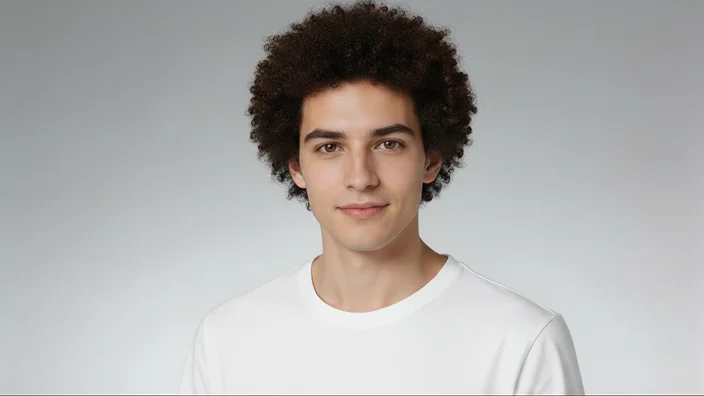
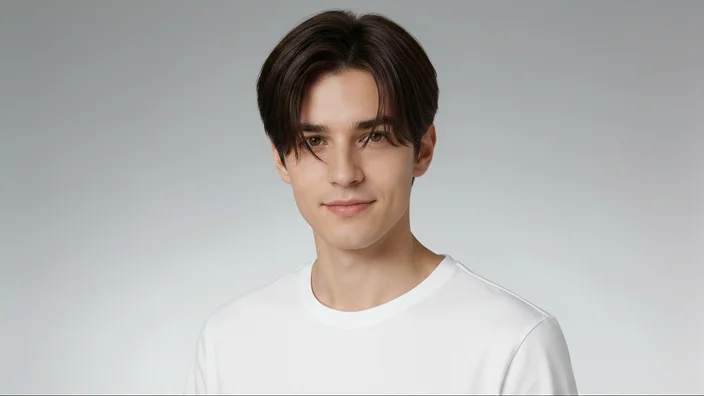
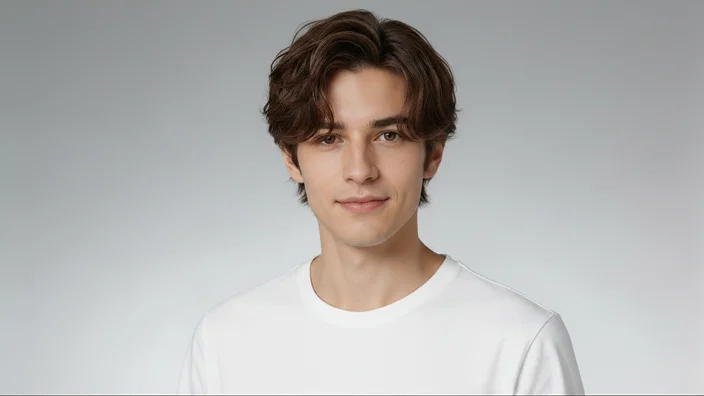
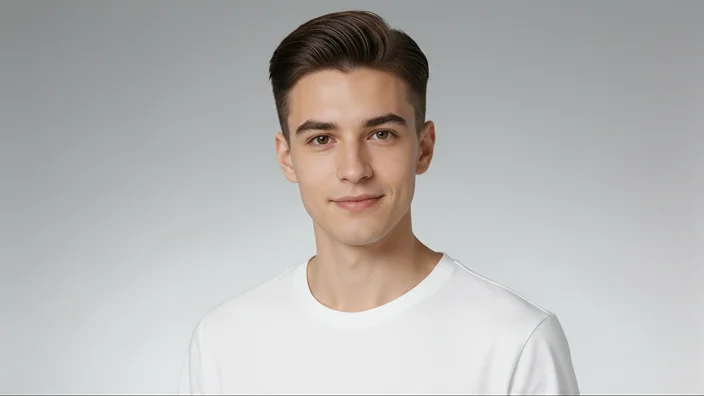
Discover the best AI hairstyle prompts for creating realistic hair transformations. Simply copy and paste these ready-to-use prompts into your favorite AI image tools to generate stunning haircuts, hair colors, and hairstyle try-on results in seconds — no video, only high-quality images.
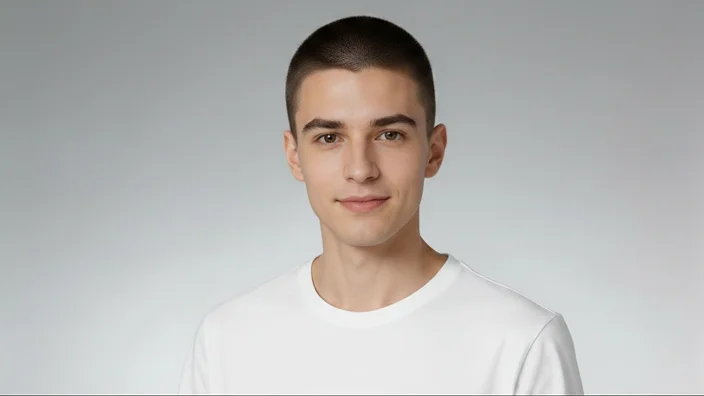
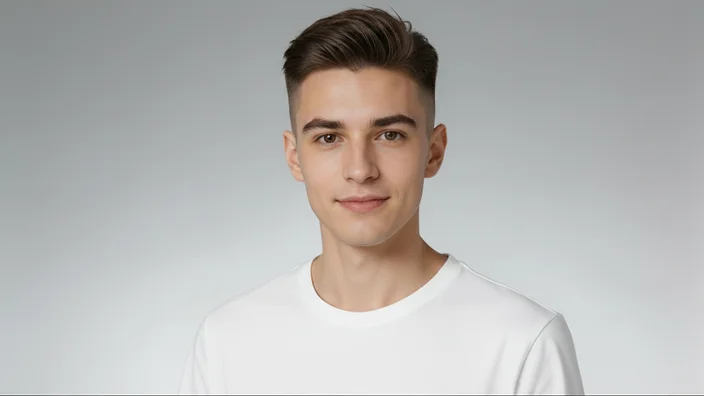
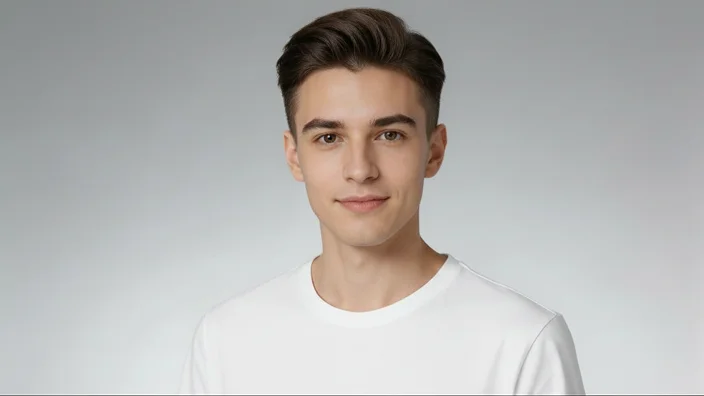
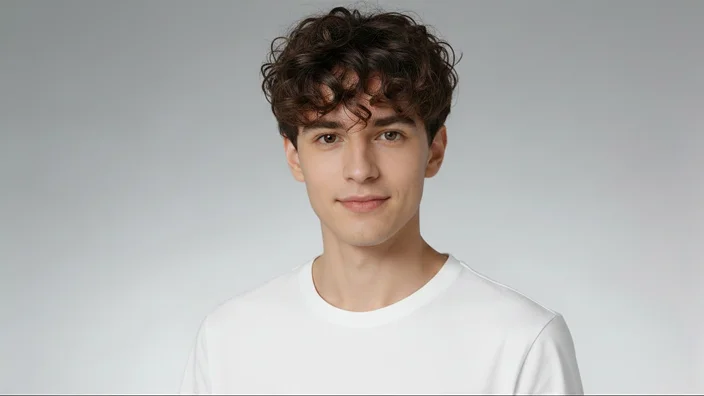
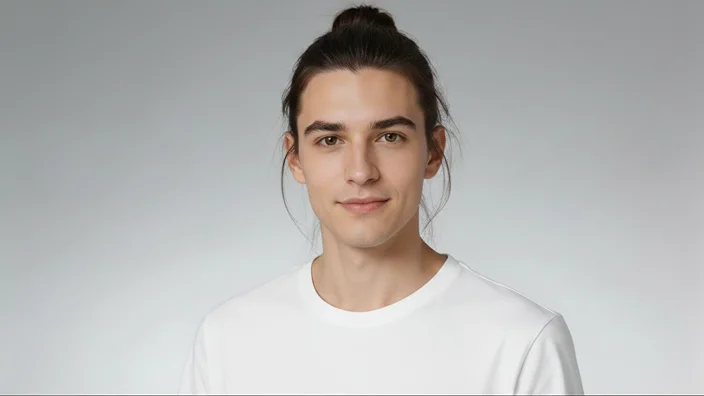
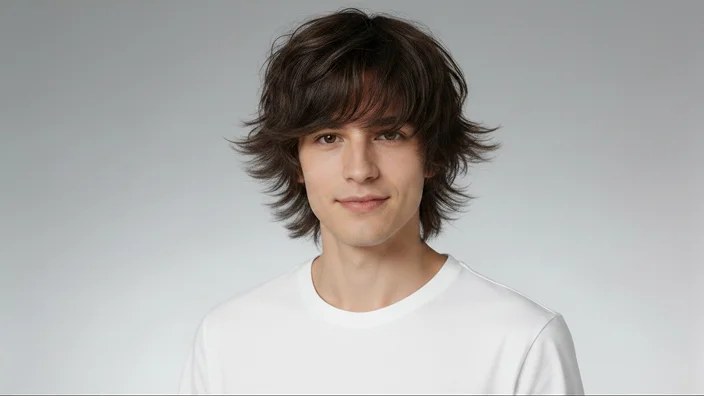

What Is a Gemini AI Hairstyle Prompt?
A Gemini AI hairstyle prompt is a text description that tells Gemini how to generate or edit a hairstyle in an image. By specifying details such as hair length, color, texture, bangs, volume, and styling, users can create realistic hairstyle previews without visiting a salon.
Create AI Hairstyle Images with Edimakor

Instant Hairstyle Transformation
Generate cinematic-quality World Cup videos with multiple advanced AI models. Whether it’s text-to-video or image-to-video, Edimakor delivers smoother motion, richer details, and more realistic football scenes.
Explore Unlimited Hair Colors
Experiment with trending hair colors like ash brown, platinum blonde, balayage, pastel tones, and vibrant shades. Preview your next look before making any real changes.
Realistic AI Hair Simulation
Generate high-quality, photorealistic hairstyle results with natural lighting, texture, and volume. Edimakor ensures every hairstyle looks like a real salon finish.
Copy & Paste Prompt System
No editing skills needed. Simply copy ready-made Gemini AI hairstyle prompts, paste them into Edimakor, and generate professional hairstyle try-on images instantly.
How to Generate AI Hairstyle Photos with Edimakor
See How Users Say about HitPaw Edimakor

FAQs about Gemini AI Hairstyle Prompts
Gemini AI hairstyle prompts are ready-to-use text instructions that help generate realistic hairstyle transformations with AI. They allow you to explore different haircuts, colors, and styles on your photo without visiting a salon.
Simply choose a hairstyle prompt, upload your photo, and enter the prompt in HitPaw Edimakor or other AI image tools. The AI will apply your selected hairstyle while keeping your facial features natural.
Yes. You can experiment with various hair colors, including blonde, ash brown, black, red, balayage, and pastel shades. The AI realistically changes your hair color while preserving your original appearance.
No. These prompts are beginner-friendly and require no professional editing experience. Just upload your photo, enter a hairstyle description, and let AI create your new look automatically.
No. AI hairstyle prompts are designed to keep your facial features consistent while changing only your hairstyle, hair length, or color for realistic virtual try-on results.
You can explore a wide range of hairstyles, including bob cuts, pixie cuts, wolf cuts, fades, curly styles, curtain bangs, blunt bangs, and other popular modern looks for different preferences.
Explore More Features Beyond AI Hairstyle Photo


 Edimakor

