Edimakor AI Dance Generator
Effortlessly animate single or group photos into trendy dance moves with the power of AI. Perfect for fun, creativity, and social sharing.







Generate AI Dance Videos: Convert Photos to Videos
Dance Photos with Funny Templates
Turn ordinary photos into entertaining dance videos with a variety of fun and creative templates. Pick a dance style you like and give your photos unexpected moves that are perfect for memes, social posts, and shareable moments.

Turn Photos into Dance Videos
Bring any photo to life with dynamic dance animation. Upload a picture, choose a dance template, and let Edimakor transform your still image into a lively dance performance—no dance skills or complicated editing required.
Make Group People Dance with AI
Bring multiple people in a group photo to life and let them dance together in sync. Turn family photos, friend snapshots, or team pictures into fun group dance videos from a single image.
Realistic AI Dance Moves
Enjoy smooth, natural-looking dance animations that bring your photos to life. Edimakor transforms static poses into fluid movements, helping you create high-quality dance videos that look lively and engaging.
Create Trendy Photo Dancing Videos
Turn your photos into eye-catching dance videos made for social media. Create fun, trend-inspired content for TikTok, Instagram Reels, YouTube Shorts, and X, then share your creations with friends and followers.
Level Up AI Dancing Videos with Edimakor AI Dance Generator
Bring Rhythm to Your AI Dancers
Bring your AI dance videos to life with the perfect soundtrack. Edimakor allows you to effortlessly add background music, ensuring your animated photos move seamlessly to the beat and create truly immersive and engaging video experiences.
Place Dancers Anywhere You Imagine
Set the scene for your dancing masterpieces! Choose from a diverse library of stunning backgrounds or upload your own to perfectly complement your AI dance videos. From vibrant stages to serene landscapes, you can create the ideal visual context for your animated characters.
Refine Your Dance Videos with Precision More Customization Tools
Unlock your full creative potential with extensive customization options. Fine-tune your AI dance videos with integrated video and audio editing tools. Apply masks for precise control, use speed ramping to create dramatic effects, adjust colors for the perfect mood, and refine animation in/out transitions for polished, professional-looking results.
Place Dancers Anywhere You Imagine
Set the scene for your dancing masterpieces! Choose from a diverse library of stunning backgrounds or upload your own to perfectly complement your AI dance videos. From vibrant stages to serene landscapes, you can create the ideal visual context for your animated characters.
Animate Any Photo, From Anywhere
No matter where your images come from, Edimakor has you covered. Whether you're animating selfies, group photos, or even historical figures, our AI dance generator supports a wide range of photo sources, giving you endless creative possibilities.
Your Built-In AI Dance Animator
Transform into a professional dance animator with ease. Edimakor provides intuitive tools that simplify the animation process, allowing you to create captivating dance routines with just a few clicks, even if you have no prior animation experience.
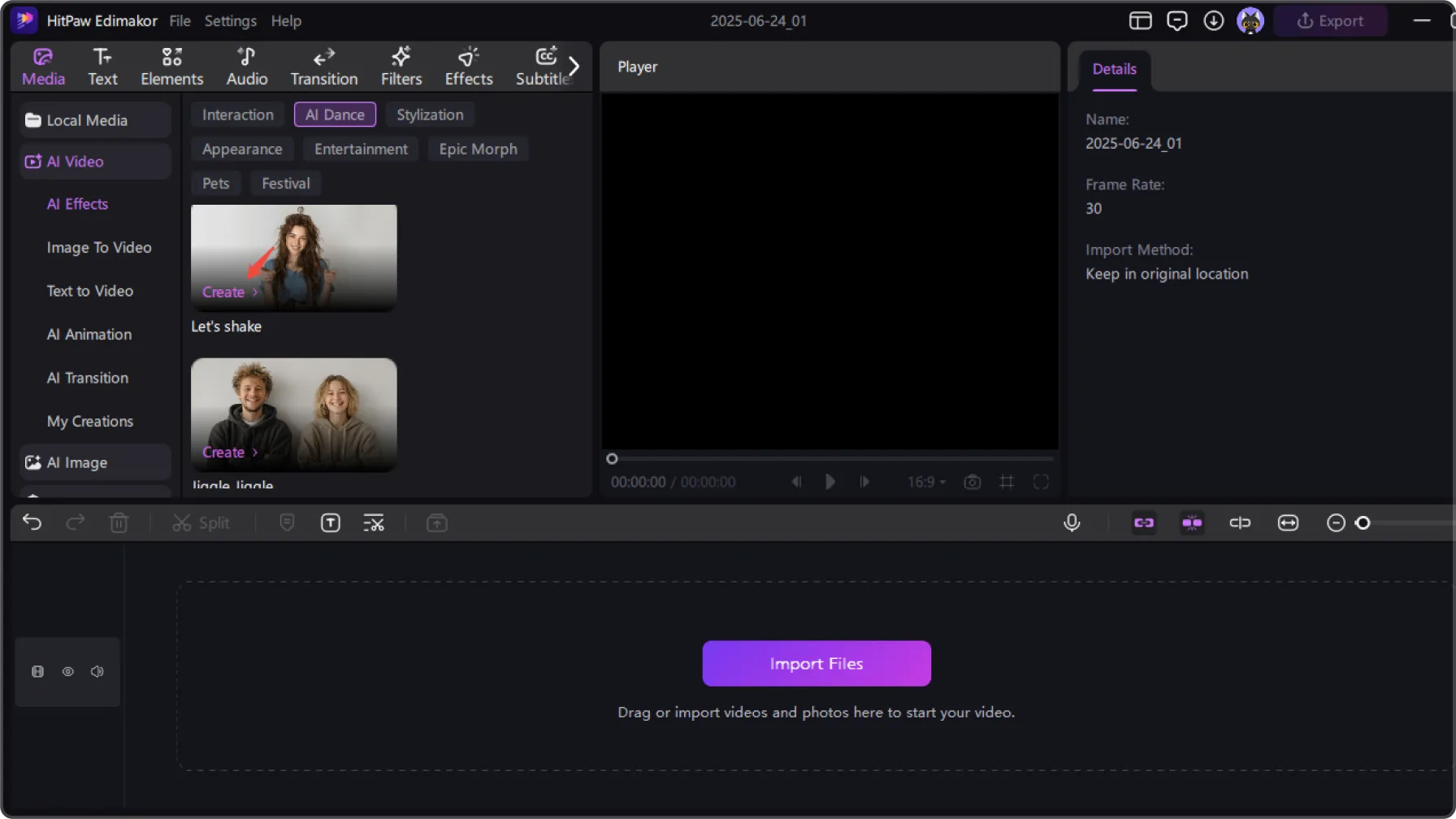
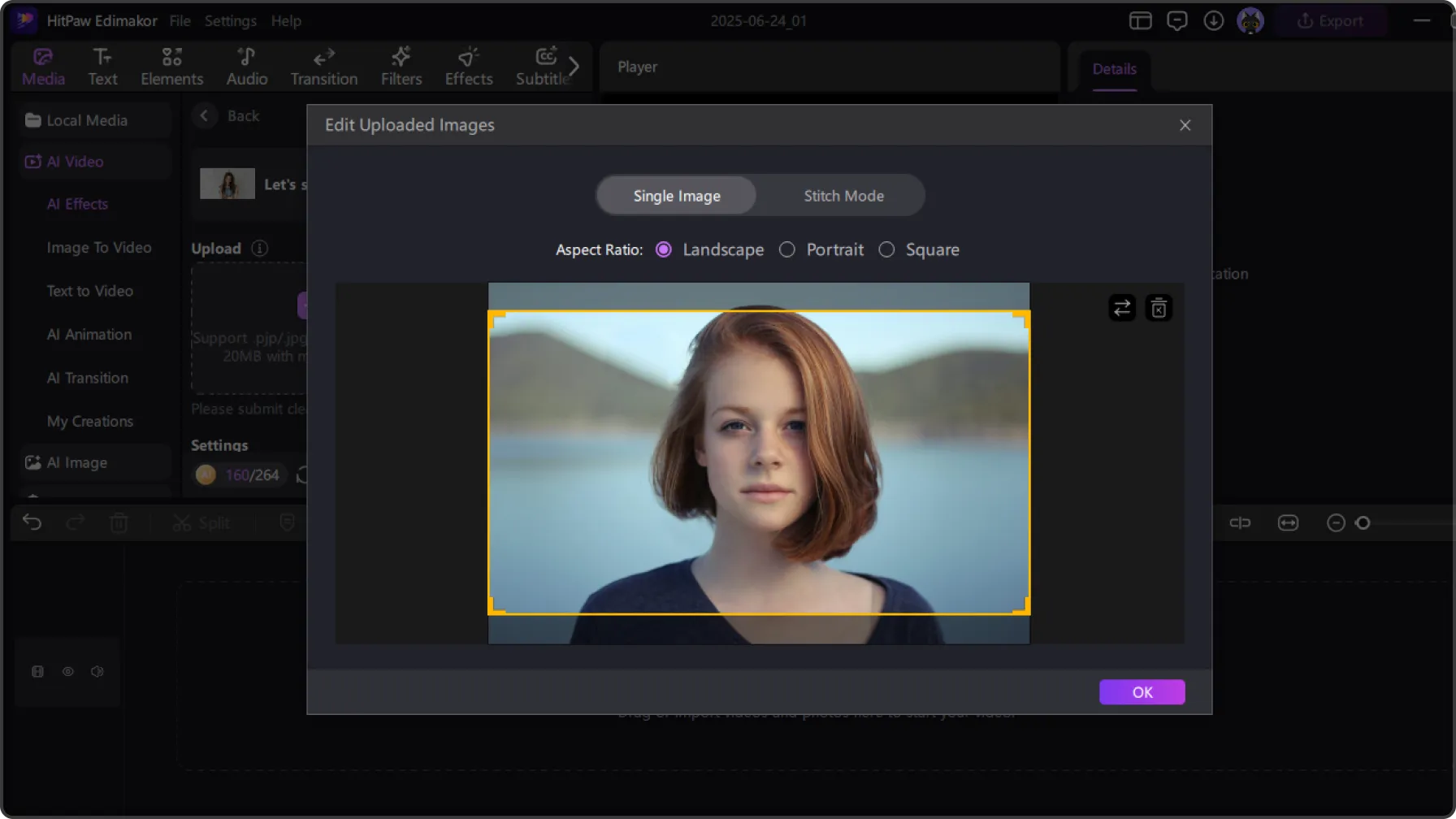
How to Use Edimakor AI Dance Generator
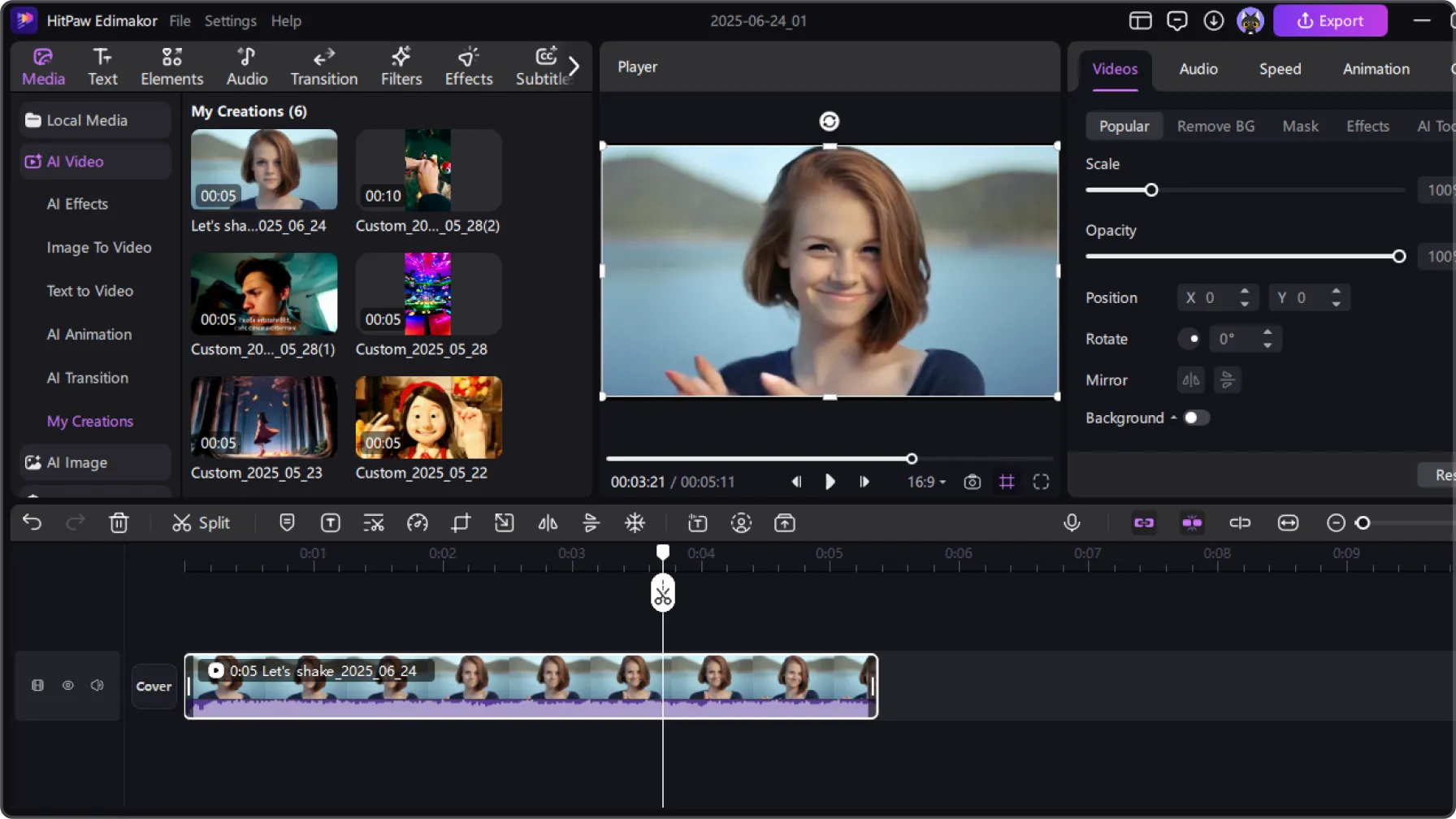
Make Image Dance with AI for Various Scenarios
Dance Meme GIF
Turn still images into funny, looping dance memes and GlFs一 perfect for spicing up chats, comments, or meme pages with expressive humor.
Spice Up Social Media Content
Stand out on TikTok, Instagram, or YouTube Shorts by posting quirky and eye-catching AI dance videos made from photos. Guaranteed to grab attention.
Bring Favorite Characters to Life
Animate anime characters, drawings, or game avatars and watch them dance like real people. A perfect touch for fan content and creative tributes.
Bring Joy Among Friends&Family
Upload photos of loved ones and generate hilarious dance clips.A great way to share laughs, celebrate birthdays, or create surprise Videos for any gathering.
Choreographic Education Ideas
Teachers and students can use Al dancing to explore choreographic concepts, visualize sequences, or introduce movement basics.
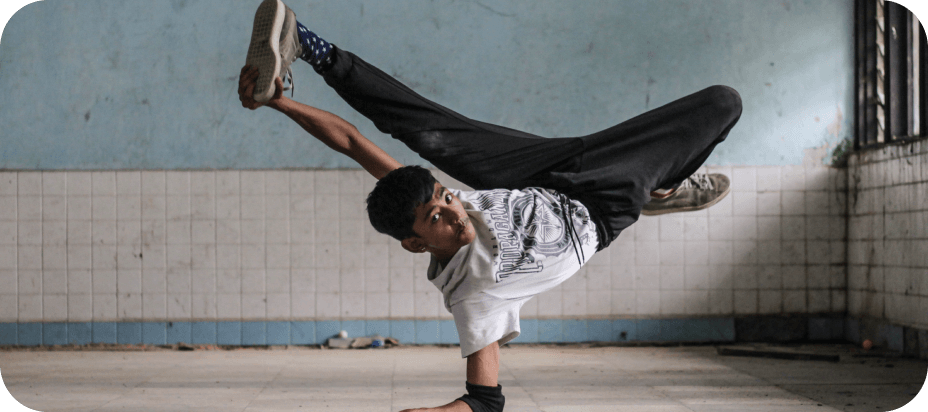
Spice Up Social Media Content
Stand out on TikTok, Instagram, or YouTube Shorts by posting quirky and eye-catching AI dance videos made from photos. Guaranteed to grab attention.
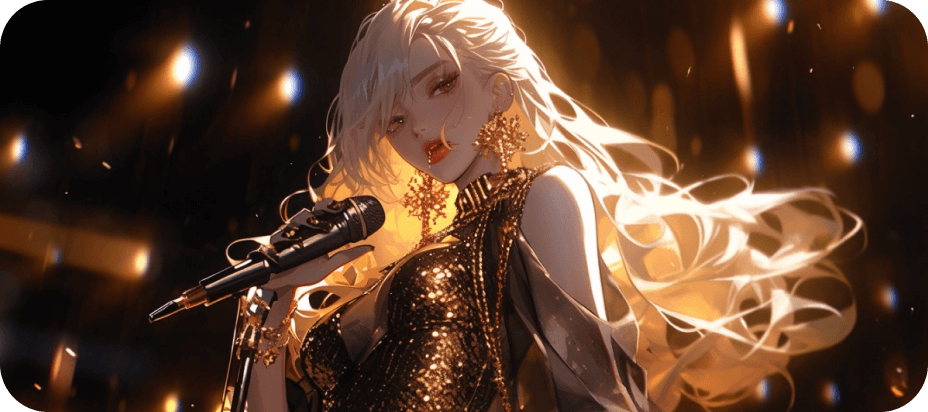
Bring Favorite Characters to Life
Animate anime characters, drawings, or game avatars and watch them dance like real people. A perfect touch for fan content and creative tributes.
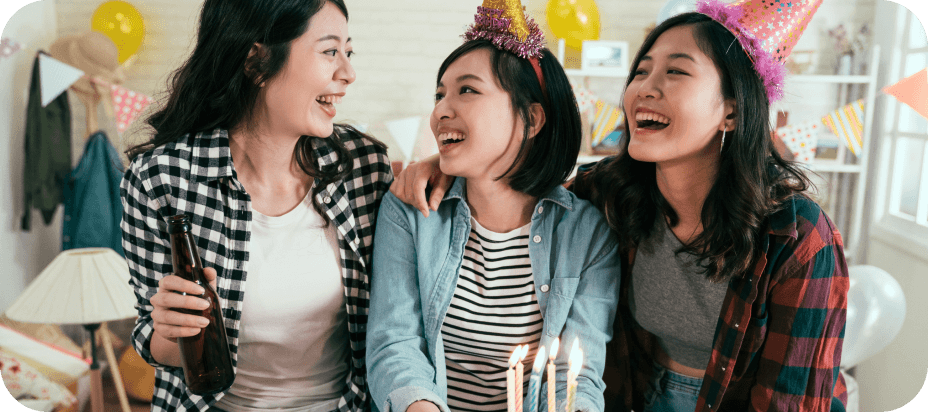
Bring Joy Among Friends&Family
Upload photos of loved ones and generate hilarious dance clips.A great way to share laughs, celebrate birthdays, or create surprise Videos for any gathering.
Choreographic Education Ideas
Teachers and students can use Al dancing to explore choreographic concepts, visualize sequences, or introduce movement basics.
Why Choose Edimakor AI Dance Generator

No Dance Skills Needed
Anyone can make funny Al dance videos, no choreography, filming, or editing required.

High-Quality Output
All Al-generated dance videos are rendered in highresolution MP4 for flawless viewing.

No Watermarks
Get high-quality and watermark-free Al dance downloads every time.

I've been using Edimakor's AI Dance Generator for a few weeks, and it's become a great source of choreography inspiration. I can upload a photo, choose a dance template, and quickly turn a still image into a fun dance video. The results aren't perfect every time, but they're a huge time-saver when I need fresh ideas for social content.

I'm not experienced with video editing or dance, so I really appreciate how simple Edimakor makes the process. I can start with a single photo, pick a dance template, and get a lively dance video without complicated editing. It's a fun way to experiment with different styles and create something entertaining, even as a beginner.
Mark
The AI Dance feature is impressive for turning a single photo into a dance video, although the results can vary depending on the image and template. Some movements occasionally look less natural than others, but the overall process is quick and easy. I'd love to see even more dance styles and smoother motion in future updates.
Jessica
One-Stop Tools, Personalized Videos


AI Dance FAQs
An AI Dance Generator uses artificial intelligence to turn a still image into a dynamic dance video. With Edimakor, you can upload a photo, choose a dance template, and apply animated movements to create an engaging dance performance without complex editing.
Creating an AI dance video with Edimakor is simple. Upload a suitable photo, choose your preferred dance template, and let the AI apply the selected dance movements. You can then preview and further edit the generated video before sharing it.
For the best results, use a clear, high-quality photo where the subject is fully visible. Photos with good lighting and minimal obstructions generally produce more natural-looking movements. Edimakor can also animate multiple people in suitable group photos.
The generation time may vary depending on the selected dance template, image, and current processing load. Edimakor processes your request automatically, so you can get your AI dance video without complicated manual editing.
Yes. You can export your AI dance video from Edimakor and share it on platforms such as TikTok, Instagram Reels, YouTube Shorts, and X. It's an easy way to turn your photos into fun, shareable social content.
 Edimakor
You
+ Edimakor - Turn ideas
into dynamic
videos
Chloe