AI Video Editor - Edimakor
Free Wedding Video Maker
- Start with a free, beginner-friendly wedding video maker to create beautiful wedding films without professional editing skills.
- Make romantic wedding slideshows, invitation videos, highlight reels, and anniversary videos with your favorite photos and footage.
- Choose from creative wedding video templates and customize them with romantic music, elegant text, transitions, stickers, and overlays.
- Use AI to write wedding video scripts, generate original background music, and create custom images and video clips for your wedding story.


Create Stunning Wedding Videos with Edimakor's Creative Tools

Add Personalized Text to Wedding Videos
Make your wedding videos more personal with elegant titles, meaningful messages, couple names, wedding dates, and special wishes. Choose from different fonts, styles, and colors to match your wedding theme. You can also add automatic subtitles to make spoken content easier to follow and create a more polished wedding movie.
- · English, Spanish, French, German, Portuguese, Arabic, Korean, Chinese, Japanese, Turkish, Indonesian, and more
Add Romantic Music to Wedding Videos
Set the perfect mood for your wedding videos with romantic background music. Choose from built-in tracks, upload your favorite songs, or use AI Music to generate a personalized soundtrack that matches your wedding style. With Edimakor's wedding video editor with music, you can easily create a unique soundtrack for wedding slideshows, invitation videos, and highlight reels.
Customize Wedding Video with Stocks and Effects
Enhance your wedding videos with built-in stock footage, creative transitions, and romantic filters. Combine wedding photos, personal footage, and visual effects to create a beautiful wedding video. Simply drag and drop your media onto the timeline to start editing, even without professional editing skills.

Add Personalized Text to Wedding Videos
Make your wedding videos more personal with elegant titles, meaningful messages, couple names, wedding dates, and special wishes. Choose from different fonts, styles, and colors to match your wedding theme. You can also add automatic subtitles to make spoken content easier to follow and create a more polished wedding movie.
- · English, Spanish, French, German, Portuguese, Arabic, Korean, Chinese, Japanese, Turkish, Indonesian, and more

Add Romantic Music to Wedding Videos
Set the perfect mood for your wedding videos with romantic background music. Choose from built-in tracks, upload your favorite songs, or use AI Music to generate a personalized soundtrack that matches your wedding style. With Edimakor's wedding video editor with music, you can easily create a unique soundtrack for wedding slideshows, invitation videos, and highlight reels.

Customize Wedding Video with Stocks and Effects
Enhance your wedding videos with built-in stock footage, creative transitions, and romantic filters. Combine wedding photos, personal footage, and visual effects to create a beautiful wedding video. Simply drag and drop your media onto the timeline to start editing, even without professional editing skills.
Free or Paid Wedding Video Maker

Free
- Basic wedding video editing tools.
- No AI features available.
- Limited video export quality. Lower resolutions.
- Export videos with an Edimakor watermark.

Paid
- Full-featured wedding video editing with advanced tools.
- Access AI features for video and content creation.
- Export in higher resolutions, including 4K.
- No watermark to exported videos.


Edimakor Wedding Video Maker for All Needs
Wedding Highlight Videos
Bring your favorite wedding moments together with a beautiful wedding highlight video. Combine ceremony footage, couple portraits, reception clips, and romantic music to create a memorable wedding highlight reel with Edimakor's wedding video maker.
Wedding Invitation Videos
Create personalized wedding invitation videos with couple photos, names, wedding dates, venue details, and background music. Design a unique video invitation to share your special day with friends and family.
Wedding Photo Slideshows
Turn your engagement photos, wedding portraits, and favorite memories into a romantic slideshow. Add background music, elegant text, and smooth transitions to tell your love story through pictures.
Wedding Anniversary Videos
Celebrate your love story with a personalized wedding anniversary video. Combine memorable photos and video clips from your relationship, add meaningful messages and music, and create a heartfelt gift for your partner.
Wedding Business Videos
Create professional promotional videos to showcase your wedding photography, videography, or planning services. Combine your best wedding footage, creative transitions, text, and music to build an engaging portfolio for potential clients.
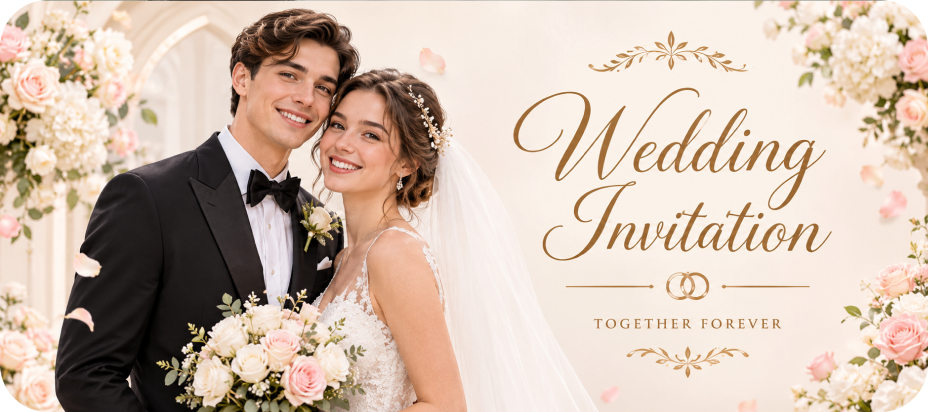
Wedding Invitation Videos
Create personalized wedding invitation videos with couple photos, names, wedding dates, venue details, and background music. Design a unique video invitation to share your special day with friends and family.
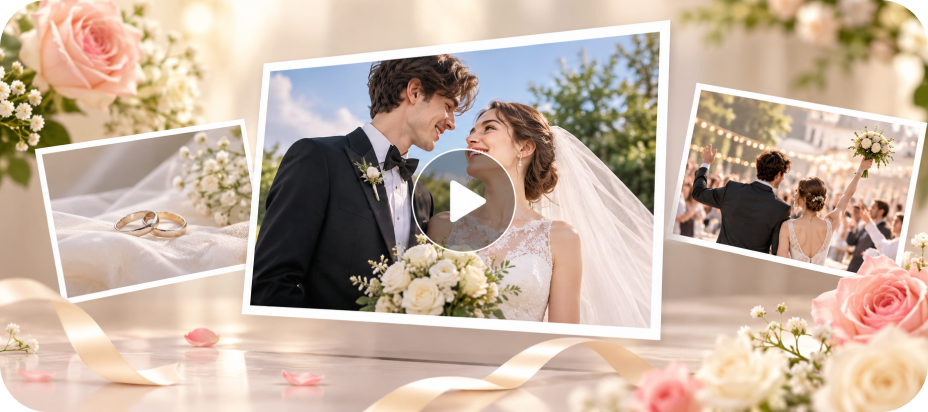
Wedding Photo Slideshows
Turn your engagement photos, wedding portraits, and favorite memories into a romantic slideshow. Add background music, elegant text, and smooth transitions to tell your love story through pictures.
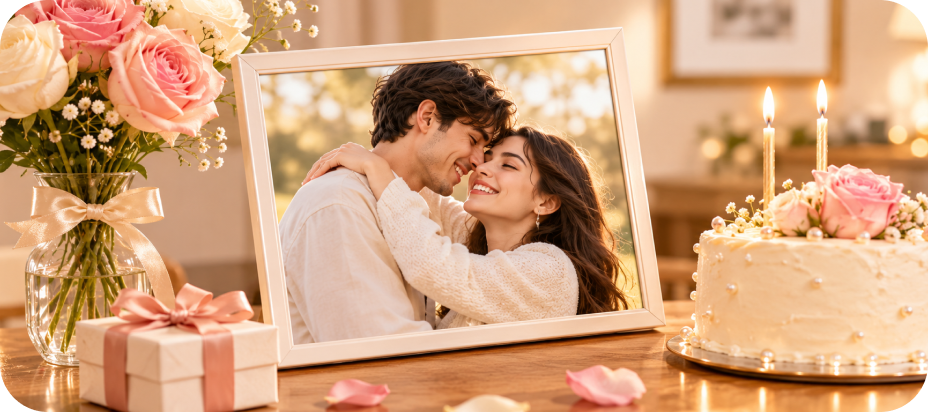
Wedding Anniversary Videos
Celebrate your love story with a personalized wedding anniversary video. Combine memorable photos and video clips from your relationship, add meaningful messages and music, and create a heartfelt gift for your partner.
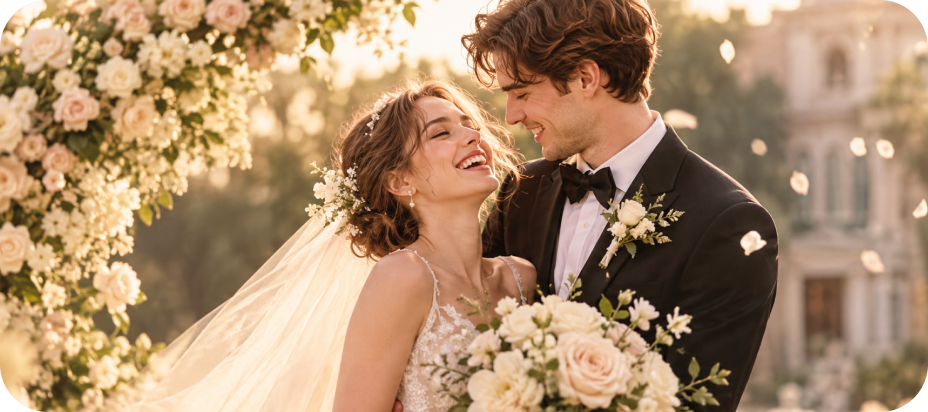
Wedding Business Videos
Create professional promotional videos to showcase your wedding photography, videography, or planning services. Combine your best wedding footage, creative transitions, text, and music to build an engaging portfolio for potential clients.

As a wedding videographer, the AI-powered video editor has streamlined my workflow, automating tedious tasks and enhancing my creative vision for wedding videos.

As a busy clients, the AI video editor has been invaluable for quickly producing professional-looking wedding video content for my boss.

Sophia
As a newlywed, I've been using the AI video editor to edit our wedding footage, and it's been a game-changer. The automated features help me create a polished, cinematic final product.

Lucas
FAQs about Edimakor Wedding Video Maker
Yes. Edimakor offers a free version with basic video editing tools. You can import wedding photos and videos, edit clips, and add basic effects. However, AI features, higher-resolution exports, and watermark-free output require a paid plan.
Import your favorite wedding photos into Edimakor and arrange them on the timeline. Add romantic background music, customize the slideshow with text and transitions, and export your finished wedding photo video.
Start with a ready-made wedding video template to save time and make editing easier, especially for beginners. You can also create one from scratch by importing your couple photos or video clips, adding your names, wedding date, venue details, romantic music, and elegant transitions. Preview your invitation and export it to share online with friends and family.
No, there are typically no restrictions on sharing or using the videos created with Edimakor Wedding Video Maker. You have the freedom to share them through various platforms or media.
Yes. Import multiple wedding photos into Edimakor, arrange them on the timeline, and add music, text, and transitions. You can turn engagement pictures, wedding portraits, and ceremony photos into a personalized slideshow video.
Tips & Tricks for HitPaw Edimakor
- · 10 Best AI Video Generator with Human Avatar for YouTube
- · Talking Avatar AI Leonardo AI: Ultimatre Guide to Create AI Avatar
- · How to Download Subtitles Using VLSub
- · Create Valentine's Day Romantic Videos for Free
- · Free | 6 Best AI Video Creator for Instagram Reels to Level Up Your Content 2025
 Edimakor
You
+ Edimakor - Turn ideas
into dynamic
videos
Calvin Klein