AI Video Editor - Edimakor
 AI-powered
AI-powered
Outro Video Maker
- Create cinematic endings that leave lasting impressions
- Perfect for YouTube, vlogs, brands, and social content
- Transform final moments into professional video experiences
- Add personality and style to every video ending
- Finish your videos with memorable creative touches
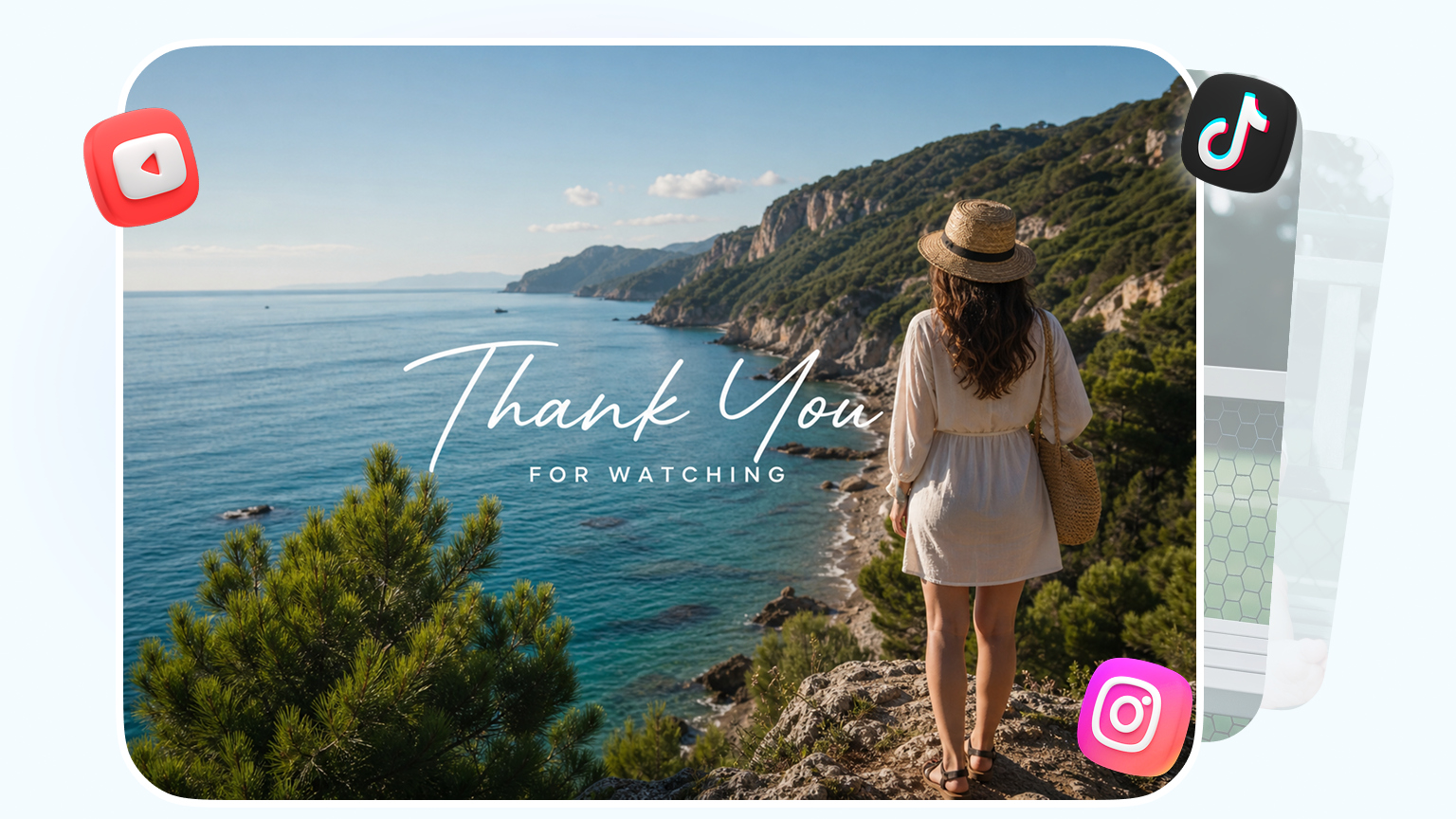







Create Outros for Every Video Style
Explore versatile outro styles designed for creators, brands, and storytellers across different video scenes.

Why Choose Edimakor
Outro Vdeo Maker
Add Smooth Transitions and Motion Effects
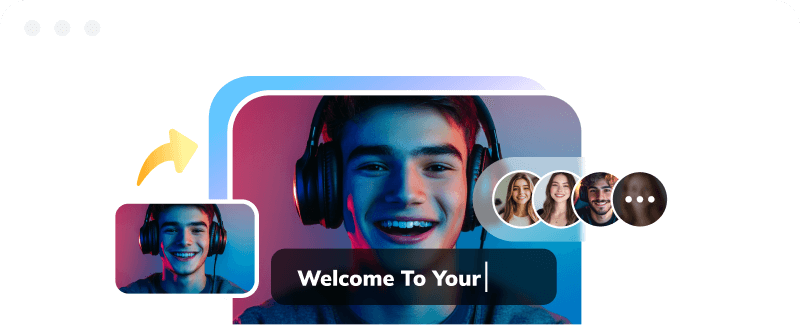
Make your videos flow naturally into the final scene with smooth transitions and dynamic motion effects. Add professional finishing touches that keep your audience engaged until the end.
Versatile Outro Styles for Videos
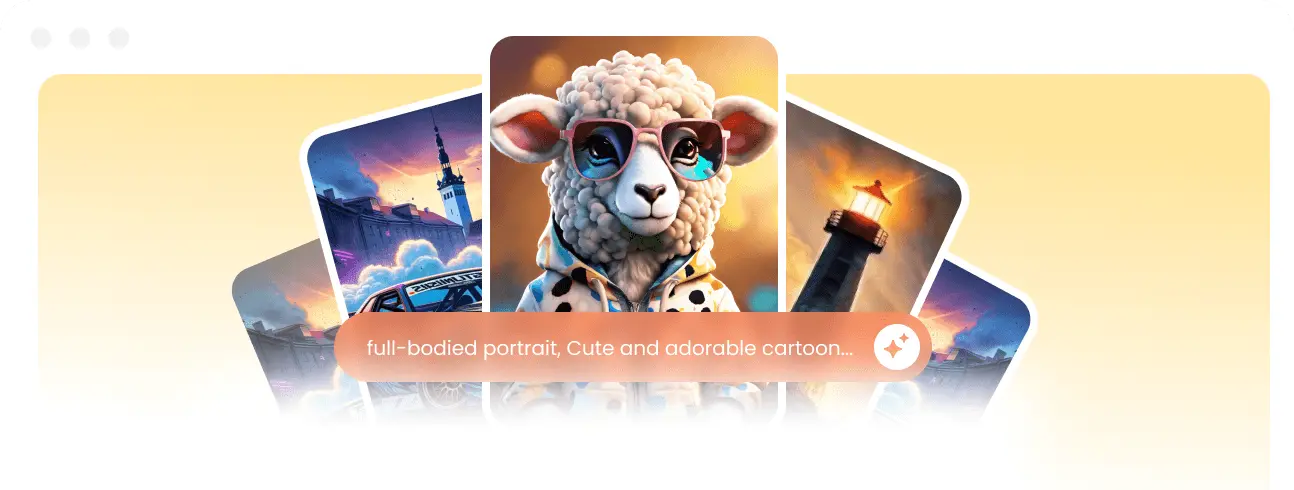
Design professional video outros that fit different types of content. Add creative elements, visual effects, and personalized touches to make your videos end smoothly and leave a lasting impression.
High-Quality Video Export Sharing
Export your finished videos with professional quality and share them easily across YouTube, TikTok, Instagram, and other social platforms to reach more viewers.
Custom Text Logo and Branding
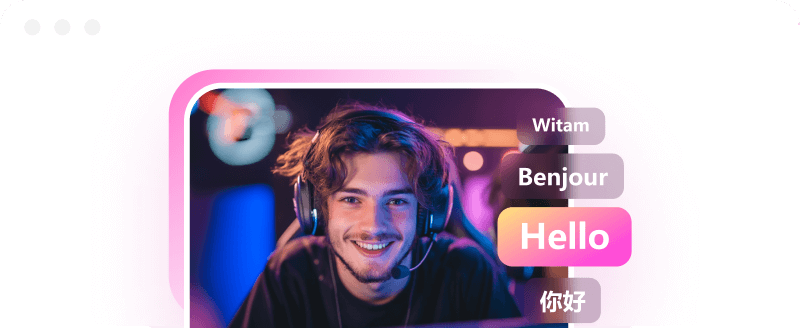
Personalize your video outros with custom text, logos, and branding elements. Create recognizable endings that showcase your personal style, channel identity, or business image with ease.
AI-Assisted Video Editing Workflow
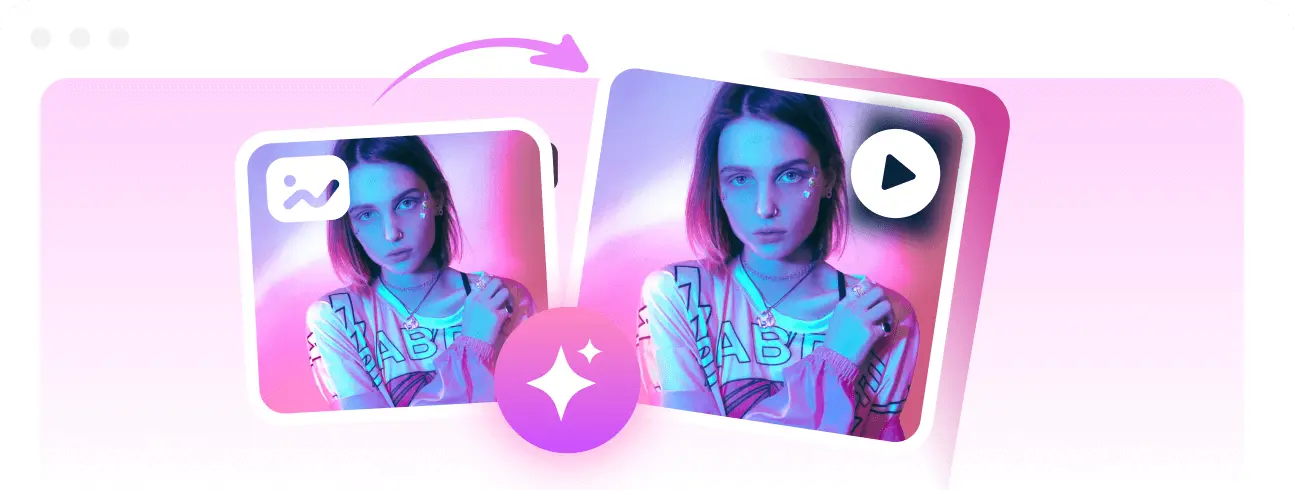
Use AI-powered editing features to simplify your creative process and improve efficiency. Reduce repetitive tasks while enhancing your videos with smarter editing tools and creative adjustments.
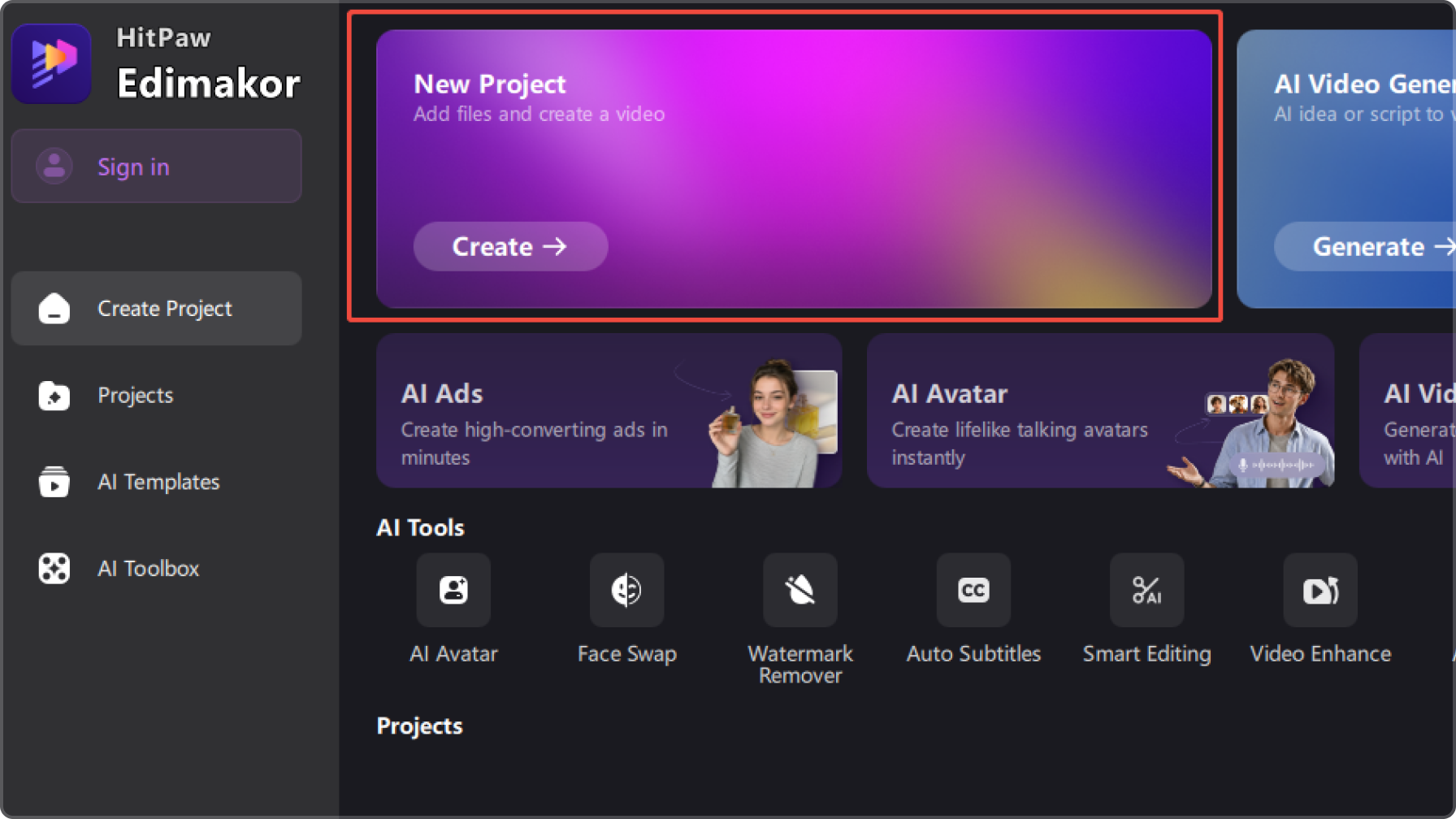
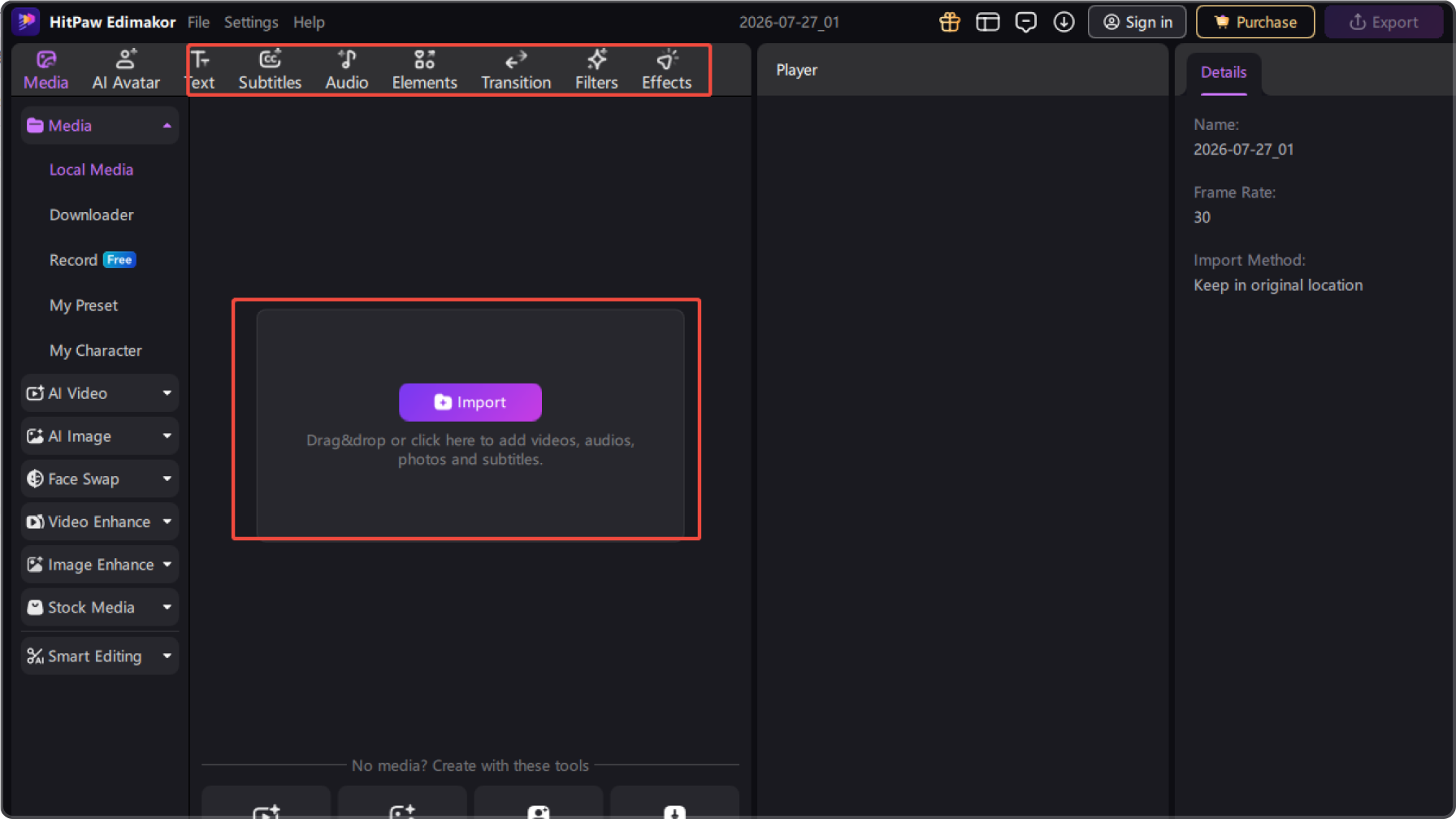
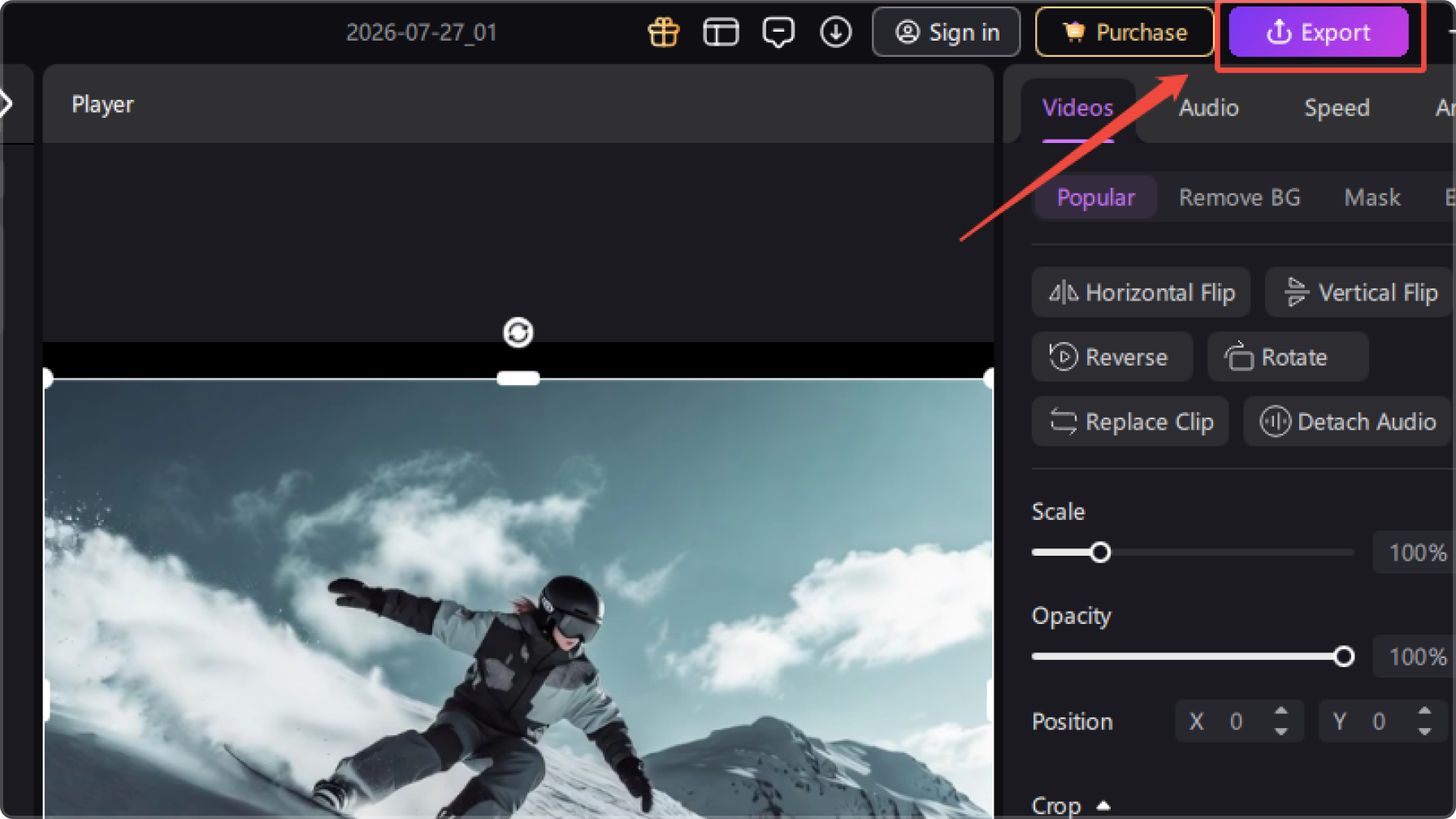
Other Features of Edimakor Outro Video Maker

Edimakor makes creating professional video endings much easier. I can quickly add stylish outros, customize text and branding, and give my YouTube videos a more polished look without spending hours editing.

Edimakor helps me create memorable video endings with creative effects, branding elements, and AI-powered editing tools. It makes my promotional videos look more professional and engaging for my audience.

Sophia Martinez
I love how easy it is to create smooth transitions and engaging endings with Edimakor. My videos feel more complete now, and the editing process is simple even when I need to finish projects quickly.

Michael Brown
FAQs about Edimakor Outro Video Maker
An outro video is the ending section of a video that appears after the main content. It can include elements like thank-you messages, branding, logos, social links, or visual effects to create a professional finish.
You can create an outro video by adding your preferred ending style, text, branding elements, and visual effects to your footage. With HitPaw Edimakor, you can edit your video ending, apply transitions, customize details, and export the finished video easily.
A well-designed outro helps your videos end smoothly and professionally. It can strengthen your brand identity, encourage audience engagement, and make your content more memorable across different platforms.
Yes. You can personalize your outro by adding custom text, logos, and branding elements. This makes your video endings more unique and suitable for creators, businesses, and social media content.
Outros can be used for many types of content, including YouTube videos, vlogs, product promotions, tutorials, and social media videos. A suitable outro helps different types of videos achieve a more polished ending.
Tips & Tricks for Free Outro Video Maker
- · Ultimate Guide to The Best UGC Video Editing Tools in 2026
- · Best AutoCut Apps for Social Media Videos You Should Try in 2026
- · How to Write a Music Video Script (Guide and Eaxmple)
- · Make Relaxing Pigment Mix Videos with AI: 2026 Trend Guide
- · How to Add Keyframes in After Effects in 4 Simple Steps
 Edimakor
You
+ Edimakor - Turn ideas
into dynamic
videos
James Anderson