Edimakor AI Image Enhancer AI-powered
Enhance Photo Quality with AI
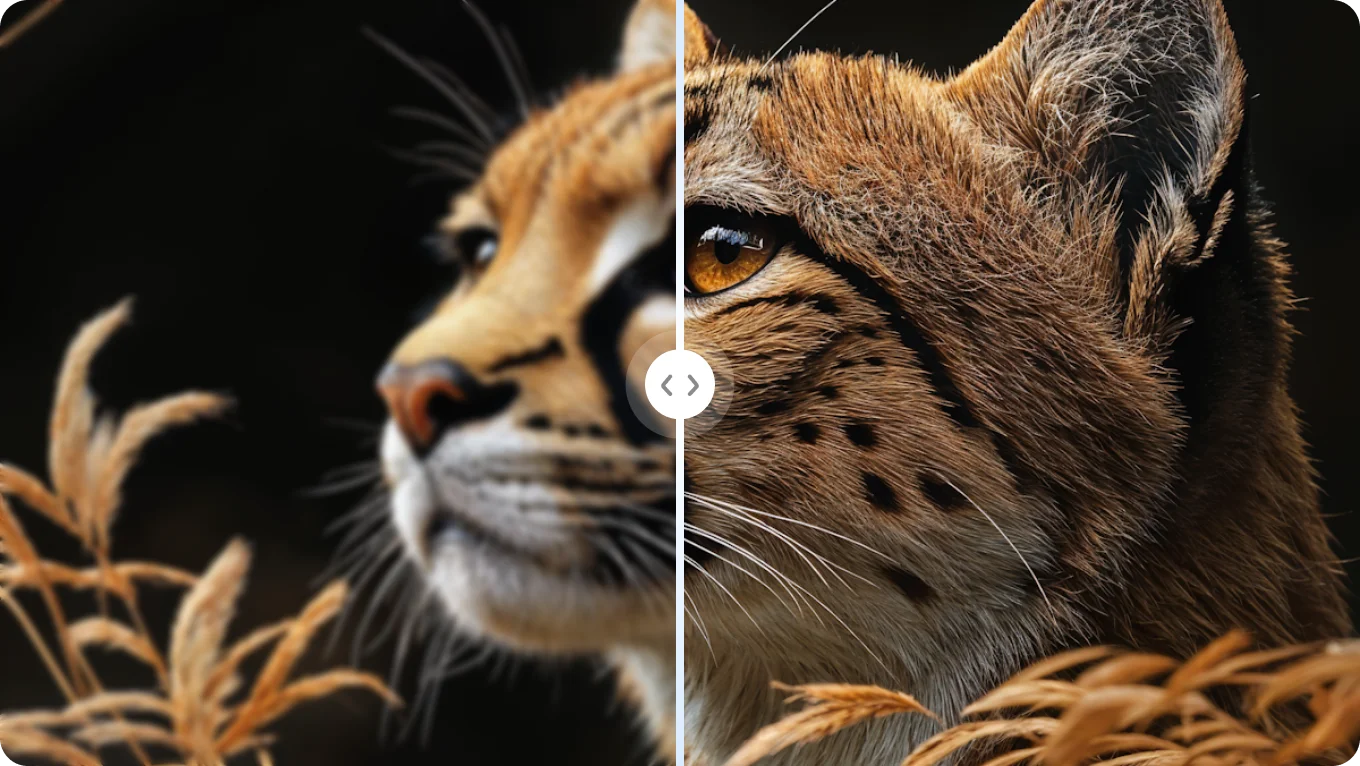
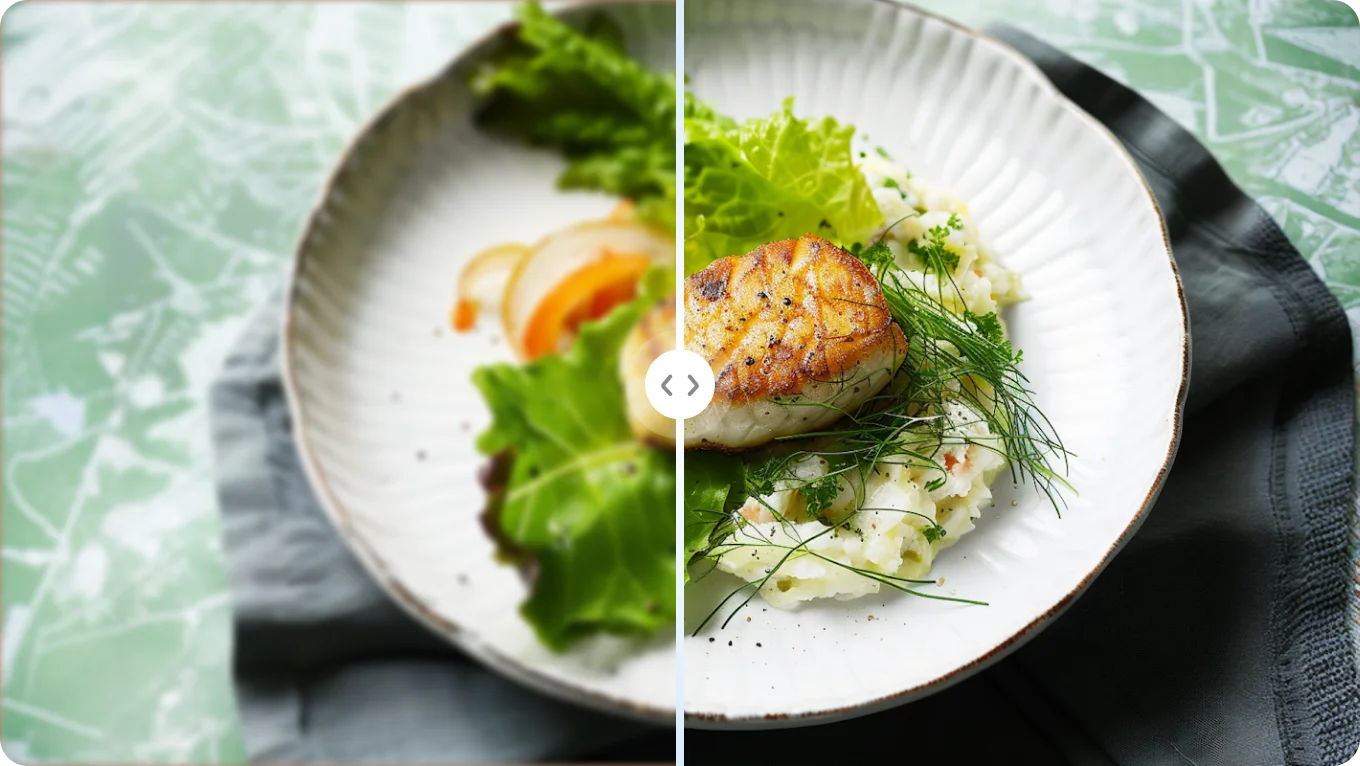
- AI Enhance - Upscale & repair image in one click.
- Denoise - Remove Noise from Photos.
- Deblur - Make Blurry or Pixelated Images Clearer.
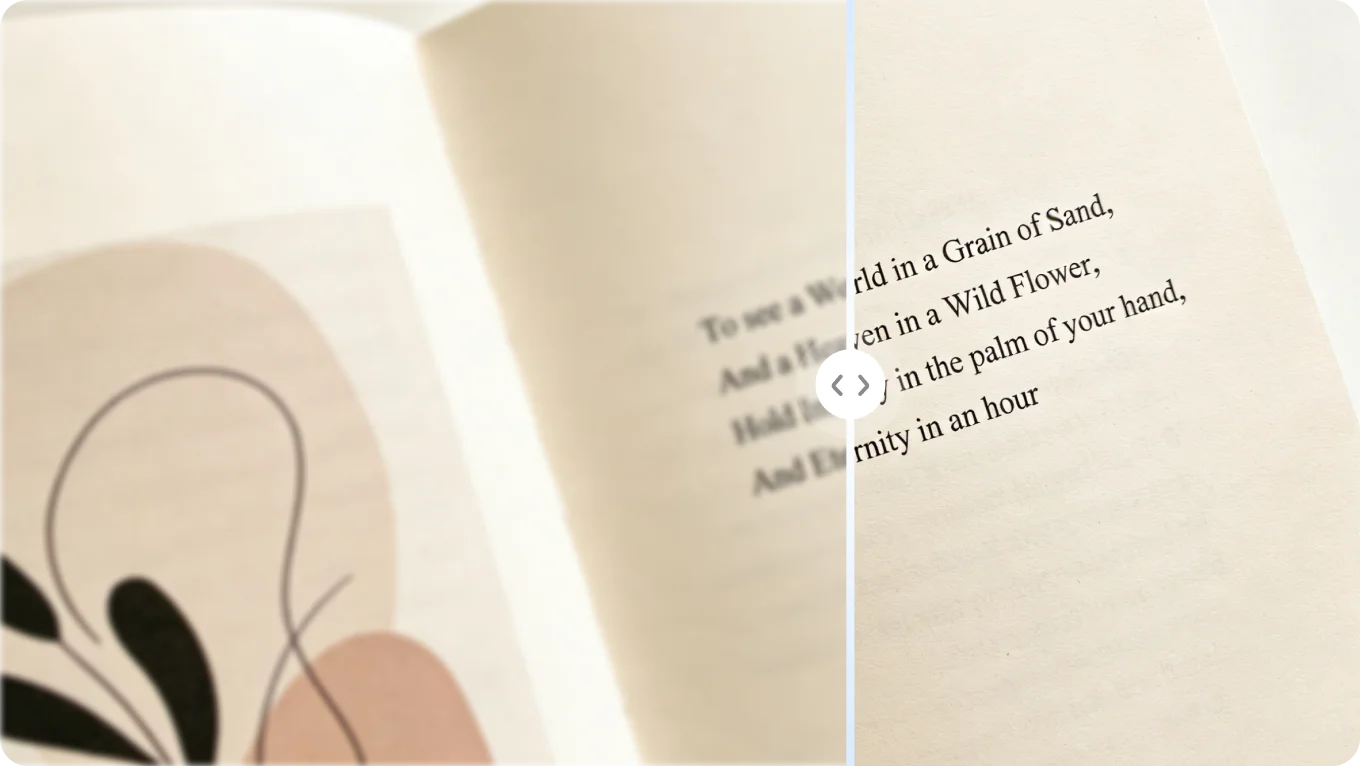
- Texture Detail - Unblur Text for Crystal Clear, Readable Results.
- Colorize - Restore & Colorize Old Photos.


Before
After
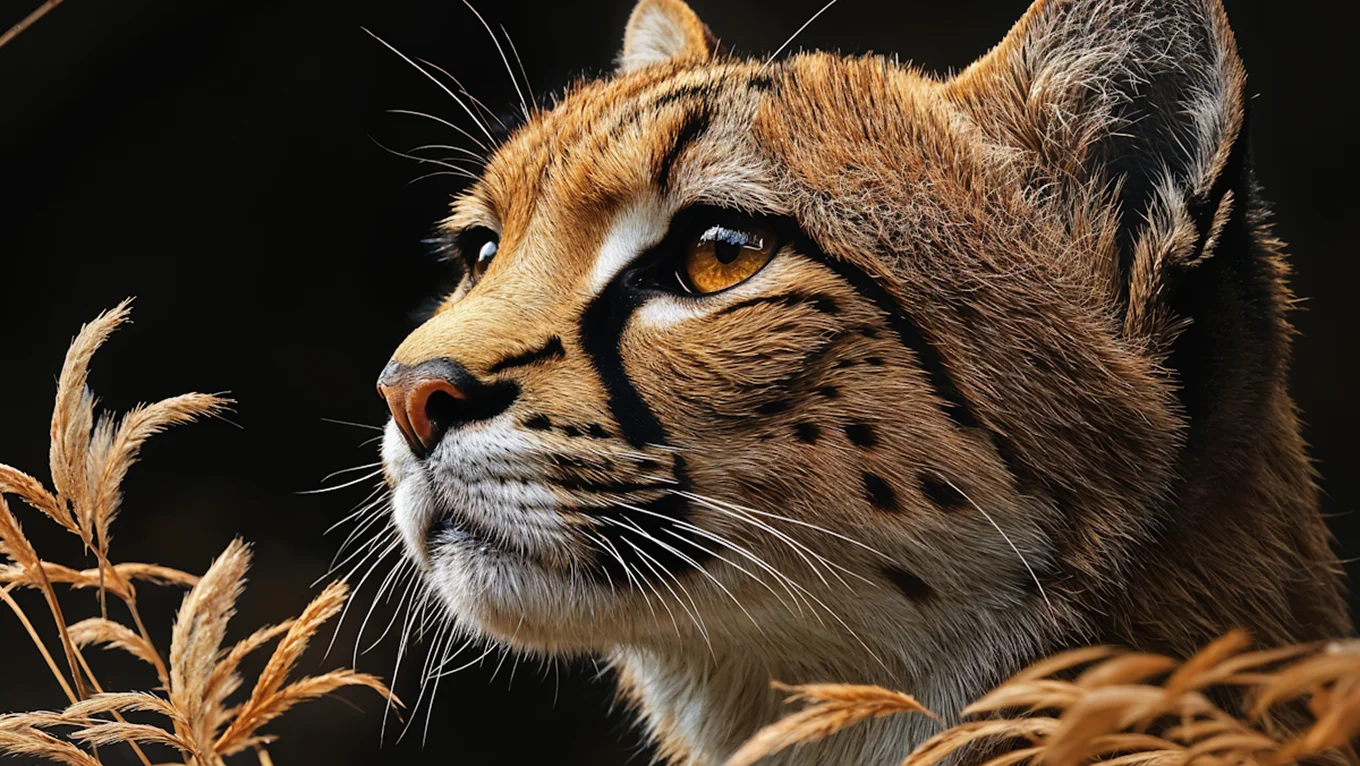
Before
After
Before
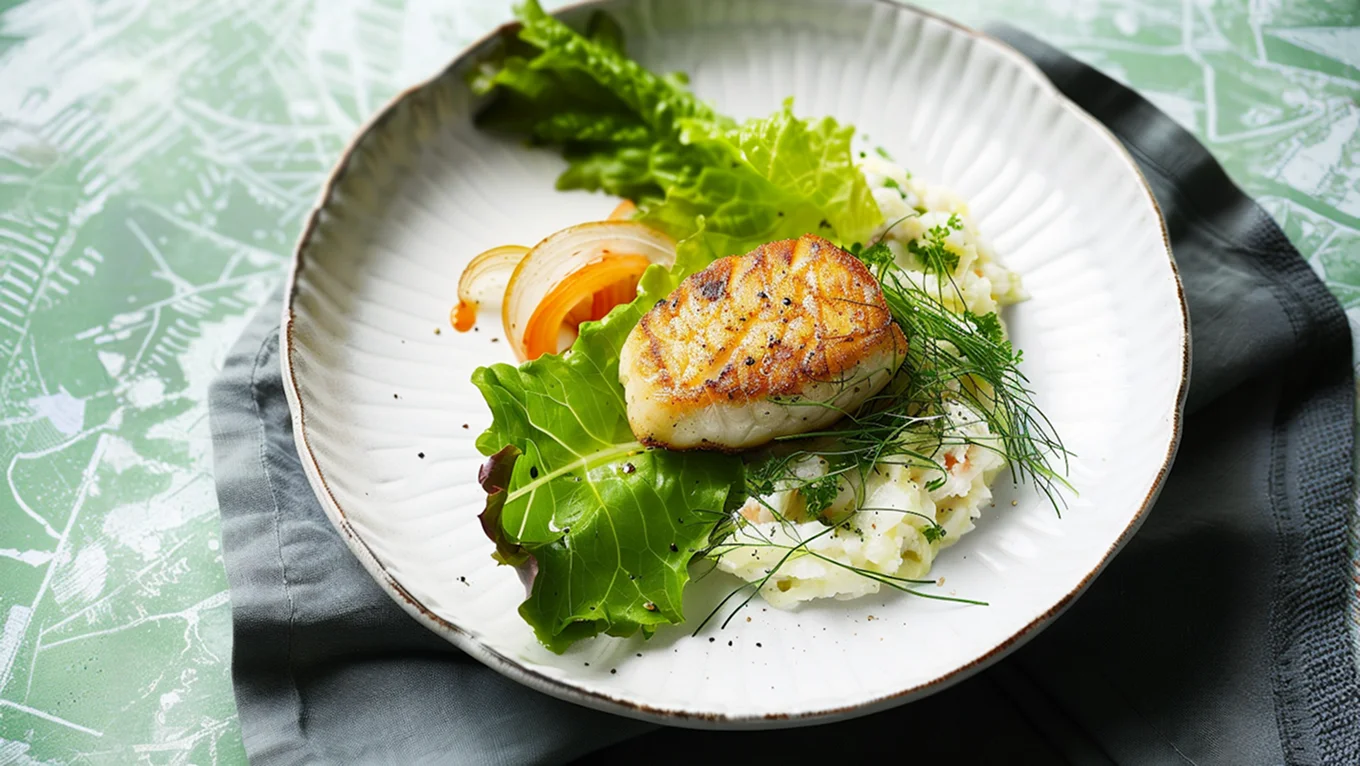
After
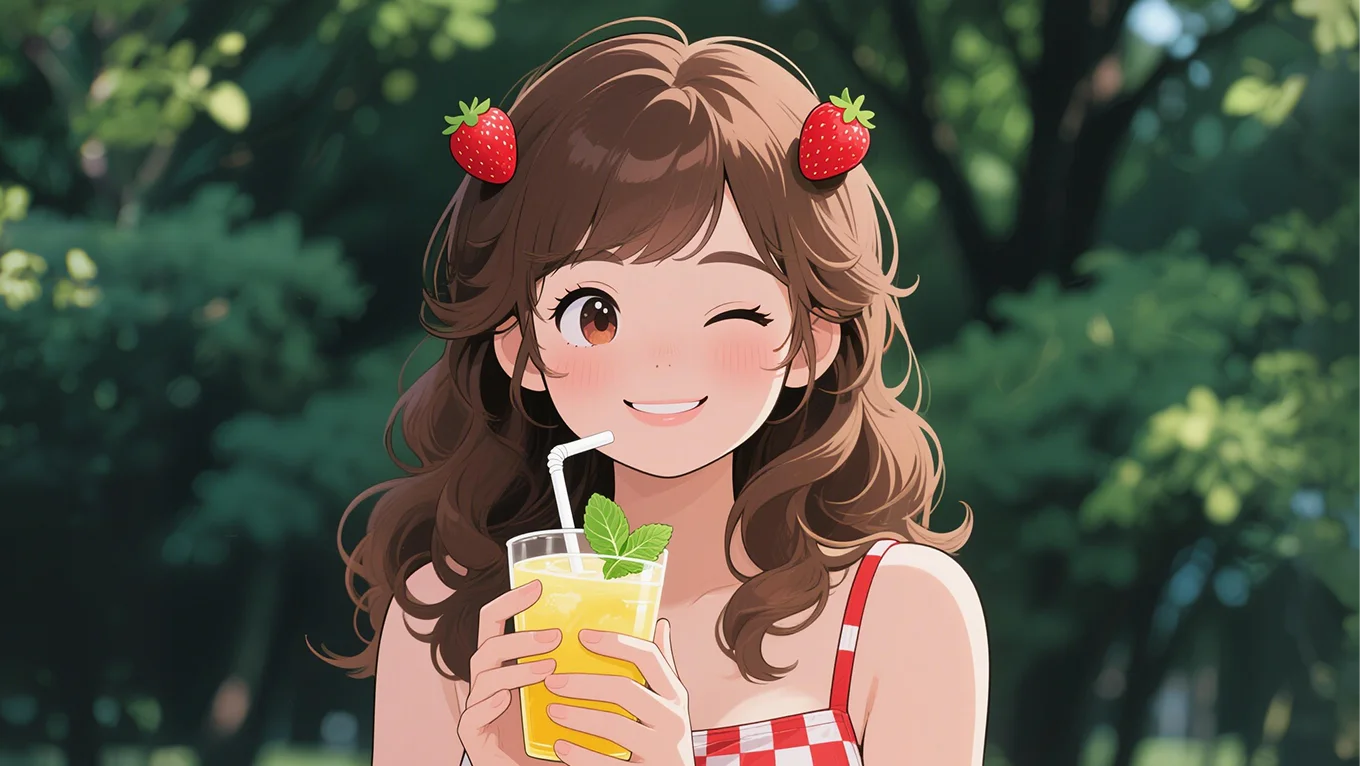
Before
After

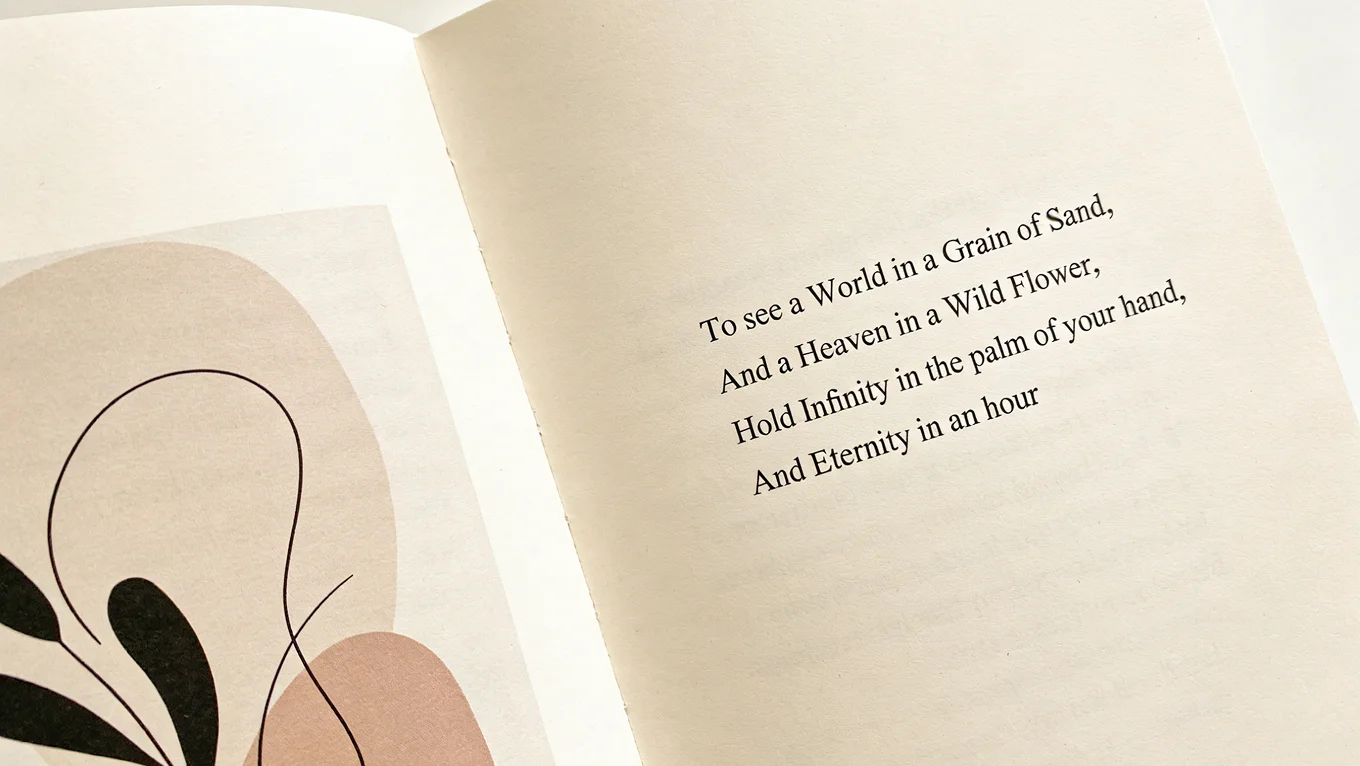
Before
After
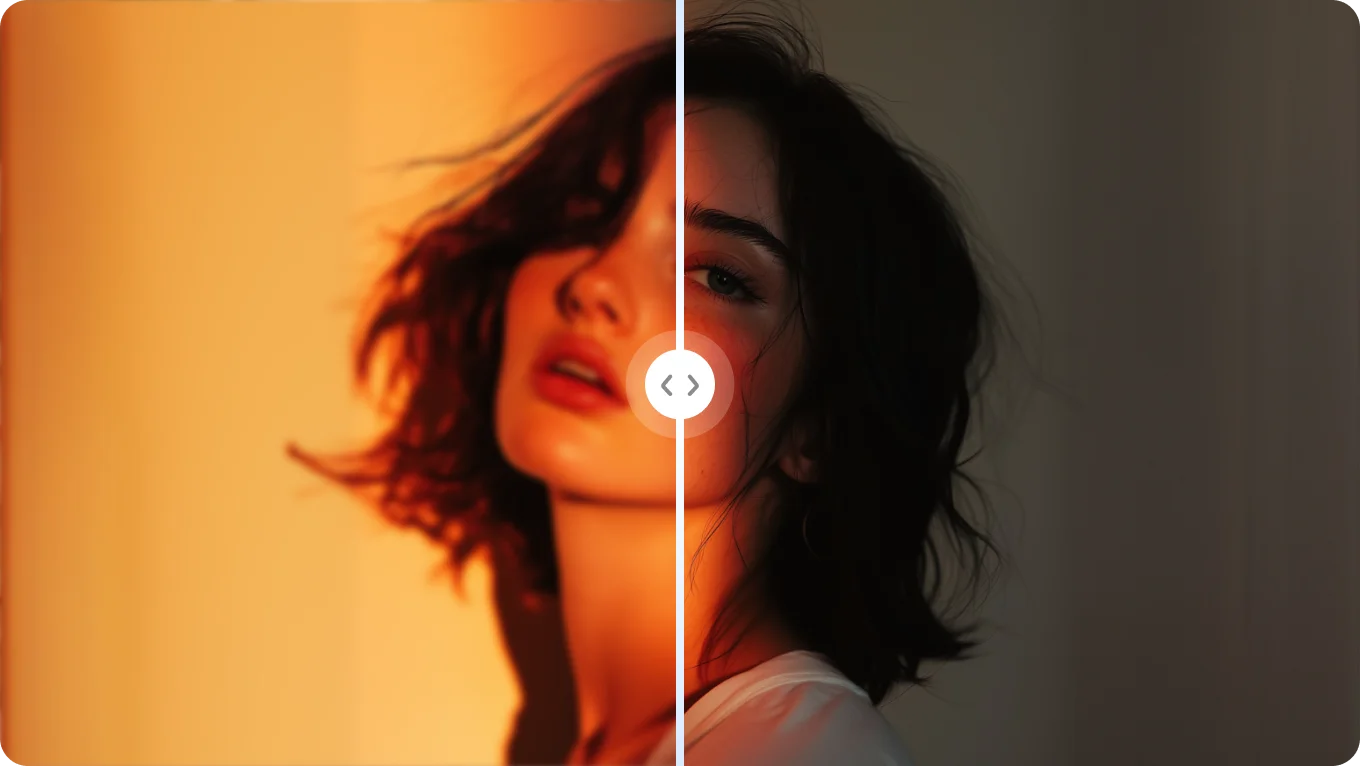
Key Features of Edimakor
Image Enhancer
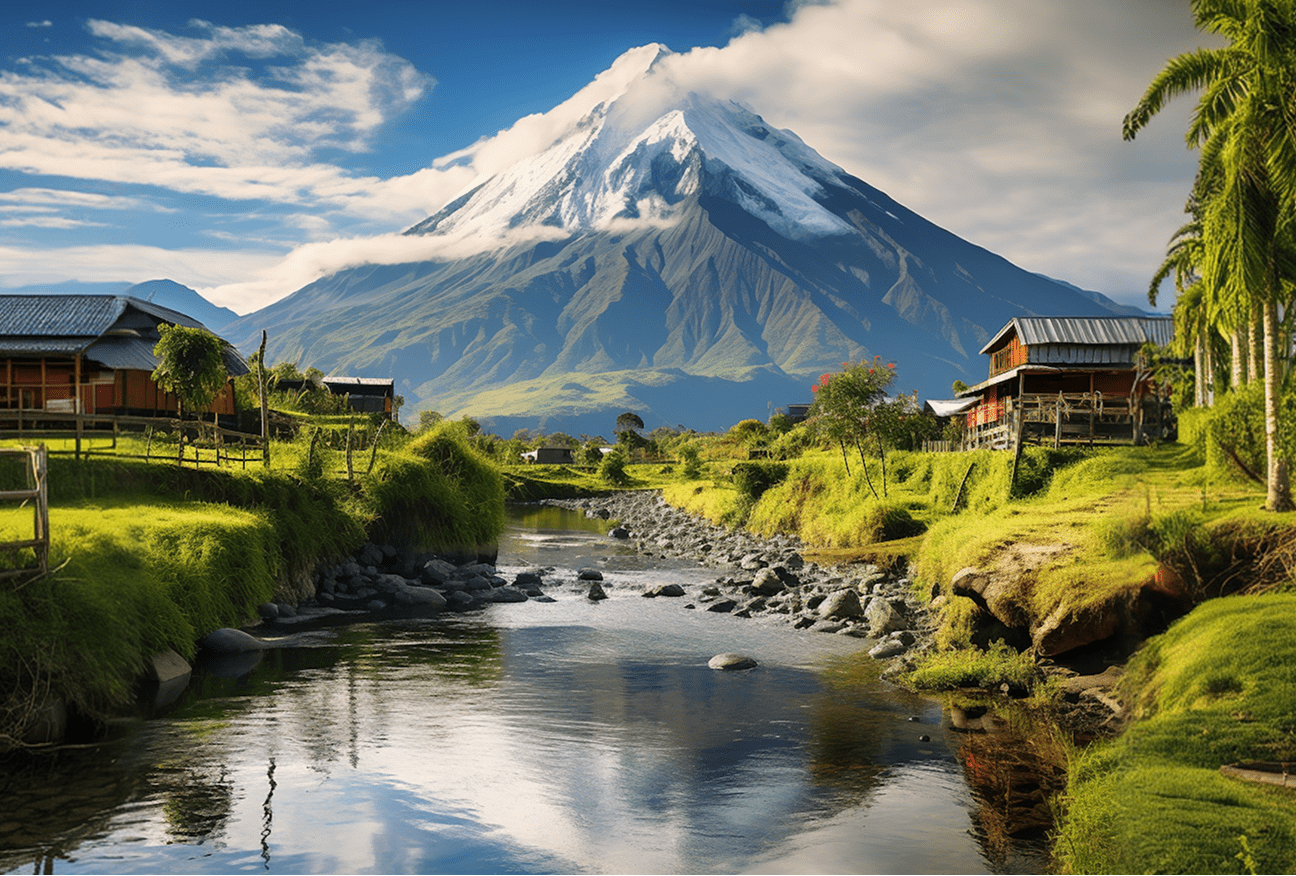
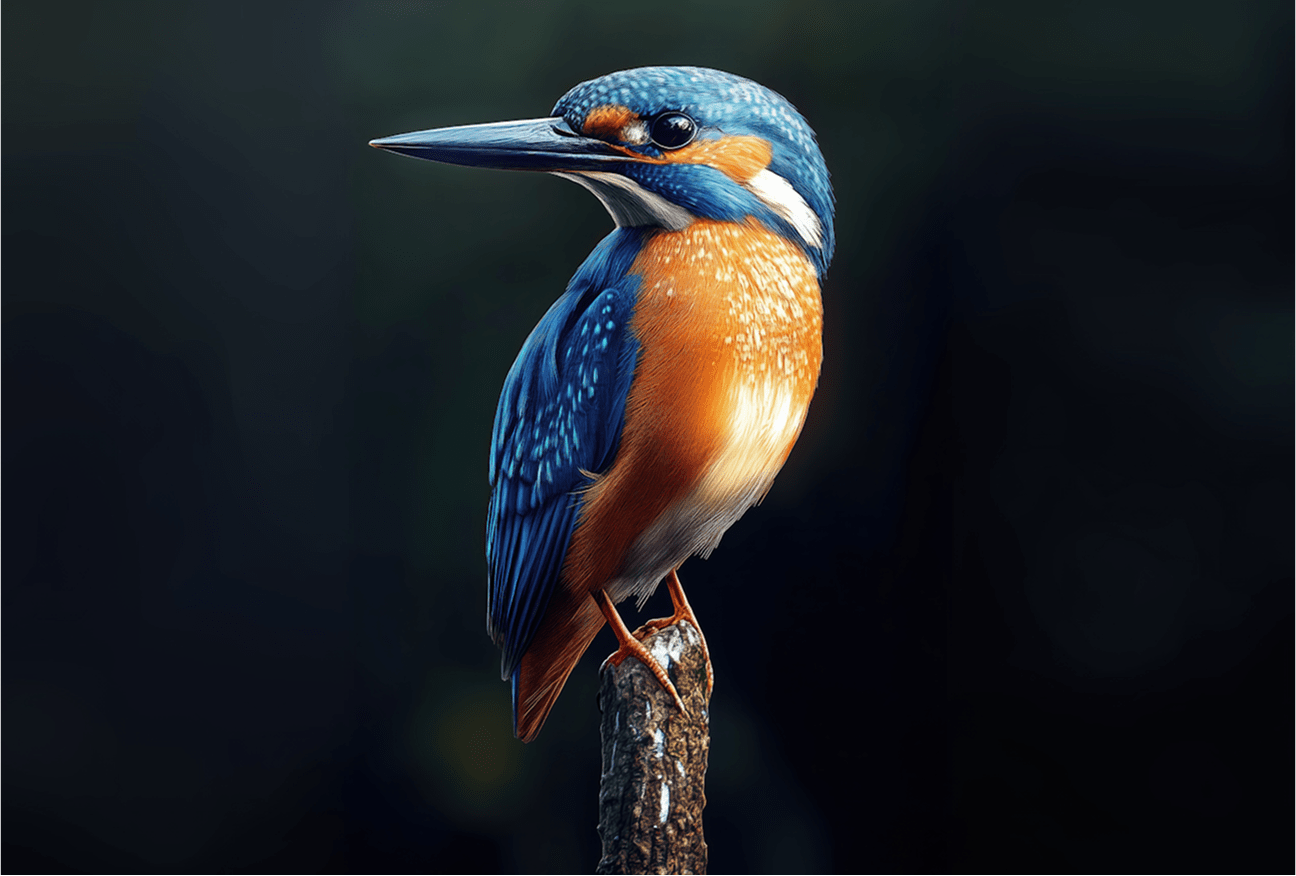
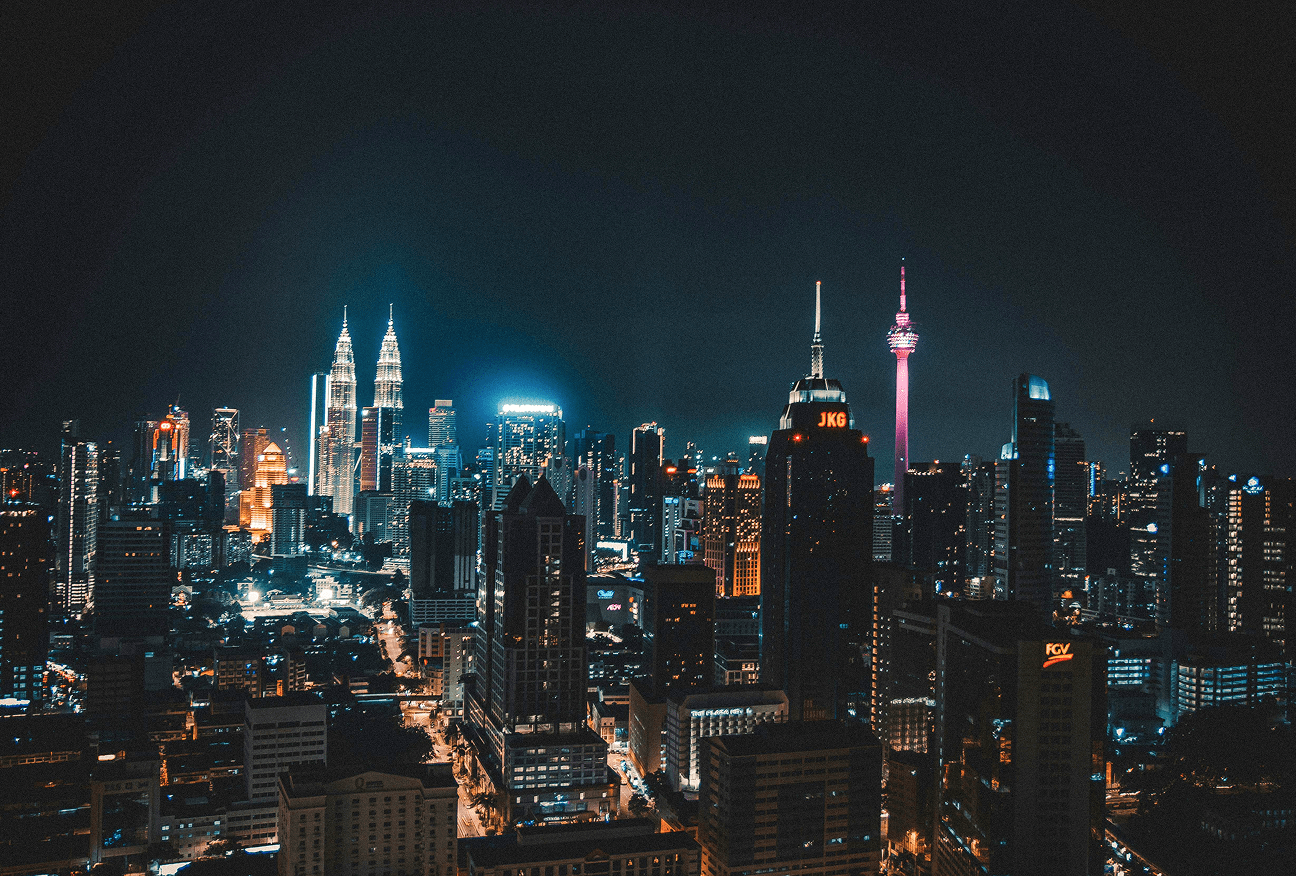
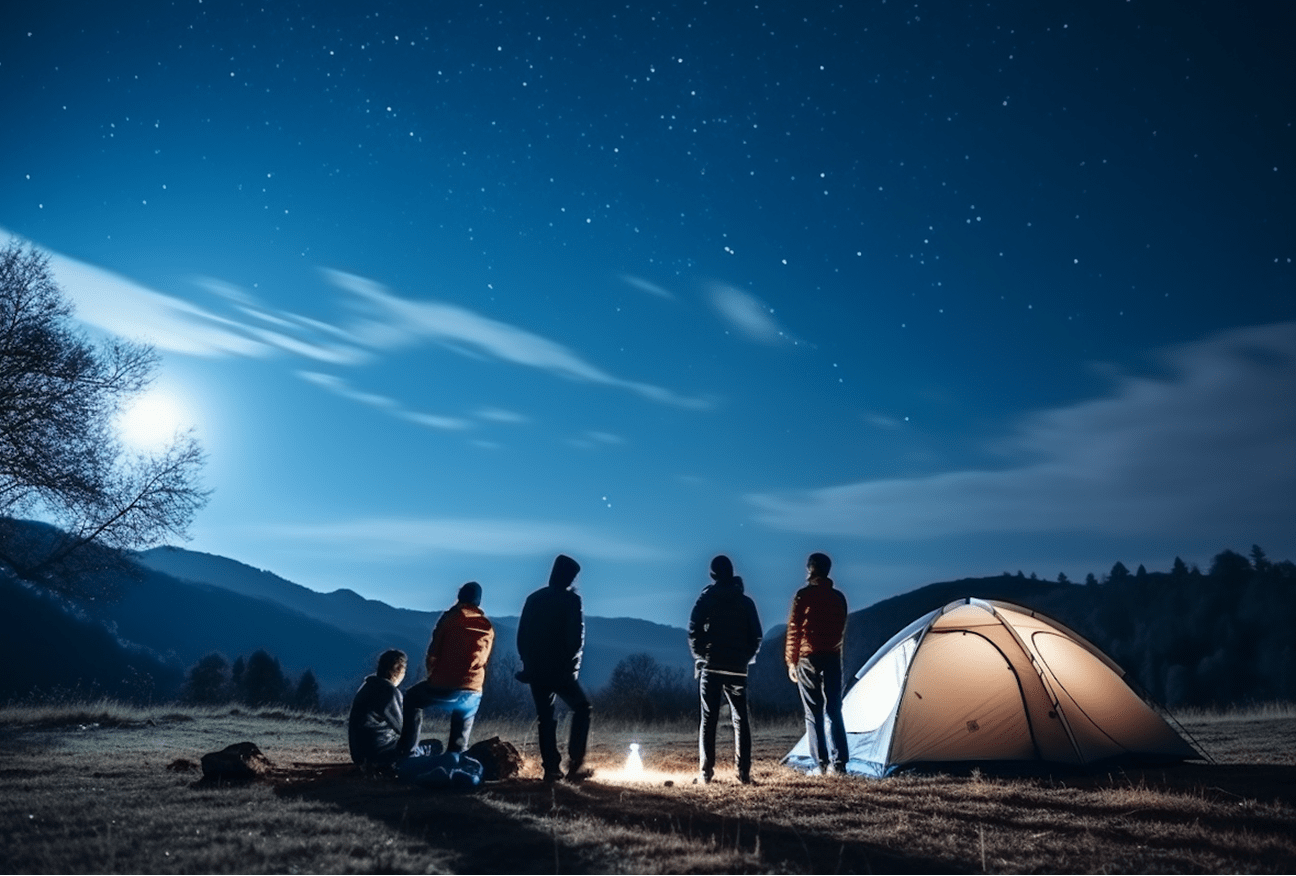
Automatically Remove Image Noise
Low light, high ISO, and old photos often introduce unwanted noise. Edimakor Image Enhancer reduces noise automatically while preserving details and image clarity.
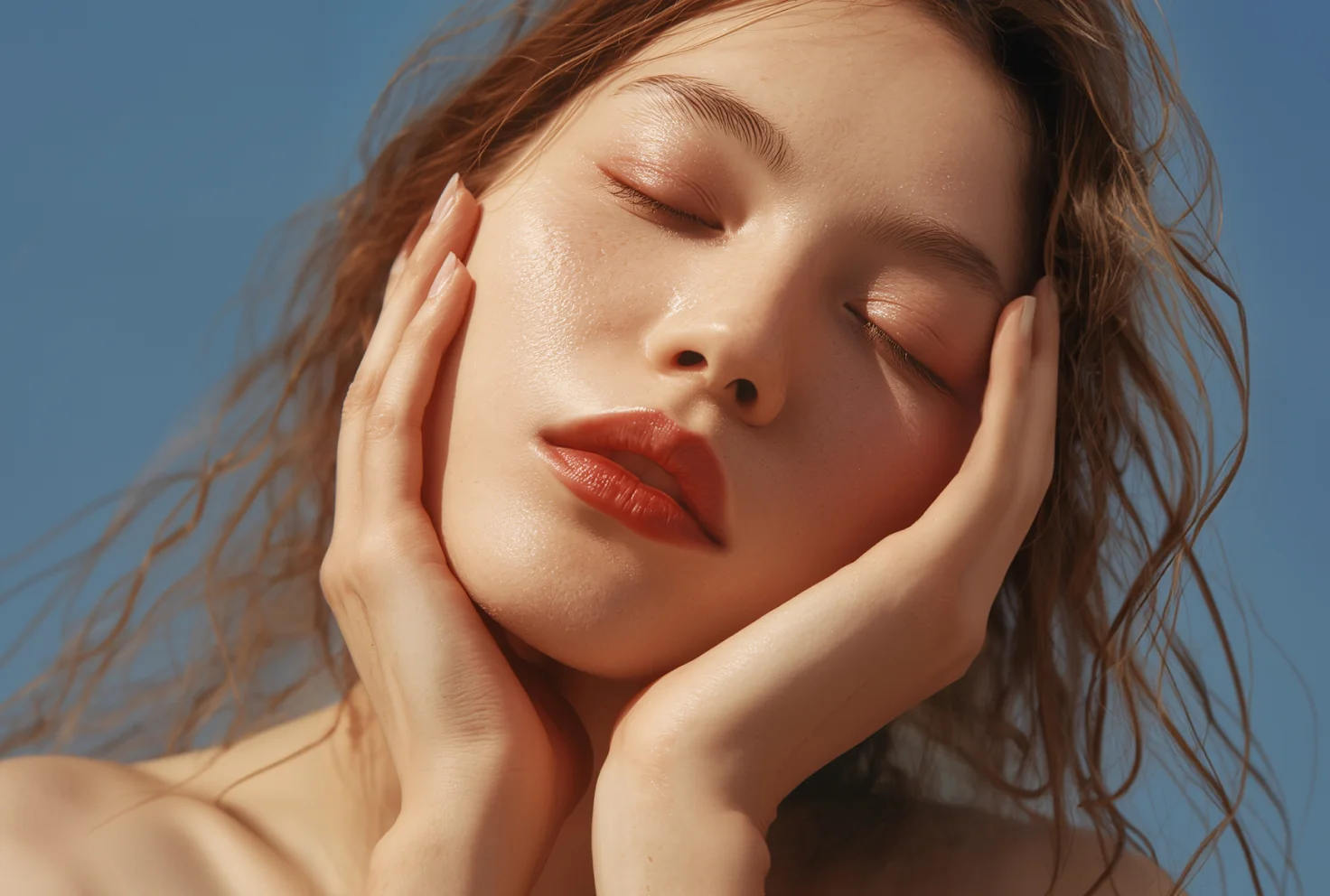
Before
After
Sharpen Every Pixel in Second
Retouch, deblur, and enhance facial details to create perfect portraits with AI image enhancement. Lower-quality images have greater potential for improvement in clarity, sharpness, and overall visual quality.
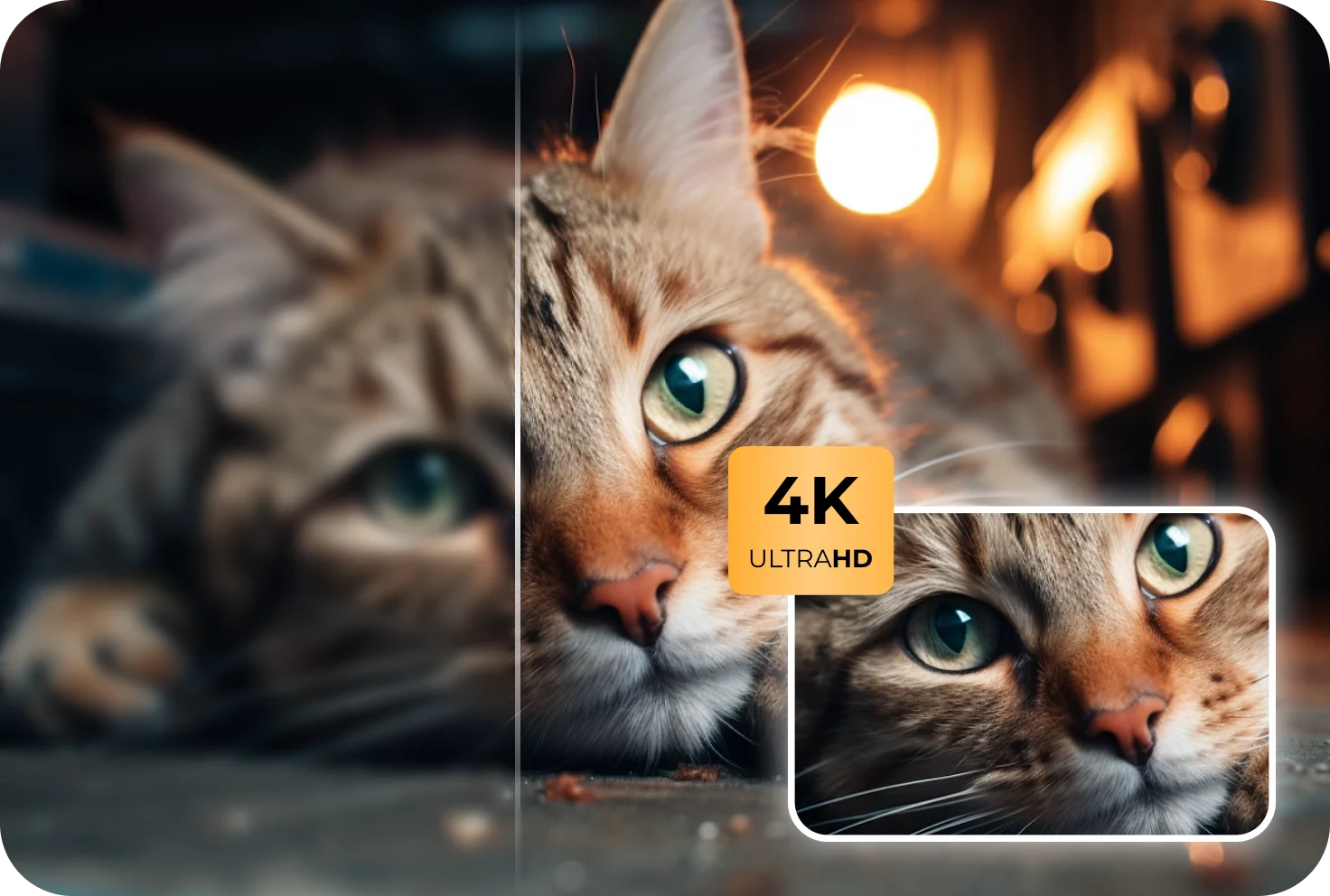
Before
After
Increase Image Quality to 4K
Turn low-resolution images into sharp, high-resolution visuals instantly with one click—perfect for social media, presentations, and web use.
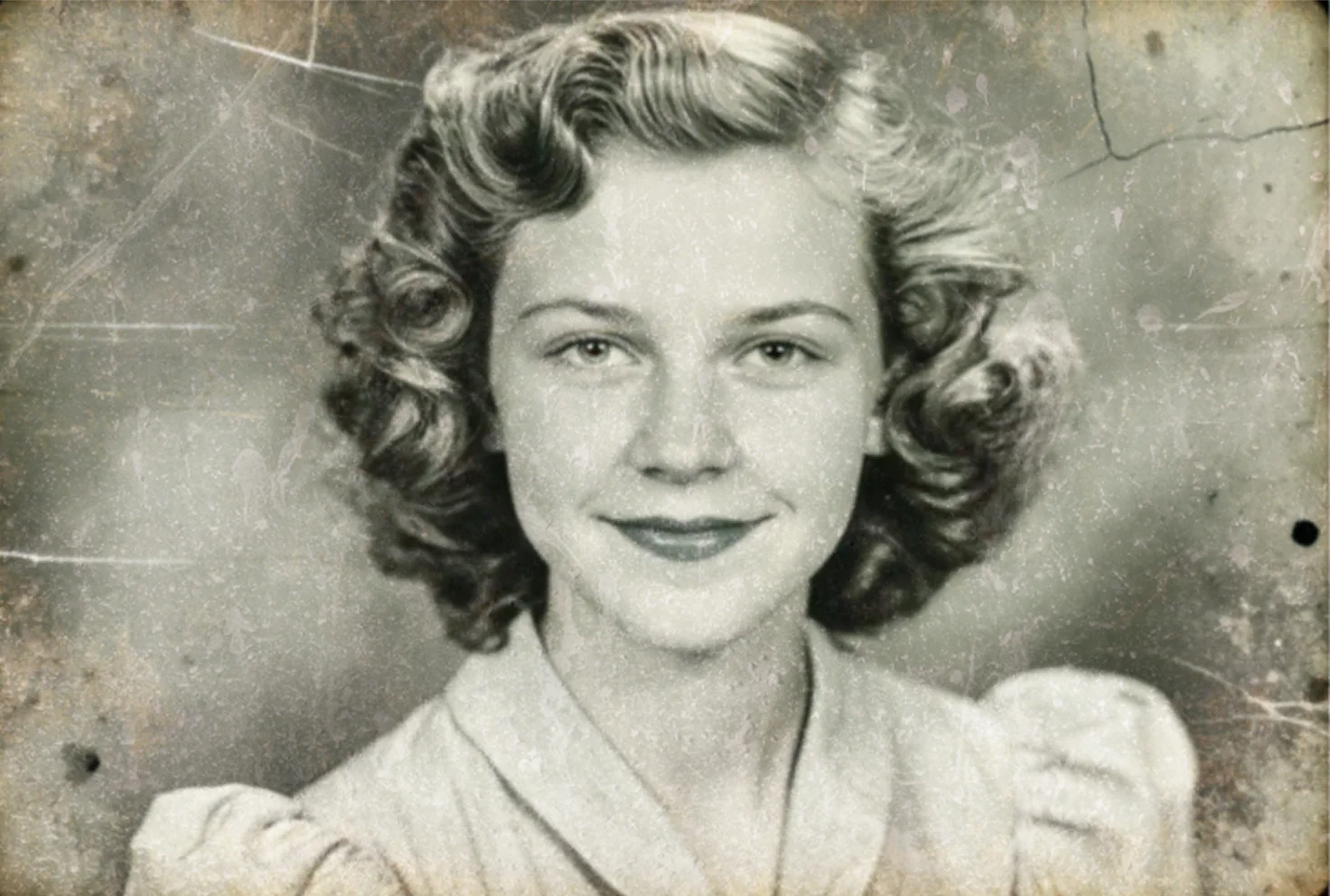
Before
After
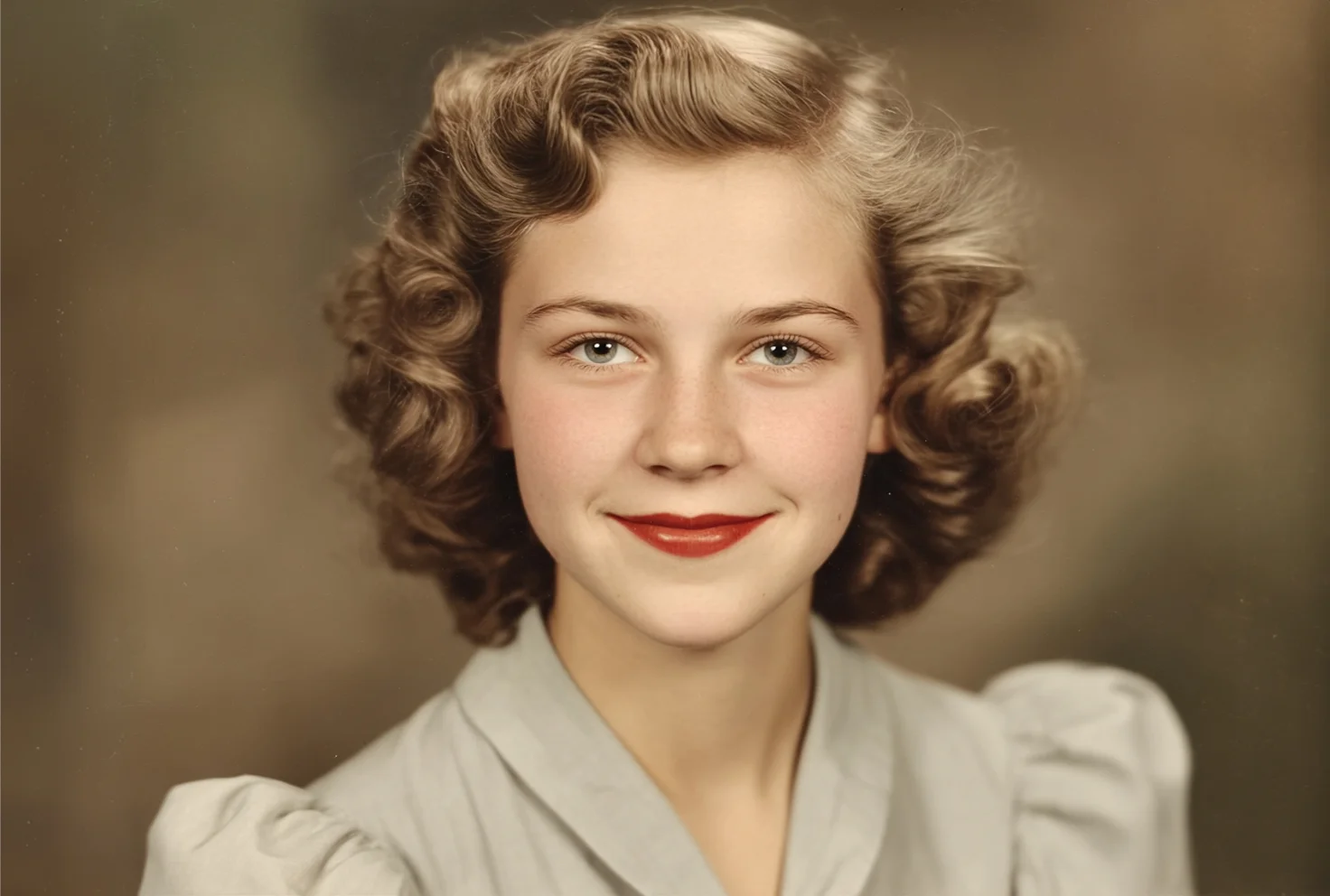
Restore and Enhance Old Images
Restore old photos in seconds with Edimakor AI Image Enhancer. Repair faded or damaged images, enhance blurry scans, and colorize black-and-white photos to bring cherished memories back to life.
AI-Powered Image Enhancement for Any Photo
Before
After
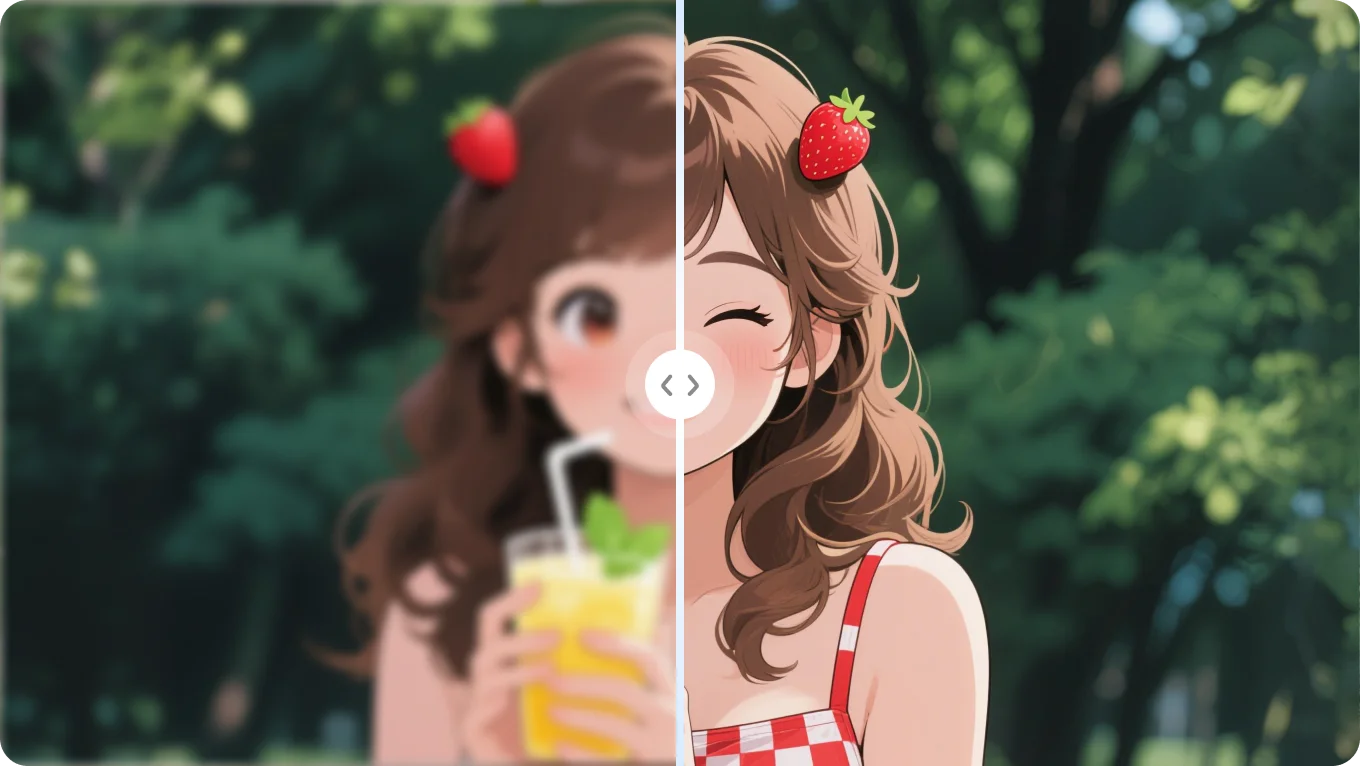
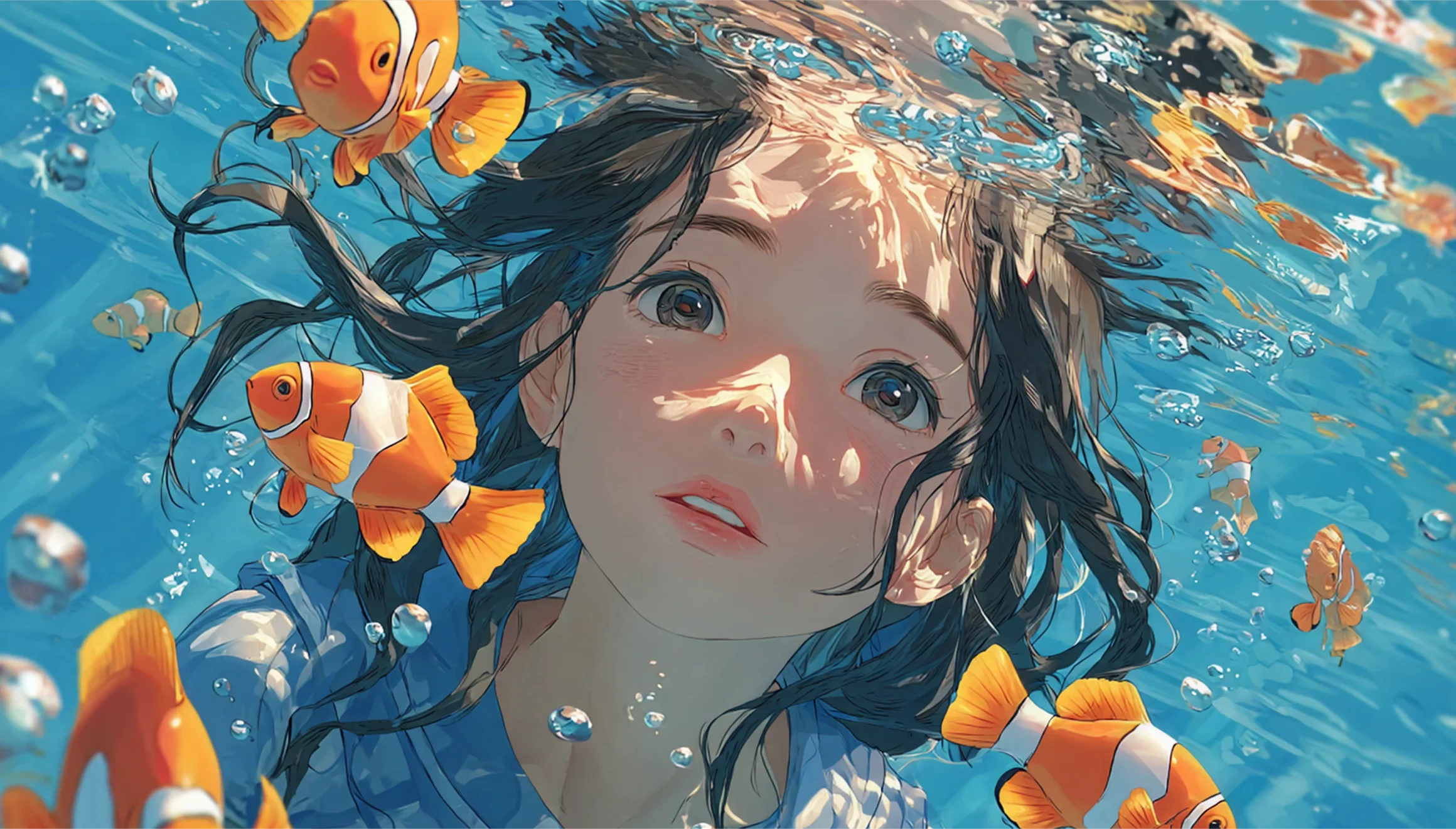
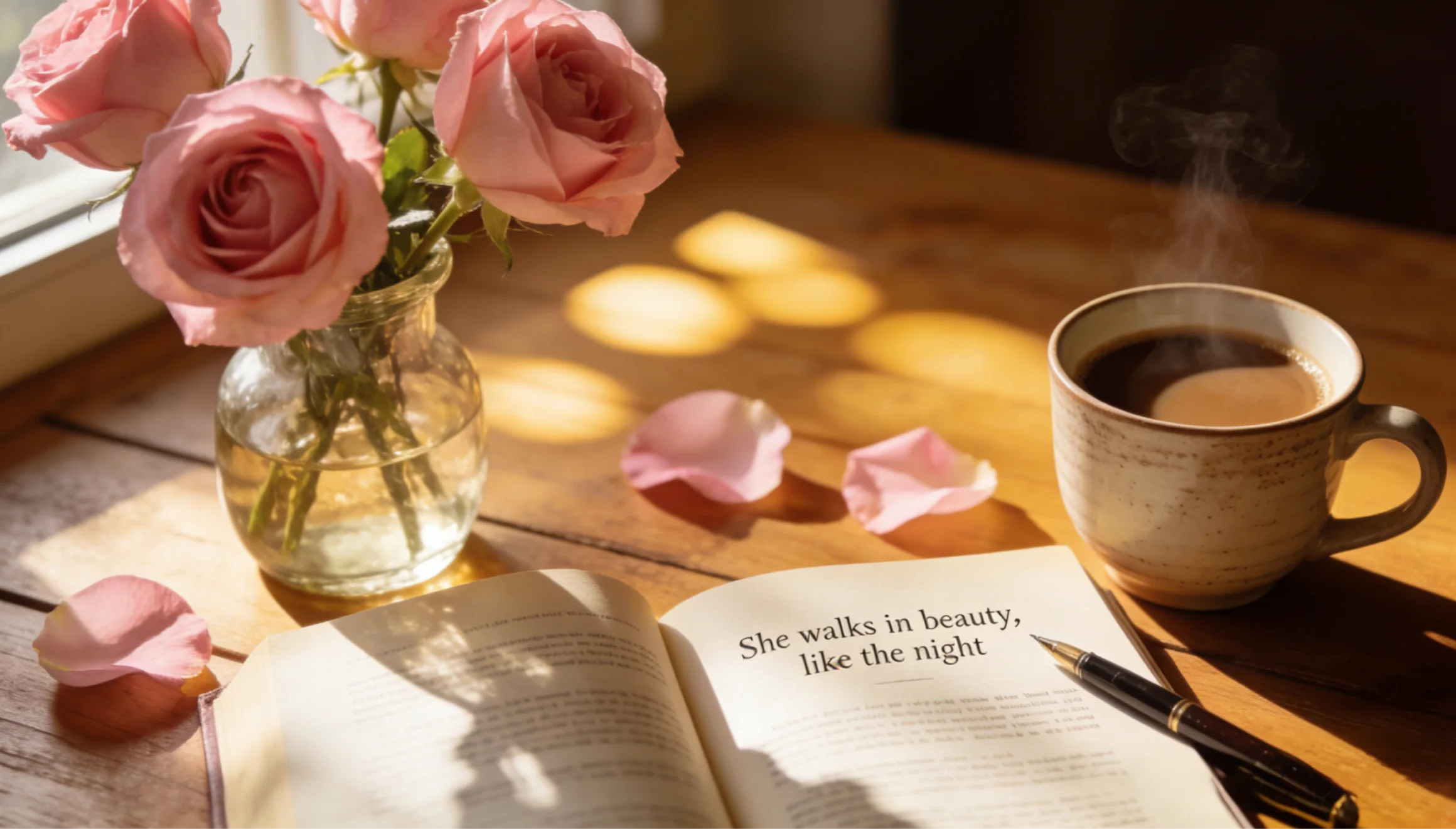
Detect and repair issues such as damage, flickering, noise, or missing lines in anime images.
Before
After
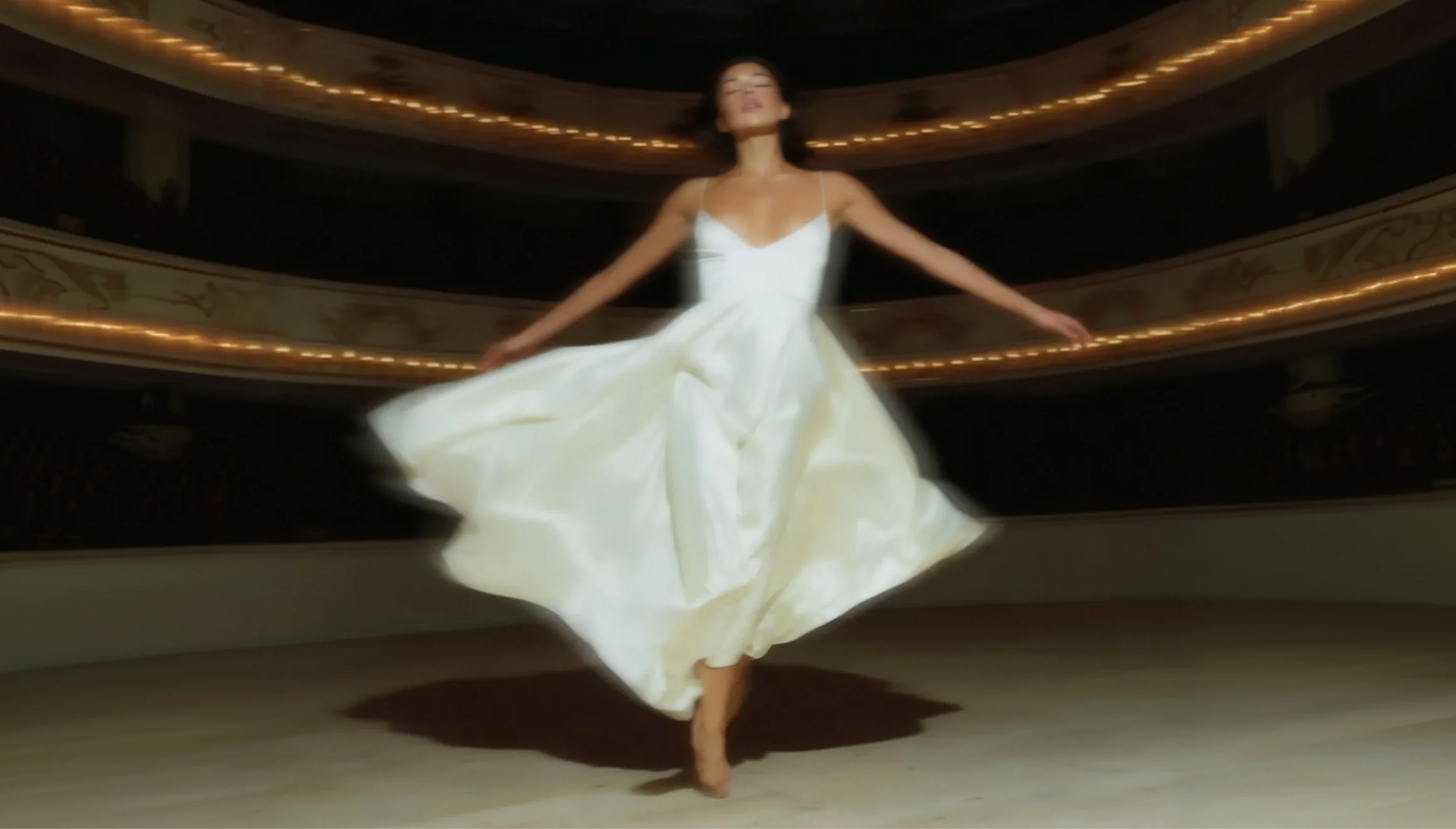
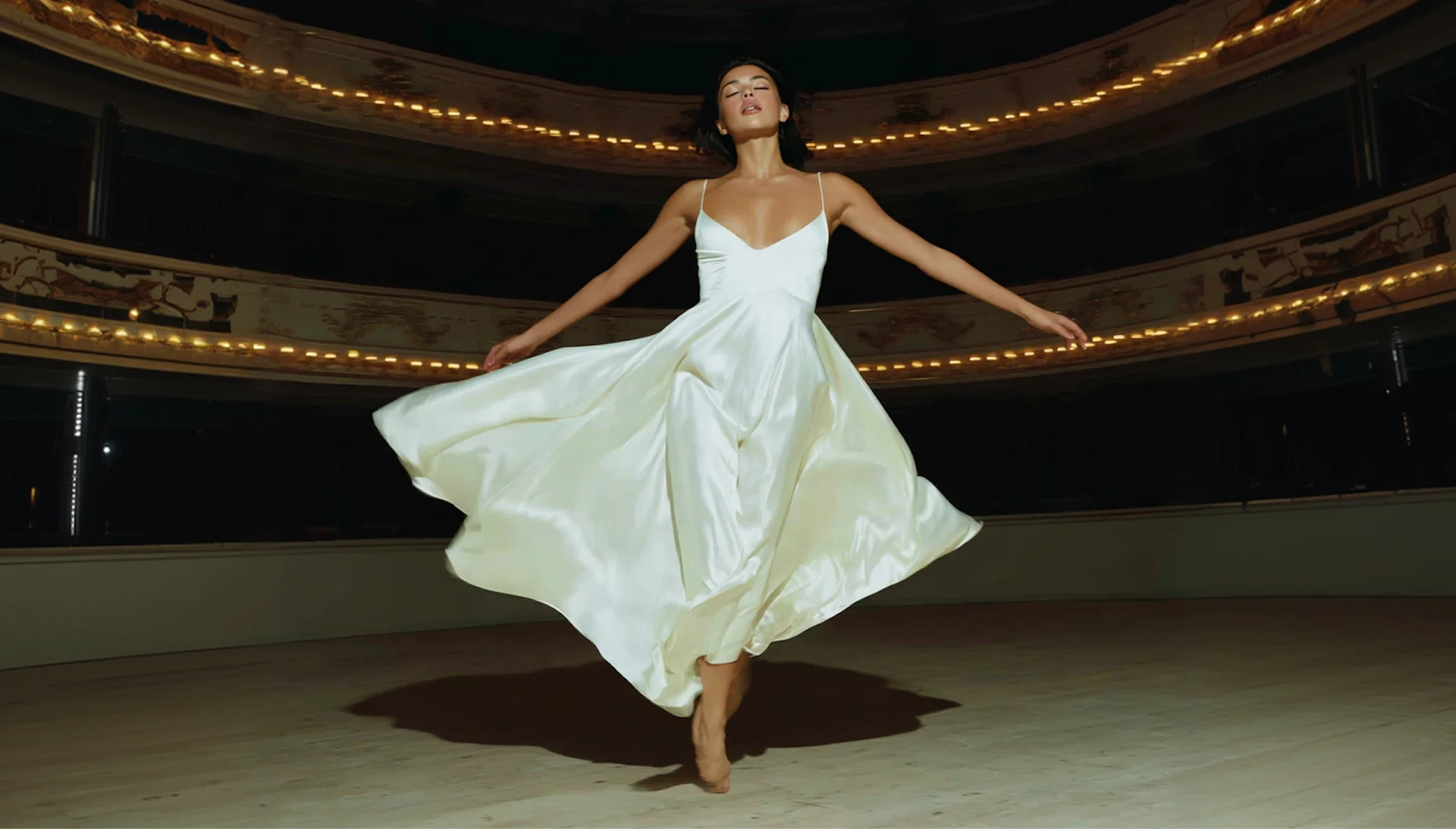
Deblur text. Get clear, readable results.
Before
After
Remove motion-induced blur and restore sharp details.
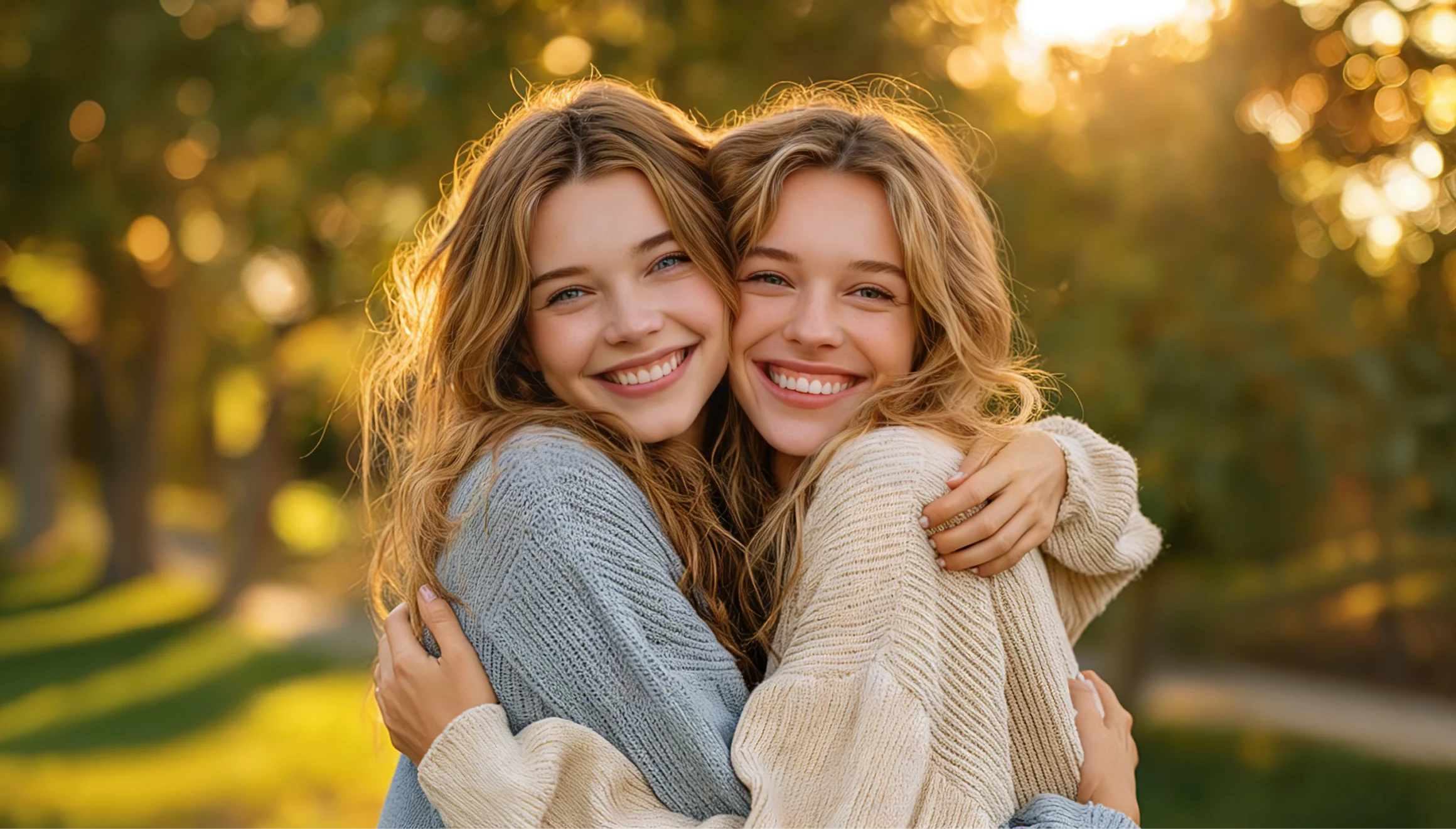
Before
After
Use AI generation to intelligently repair missing or damaged areas of an image.
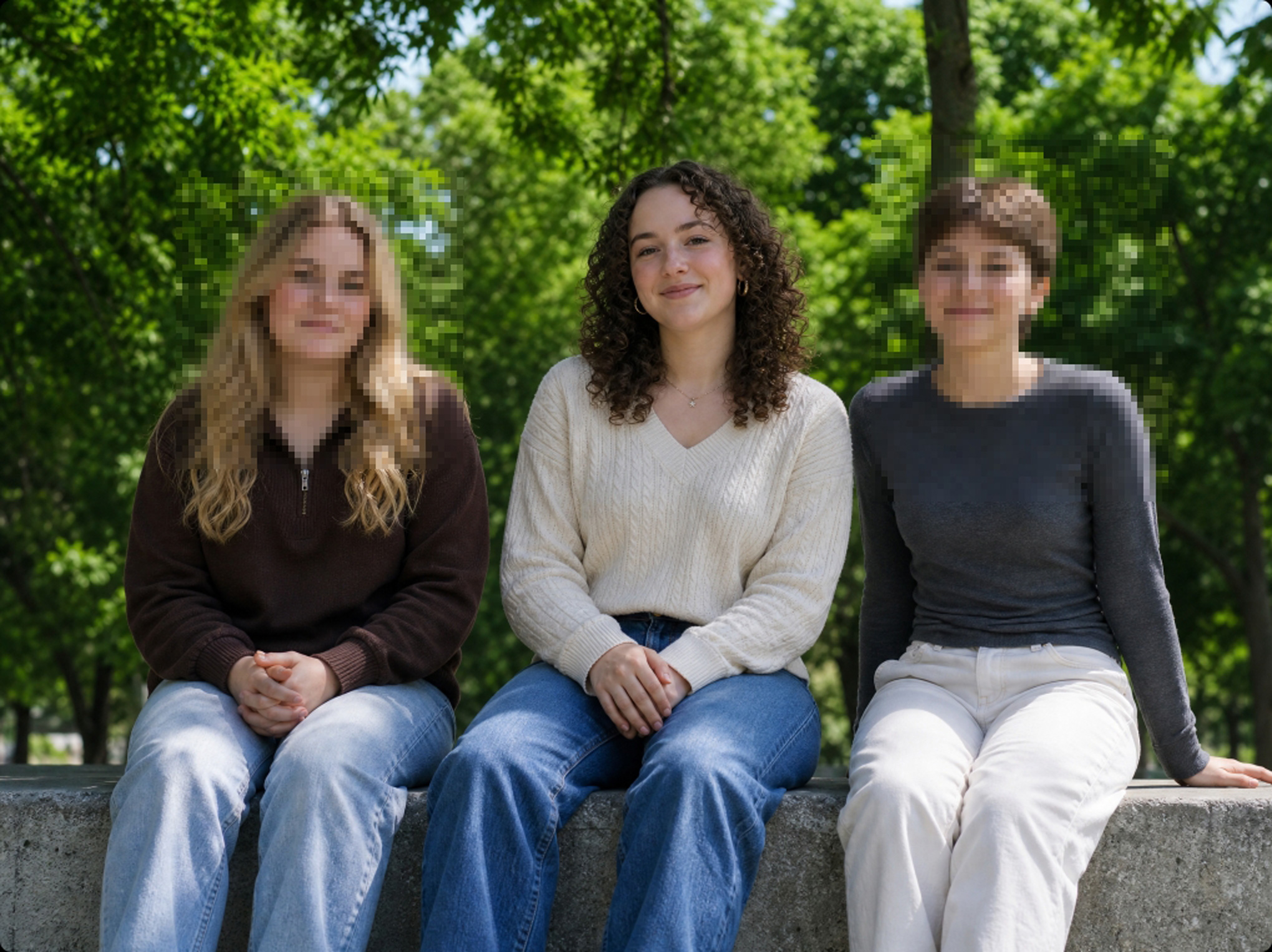
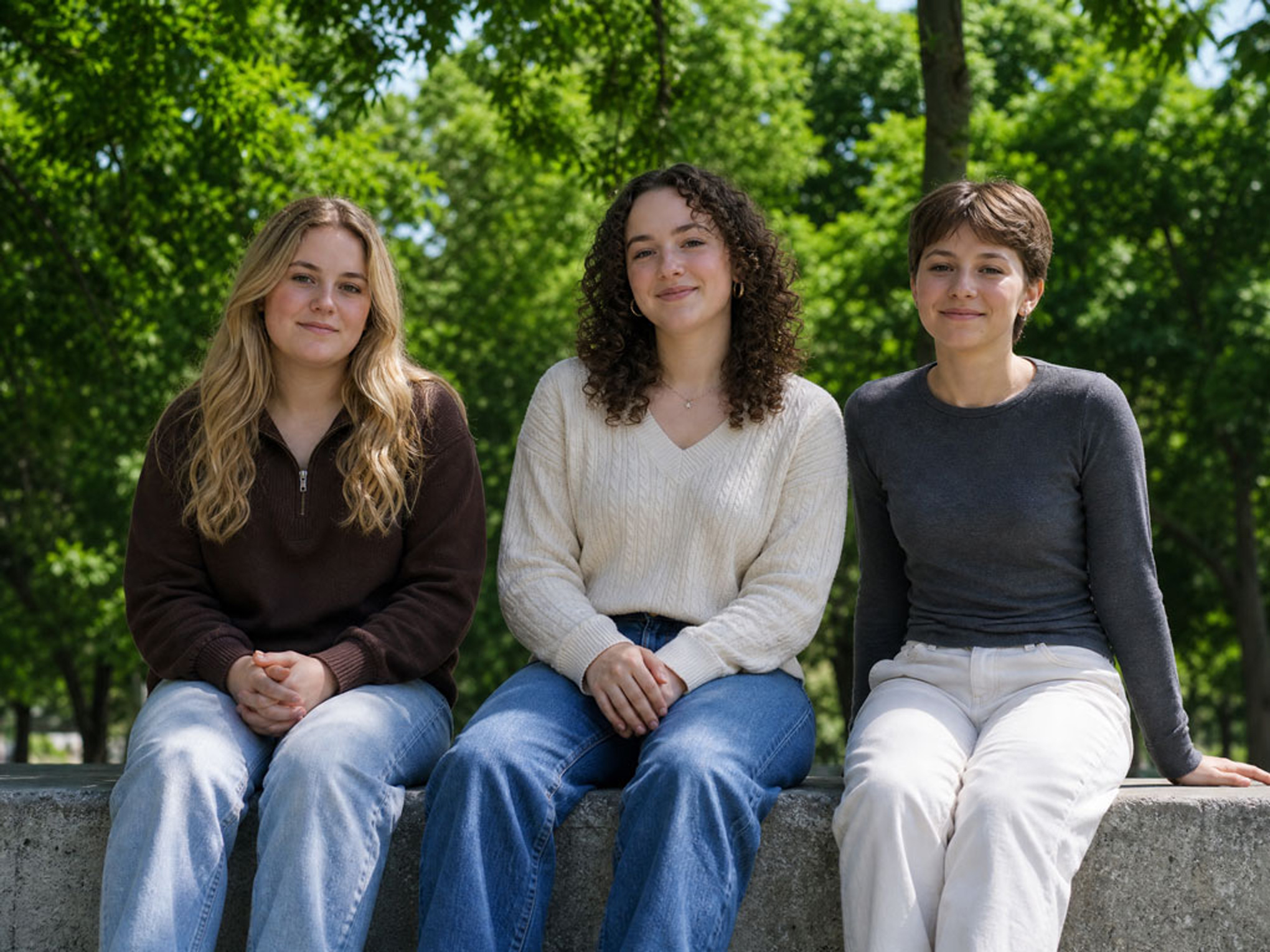
Before
After
Remove mosaics and reconstruct hidden details.
Enhance Image Quality for Every Use Case


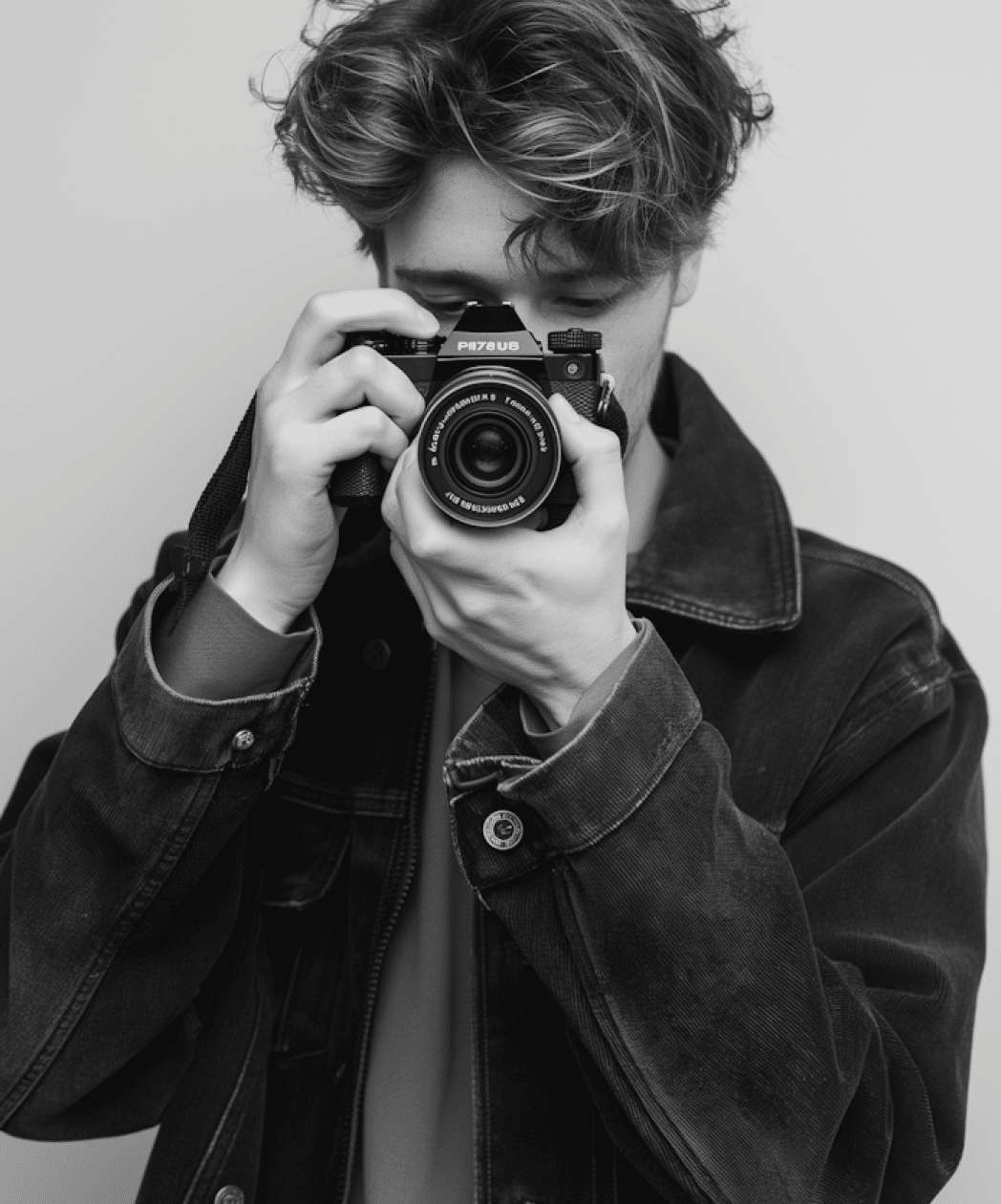


Sharpen and upscale images for thumbnails, covers, and social posts. Deliver scroll-stopping visuals across YouTube, TikTok, and Instagram.
Bring your personal memories back to life. Restore old family photos, fix poorly lit vacation shots, and refine blurry everyday selfies in seconds.
Speed up your editing process. Instantly remove low-light noise, fix subtle motion blur, and deliver crisp, high-quality images.
Maintain a consistent brand image across all platforms. Enhance graphics for company websites, marketing materials, and internal presentation decks with ease.
Clear up compressed product images and mobile shots. Enhance fine textures and boost clarity to create professional storefront visuals.
Why Choose Edimakor to Improve Image Quality
 Wide Compatibility
Supports all common image formats: JPG, JPEG, PNG, WEBP.
 Fast Speed
Get stunning results instantly — no waiting around.
 Easy to Use
Just upload and let the AI do its magic.
 HD Download
Download high-quality images without watermark.
 Uncompressed
Sharper results without losing image quality.
 Complete Privacy
Your photos stay private and secure.
How to Improve Photo Quality with Edimakor
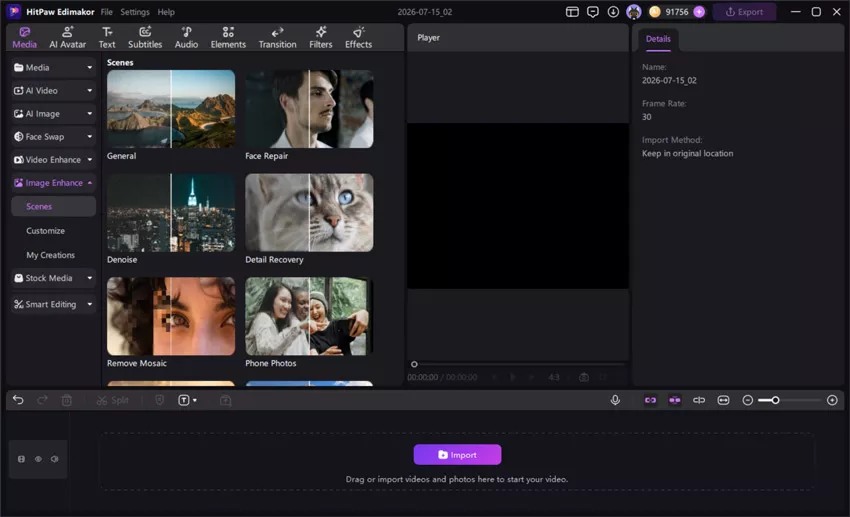
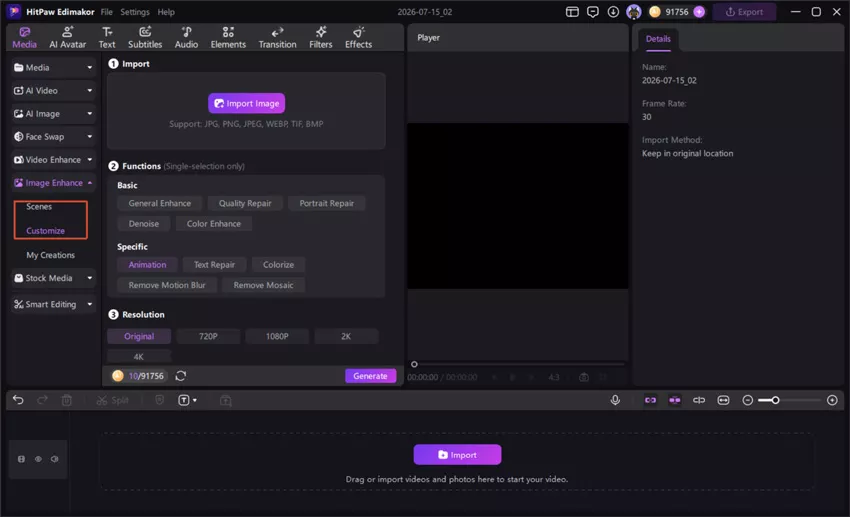
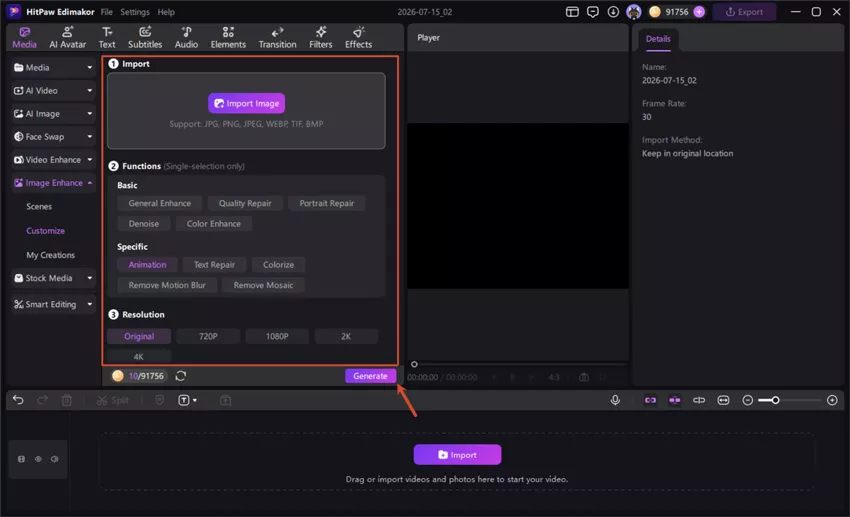

I used the Image Enhance feature to restore some old travel photos that were slightly blurry and noisy. The difference was noticeable within seconds. The details looked much cleaner, especially faces and background textures, without making the image look overly artificial.

What I liked most was the Customize mode. I tested Denoise and Portrait Repair on low-light photos from my phone, and the results were surprisingly natural. It’s much easier than using complicated editing software for quick image quality improvements.
Mike
I mainly create content for social media, so image quality matters a lot. The enhancement process was simple, and the upscaled images stayed sharp even after uploading online. The Animation mode also worked well for improving AI-generated artwork and anime-style images.

Lena
FAQs about Edimakor AI Image Enhancer
The AI analyzes your image to recover lost details, correct color imbalances, and remove noise. Instead of applying basic filters, it intelligently rebuilds the image to reflect a more natural and realistic result.
Edimakor enhances a wide range of images—from old photos, cartoons, and e-commerce product shots to many others. Whether your images are plagued by low resolution, noise, blur, or poor lighting, Edimakor’s AI models restore clarity and elevate overall quality.
The ideal enhancement mode depends on your photo's content and desired outcome. Edimakor offers multiple AI models, from portraits to landscapes.
AI image enhancement typically takes anywhere from a few seconds to several minutes, depending on the complexity of the image.
Yes. It enlarges images up to 4K, making it perfect for printing, large displays, or complying with marketplace image requirements.
 Edimakor
You
+ Edimakor - Turn ideas
into dynamic
videos
Sarah