AI Video Editor - Edimakor
 AI-powered
AI-powered
YouTube Shorts Maker
- Create stunning YouTube Shorts with powerful AI video editing tools.
- Transform your ideas and clips into engaging short-form videos quickly.
- Add captions, effects, music, and transitions to enhance every Short.
- Create vertical videos optimized for YouTube Shorts and mobile viewers.
- Save time with smart tools that simplify your entire editing workflow.
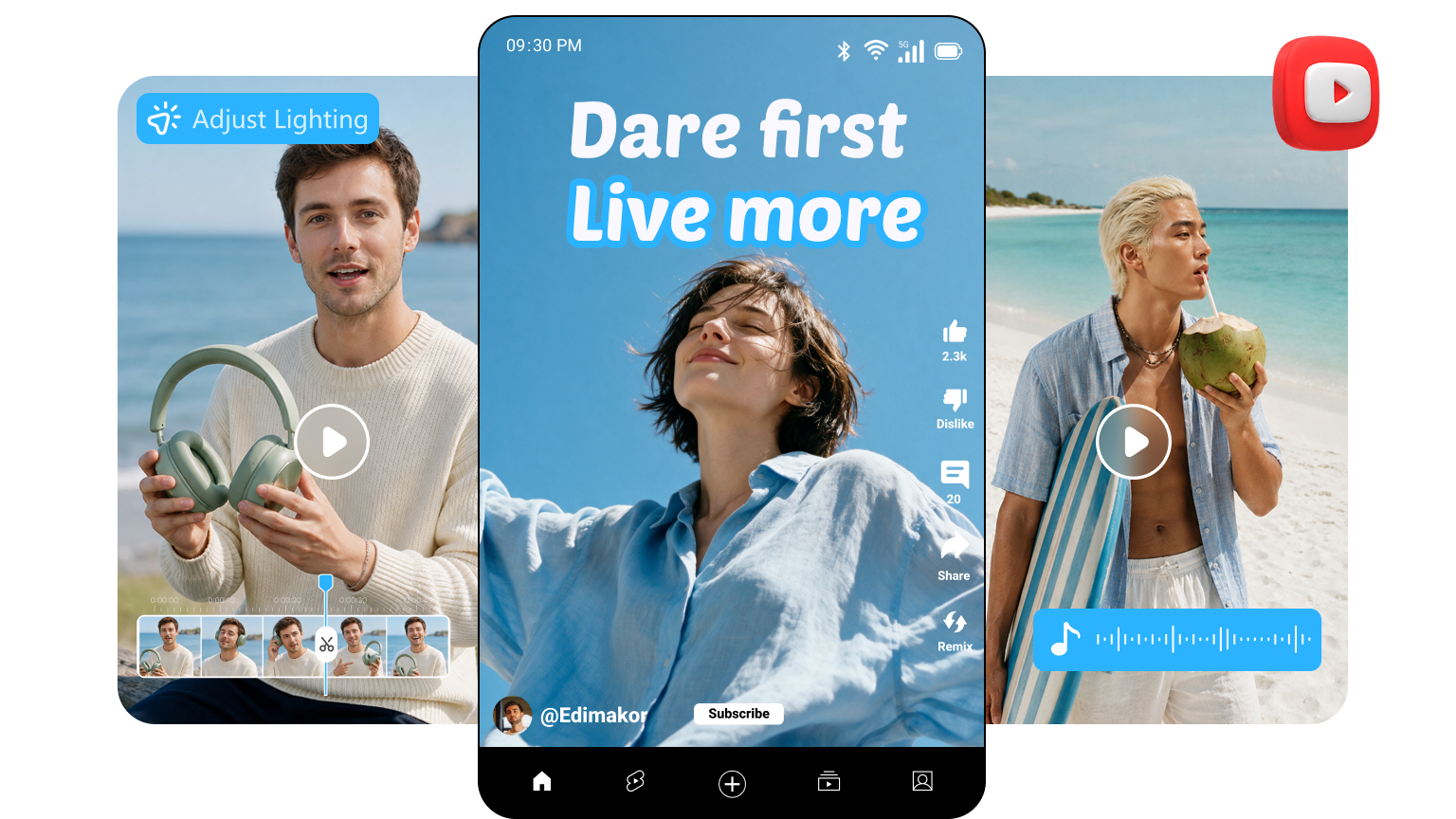







Create Engaging YouTube Shorts with Powerful Edimakor

Fast & Easy Shorts Creation
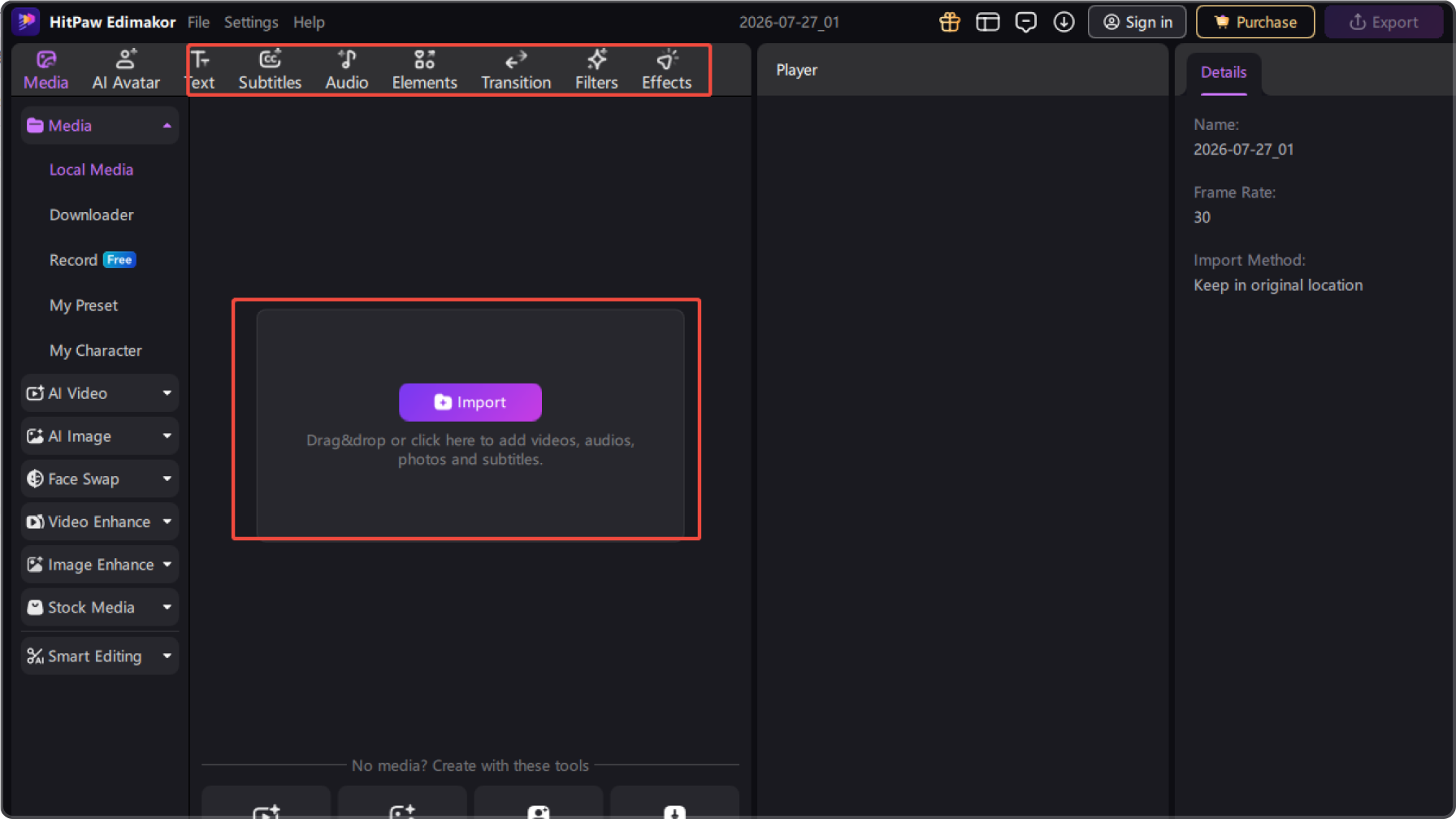
Create YouTube Shorts faster with Edimakor’s all-in-one video editing solution. Easily trim clips, add effects, adjust audio, and complete your entire Shorts creation workflow in one place.
Auto Captions & Dynamic Subtitles
Boost viewer engagement with accurate auto-generated captions and customizable subtitles. Highlight key messages with animated text styles, making your YouTube Shorts easier to follow and more appealing to mobile audiences.
Creative Effects & Smooth Transitions
Make your Shorts stand out with creative effects, transitions, stickers, and visual elements. Add engaging details to your videos and create smooth, eye-catching content that keeps viewers watching longer.
Vertical Video Editing for Shorts
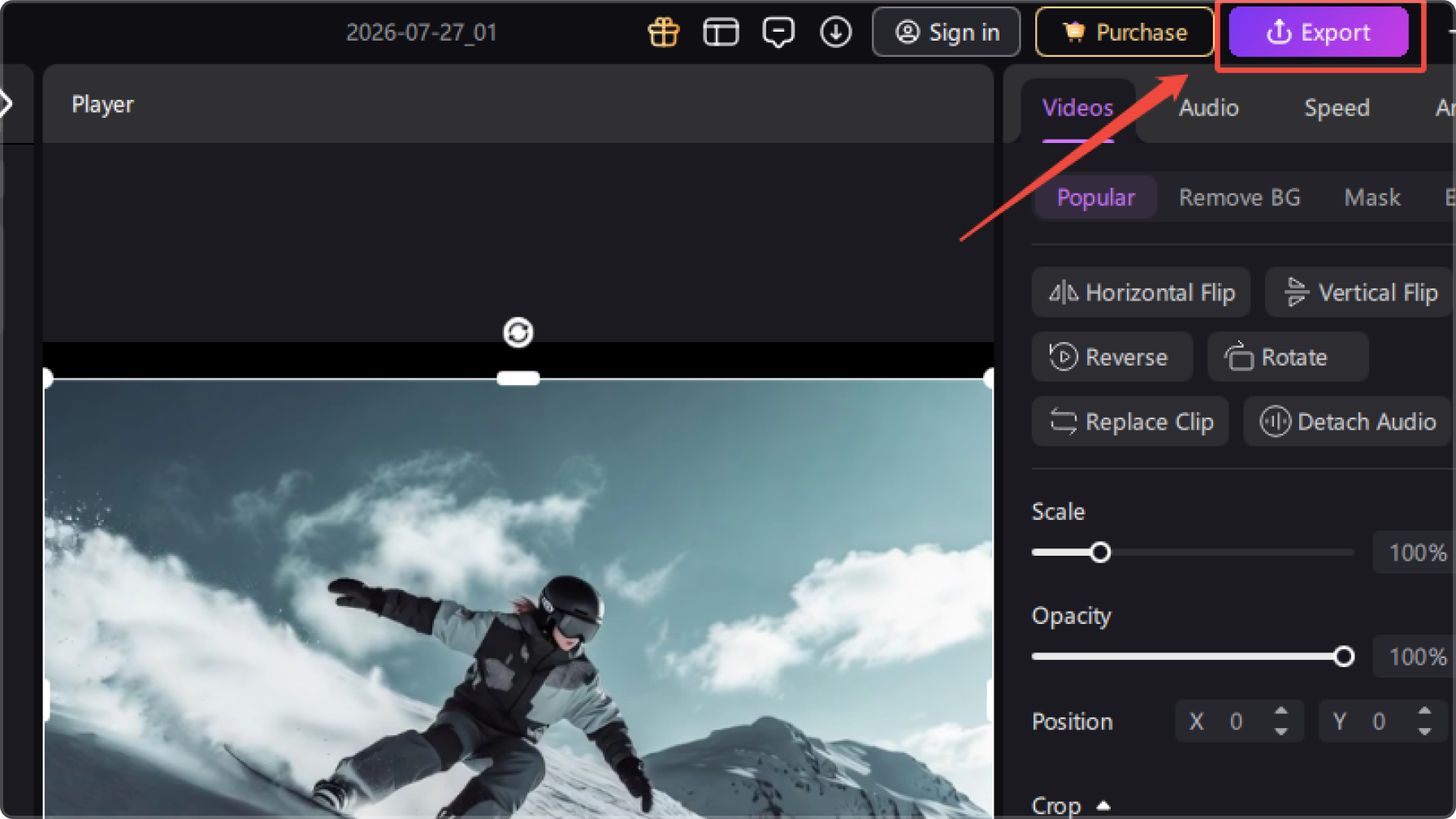
Create videos perfectly optimized for YouTube Shorts with a 9:16 vertical format. Easily adjust clips, add music, and refine every detail to deliver high-quality, share-ready content for social media platforms.
More Powerful Features for Creating YouTube Shorts
Text to Speech
Convert text to speech with 400+ AI voices in 50+ languages. You can use them in your AI-animated videos to add vibrance.
AI Avatar
Generate 120+ diverse and realistic AI Avatars. Then convert them to animation easily.
AI Video Generator
The AI animation video can be merged with other video materials to make your videos extraodinary.
AI Animation Effects
After converting texts/images to animation, you can apply other animation effects like Ghibli and Retro comic style to them.
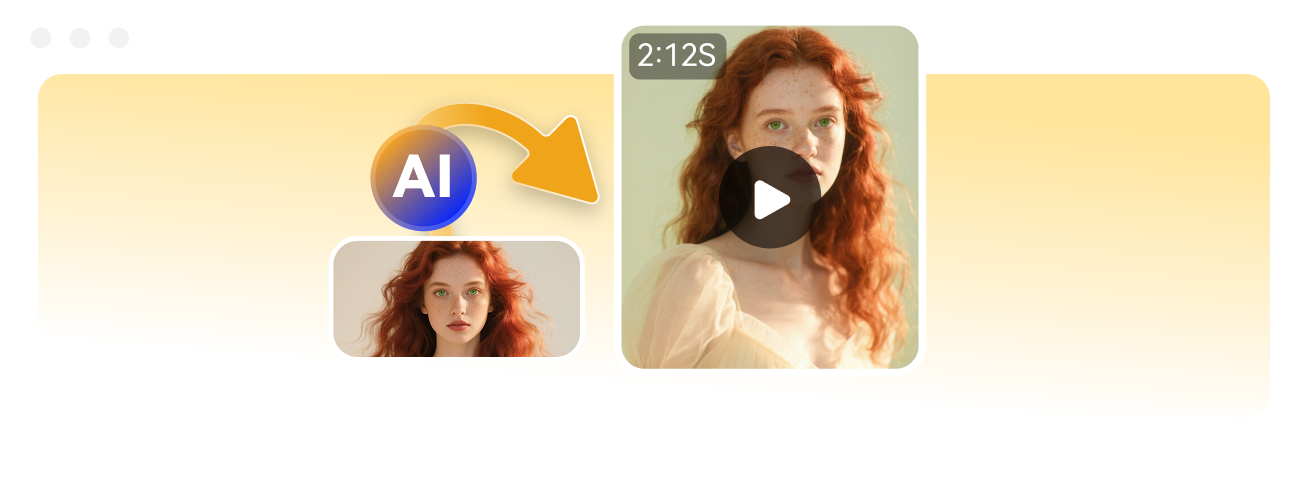
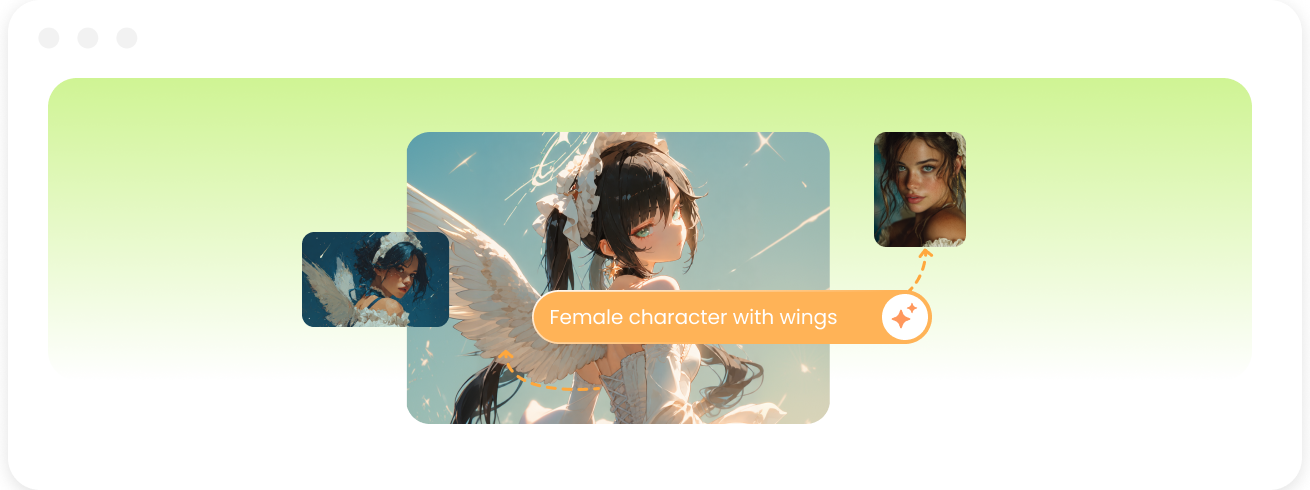
AI Image Generator
Create stunning AI-generated images from text or images with ease. Bring your ideas to life with creative styles, realistic visuals, and endless possibilities.
Create Different Types of YouTube Shorts with Edimakor
Social Media Videos
Create engaging short-form content for YouTube Shorts and other social platforms. Edit clips, add captions, and enhance your videos to attract more viewers and increase engagement.
Educational Videos
Turn your knowledge and ideas into engaging educational Shorts. Add clear captions, visual effects, and smooth edits to create easy-to-follow tutorials, explainers, and informative content.
Marketing Videos
Create promotional Shorts to showcase products, services, or brand stories. Use creative editing tools to make your marketing content more engaging and shareable across digital platforms.
Vlog Videos
Capture your daily life, travel experiences, and special moments with engaging Shorts. Add music, transitions, and creative effects to turn your footage into polished vlog-style videos.
Creator Videos
Help content creators produce high-quality Shorts efficiently. Combine editing tools, captions, effects, and creative elements to build engaging videos that grow your channel and connect with audiences.
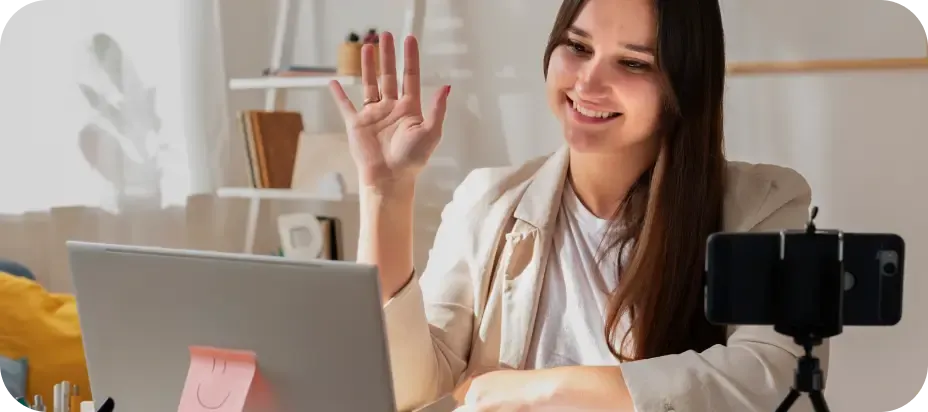
Educational Videos
Turn your knowledge and ideas into engaging educational Shorts. Add clear captions, visual effects, and smooth edits to create easy-to-follow tutorials, explainers, and informative content.
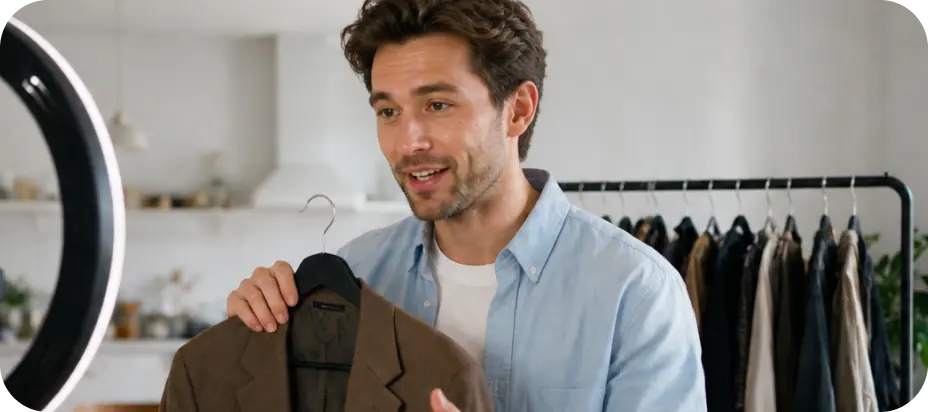
Marketing Videos
Create promotional Shorts to showcase products, services, or brand stories. Use creative editing tools to make your marketing content more engaging and shareable across digital platforms.

Vlog Videos
Capture your daily life, travel experiences, and special moments with engaging Shorts. Add music, transitions, and creative effects to turn your footage into polished vlog-style videos.
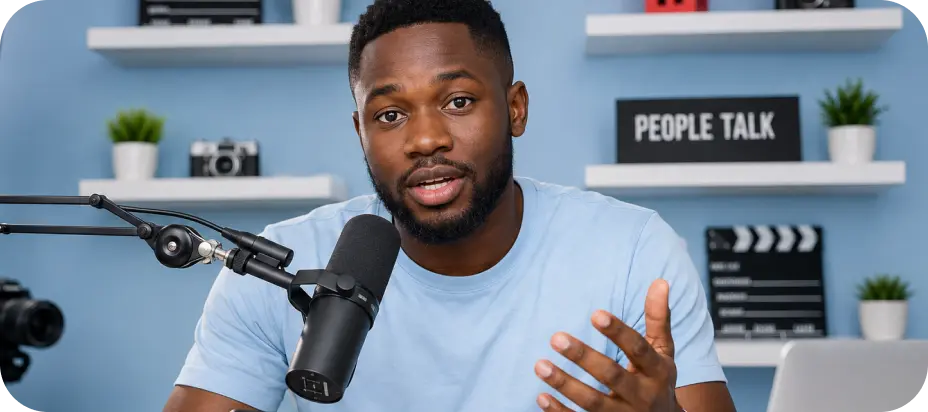
Creator Videos
Help content creators produce high-quality Shorts efficiently. Combine editing tools, captions, effects, and creative elements to build engaging videos that grow your channel and connect with audiences.
Why Choose Edimakor YouTube Shorts Maker

Fast Shorts Creation
Create YouTube Shorts quickly with an all-in-one editor that simplifies trimming, effects, captions, and audio adjustments.

Creative Editing Tools
Enhance your Shorts with engaging effects, smooth transitions, dynamic captions, and creative elements to attract more viewers.

Easy Content Sharing
Create mobile-ready Shorts in the perfect format and export videos easily for YouTube and other social platforms.

Edimakor makes creating YouTube Shorts much easier than I expected. I can edit clips, add captions, and finish videos quickly without complicated steps.

I use Edimakor for my YouTube channel, and it saves me a lot of editing time. The effects and transitions help my Shorts look more professional.

Daniel Brooks
As a beginner, I love how simple Edimakor feels. It has everything I need to create engaging Shorts and share my videos online.

Sophia Williams

Create More Engaging YouTube Shorts with Edimakor
Add creative effects, captions, transitions, music, and AI-powered editing tools to transform your clips into eye-catching Shorts.
FAQs about Edimakor YouTube Shorts Maker
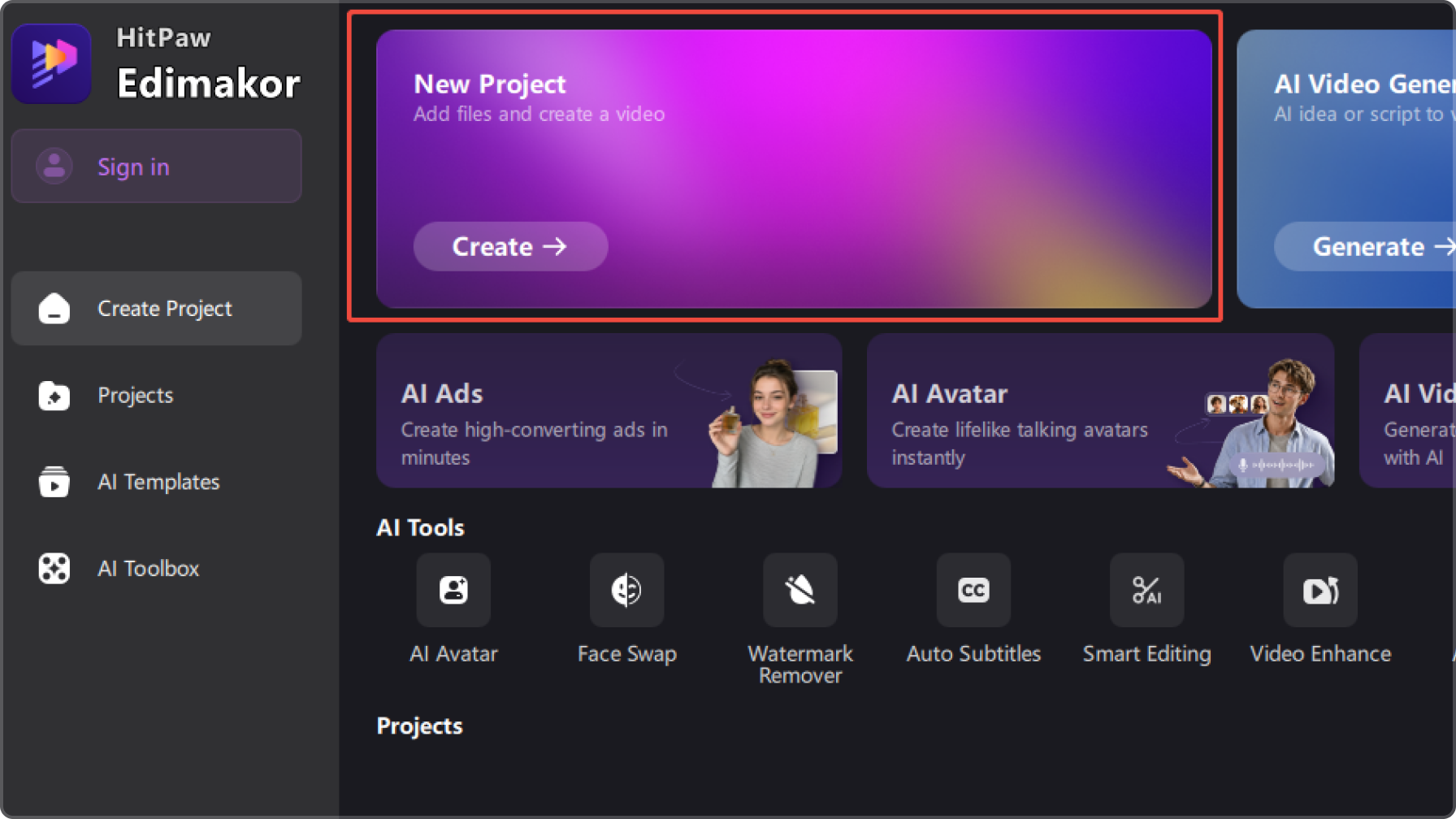
You can create a YouTube Short by importing your video clips, trimming unnecessary parts, adding effects, captions, and music, then exporting the final video in a vertical format. HitPaw Edimakor helps simplify the entire editing process with easy-to-use tools.
The recommended format for YouTube Shorts is a vertical 9:16 aspect ratio, optimized for short-form viewing experiences. Creating videos in the right format helps your content display properly across different devices and platforms.
Captions make Shorts easier to understand and help keep viewers engaged. You can use automatic caption tools to generate subtitles quickly, then customize the style, timing, and appearance to match your content.
Yes. Modern video editors are designed for beginners and creators who want to make high-quality Shorts quickly. With simple editing tools, templates, effects, and audio features, you can create professional-looking videos without complicated skills.
To create engaging Shorts, focus on strong visuals, clear captions, smooth transitions, and suitable music. Using creative editing features in tools like HitPaw Edimakor can help improve your videos and make them more appealing to viewers.
One-Stop Tools, Personalized YouTube Shorts


 Edimakor
You
+ Edimakor - Turn ideas
into dynamic
videos
Emily Carter