Edimakor Hashtag Generator
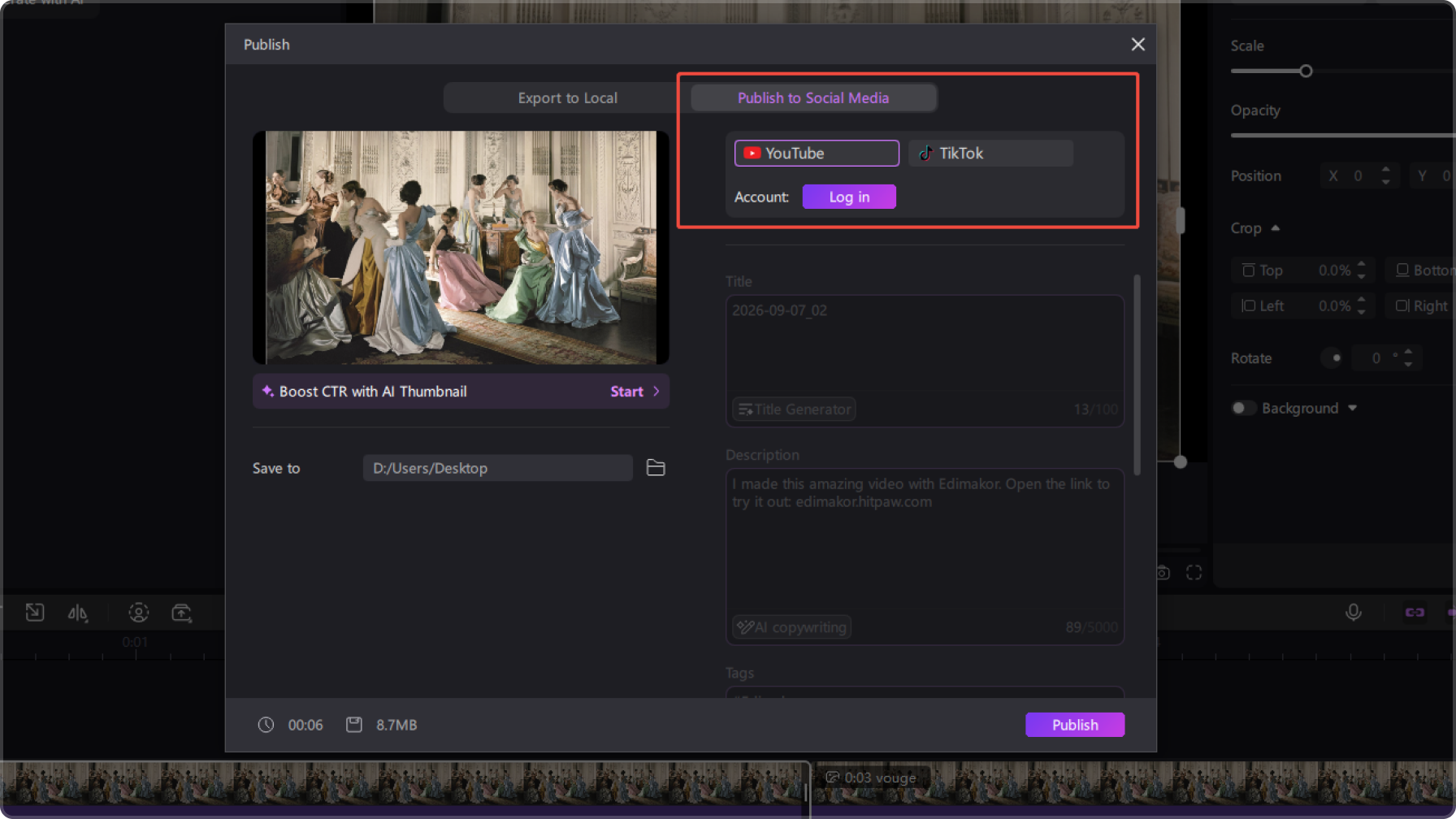
Make your finished videos ready for social sharing with HitPaw Edimakor Hashtag Generator. Enter a keyword to instantly discover relevant hashtags for your content and use them when sharing your videos on TikTok or YouTube. Simplify the final stage of video creation with a faster way to find hashtags that fit your content.
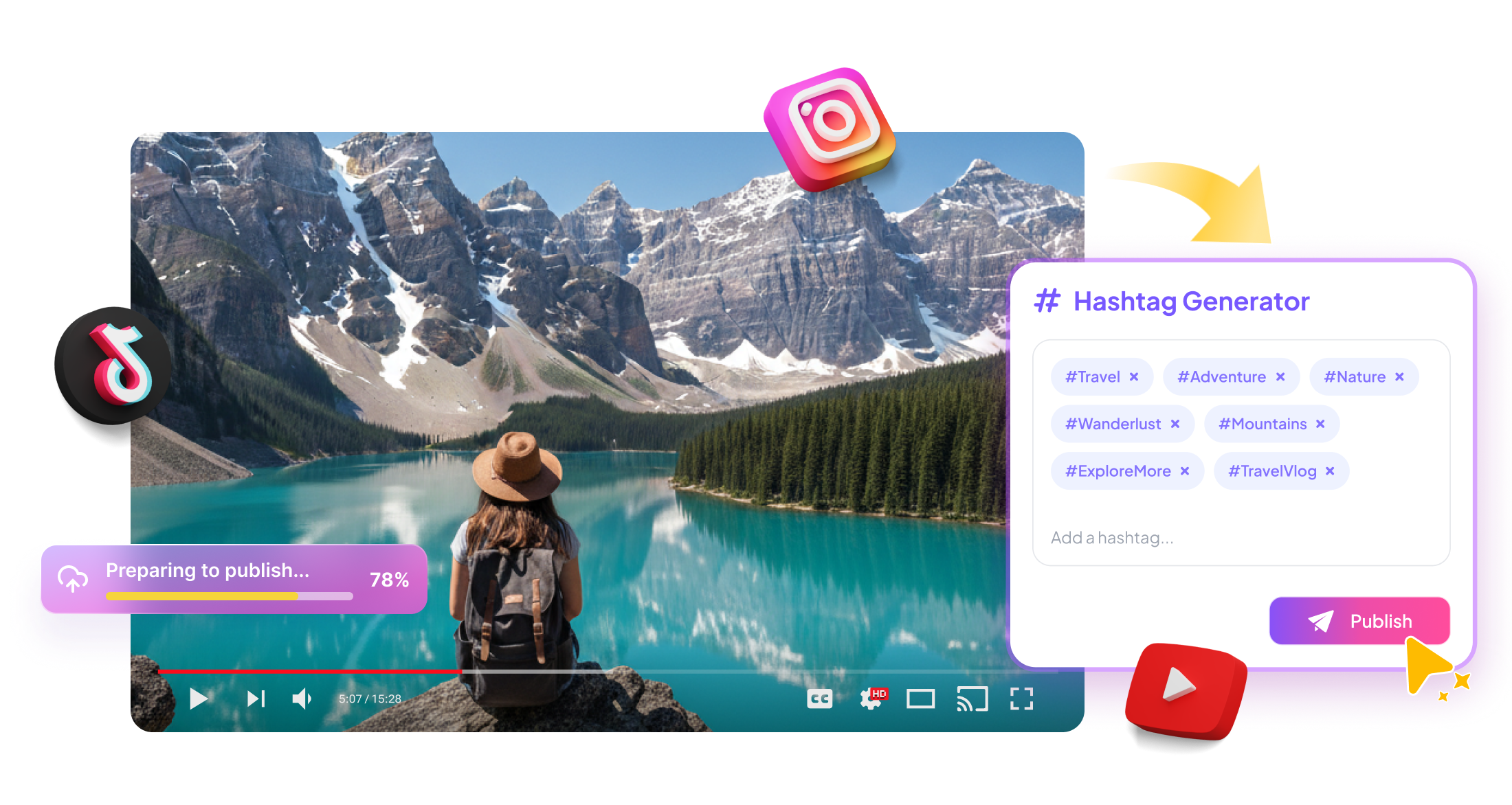







Edimakor Hashtag Generator for Social Media Videos

Generate Hashtags from Keywords
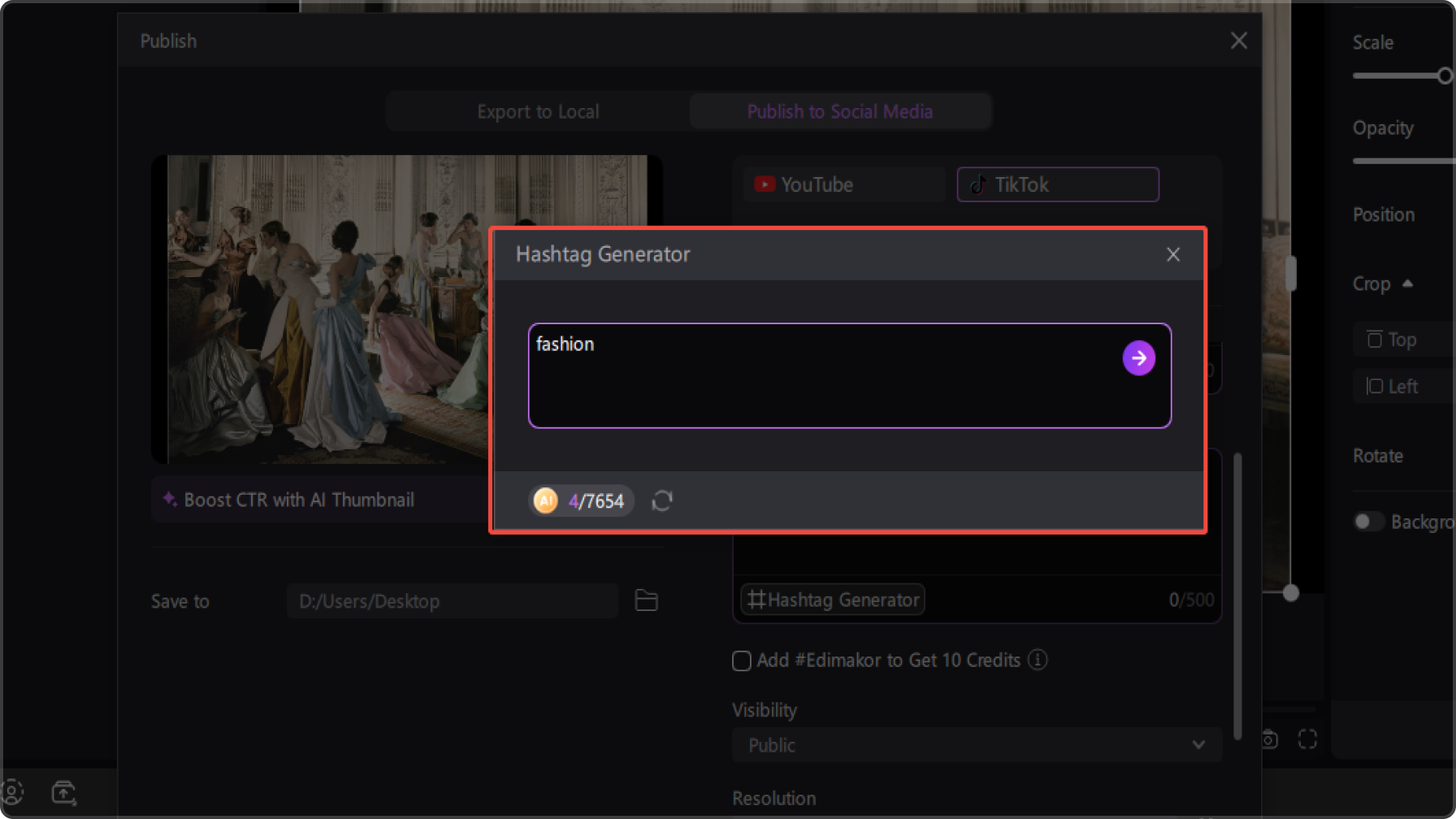
Enter a keyword that describes your video and let the Hashtag Generator quickly provide relevant hashtag ideas. Start with a simple topic, phrase, or content theme to find tags that fit your video.
Find Hashtags for Any Video Topic
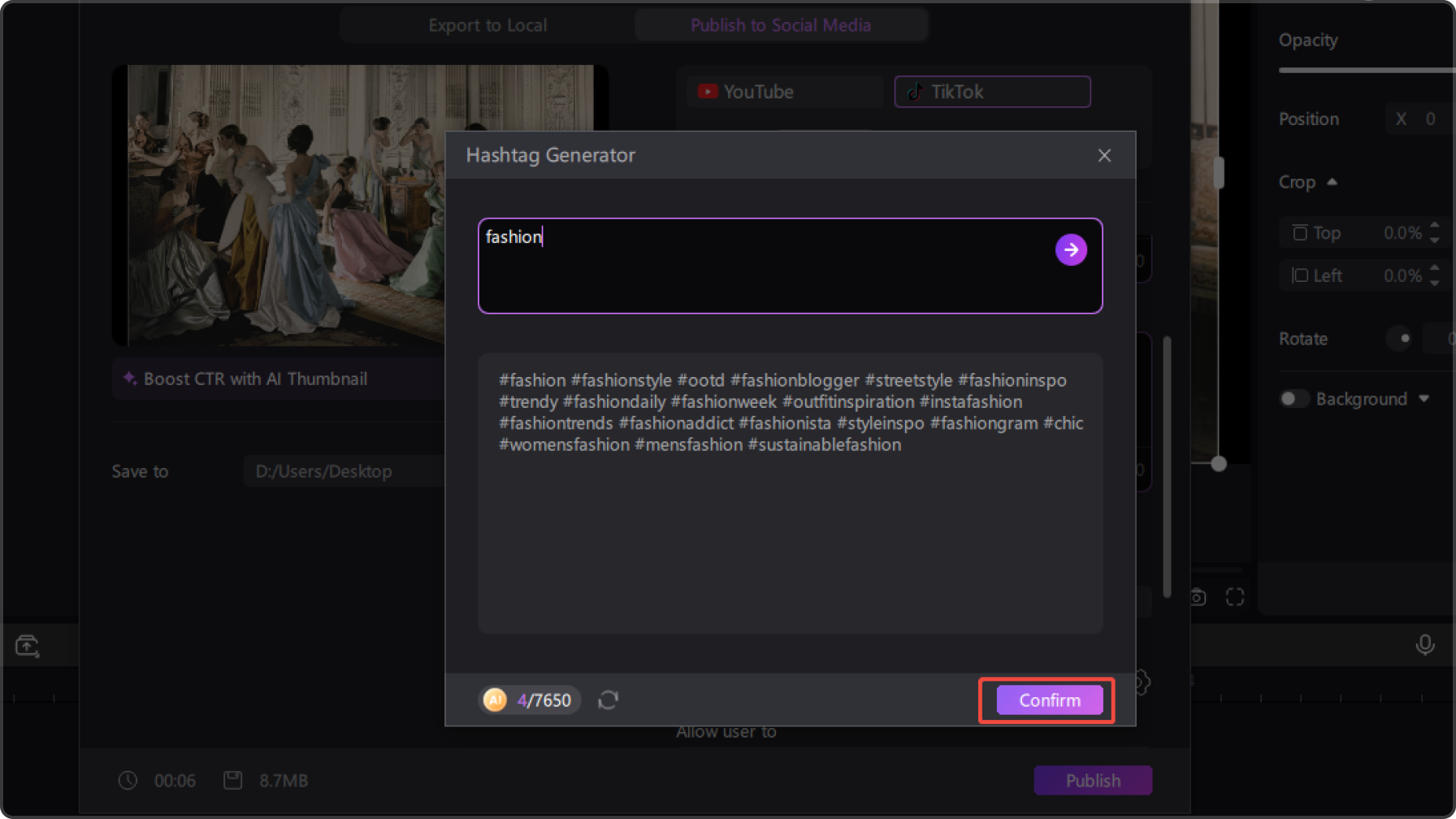
Explore hashtag ideas for different types of video content, from travel and beauty to gaming, education, and more. Turn your main content topic into relevant tags without spending time searching for them manually.
Get Your Videos Ready for Social Media
Use relevant hashtags for videos shared on social platforms like TikTok and YouTube. Discover tags related to your content and make your videos ready for sharing across your favorite social media channels.
Speed Up Your Content Workflow
Once your video is finished, generate hashtags directly in Edimakor by entering a keyword related to your content. Skip switching between different tools to research hashtags and move from finished video to social sharing more efficiently.
Make Every Video Easier with HitPaw Edimakor Hashtag Generator

I can simply enter the main keyword for my video and quickly get hashtag ideas that fit the topic. It’s much easier than coming up with tags from scratch every time I post.

I use Edimakor for videos I share on both TikTok and YouTube, so having the Hashtag Generator right in the publishing workflow is really convenient. I can prepare my tags without jumping between different tools.

Derek Whitmore
Once I’ve finished editing, I don’t want to spend another ten minutes researching hashtags. Edimakor lets me enter a keyword and generate tags right away, which makes the final publishing step much faster.

Naomi Fletcher
More Features & More Possibilities
AI Video Generator
Create professional marketing videos from text, images, or product links in minutes.
AI Script Generator
Turn product ideas into high-converting video scripts, ad copies, and UGC concepts instantly.
AI Image Generator
Generate stunning product visuals, ad creatives, and brand assets with simple prompts.
AI Voiceovers & Royalty-Free Music
Create engaging videos with natural AI voices and a built-in library of royalty-free music.
Built-in Video Editor
Edit, subtitle, enhance, and perfect your videos in one powerful workspace.
Hyper Realistic AI Avatars
Generate stunning product visuals, ad creatives, and brand assets with simple prompts.
FAQs about Edimakor Hashtag Generator
Enter a keyword that describes your video in HitPaw Edimakor Hashtag Generator to generate relevant hashtag ideas. Review the suggestions and choose the tags that best match your content before sharing it on social media.
Choose hashtags that directly describe your video's topic, niche, or format. Start with the main keyword of your video, then select relevant tags from the suggestions generated by HitPaw Edimakor.
There is no single number that works for every TikTok video. Focus on a small set of relevant hashtags that accurately represent your content instead of adding unrelated or overly broad tags. HitPaw Edimakor can help you quickly generate relevant options from a keyword.
Hashtags can help categorize YouTube content and connect videos with related hashtag pages, but they are only one part of video discovery. Use tags that are relevant to your video's topic rather than relying on hashtags alone to increase reach. HitPaw Edimakor can help you prepare relevant hashtag ideas from your video's main keyword.
Yes. You can start with keywords related to different video topics, such as travel, beauty, gaming, education, or finance. HitPaw Edimakor’s Hashtag Generator provides hashtag ideas based on the keyword you enter, making it easier to prepare tags for different types of social media content.
 Edimakor
You
+ Edimakor - Turn ideas
into dynamic
videos
Marina Caldwell