Sync Subtitles with Edimakor
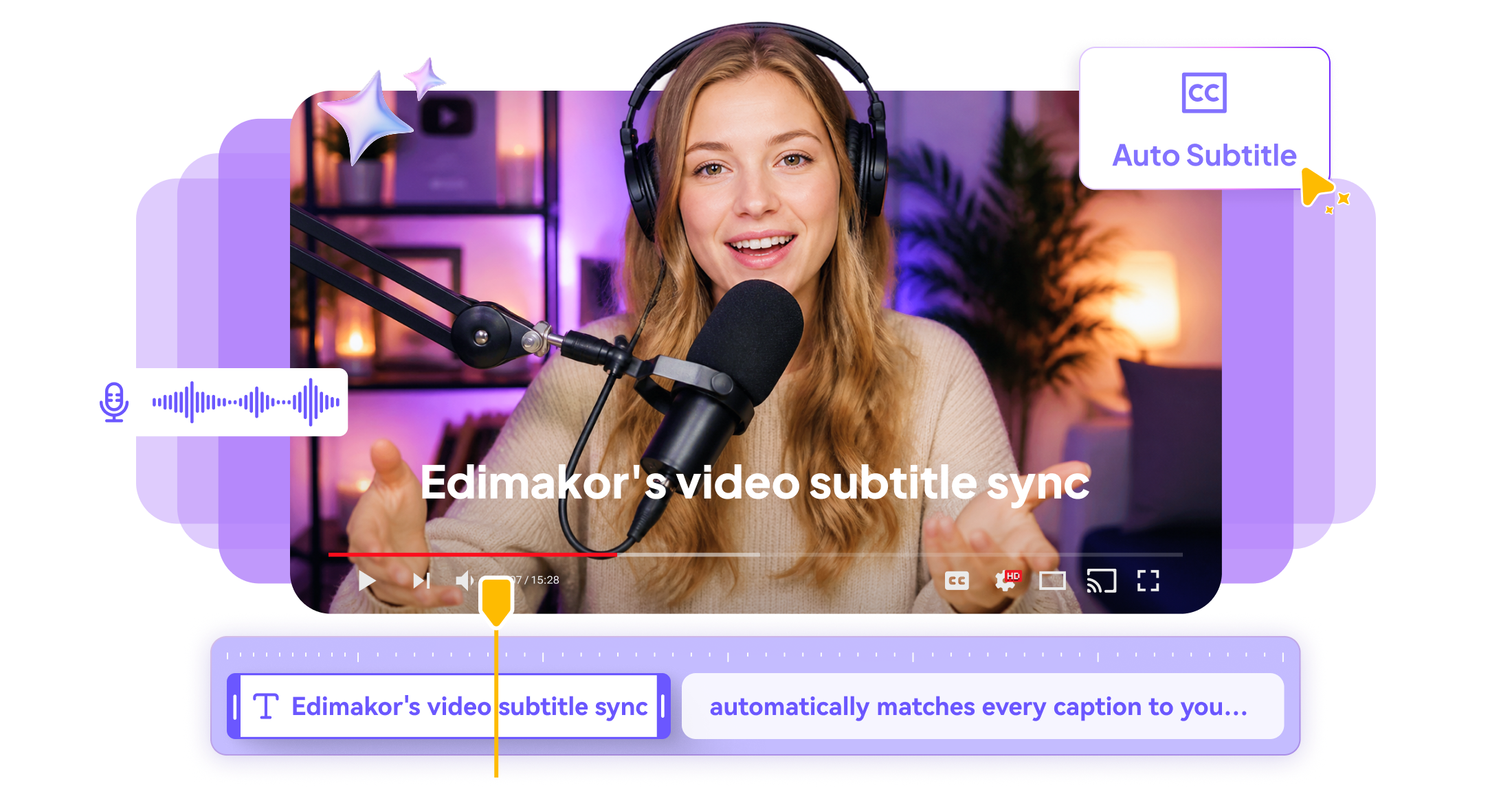
Make subtitles appear at the right moment with HitPaw Edimakor. Automatically align captions with spoken words, fix timing issues, and keep subtitles synchronized throughout your video without tedious manual adjustments.







Sync Subtitles More Easily with HitPaw Edimakor

Automatically Sync and Style Subtitles
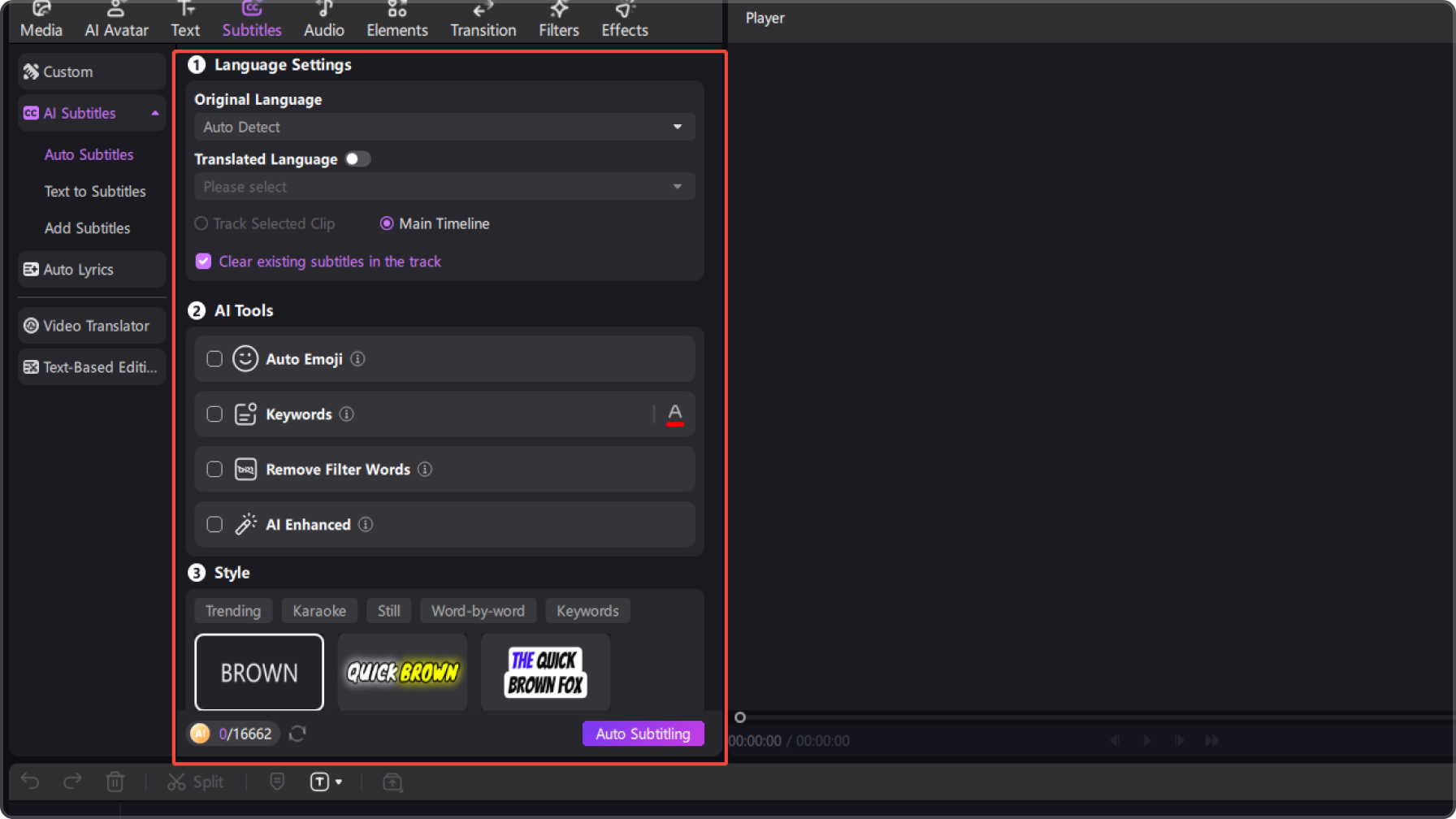
Match your subtitles with the spoken content automatically, so you don’t have to manually set the timing for every line. Then customize subtitle styles, text effects, and layouts to make your captions fit your video.
Work with Subtitles in Different Languages
Sync and refine subtitles across different languages to make your videos easier to adapt for global audiences. Keep translated captions properly aligned with the corresponding dialogue for a smoother viewing experience.
Import and Edit Subtitle Files
Import existing subtitle files directly into your project and continue editing without recreating them from scratch. Save time when working with prepared captions and quickly adjust their timing or appearance to fit your video.
Sync Subtitles for Long Videos
Keep subtitles properly aligned across interviews, tutorials, lectures, and other long-form videos. Handle multiple sections of dialogue more efficiently without losing track of subtitle timing as the video continues.


Sync Subtitles for Every Type of Content

I often work with subtitle files that are slightly out of sync with my videos. HitPaw Edimakor makes it much easier to bring them back into place without manually adjusting every caption one by one.

The Sync Subtitles feature is useful when I already have subtitles but their timing is off. I can sync them with the video first and then make smaller timing adjustments when needed.

Noah Campbell
I use subtitles in different languages for my videos, and keeping the timing right used to be a tedious part of editing. Being able to sync subtitles directly in Edimakor saves me a lot of repetitive work.

Lily Foster
More Features & More Possibilities
AI Video Generator
Create professional marketing videos from text, images, or product links in minutes.
AI Script Generator
Turn product ideas into high-converting video scripts, ad copies, and UGC concepts instantly.
AI Image Generator
Generate stunning product visuals, ad creatives, and brand assets with simple prompts.
AI Voiceovers & Royalty-Free Music
Create engaging videos with natural AI voices and a built-in library of royalty-free music.
Built-in Video Editor
Edit, subtitle, enhance, and perfect your videos in one powerful workspace.
Hyper Realistic AI Avatars
Generate stunning product visuals, ad creatives, and brand assets with simple prompts.
FAQs about Edimakor Sync Subtitles
Sync Subtitles means matching the timing of your subtitle text with the corresponding spoken content in your video, so each caption appears when the related dialogue is being spoken.
Import your video and existing subtitles into HitPaw Edimakor, use the Sync Subtitles feature to align them, and then preview the result to make any necessary timing adjustments.
Yes. You can import an existing subtitle file and sync its timing with your video instead of recreating the subtitles from scratch.
Yes. After automatically syncing your subtitles, you can review the video and make additional timing adjustments when individual captions need to be moved forward or backward.
Yes. Sync Subtitles can help align captions across longer videos, making it easier to manage subtitle timing for interviews, tutorials, lectures, and other extended content.
 Edimakor
You
+ Edimakor - Turn ideas
into dynamic
videos
Ava Martinez