AI Video Editor - Edimakor
 AI-powered
AI-powered
VTuber Maker
- Create unique AI VTuber avatars without drawing or professional design skills.
- Bring virtual characters to life with realistic expressions and movements.
- Generate talking avatars for videos, livestreams, and online content.
- Customize your avatar’s appearance, voice, and personality style easily.
- Create engaging VTuber content while staying behind the camera.
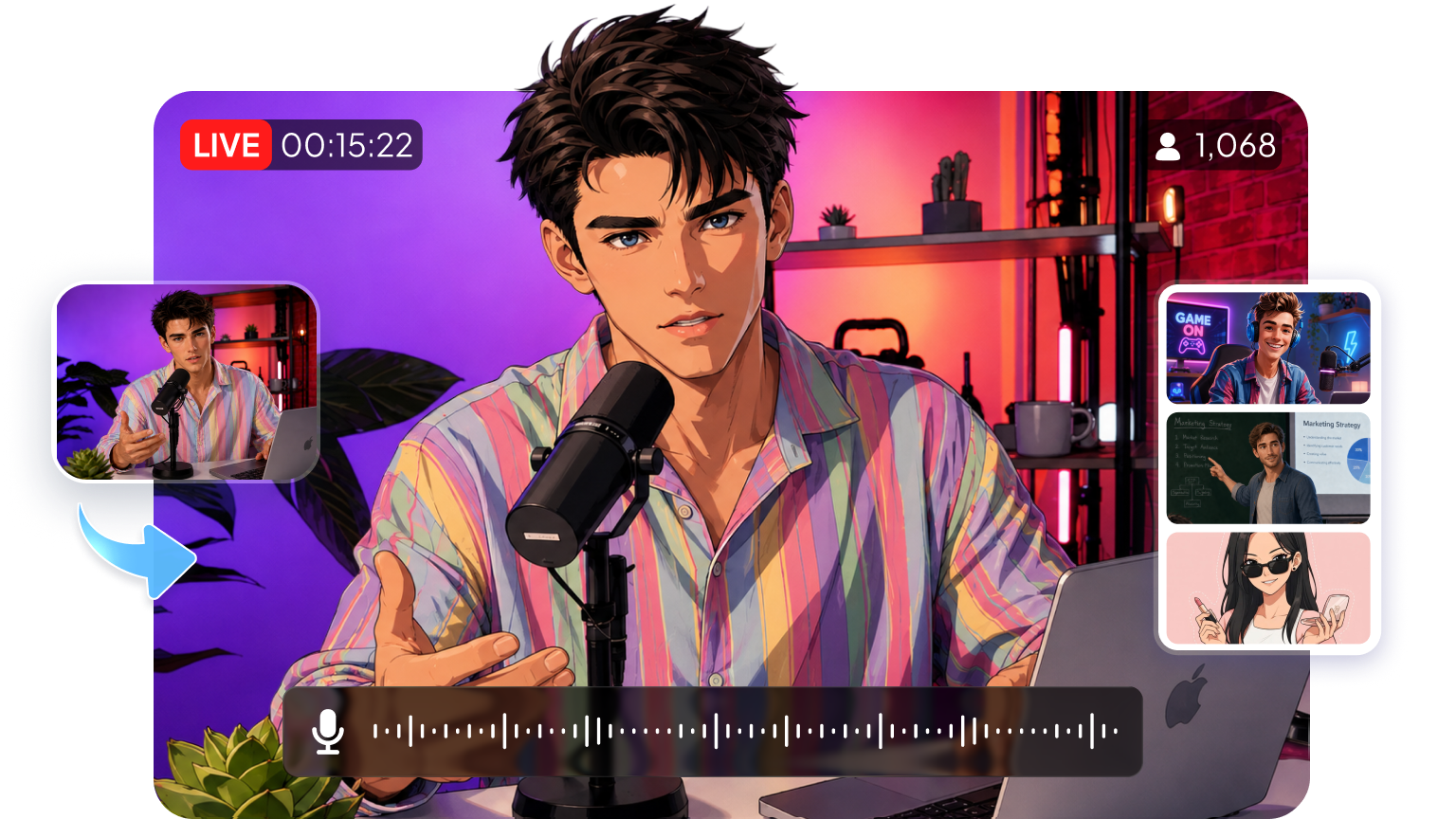







Build Unique AI Avatar Characters with VTuber Maker

Generate Unique AI VTuber Avatars
Create your own virtual characters with AI-powered avatar generation. Choose different visual styles, customize character details, and build a unique VTuber identity without requiring drawing skills or professional design experience.
Make Avatars Speak Naturally
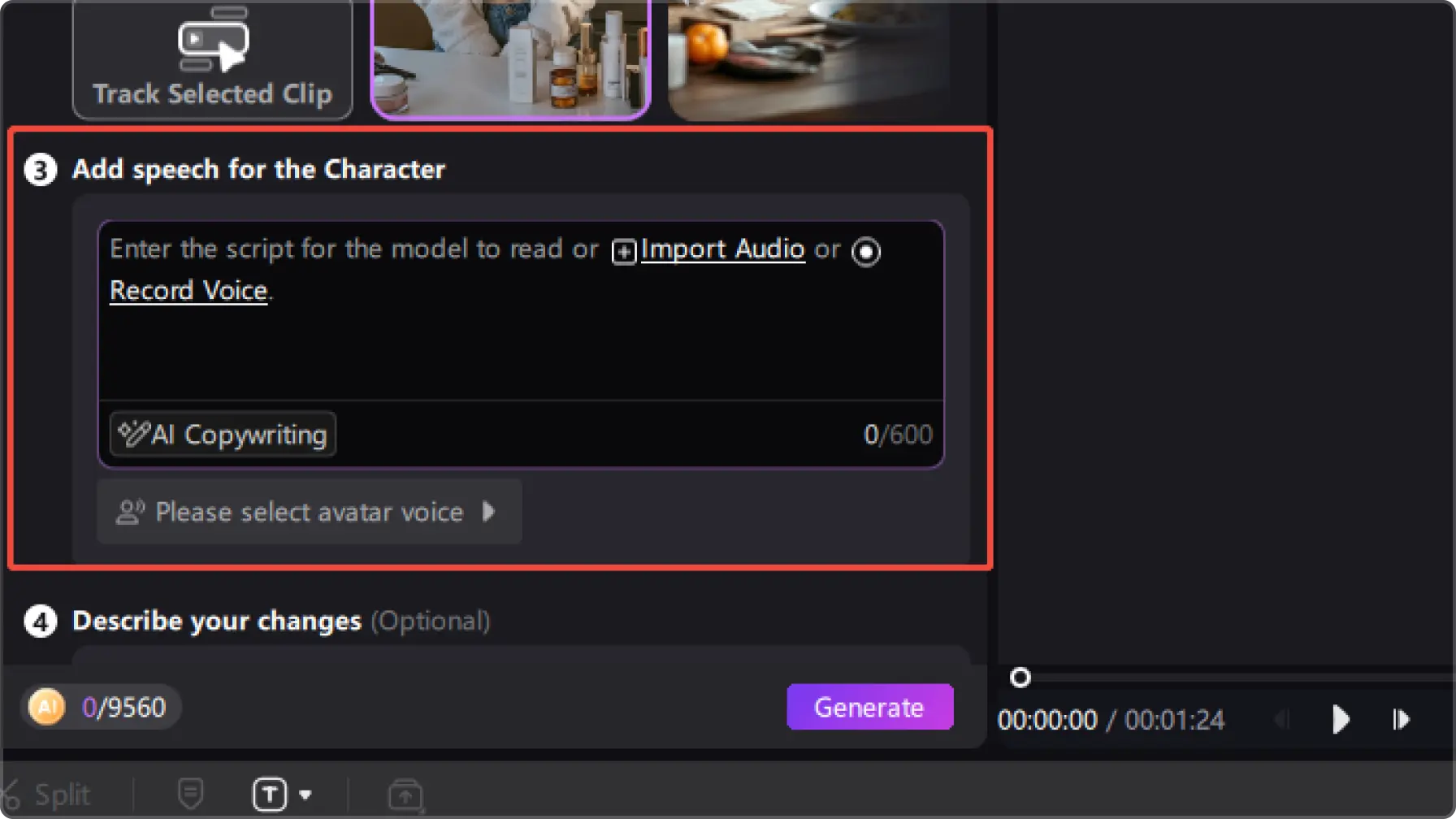
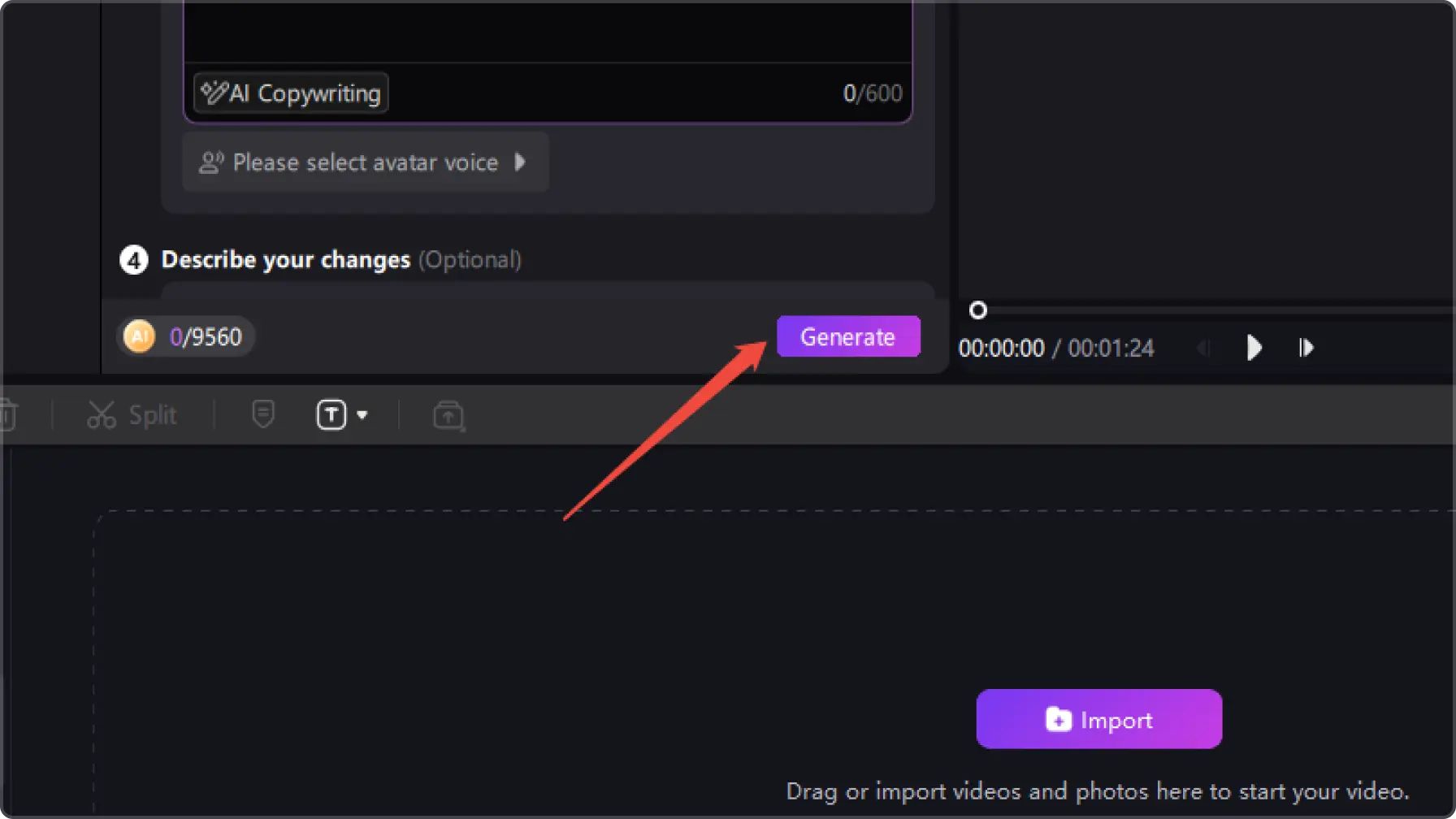
Turn static characters into expressive virtual personalities with realistic lip-sync and natural facial movements. Your AI Avatar can deliver dialogue, presentations, and stories with more engaging expressions.
Customize Your Avatar’s Voice and Style
Create a more personalized virtual identity by adjusting your avatar’s voice, appearance, and overall style. Build characters that match your content theme, personality, or creative vision.
Create Content Without Showing Your Face
Use AI VTuber avatars for videos, livestreams, tutorials, and online content while staying behind the camera. Create engaging digital experiences without needing to appear on screen yourself.
More Tools to Enhance Your VTuber Creation
Text to Speech
Convert text to speech with 400+ AI voices in 50+ languages. You can use them in your AI-animated videos to add vibrance.
AI Music Generator
Generate original music with AI for any video style or mood.
AI Video Generator
The AI animation video can be merged with other video materials to make your videos extraodinary.
AI Animation Effects
After converting texts/images to animation, you can apply other animation effects like Ghibli and Retro comic style to them.
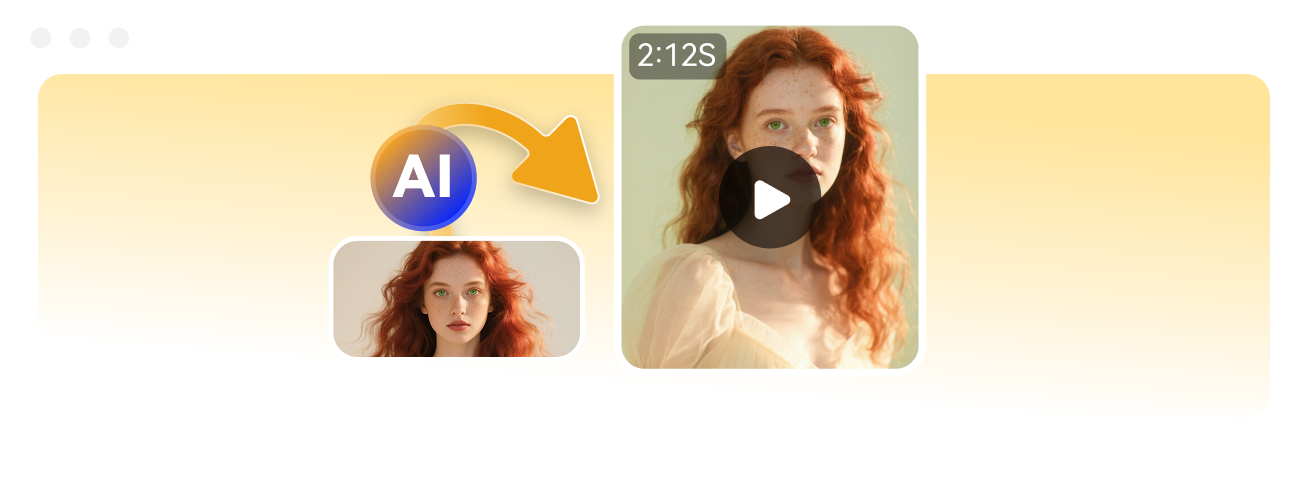
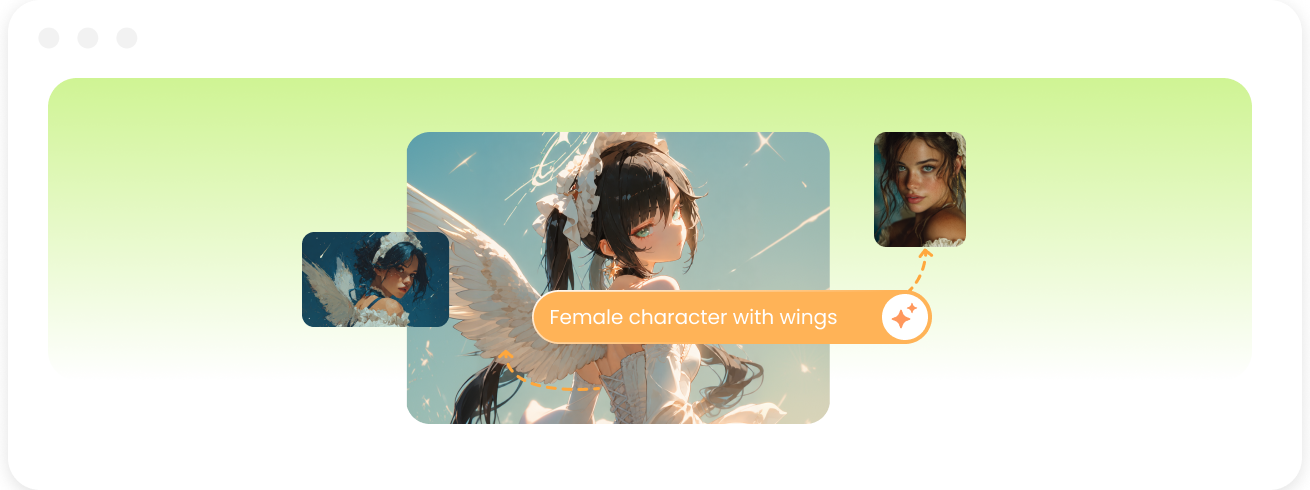
AI Image Generator
Create stunning AI-generated images from text or images with ease. Bring your ideas to life with creative styles, realistic visuals, and endless possibilities.
Explore What You Can Create with a VTuber Maker
Social Media Content
Create short-form videos and social posts featuring your VTuber avatar. Share updates, creative content, and personal expressions through a recognizable virtual identity.
Live Streaming
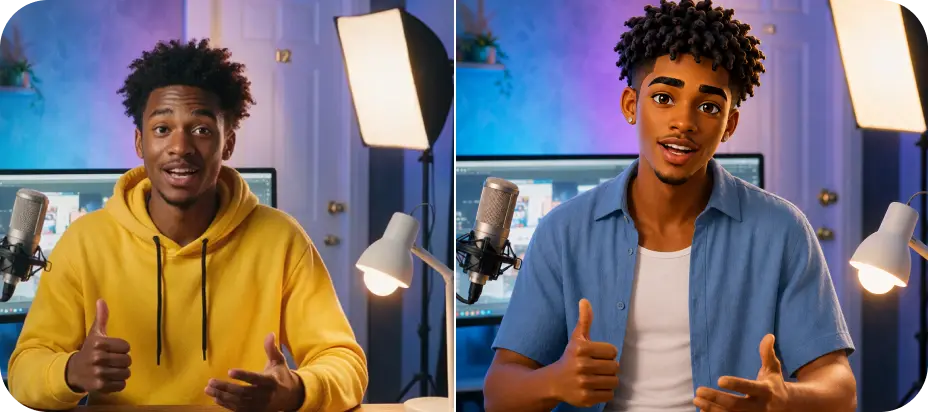
Build your own virtual streamer with a personalized VTuber avatar. Create interactive livestreams, chat with your audience, and share content without showing your real face.
Gaming Content
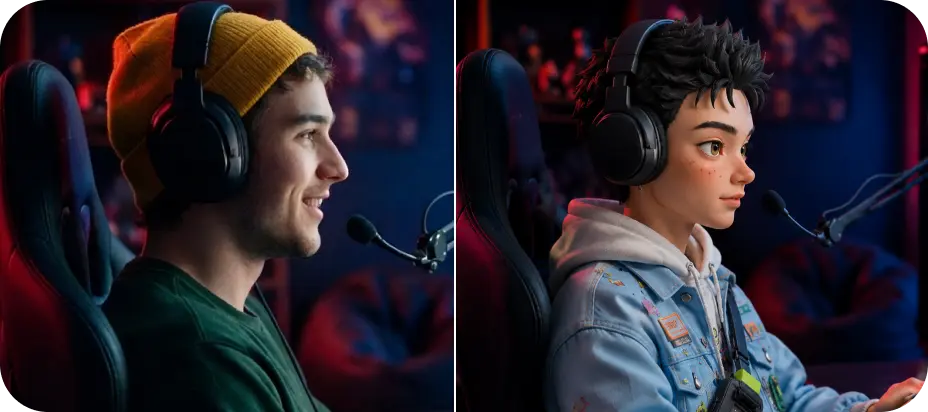
Create engaging gaming content with a VTuber character as your virtual identity. Share gameplay, commentary, and reactions while building a unique presence in the gaming community.
Educational Content
Use your VTuber character as a virtual instructor for tutorials, courses, and educational videos. Make explanations more engaging with expressive avatars and interactive presentations.
Storytelling Videos
Bring stories and creative ideas to life with a virtual character. Use your VTuber avatar as a presenter for animated stories, entertainment videos, and original content.
Live Streaming
Build your own virtual streamer with a personalized VTuber avatar. Create interactive livestreams, chat with your audience, and share content without showing your real face.
Gaming Content
Create engaging gaming content with a VTuber character as your virtual identity. Share gameplay, commentary, and reactions while building a unique presence in the gaming community.

Educational Content
Use your VTuber character as a virtual instructor for tutorials, courses, and educational videos. Make explanations more engaging with expressive avatars and interactive presentations.

Storytelling Videos
Bring stories and creative ideas to life with a virtual character. Use your VTuber avatar as a presenter for animated stories, entertainment videos, and original content.
Why Choose Edimakor VTuber Maker

Create Without Design Skills
Build your own VTuber identity without complex character design or animation knowledge. Edimakor helps you turn creative ideas into personalized virtual avatars with an easier creation experience.

Make Characters Feel Alive
Give your VTuber avatar more personality with natural expressions, voice interaction, and realistic movements. Create virtual characters that feel more dynamic and engaging for your audience.

Create Content Your Way
Use your VTuber avatar across different content formats, from livestreams and videos to social platforms. Build a flexible virtual identity that matches your creative goals.

I wanted to start VTuber content but didn’t know how to create a character. Edimakor made the process much easier, and I could build an avatar that fits my style.

The avatar features are impressive. I can create virtual characters that look more expressive and use them for my gaming videos and online content.

Marcus Bennett
As a beginner creator, I was looking for a way to make VTuber videos without complicated tools. Edimakor gives me an easy way to explore virtual content creation.

Ava Montgomery

Start Your VTuber Journey with Edimakor
Create your own AI VTuber Avatar with Edimakor and bring your virtual character to life. Design unique identities, generate engaging content, and start your VTuber creation journey today.
FAQs about Edimakor VTuber Maker
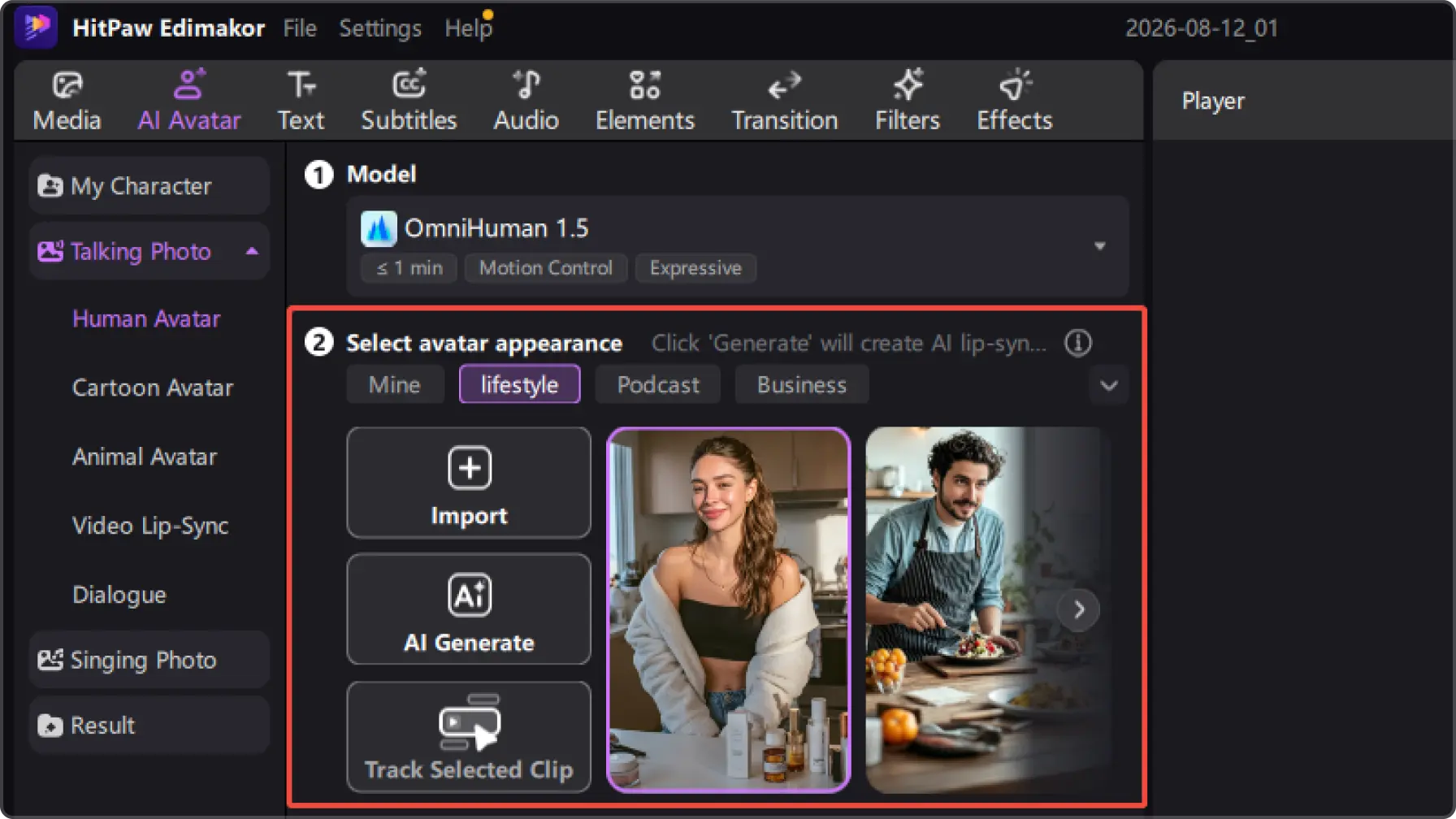
To create a VTuber avatar, you need a virtual character, personalized design elements, and tools that can bring your character to life. HitPaw Edimakor helps you create and customize AI VTuber avatars for videos, livestreams, and online content.
VTuber avatars use technologies like lip-sync, facial expressions, and motion control to respond naturally. HitPaw Edimakor allows AI avatars to deliver more expressive performances for different types of virtual content.
VTuber avatars can be used for livestreaming, gaming content, storytelling videos, tutorials, and social media content. They allow creators to build a recognizable virtual identity while creating content without appearing on camera.
Yes. Using your own voice can help create a more personalized VTuber identity. HitPaw Edimakor allows creators to combine AI avatars with voice features to make virtual characters feel more unique and recognizable.
Yes. AI tools can help generate virtual characters, customize their appearance, and bring them to life with expressions and voice. HitPaw Edimakor makes it easier to create personalized AI VTuber avatars without starting from scratch.
One-Stop AI Tools for Every Creator


 Edimakor
You
+ Edimakor - Turn ideas
into dynamic
videos
Lily Harrison