Edimakor Auto Subtitle Generator
Automatically turn spoken words into subtitles with AI-powered speech recognition. HitPaw Edimakor detects dialogue in your video and creates accurate captions in seconds, so you can spend less time typing and more time creating.
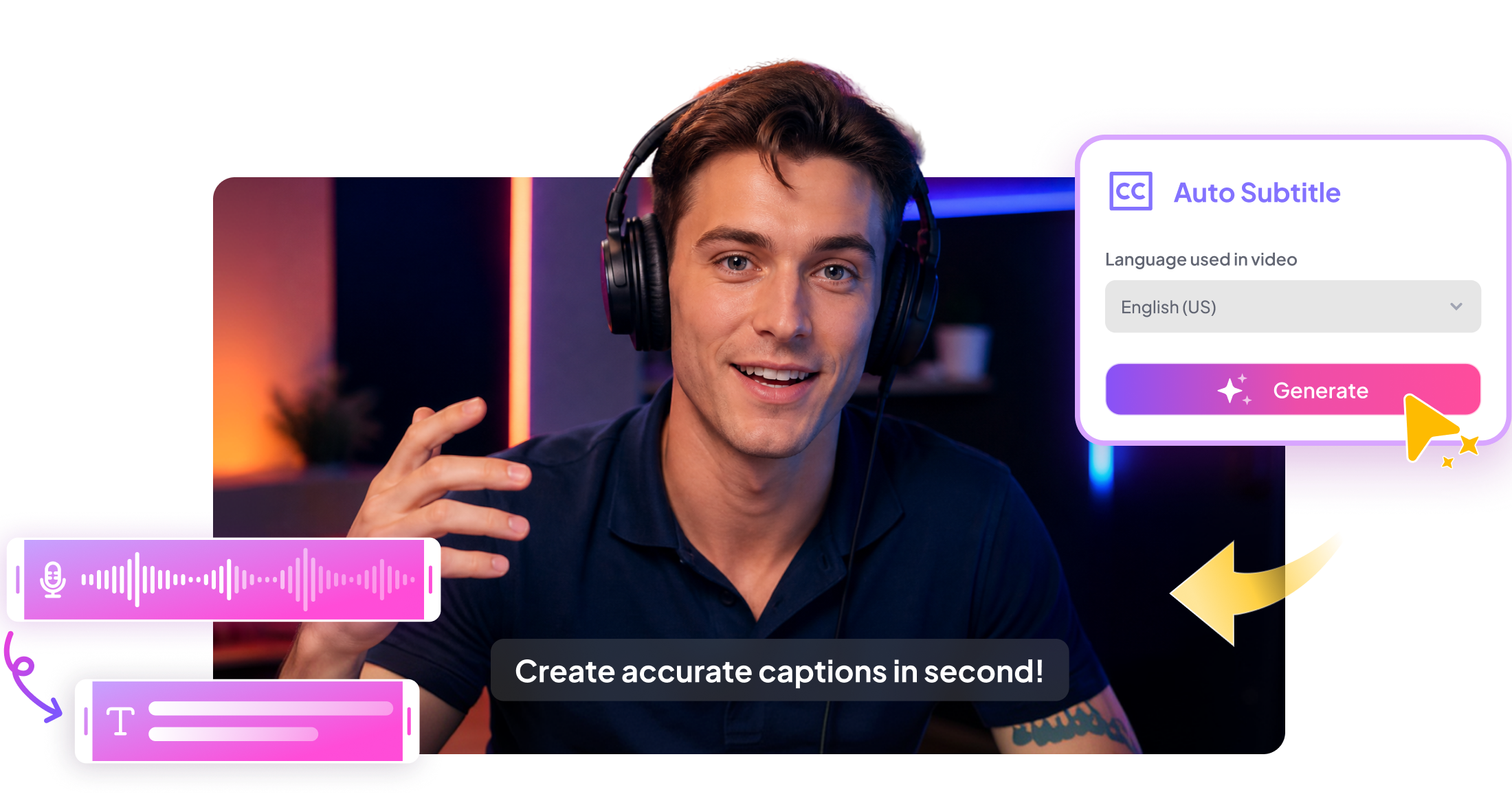







Create Better Videos with Edimakor Auto Subtitle Generator

Turn Speech into Engaging Subtitles
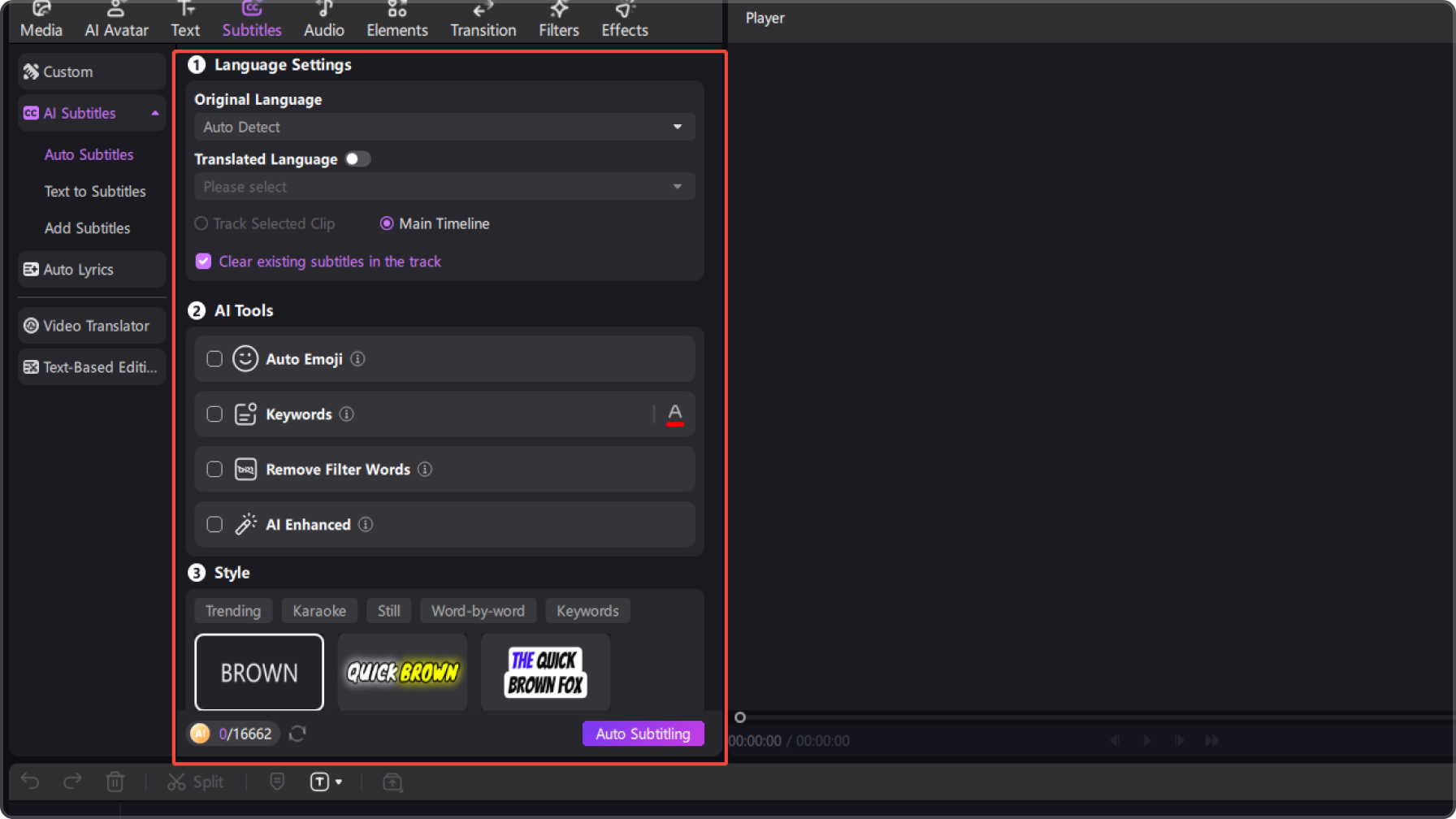
Let AI recognize the spoken content in your video and turn it into accurate subtitles automatically.Highlight key words and important phrasesto make your message easier to follow and help viewers catch the most valuable information.
Match Subtitles to Your Video Automatically
Keep every caption aligned with the corresponding speech so viewers can follow along naturally. Avoid manually setting when each line should appear and make the entire editing process faster.
Correct and Refine Your Subtitles Easily
Quickly review AI-generated captions and fix recognition errors, wording, punctuation, or unnecessary filler words. Clean up your subtitles without having to recreate them from scratch.
Customize Subtitles to Fit Your Video
Adjust subtitle styles, text effects, layouts, and other visual elements to match your content. Create captions that are easy to read while adding more personality to your videos.
How to Generate Subtitles Automatically with HitPaw Edimakor


Auto Subtitle Generator for Every Creator

I used to spend a lot of time typing subtitles for my videos. HitPaw Edimakor’s Auto Subtitle Generator handles the first draft for me, and I can quickly correct the text and highlight important words afterward.

The AI correction is especially useful for my videos because I don’t have to manually check every line for small transcription mistakes. It makes the whole subtitle workflow much faster.

Ryan Mitchell
I like being able to make the generated subtitles look more dynamic instead of leaving them as plain text. Adding different text effects and highlighting key words makes a noticeable difference in short videos.

Emma Richardson
More Features & More Possibilities
AI Video Generator
Create professional marketing videos from text, images, or product links in minutes.
AI Script Generator
Turn product ideas into high-converting video scripts, ad copies, and UGC concepts instantly.
AI Image Generator
Generate stunning product visuals, ad creatives, and brand assets with simple prompts.
AI Voiceovers & Royalty-Free Music
Create engaging videos with natural AI voices and a built-in library of royalty-free music.
Built-in Video Editor
Edit, subtitle, enhance, and perfect your videos in one powerful workspace.
Hyper Realistic AI Avatars
Generate stunning product visuals, ad creatives, and brand assets with simple prompts.
FAQs about Edimakor Auto Subtitle Generator
An Auto Subtitle Generator uses AI to recognize speech in a video and automatically create subtitles from the spoken content, saving you from manually typing every line.
Upload your video to HitPaw Edimakor, use the subtitle generation feature to recognize the spoken content, and review the generated subtitles before customizing their appearance.
Yes. HitPaw Edimakor provides AI correction to help identify and fix recognition errors, making automatically generated subtitles more accurate and readable.
Yes. You can emphasize important words and phrases with available text styles and effects, helping key information stand out from the rest of the subtitles.
Yes. After generating your subtitles, you can customize their text style, effects, layout, and other available settings to better match your video.
 Edimakor
You
+ Edimakor - Turn ideas
into dynamic
videos
Chloe Anderson