






I use Edimakor to create collage videos for my social media channels. The multiple layout options help me combine photos and clips in a creative way. I can add music, text, and stickers without switching between different tools. It saves time when I need to prepare regular content. The editing process is simple even for beginners.

The Core Advantages of Our Video Collage Maker
Combine Photos and Videos Easily
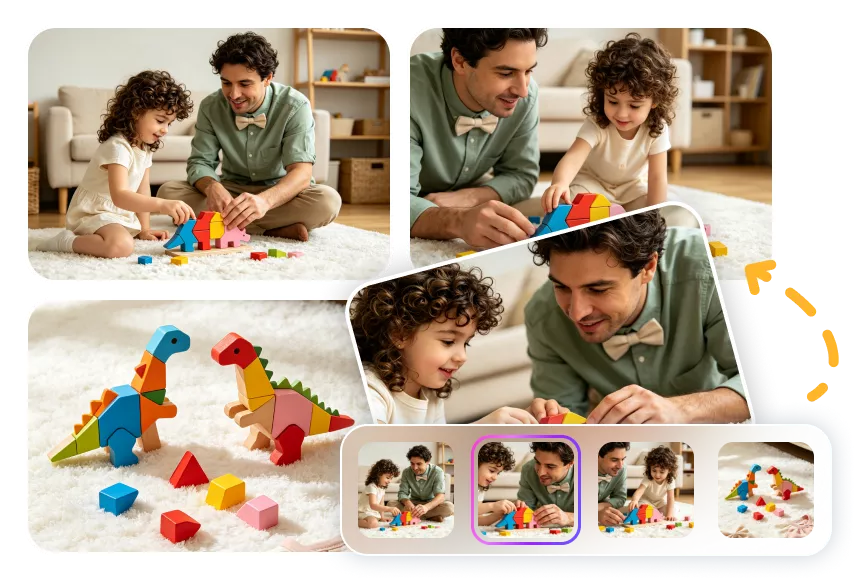
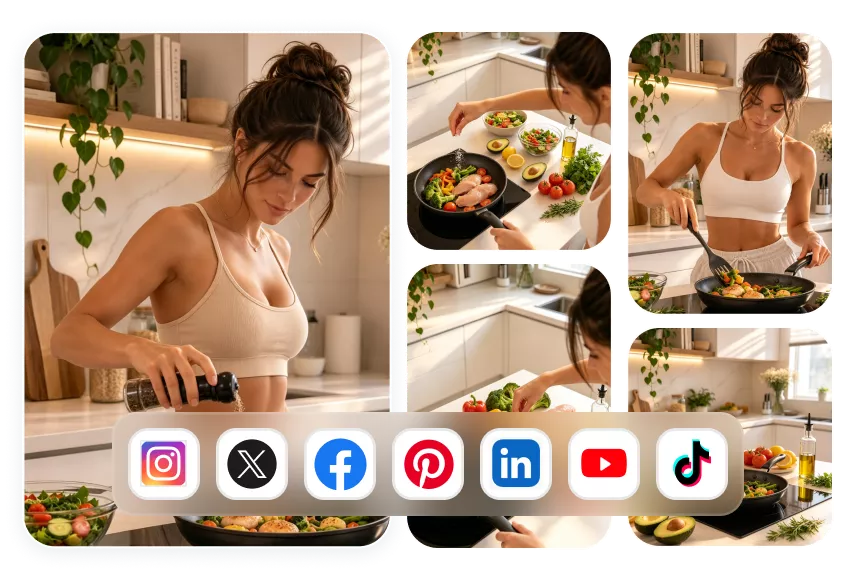
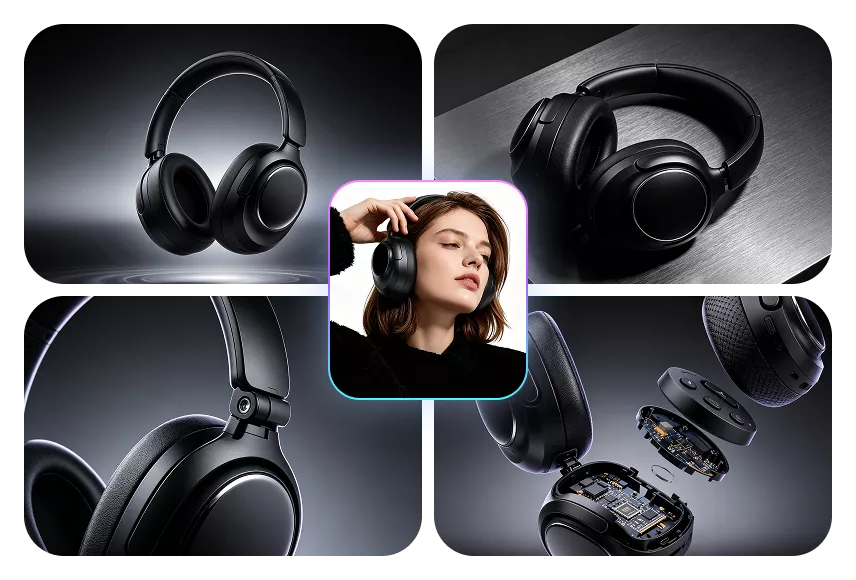
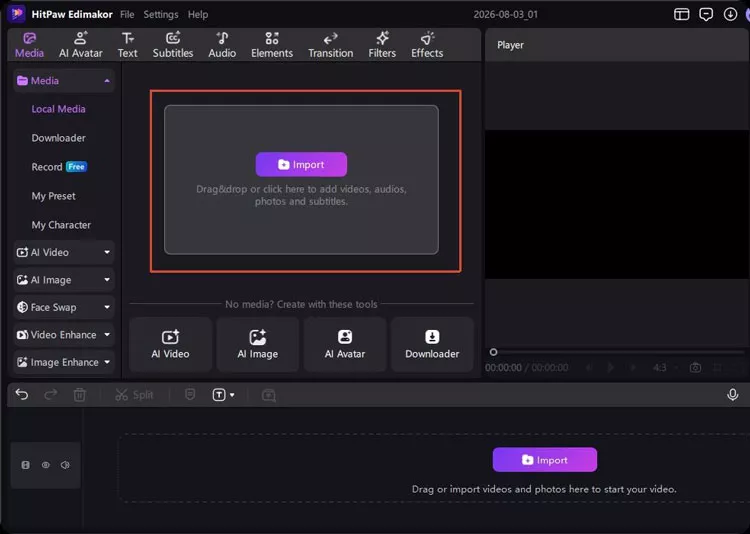
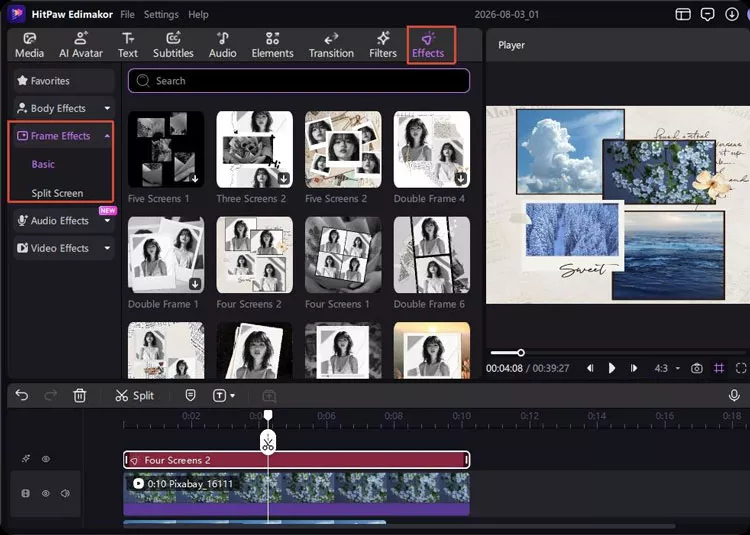
You can put photos, GIFs, and video clips into one frame in Edimakor. Choose a layout from various collage templates and arrange your clips. Eye-catching collages are completed in just a few clicks.
Customize Collages with Creative Tools
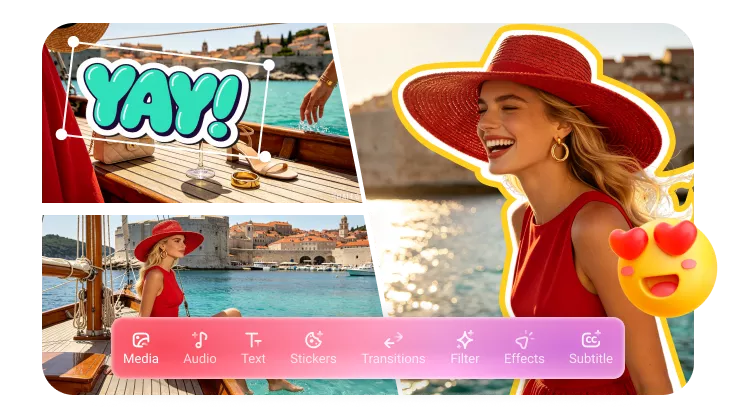
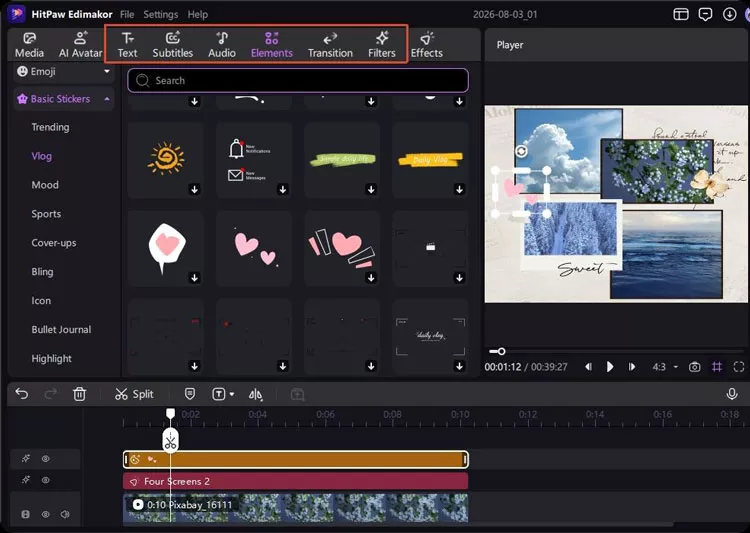
Make your video collages stand out with more creative elements. You can pick background music, apply stylish effects, and customize your collage with fun texts or stickers. All editing tools are organized in Edimakor.
Adapts to Any Size, Quick Export
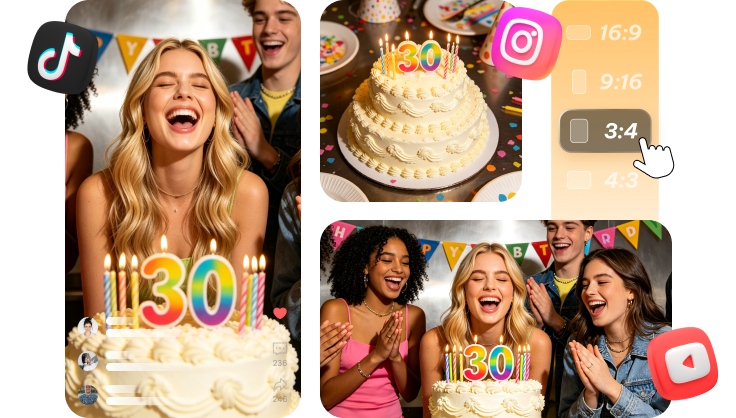
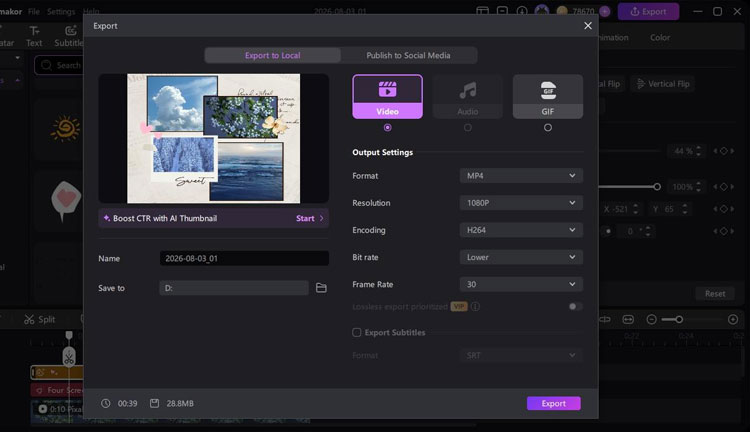
Whether you are making vertical shorts or widescreen presentations, Edimakor keeps your videos ready for every screen. Easily share them on YouTube, TikTok, Instagram, and other social channels.
Why Choose Edimakor Video Collage Maker
Multiple AI functions
Create more creative collage videos with Edimakor’s AI-powered tools. Generate images, avatars, and music to polish your collage projects.
Smart Video Editing Tools
Customize your video collages without complicated operations. Edimakor's built-in editing tools help you adjust your content easily.
140+ language video translation
Edimakor supports multilingual subtitles and video translation, helping you adapt your content for global platforms.
One-Stop Tools, Personalized Videos
FAQs about Video Collage Maker
A video collage combines multiple videos, photos, or GIFs into a single frame or layout. It allows you to show different clips at the same time.
The best video collage maker should be easy to use. Edimakor offers simple layout templates, built-in music, and fast exporting tools. It helps you create and edit collage videos with an easy process.
First, choose the 9:16 or 1:1 aspect ratio. Next, upload your clips and select a suitable collage layout. Then arrange your videos. Adjust the clip lengths to fit Reels or Posts. Finally, export and post it directly to Instagram.
To create a video collage with music, start by adding your videos and choosing a layout. Import a music track and adjust its length to match your content. You can also add text, stickers, or effects to complete your video.
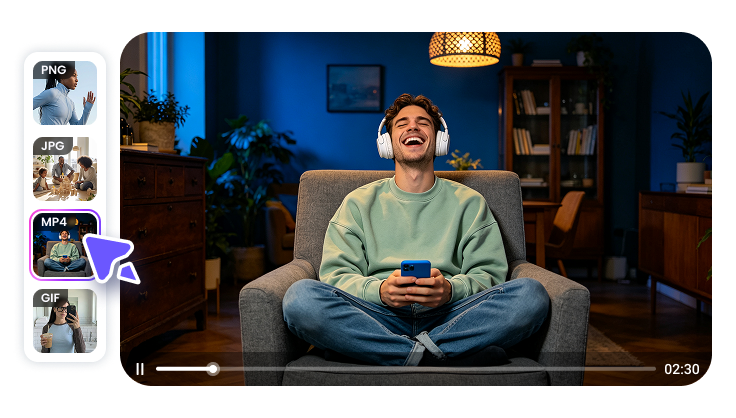
Most video collage makers support common video and image formats for easier editing. Edimakor supports formats such as MP4, MOV, AVI, GIF, JPG and PNG. You can combine different media files in one collage project.
Jessica
