Edimakor GIF Face Swap
- Swap faces in animated GIFs without losing the original motion
- Match your face to every expression and movement
- Turn familiar GIFs into personalized reactions and memes
- Create shareable GIFs from your favorite moments and characters
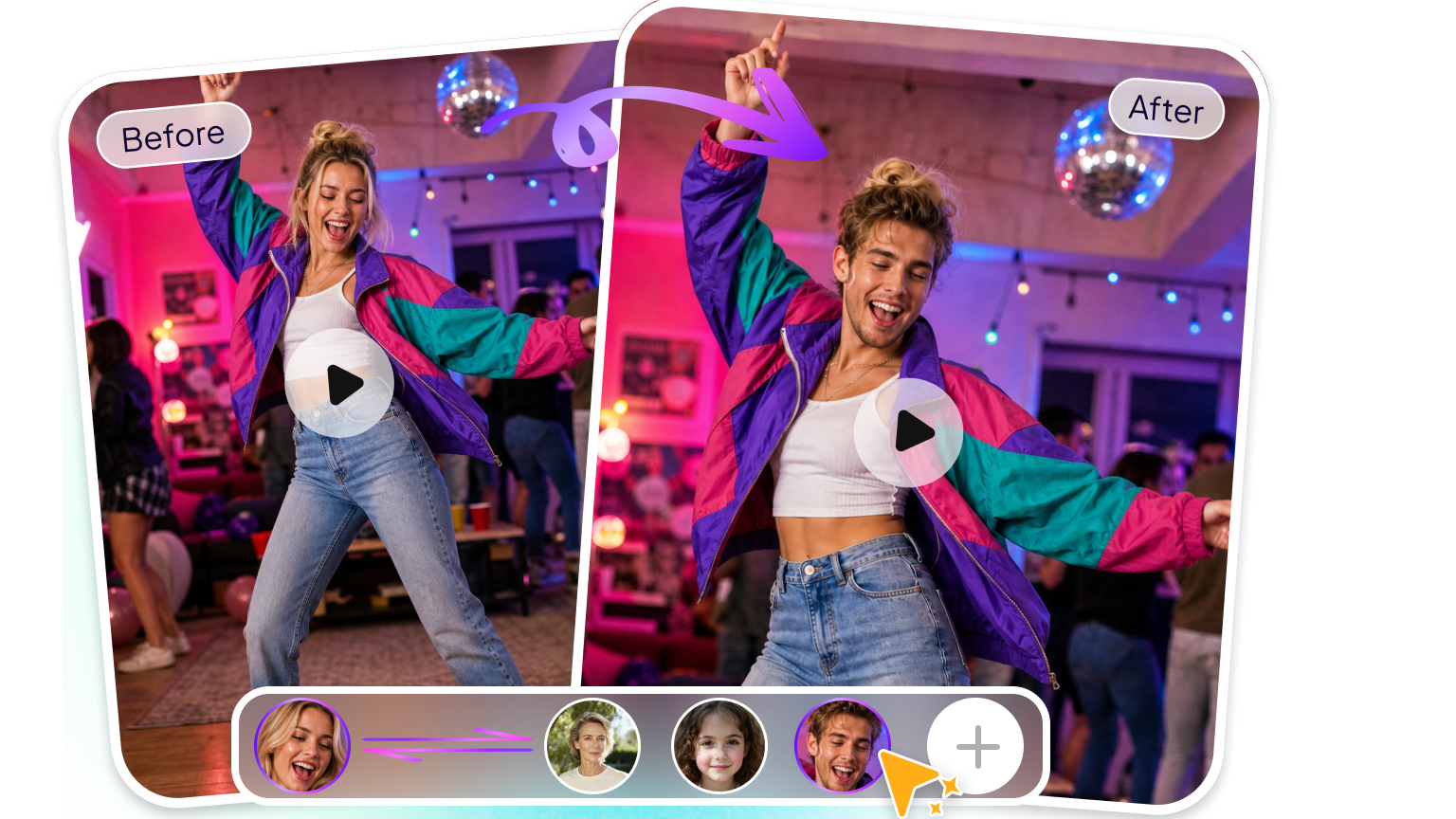







Powerful AI Features for GIF Face Swapping

Create Fun GIF Face Swaps Instantly
Replace faces in animated GIFs with AI and turn familiar moments into personalized creations. Keep the original GIF’s animation and visual style while giving it a completely new character.
Keep Your Face Natural in Motion
AI tracks facial movements throughout the animation, helping the swapped face stay aligned with the original character’s movements and create a smoother, more natural result.
Turn Familiar GIFs into Your Own
Add your own face or a chosen face to GIFs and create personalized reactions, memes, greetings, and other entertaining animated content.
Create & Share GIF Face Swaps Easily
Simply upload a GIF and the face you want to use, then let AI handle the face swap for you. Create fun, personalized GIFs without manual frame-by-frame editing, and share your creations easily on social media.
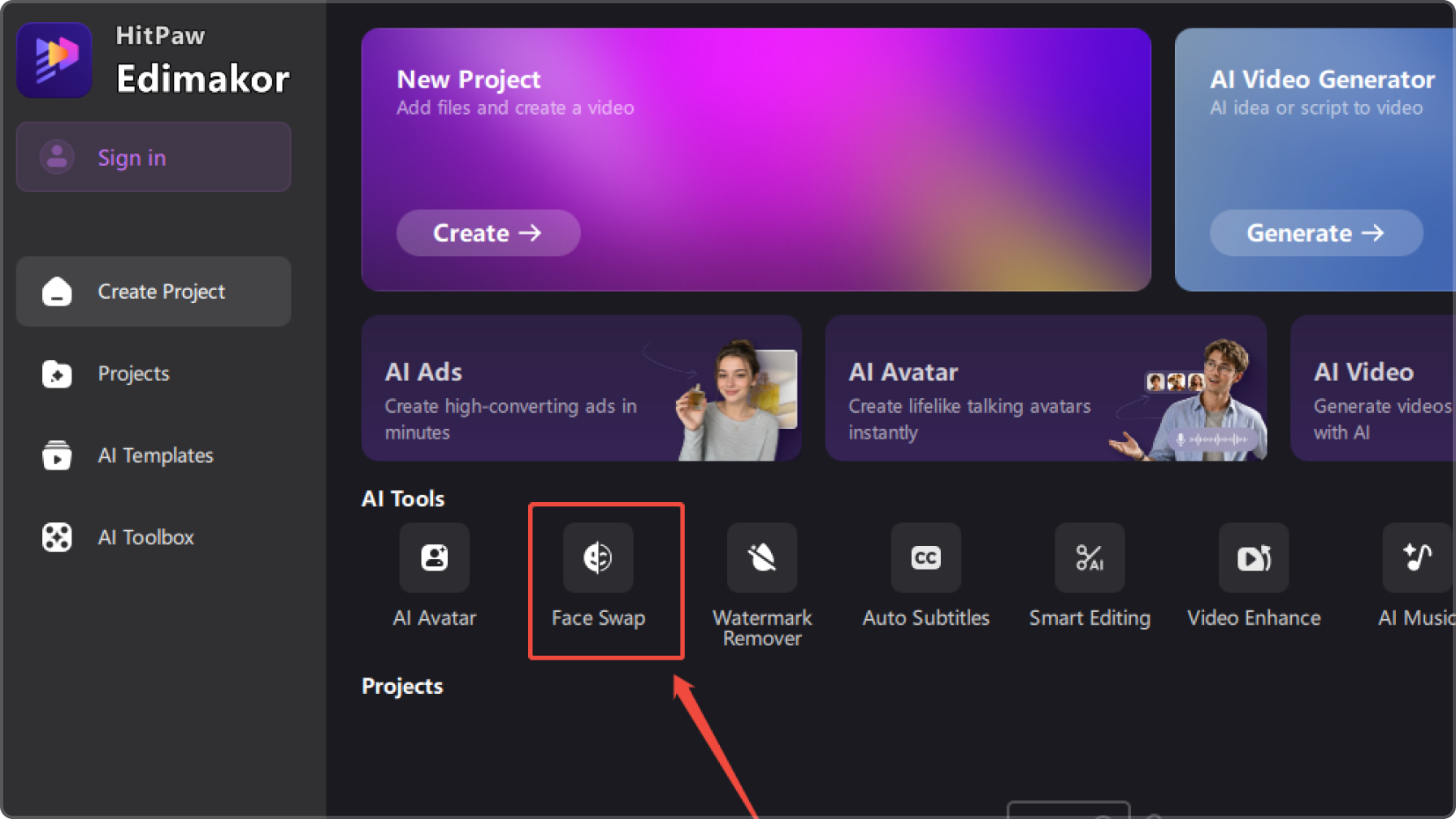
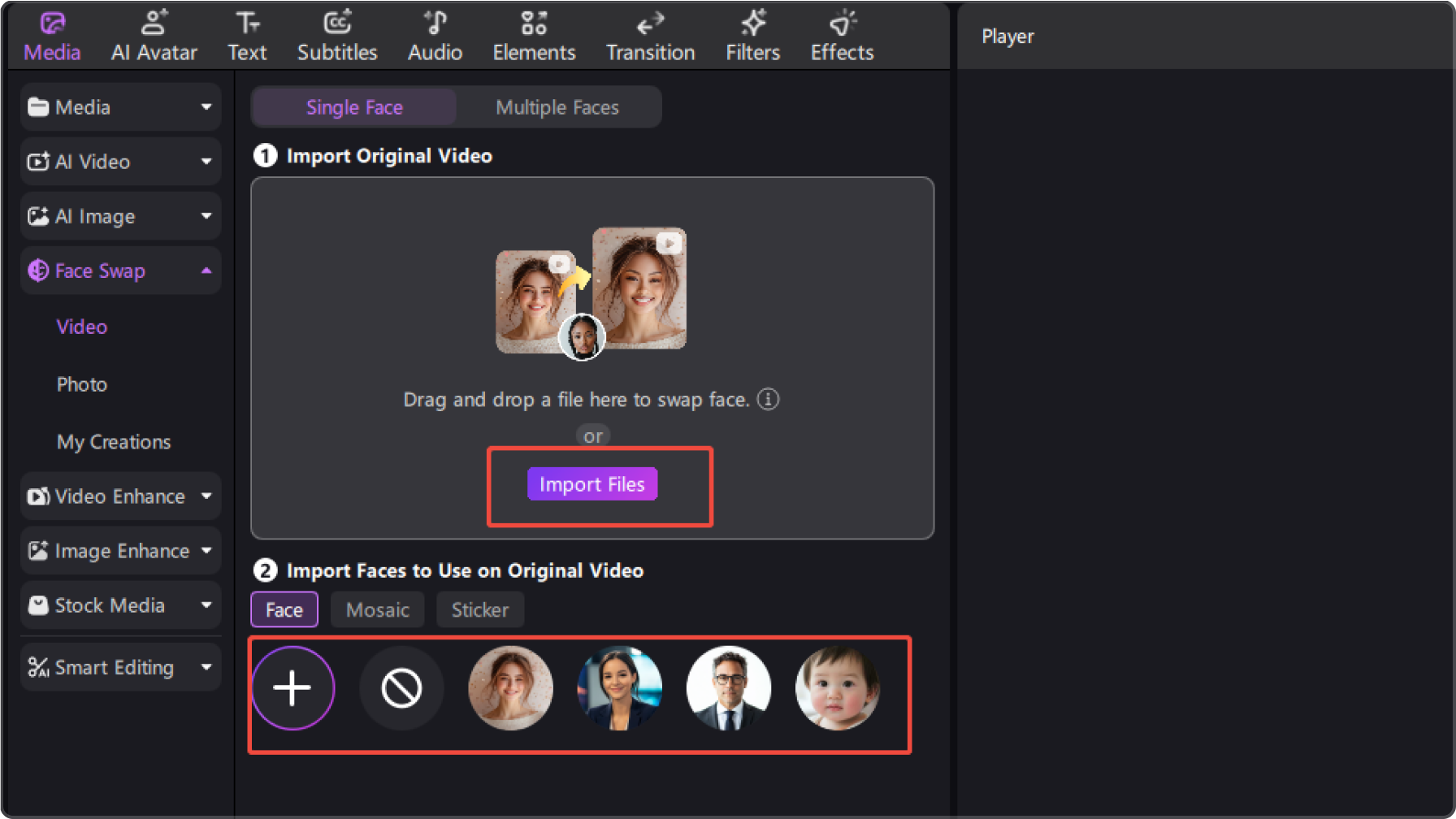
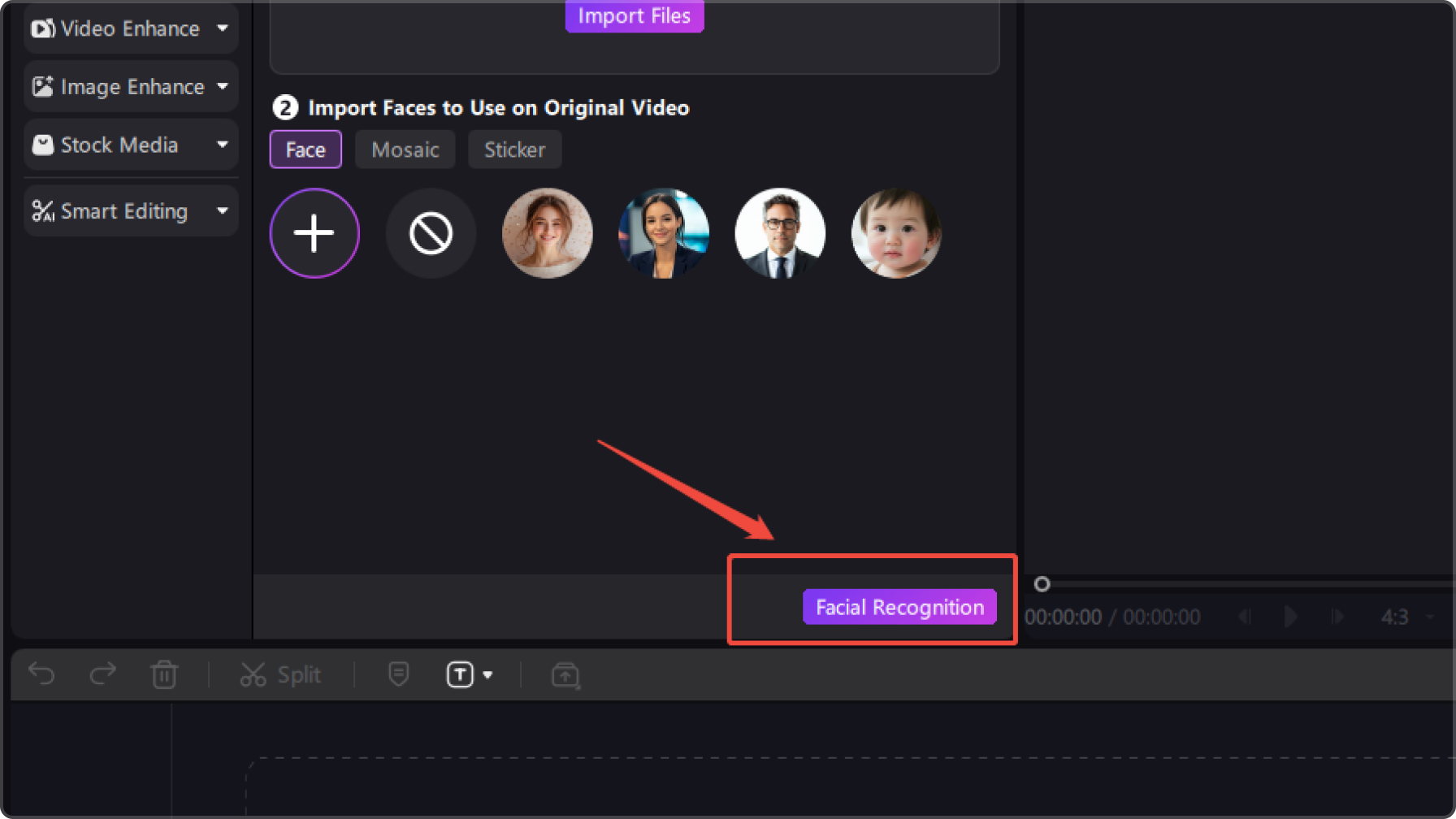
Creative Ways to Use AI GIF Face Swap
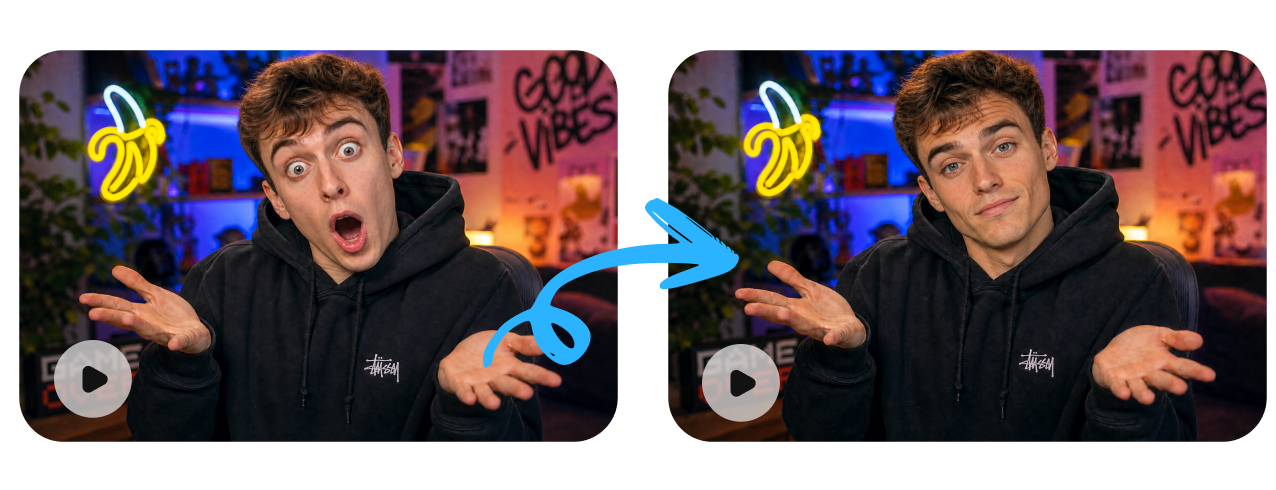
Memes & Reactions
Put a familiar face into funny GIF moments to create personalized reactions, memes, and expressive content for everyday conversations.
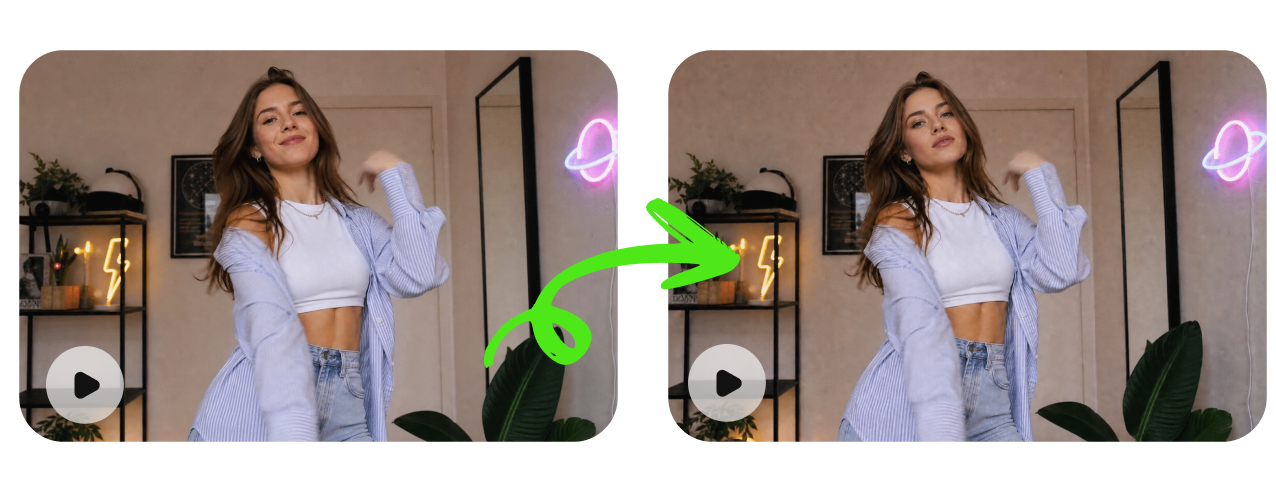
Social Media Content
Turn popular GIFs into personalized posts by swapping in different faces, characters, or creative identities. Make your content more playful, recognizable, and shareable.

Greetings & Celebrations
Personalize birthday wishes, holiday greetings, and celebration GIFs by adding a familiar face to make every message feel more memorable.

Entertainment & Character Play
Swap faces in iconic GIF moments and experiment with different characters, personalities, and playful scenarios just for fun.
From GIF Face Swap to More AI Possibilities


I’ve been using Edimakor to turn popular GIFs into personalized social posts, and it’s honestly a lot of fun. I can upload a GIF, choose a face, and quickly create something that feels completely different from the original. It’s perfect for making more eye-catching content.

The GIF Face Swap feature is great for making personalized reactions and greetings. I used it to create a birthday GIF for a friend, and seeing a familiar face move with the original animation made it so much more fun. The whole process is surprisingly simple.

Mia Richardson
What I like most is that the face swap works with animated GIFs rather than just static images. The swapped face follows the GIF’s movements and expressions, so I can turn funny clips into custom memes and reactions without having to edit every frame myself.

Lucas Thompson
FAQs about Edimakor GIF Face Swap
Upload the GIF you want to edit, then upload a clear face photo as the replacement face. Edimakor uses AI to process the animated frames and create a personalized face swap GIF without manual frame-by-frame editing.
For better results, use a GIF with a clearly visible face, stable movement, and good image quality. A clear, front-facing face photo with sufficient lighting also helps AI create a more natural result.
Yes. AI processes the face across the animated GIF to help the replacement face follow the original character’s movements and expressions. The final result may vary depending on the face angle, motion, occlusion, lighting, and source quality.
AI GIF face swap is great for creating personalized memes, reaction GIFs, social media posts, birthday and holiday greetings, and fun character-based content. It turns familiar animated moments into shareable creations with a personal touch.
This page is provided for informational purposes only and does not constitute legal advice. Before using any features, please ensure that:
- You have full and valid authorization for all uploaded content, and such content does not involve minors.
- You have carefully read and understood the HitPaw Terms of Service and HitPaw Privacy Policy.
- All content you create, generate, or use complies with all applicable local, national, and international laws and regulations.
- This service must not be used to:
- Create inappropriate or adult-oriented content;
- Harass, exploit, harm, or violate the rights, privacy, or dignity of others;
- Impersonate any real person, misrepresent their identity, or create misleading content about them;
- Infringe upon any person’s privacy, portrait rights, reputation, copyright, or other legal rights.
HitPaw assumes no responsibility for any content created or actions taken in violation of these requirements. To the fullest extent permitted by applicable law, HitPaw reserves the right to restrict, remove, or block any content that may violate applicable laws, regulations, or platform policies.
Tips & Tricks for Edimakor GIF Face Swap
- · Top AI Head Swap Tools for Natural-Looking Photo Transformations
- · 10 Nano Banana Pro Face Swap Prompts for Realistic Results
- · Why ChatGPT Can't Really Do Face Swap and What to Use Instead
- · 5 Best AI Couple Face Swap Apps | PC, Online, iPhone, and Android
- · How to Do a Santa Clause Face Swap FREE Online/App/Computer 2026
- · A Complete Review of Facefusion Face Swap [Updates 2026]
- · Vidqu Face Swap AI: An In-depth Review, Guide, and Alternatives
- · How to Use a Magic Hour Face Swap | Best AI Face Swap Tool Online 2026
- · VidMage AI vs. Alternatives: A Deep Review for the Best Face Swapper
- · Best Alternatives to Akool Face Swap AI | A Detailed Review
 Edimakor
You
+ Edimakor - Turn ideas
into dynamic
videos
Chloe Anderson