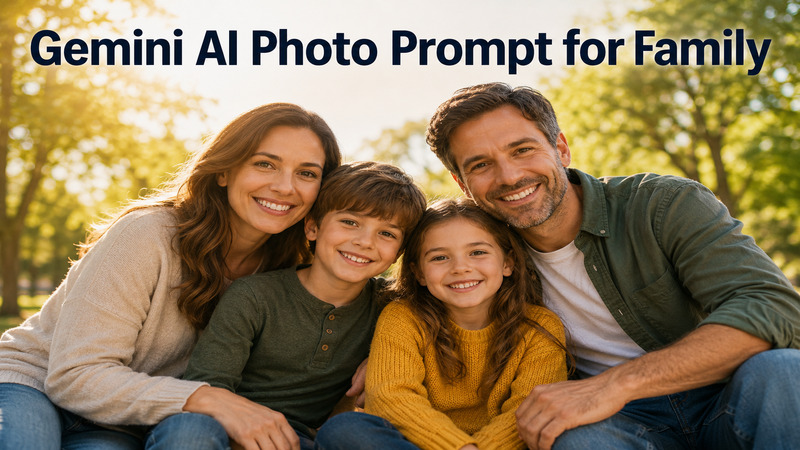
Capturing the perfect moment with your loved ones has never been easier thanks to modern technology. If you are looking to create stunning, lifelike images, using a Gemini AI photo prompt for family is the ultimate solution. Whether you want a professional studio look or a candid backyard scene, AI can bridge the gap between imagination and reality. This article explores the best prompt for family photo creation to help you generate high quality memories instantly without needing a professional photographer.
Part 1. How to Make a Good AI Family Photo Prompt
- Define your subjects clearly. Specify the number of people, their ages, and expressions like "warm smiles" or "joyful laughter" to help Gemini generate natural-looking faces.
- Set the environment and lighting. Describe the location and use terms like "golden hour" or "soft diffused light" to add mood and realism.
- Add camera details. Phrases like "shot on a 35mm lens" or "8K resolution" push Gemini to mimic professional photography styles.
Part 2. Best Gemini AI Family Photo Prompts (Copy & Paste)
Below are ready to use prompts designed for different family photo scenarios. Each Gemini AI photo prompt for family copy paste option below is designed to optimize for realism, lighting, and emotional depth.
1 Outdoor Family Portrait Prompt
Outdoor settings benefit from natural light and sprawling backgrounds. This family photo AI prompt free option is ideal for those wanting a breath of fresh air in their digital portraits.
Create a realistic outdoor family portrait in a lush green park. A mother, father, and two children are walking hand-in-hand through a meadow of wildflowers. Warm afternoon sunlight filters through oak trees, creating dappled shadows. Everyone is wearing casual denim and white linen outfits. High-resolution, 85mm lens, sharp focus on faces, natural skin textures, vibrant summer colors.

- Best for: Social media posts or framed wall art with a natural feel.
2 Indoor Cozy Family Prompt
Indoor prompts focus on warmth and intimacy. Using a Gemini AI prompt for family of 3 free allows you to capture small, quiet moments inside a home.
A cozy indoor scene of a family of three reading a book together on a large velvet sofa. Soft, warm lamp lighting illuminates the room, creating a peaceful atmosphere. The parents are smiling at their toddler. Neutral interior design with a fireplace in the background. Photorealistic, soft shadows, 35mm lens, high detail in clothing textures, capturing a quiet morning moment.
- Best for: Personalized digital photo frames and holiday cards.
3 Holiday Family Photo Prompt
Holidays are the most popular time for photos. This Gemini prompt for family picture of 4 person is perfect for capturing the chaos and joy of a festive gathering.
A festive Christmas morning scene with a family of five opening gifts under a glowing tree. The children are wearing matching flannel pajamas. Warm light from the tree and fireplace creates a magical glow. Joyful, candid expressions as they share a laugh. High resolution, cinematic lighting, shallow depth of field, rich reds and greens, professional holiday photography style.
- Best for: Sending unique, AI generated holiday greetings to friends and relatives.
4 Multi Generation Family Prompt
Capturing grandparents alongside grandchildren requires a Gemini AI photo prompt for family portrait that emphasizes legacy and respect.
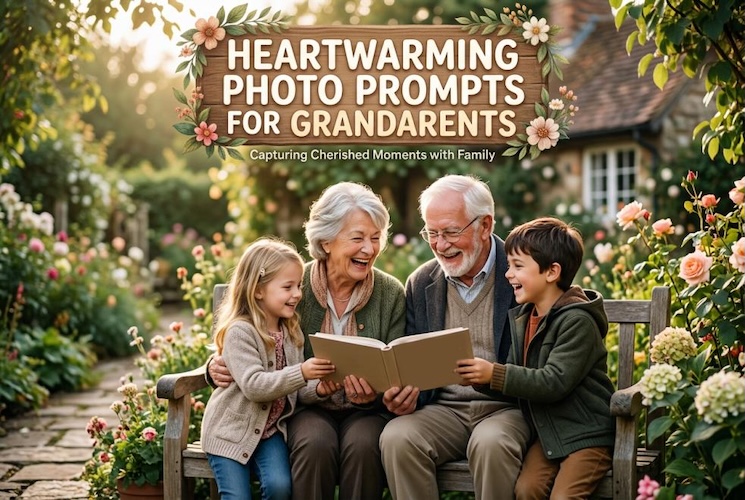
A multi generational family portrait featuring grandparents, parents, and children sitting on a porch. The grandfather has his arm around a young boy. Dignified yet joyful expressions. Soft morning light, rustic wooden background with climbing ivy. Highly detailed, 50mm lens, realistic skin aging and textures, soft bokeh effect, classic family legacy style, high resolution.
- Best for: Family trees or anniversary tributes.
 You may also like:
5 Studio Family Portrait Prompt
Studio prompts provide a clean, professional aesthetic with controlled lighting. This family photo AI prompt free option ensures that the subjects remain the focal point of the image.
A professional studio family portrait against a solid light gray background. The family is posed elegantly in coordinated navy and beige clothing. Studio strobe lighting creates even, soft highlights on their faces. Sharp focus, high end fashion photography style, 100mm macro lens for detail, 8k resolution, minimalist and sophisticated composition, clean lines.
- Best for: Professional looking profile pictures or formal announcements.
6 Cinematic Golden Hour Prompt
Cinematic prompts use dramatic lighting to create an ethereal, movie like quality. This Gemini AI photo prompt for family portrait is best for artistic shots that feel timeless and magical.
A cinematic family portrait of four people standing on a beach at golden hour. The orange and pink sunset is reflected in the water behind them. The family is silhouetted slightly by the backlighting, with warm light highlighting their hair and clothing. Everyone is barefoot and holding hands, looking out toward the horizon. Cinematic composition, 85mm lens, soft bokeh, 8k resolution, ethereal atmosphere.
- Best for: Artistic prints and high quality canvas wall art.
7 Black and White Family Portrait Prompt
Monochrome styles focus on texture and emotion without the distraction of color. This Gemini AI photo prompt for family copy paste selection is perfect for sophisticated gallery style art.
- Best for: Sophisticated home decor and artistic portfolios.
A timeless black and white family portrait of four. The composition focuses on a close up of their faces as they lean in toward each other. Dramatic Chiaroscuro lighting creates deep shadows and bright highlights. High contrast, sharp detail in eyes, film noir aesthetic, 85mm lens, professional monochrome style, high resolution, capturing raw emotion and connection.
Part 3. How to Turn Family Photos into Videos (Step by Step)
Once you have generated your perfect Gemini AI photo prompt for family of 4 portraits, the next logical step is to bring it to life. While Gemini generates the static image, tools like HitPaw HitPaw Edimakor can transform these stills into cinematic memories.
Edimakor is an intuitive AI video editor that offers an " AI Image to Video " feature, allowing you to add motion to your portraits. It also includes an AI Voice Generator to add narration or heartfelt messages to your family videos.


Here is a step by step process:
Step 1: Open Edimakor on your computer and go to the main dashboard. Click on "Toolbox", then select "Image to Video".
Step 2: Select one of the available models depending on your style needs. Each model offers different motion styles and video effects. Seedance 2.0 is highly recommend.
Step 3: Upload your chosen family photos. You can also arrange or "stitch images" together first for the better results.
Step 4: Write a "video prompt" at this point to instruct the AI on how your finished video should appear. Then modify settings to personalize your video. Turn on "Auto Sound" if you want sound effects or background music produced by AI.
Step 5: Hit the "Generate" option, and watch how the AI analyzes your photos. The finished video is auto saved in the "My Creations" area. You can share it to your family chat group.
Part 4. Simple Tips to Improve Your AI Family Photos
If you’ve browsed a Gemini AI photo prompt for family photo Reddit thread, you know that the secret to great results lies in the fine tuning. Here are four essential tips to elevate your images:
Add Lighting Details
Never just say 'light.' Specify source and quality. For a gemini prompt for family picture of 6, use 'dappled sunlight through trees' or 'warm candle-lit glow.' This helps AI render natural skin tones, realistic depth, and a more professional atmosphere.
Describe Emotions
Instead of 'a family smiling,' use 'candid laughter,' 'tender embrace,' or 'focused curiosity.' For a Gemini AI prompt for family of 3 free, describing interactions like a mother kissing a child's forehead makes images feel more natural and emotionally rich.
Keep Background Simple and Clear
A cluttered background distracts from subjects. If generating a Gemini prompt for family picture of 5, define the background clearly. Use 'soft bokeh,' 'blurred city lights,' or 'neutral studio backdrop' to keep focus on the family members and expressions.
Avoid Overloading Too Many Details
While specificity is important, too many conflicting instructions can confuse AI. With a family prompt generator, start with subjects and lighting first. Then refine by adding details like 'wearing blue denim' or 'holding a puppy' if the result is close.
FAQs
A1: Yes, with the latest Imagen 3 models, Gemini can produce photorealistic images. The key is using specific descriptive language regarding textures, lighting, and camera settings.
A2: Always state the exact number of people at the beginning of the prompt. For example, "A group of 7 family members..." helps the AI allocate the correct number of faces and bodies.
A3: The best prompts combine a specific setting, a clear subject count, and technical camera settings. A Gemini AI photo prompt for family of 4 that includes "85mm lens" and "natural skin texture" usually yields the most realistic results.
A4: Generally, AI images are safe, but you should check Google’s specific terms of service. Using a Gemini AI photo prompt for family pic for personal use is always fine, but commercial use may require specific licensing depending on the platform.
Conclusion
In summary, finding the right Gemini AI photo prompt for family is an exciting journey into the future of digital memories. You can create realistic family portraits that rival professional photography by understanding the nuances of lighting, composition, and emotional cues.
These prompts provide a solid foundation for your creativity. For those who want to take their photos a step further, we highly recommend HitPaw Edimakor to transform your still portraits into captivating cinematic videos with ease. Start creating your AI powered family legacy today!
Leave a Comment
Create your review for HitPaw articles