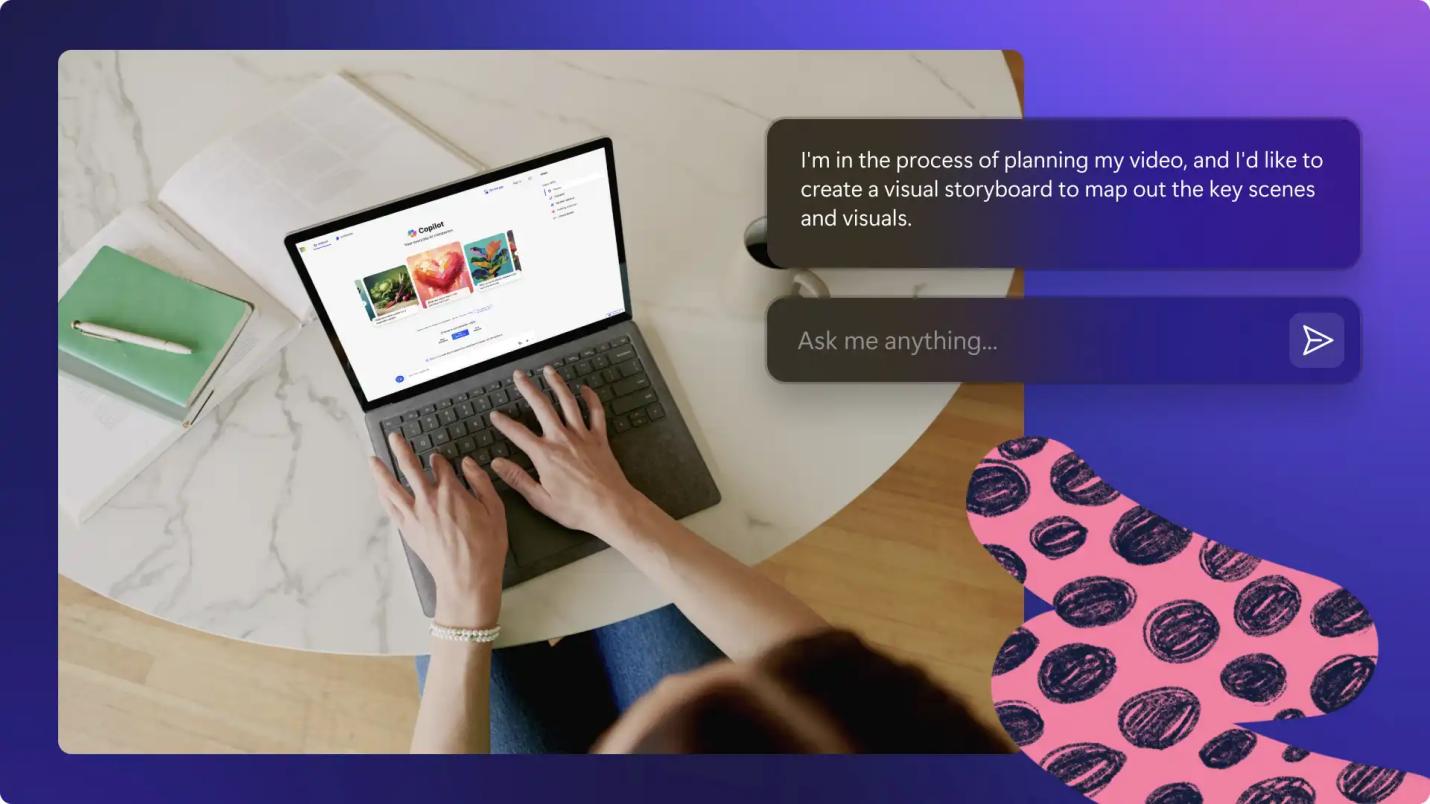
As we all know, creating engaging video content starts with a well-written script, but coming up with fresh ideas and structuring them can take time. AI prompts make the process easier by helping creators generate video scripts for YouTube, social media, advertisements, tutorials, and more. With the right prompt, AI can create compelling hooks, organized narratives, and effective calls to action within seconds. In this guide, we’ll mention the best AI video prompt scripts and show you how to turn your ideas into polished content using professional AI-powered video editing tools in 2026.
Part 1: Why Use AI Prompts to Generate Video Scripts?
AI prompts make video script creation faster, easier, and more creative. Instead of starting from a blank page, creators can provide AI with a topic, target audience, tone, and style to generate a structured script within seconds. Here is why use AI prompt scripts to generate video scripts:
- Save Time: One of the best parts of generating video scripts with AI is that it can reduce the time required for brainstorming and writing, allowing content creators to focus on more important tasks, such as editing.
- Boost Creativity: AI video scripts boost creativity. It helps creators discover fresh ideas, unique storylines, engaging hooks, and different approaches to the same topic.
- Easy Customization: AI-generated scripts are easy to customize according to your requirements. You can easily adjust the tone, language, video length, target audience, and overall structure by simply modifying the prompt.
Part 2: Top AI Prompts to Generate Video Scripts in 2026

Looking for the best script prompt video AI? Look no further! Below, we’ve mentioned the top AI prompts that will help you generate engaging video scripts.
1. Generate a Video Outline
“Create a clear and engaging outline for a video about [topic]. Include a compelling hook, introduction, 3–5 key sections, supporting points, smooth transitions, and a strong conclusion. Keep the structure suitable for [platform] and [target audience]. Make the outline easy to follow, informative, engaging, and suitable for a [duration]-minute video.”
2. Prompt A Full Video Script
“Write a complete and engaging video script about [topic] for [target audience]. Start with a powerful hook, followed by a concise introduction, well-structured main sections, natural transitions, relevant examples, and a memorable conclusion. Keep the tone [professional/friendly/funny], use simple language, maintain viewer interest throughout, and end with a clear call to action. Target length: [duration] minutes.”
3. Generate Short Video Scripts
“Create a short, engaging video script about [topic] for [platform]. Start with a strong attention-grabbing hook, quickly introduce the topic, and present the key information in a clear and entertaining way. Use concise sentences, conversational language, and a fast-paced structure. End with a memorable conclusion and clear call to action. Keep it suitable for a
4. Turn Blog Posts into Video Scripts
“Convert the following blog post into an engaging video script: [paste blog post]. Keep the key information and main message while removing unnecessary details. Start with a strong hook, organize the content into clear sections, add natural transitions, and finish with a compelling conclusion and call to action. Use a conversational tone suitable for [platform] and a [duration]-minute video.”
Bonus Tips: Best AI Tool to Create Professional-Looking Videos
With video-to-prompts, you can easily create engaging videos. However, editing them requires a professional video editor. That is where HitPaw Edimakor comes in. It is a professional AI Video Editor that enable to create, edit, and enhance videos with a range of AI-powered features. From adding transitions, effects, text, music, and subtitles to improving the overall visual quality, Edimakor helps turn basic footage into professional-looking content. Apart from video editing, HitPaw Edimakor includes powerful AI tools, each with unique features and capabilities. The program offers powerful features, such as AI Video Generator, AI Image Generator, AI Voice Changer, Background Removal, AI Video Enhancer, and more. One of the best parts of HitPaw Edimakor is that it offers an intuitive interface, which is ideal for non-tech and beginner users.
Key Features of HitPaw Edimakor
- AI Video Editing: The program offers advanced video editing capabilities, allowing users to complete multiple tasks, such as trimming and splitting clips, adding transitions and effects, adjusting video speed, inserting text and captions, removing unwanted elements, and more.
- Powerful AI Tools: HitPaw Edimakor offers a wide range of AI tools, each with unique features and capabilities. Available tools in this program are Text-to-Image, Image-to-Image, Text-to-Video, AI Video Enhancer, Professional Video Editor, AI Voice Changer, and Background Remover.
- AI Text-to-Video: With the help of this tool, users can generate high-quality and engaging AI videos with a simple text prompt — no editing experience or professional help required. Simply enter the video script, choose the AI model, and click on the “Generate” button.
- Compatibility: The program works seamlessly with multiple devices, including Windows and macOS. It supports all Windows versions, such as Vista, XP, 7, 8, 8.1, 10, and 11. Plus, it enables users to download and upload videos in multiple formats, including MP4, AVI, and MOV.
- Intuitive Interface: One of the best parts of HitPaw Edimakor is that it offers an easy-to-use interface, which allows users to create, edit, and enhance videos without editing experience. An easy-to-use interface makes this program ideal for non-tech and beginner users.


How to Edit Videos With HitPaw Edimakor in 2026?
With this tool, users can edit videos easily. Follow the instructions below to learn how to edit videos with HitPaw Edimakor:
Step 1: Launch HitPaw Edimakor
Visit the HitPaw Edimakor official site and download the latest version of the program on your PC. Install the program and launch it. Select the “Create Project” option from the left panel and click on the “New Project.”
Step 2: Upload the Video
Next, click on the “Import” button and select the video you want to edit. Users can upload videos in multiple formats, such as MP4, AVI, MOV, and more. Drag and drop the video to the timeline to begin the editing process.
Step 3: Customize the Video
Once the video is added to the timeline, you can customize it according to your requirements. Trim unwanted sections, split clips, adjust the video speed, add transitions, apply filters and effects, and insert text.
Step 4: Preview and Export the Video
After completing the edits, preview the video to make sure everything looks and sounds correct. If satisfied with the results, click on the “Export” button available at the top right corner. Choose the video resolution and format, and click on the “Export” button again to download the video.
Final Thoughts
Thanks to AI, creating engaging video scripts has become faster, easier, and more accessible than ever. With the right AI video prompts and script, users can generate engaging videos within seconds without editing experience. If you want to convert raw footage into a professional-looking video, we recommend using HitPaw Edimakor. It is one of the best AI video editors available in 2026.
Leave a Comment
Create your review for HitPaw articles