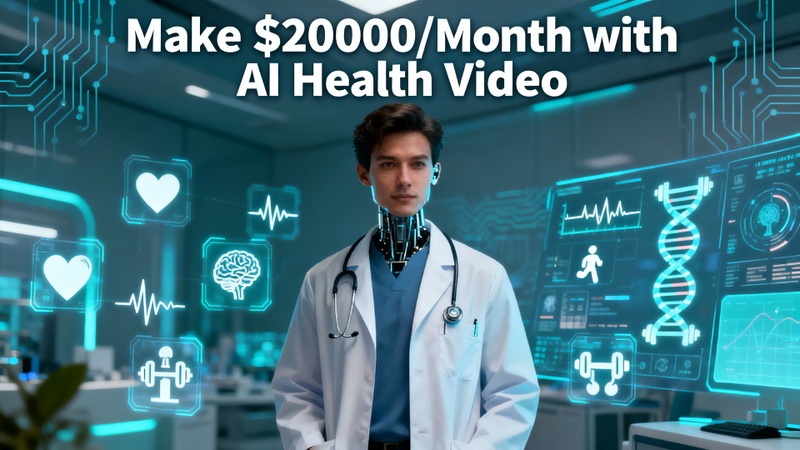
AI has fundamentally altered the production and consumption of health content on the internet. These days, AI-powered producers are making thousands of dollars a month by releasing educational health videos. Anyone can create health video with AI into a scalable revenue stream.
Part 1: What Is AI Health Video Generation?
AI healthcare video production saves time while increasing content consistency and engagement by automatically creating medical and wellness videos by merging scripts, images, voiceovers, and data.
What Is AI Health Video Generation?
The process of turning health-related content into videos using AI techniques is known as AI health video generation. With the ability to compose scripts, create graphics, add voiceovers, and synchronize everything, an AI health video generator enables producers, educators, and marketers to create health content more quickly, scalably, and easily.
Why AI is Revolutionizing Healthcare Marketing and Education
AI is revolutionizing healthcare marketing and education by turning difficult medical subjects into videos that are simple to watch. Faster content creation, customized messaging, multilingual reach, and affordable education are all made possible by it, which helps professionals and brands establish stronger connections with patients and audiences around the world.
How to Earn Money with AI Health Videos
Creators worldwide are earning consistent income by publishing AI health videos across multiple platforms. Here are a few tips on how you can earn money if you create health video with AI:
- Publish AI health videos on YouTube Shorts, TikTok, and Instagram Reels.
- Promote health apps, fitness tools, supplements, or wellness programs inside your AI videos.
- You can create AI healthcare videos and sell them as monthly packages or one-time projects to doctors, gyms, and wellness coaches.
- Grow a niche health channel focused on one topic, such as mental wellness or fitness.
-
Use AI to create explainer videos for online courses, webinars, or paid memberships.

Part 2: How to Create AI Health Videos with Veo 3
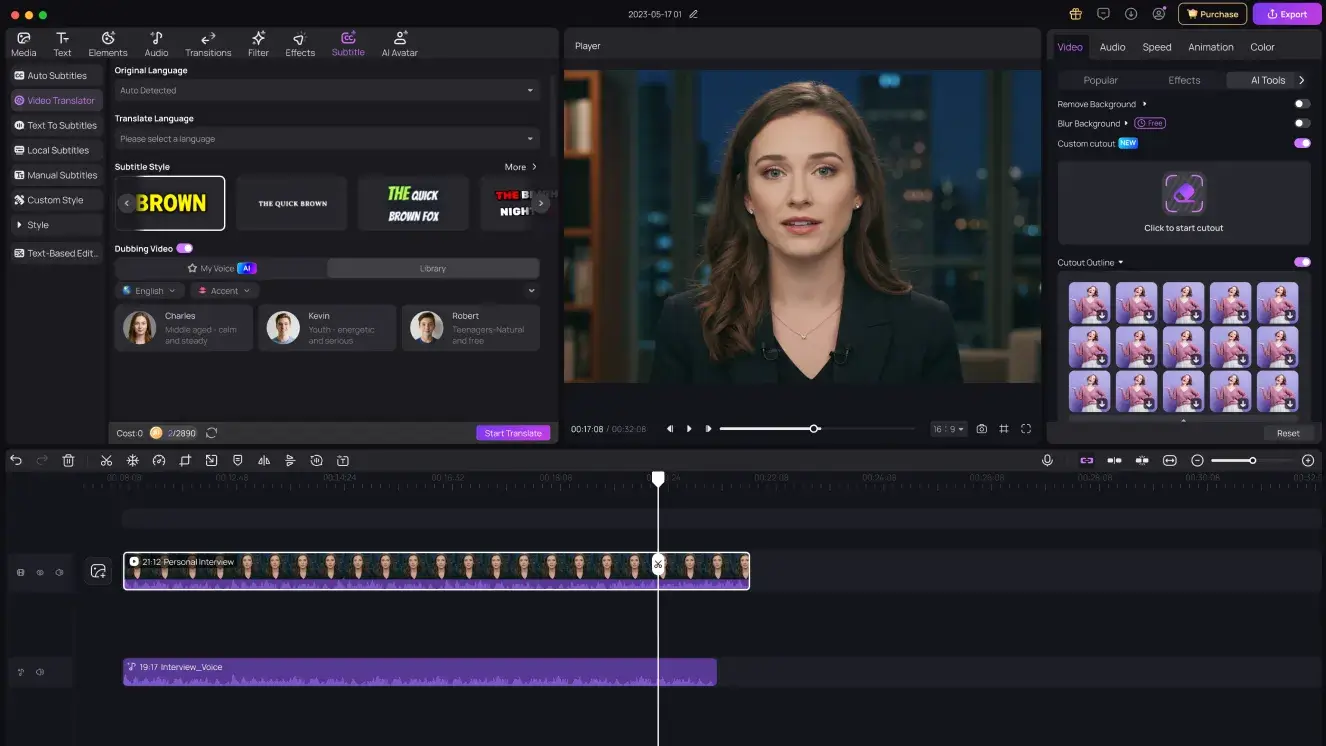
HitPaw Edimakor stands out as the best AI health video maker, offering advanced tools designed specifically for health content creators.
1 Key Features of Edimakor AI Health Video Maker
Key features of Edimakor, a medical AI video maker, are given below:
➔ Detailed AI Text-to-Video Conversion
Turn medical scripts into animated explainer videos with smooth transitions and accurate visuals.
➔ AI Avatar Doctor or Coach
Add a virtual doctor, therapist, or fitness coach to explain health topics professionally.
➔ Automated Fitness and Exercise Videos
Generate AI-driven workout instructions without filming trainers.
➔ Rapid Short-Form Video Creation
Perfect for TikTok, Reels, and Shorts with fast rendering.
➔ High-Quality AI Models
Supports Veo 3, Sora 2, and Hailuo AI for realistic healthcare scenes.
2 How to Make AI Health Video Clips with Google Veo 3
Here are the steps to use HitPaw Edimakor as an AI fitness video generator
Step 1: Open Edimakor and Access Image to Video AI
Launch HitPaw Edimakor and wait for the interface to fully load. To begin producing an AI-generated health clip, navigate to the Toolbox area from the main dashboard and choose Image to Video AI.


Step 2: Select the Google Veo 3.1 Model and Upload a Health Image
Select Google Veo 3.1 as your AI model within the Image to Video tool. Upload an anatomical diagram, medical graphic, or AI-generated health image. Additionally, you can construct a basic image using Edimakor's AI Image Generator before turning it into a video.
Step 3: Enter the Prompt and Modify Settings
Write a concise, detailed prompt outlining the health idea you wish to see. Next, adjust the video's length, size, and aspect ratio to fit your platform, for example, YouTube Shorts or Instagram Reels.
Step 4: Generate, Analyze, and Export
To let the AI handle your request, click Generate. When the video is ready, attentively watch the preview. Export the finished AI health video clip in high resolution if everything appears to be in order.
Part 3: How to Create an AI Health Video Script
Now, it's time to learn how to create health video with AI without much effort
Step 1: Open HitPaw Edimakor
First, install and open HitPaw Edimakor on your computer. If it’s not installed yet, download it from the official HitPaw website, complete the installation, and launch the software.
Step 2: Access the Script Generator
Now, access the script generator to get a script so that you can easily create health video with AI free.
-
Go to the Toolbox section, select the Text category, and click on the AI Copywriting Tool.
-
Write your health video idea in the message box. Choose the desired script length or tone. Click the Generate Script button.
- Edimakor will instantly create a well-structured AI health video script for you.
Step 3: Convert the Script into a Video
Next, turn your script into a complete AI-generated video.
-
Return to the main interface of HitPaw Edimakor and select AI Video Generator from the top-right corner.
-
Choose the Script to Video tool from the left menu. Paste your generated script into the message box. Select your preferred aspect ratio, choose whether to upload your own media, or let AI automatically pick visuals. Click Generate Video.
Step 4: Preview or Edit the Video
Edimakor will automatically create video clips based on your script. You can replace AI-generated clips with your own health videos, delete unwanted scenes, add subtitles, background music, and AI voiceovers.
Step 5: Export the Video
Once you’re satisfied with the final result, click the Export button at the bottom-right corner. Choose video quality and format, then wait for the Edimakor AI video generator to complete exporting your video.
Part 4: How to Create an AI Talking Doctor/Coach | AI Avatar
Here are the steps to use Edimakor AI Talking Photo tool to create an AI talking doctor or a coach:
Step 1: Open Edimakor and Access AI Talking Photo
First, launch HitPaw Edimakor. From the main interface, go to the AI Avatar section and select the AI Talking Photo option from the left menu to begin creating your medical avatar.
Step 2: Select Voice Upload Method
There are three voice upload methods. Firstly, you can convert any text into speech and then choose the avatar voice from the available options. Secondly, you can upload an audio file having speech in it, and you can also record your voice.
Step 3: Choose Doctor Appearance
Next, select the doctor avatar from the available avatars. You can also upload a clear photo of a doctor or health coach or use Edimakor’s AI image generator to create a professional medical avatar wearing a lab coat or fitness outfit. Hit Generate to create the avatar.
Step 4: Export the Avatar
Finally, preview the video to ensure accuracy and smooth lip-sync. Once satisfied, export your AI talking doctor or coach video in HD or 4K for websites, YouTube, or social media.
In a Nutshell
With AI health videos, earning money is no longer difficult or time-consuming. With HitPaw Edimakor (Video Editor) , creators can create health video with AI more quickly, expand many channels, and realistically scale earnings toward $20,000 per month by integrating intelligent topic research, automation, and effective editing.
Leave a Comment
Create your review for HitPaw articles