Gaming Video Maker
Create epic gaming videos with HitPaw Edimakor. Edit gameplay clips, add dynamic effects, transitions, subtitles, and audio enhancements to turn your best gaming moments into professional highlights for YouTube, TikTok, and social media.
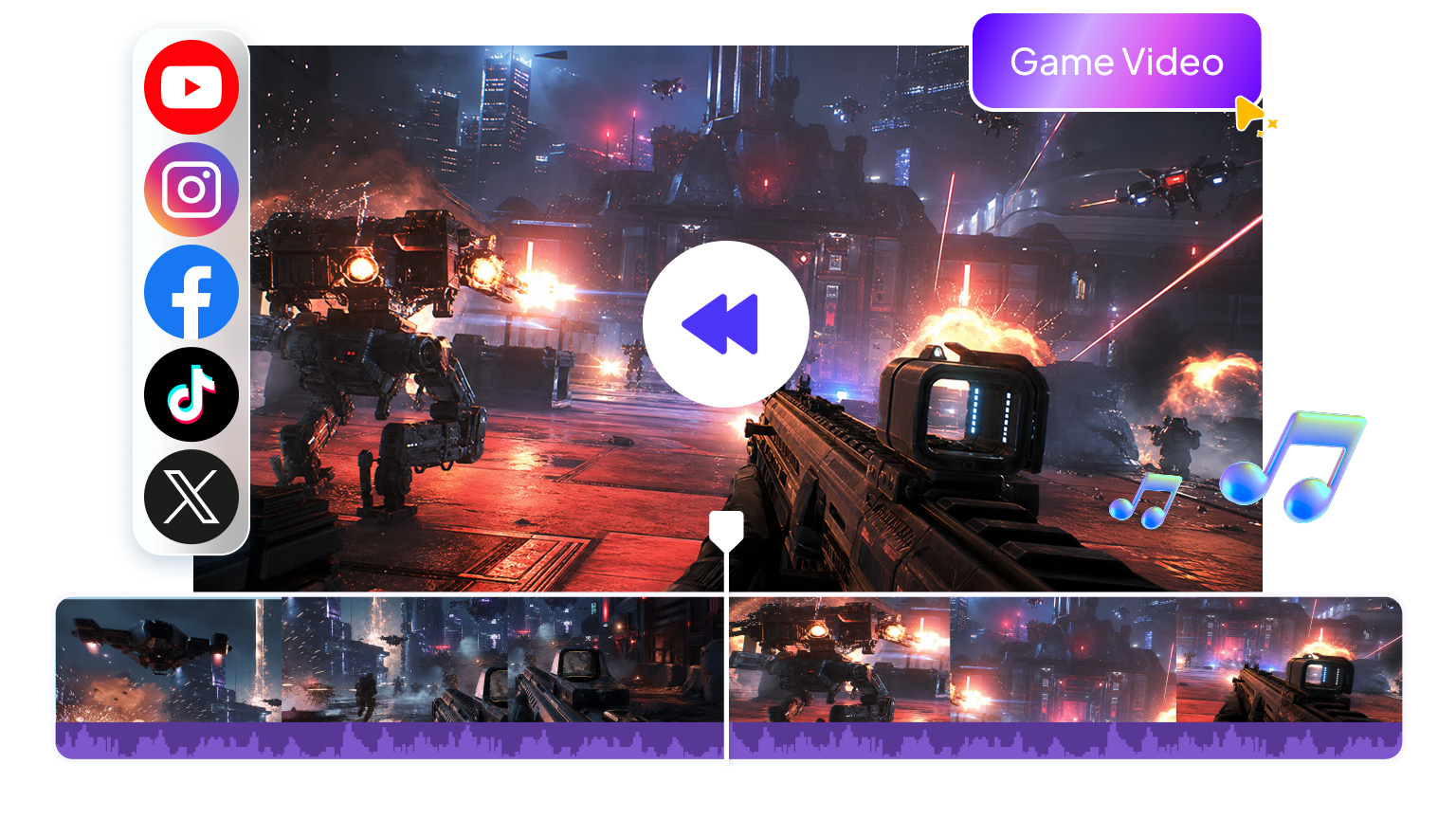







Create Epic Videos with Gaming Video Maker
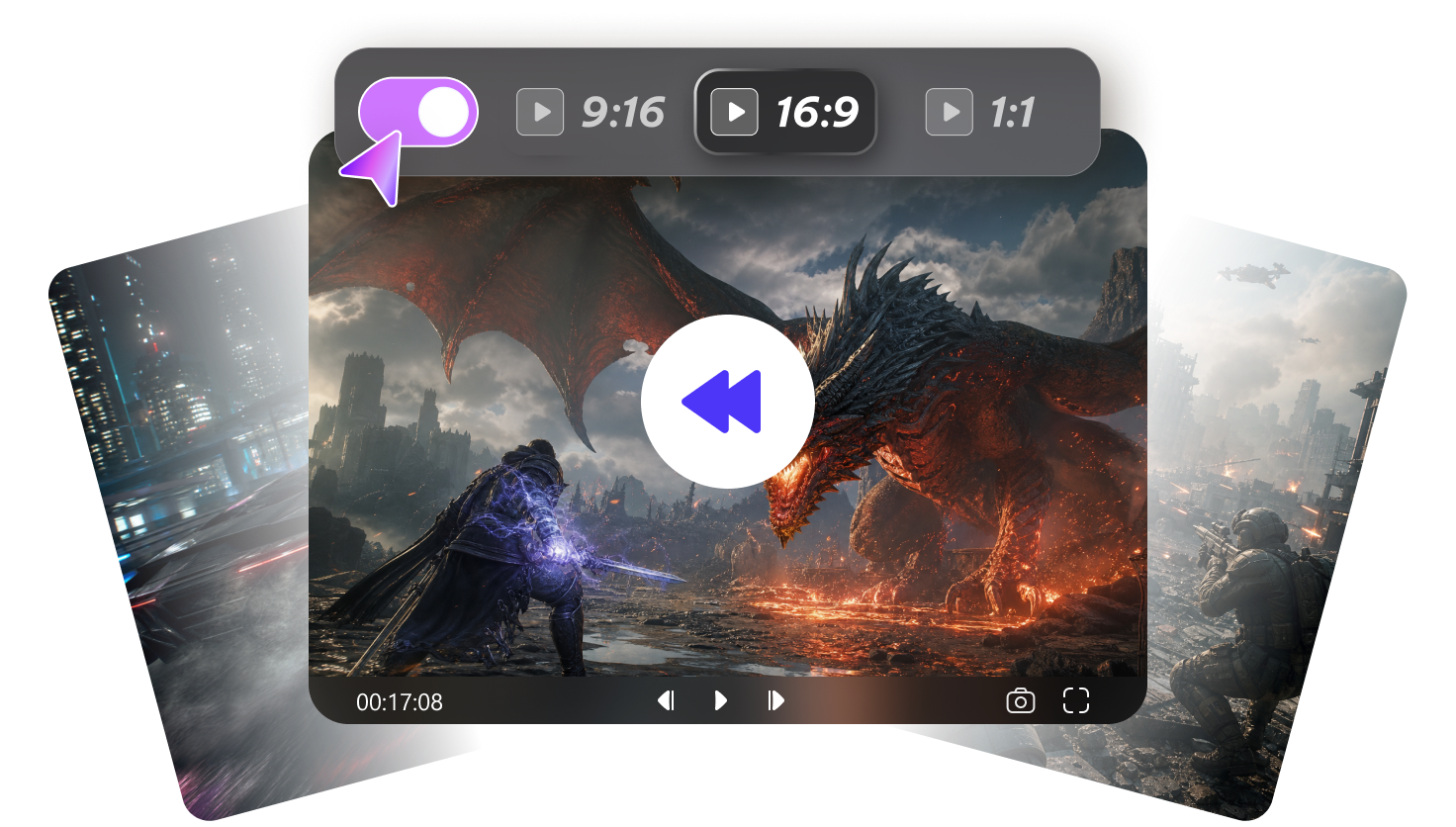
Adjust Video Aspect Ratios
Resize gameplay videos for different platforms with flexible aspect ratios. Easily create horizontal videos for YouTube or vertical clips for TikTok and Shorts while keeping your best gaming moments perfectly framed.
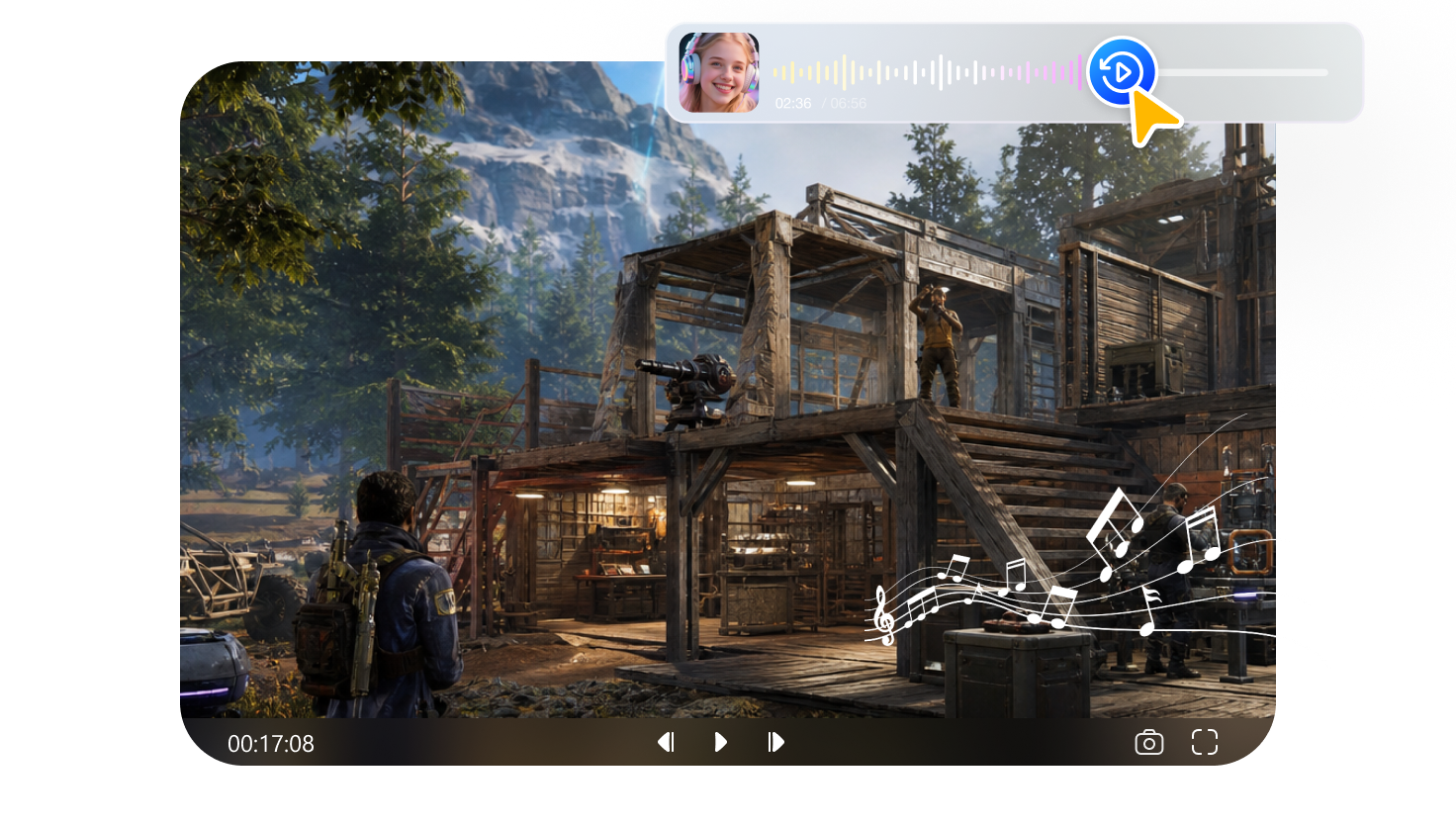
Add Gaming Commentary
Enhance your gaming videos with clear voiceovers, game sounds, and background music. Mix audio tracks smoothly to create engaging commentary videos with immersive sound and a professional creator experience.
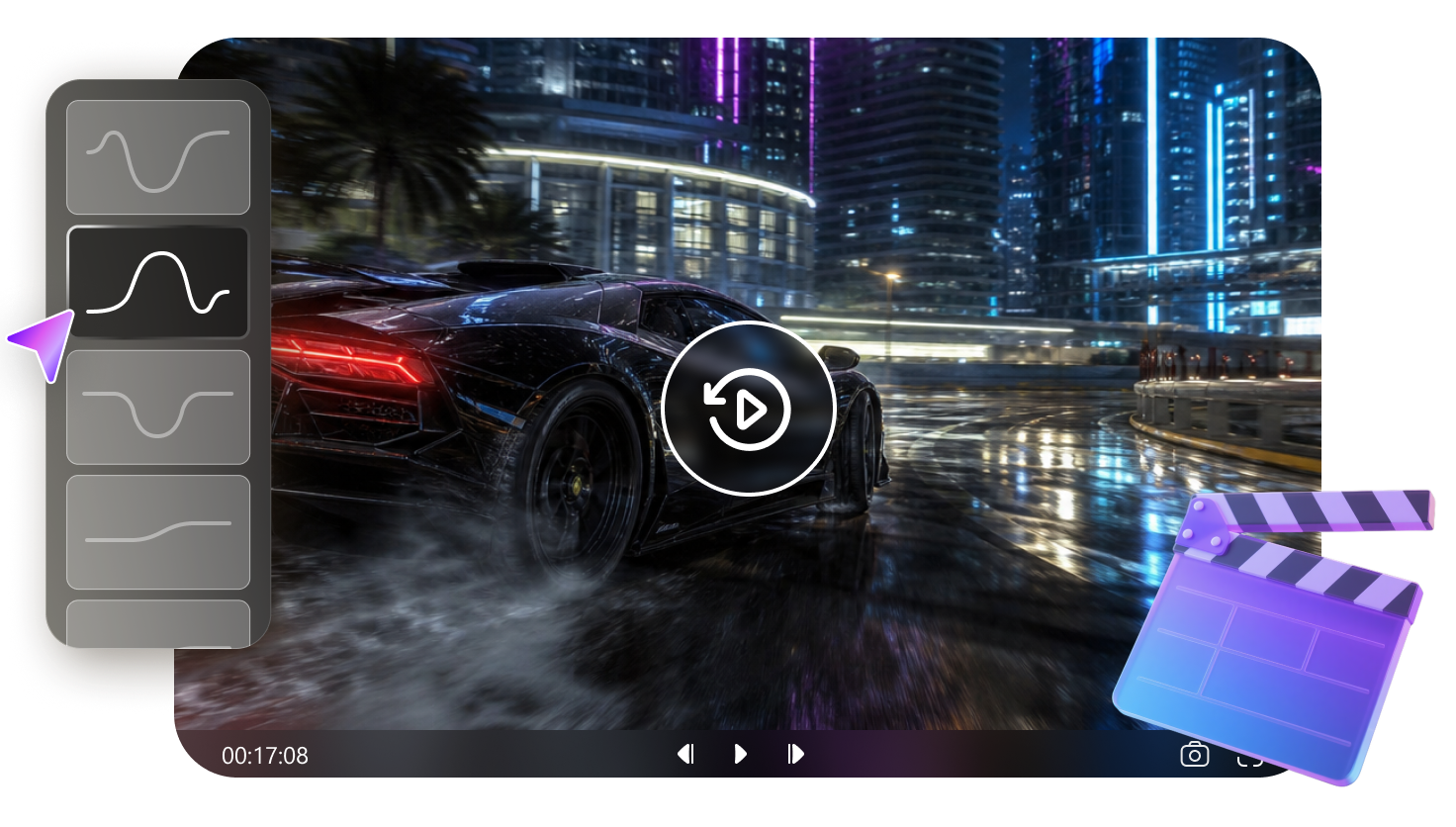
Create Dynamic Gaming Edits
Turn raw gameplay clips into exciting highlights with speed adjustments, transitions, effects, and creative edits. Emphasize epic moments and create engaging gaming videos that keep viewers watching from start to finish.
Share Gaming Highlights Easily
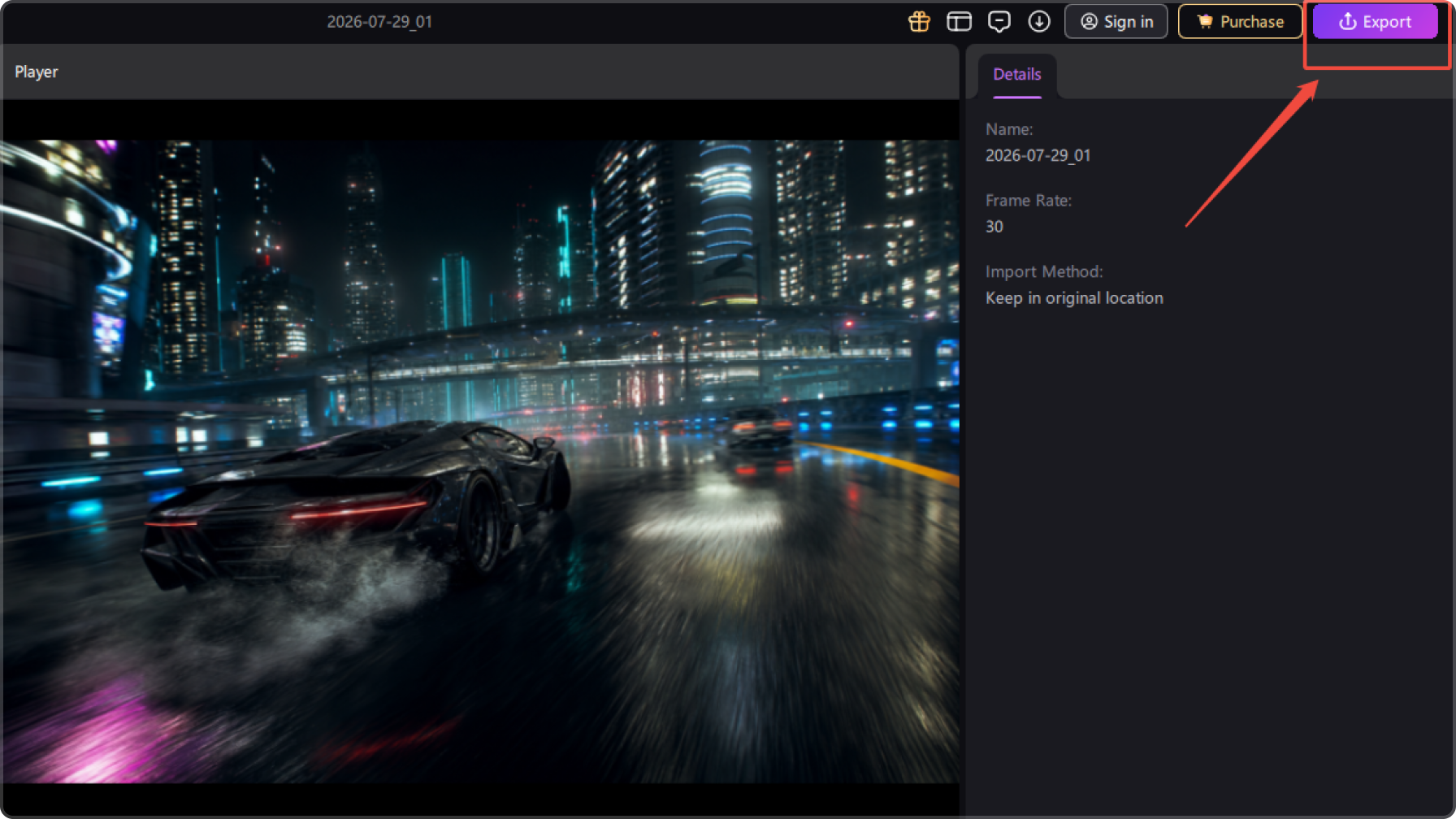
Export polished gaming videos and share your best gameplay highlights across social media platforms. Create content ready for YouTube, TikTok, and Shorts to connect with more gaming audiences.
Examples of Using Edimakor Gaming Video Maker
Why Choose Edimakor to Make Gaming Video

Fast & Easy
Quickly edit gameplay footage and highlight your best moments with efficient tools. Trim clips, add effects, and create engaging gaming videos faster without spending hours on complex editing.

Support All Video Formats
Create gaming videos for different platforms with support for various aspect ratios and formats. Easily prepare content for YouTube, TikTok, Shorts, and other social media channels.

Completely Free
Access everything you need in one place, including video effects, transitions, subtitles, audio tools, and more. Create professional gaming content with a complete editing workflow inside Edimakor.

I create gaming content for YouTube, and Edimakor makes editing gameplay highlights much easier. I can quickly cut exciting moments, add subtitles, adjust audio, and turn long recordings into engaging gaming videos without complicated steps.

As a casual gamer who shares clips on TikTok, I love how simple Edimakor is to use. The effects, transitions, and format options help me create polished gaming videos that look professional and ready to share.
Emily Johnson
Edimakor has become my go-to tool for editing gaming footage. Whether I'm creating action highlights or walkthrough videos, the editing features, audio tools, and smooth workflow help me produce better content faster.
Michael Davis
One-Stop Tools,Easy Video Editor


Tips & Tricks for Gaming Video Maker
FAQs about Edimakor Gaming Video Maker
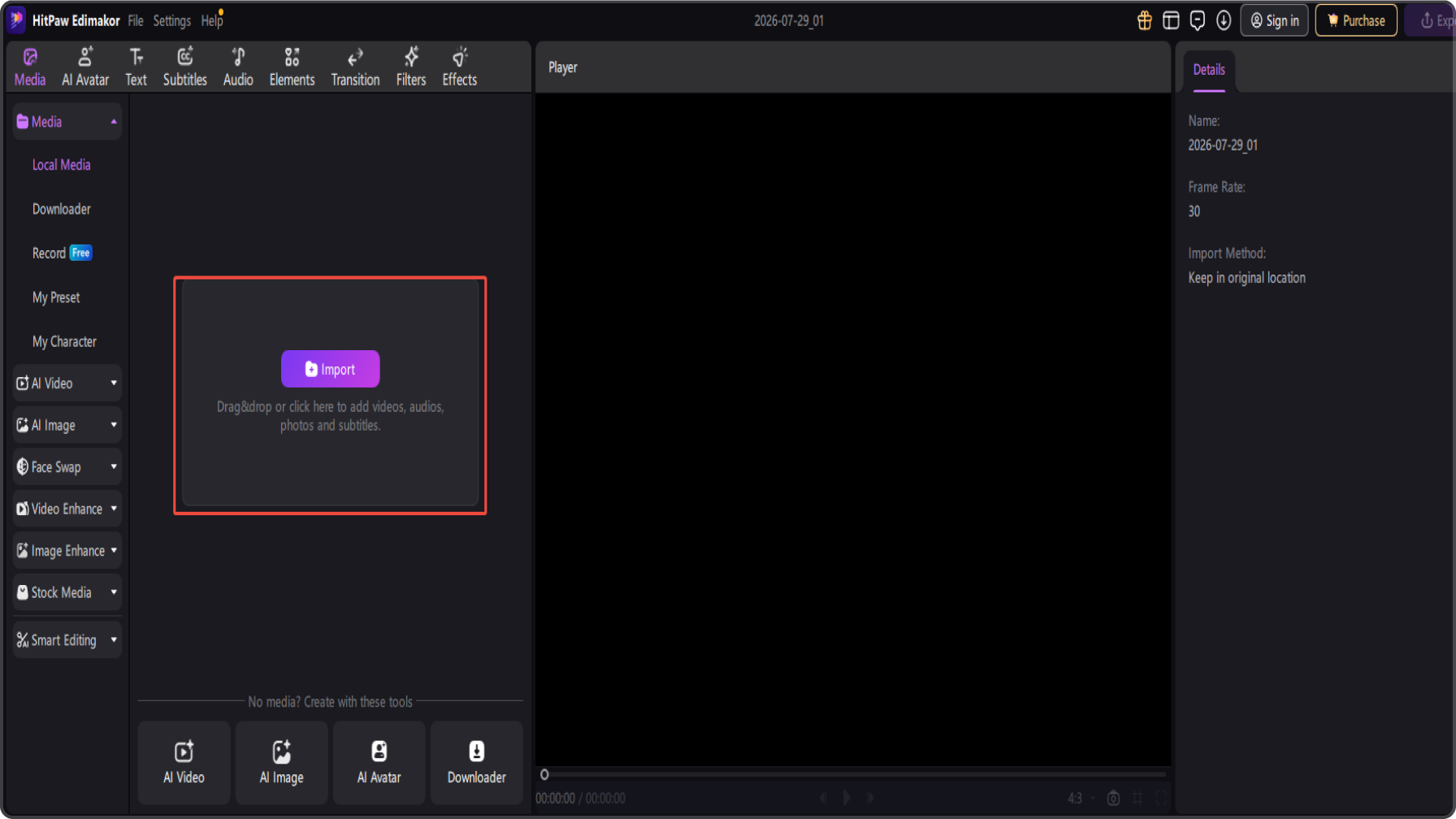
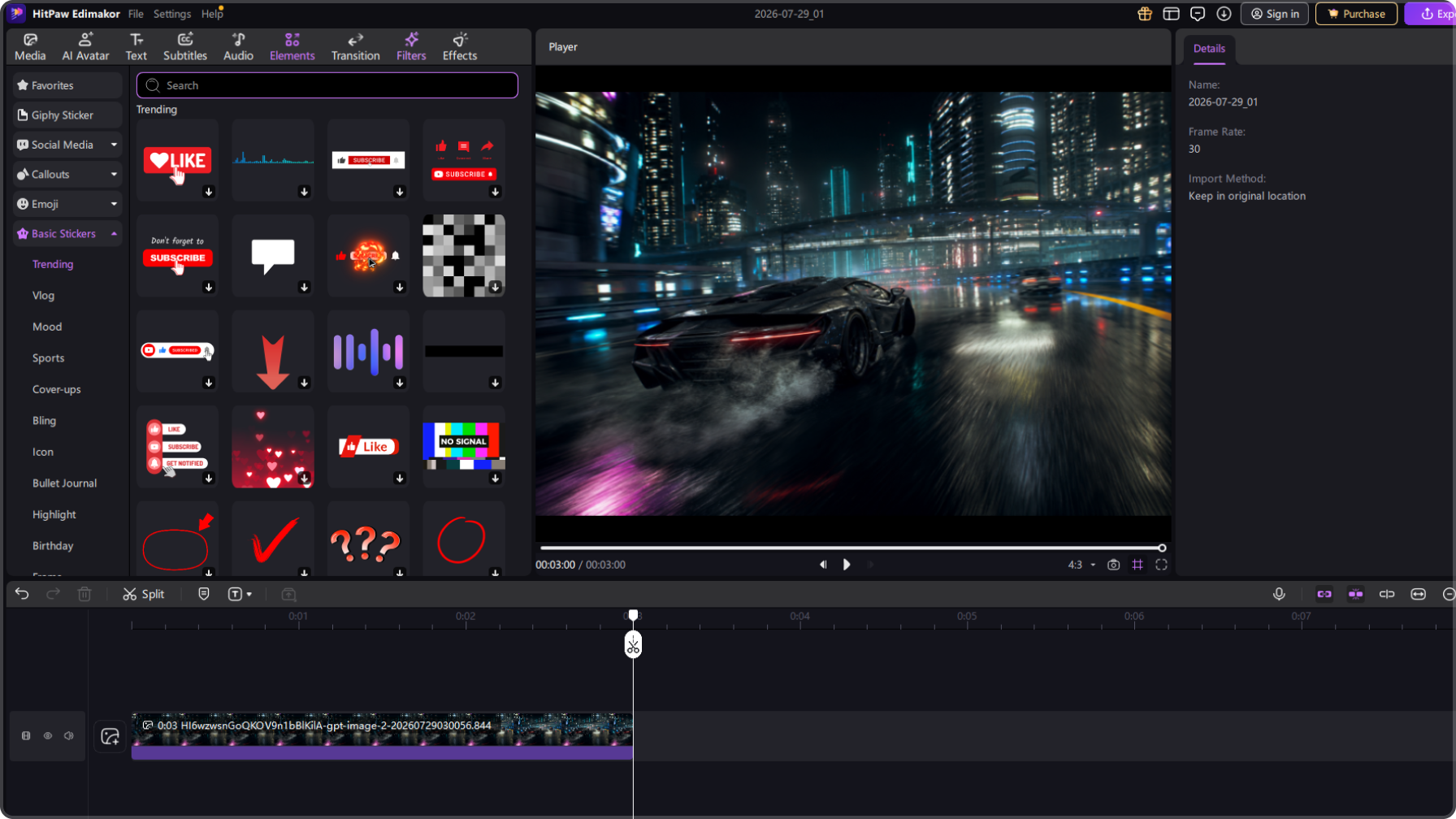
To make a gaming video, import your recorded gameplay footage into HitPaw Edimakor, trim unwanted parts, highlight exciting moments, add effects, subtitles, transitions, and audio adjustments, then export your finished video for sharing.
A good gaming video editor should offer easy trimming, effects, subtitles, audio editing, and flexible export options. HitPaw Edimakor helps gamers create engaging gameplay videos with a simple and efficient editing workflow.
You can edit gaming videos for YouTube and TikTok by adjusting aspect ratios, adding captions, enhancing audio, and applying creative effects. Edimakor makes it easy to create both long-form videos and short gaming clips.
Yes. HitPaw Edimakor allows you to add voiceovers, adjust audio tracks, and combine commentary with gameplay footage to create more engaging gaming videos with a professional creator style.
Yes. Edimakor helps you turn raw gameplay recordings into highlight videos by cutting key moments, adding transitions, effects, subtitles, and music to create exciting gaming content.
 Edimakor
You
+ Edimakor - Turn ideas
into dynamic
videos
Alex Carter