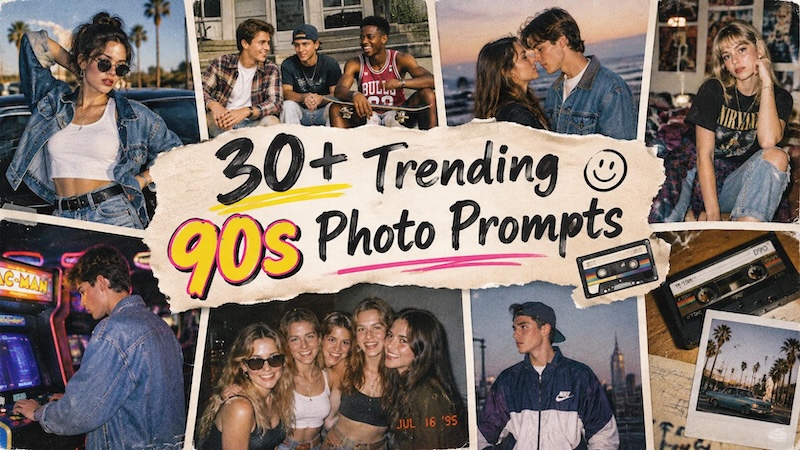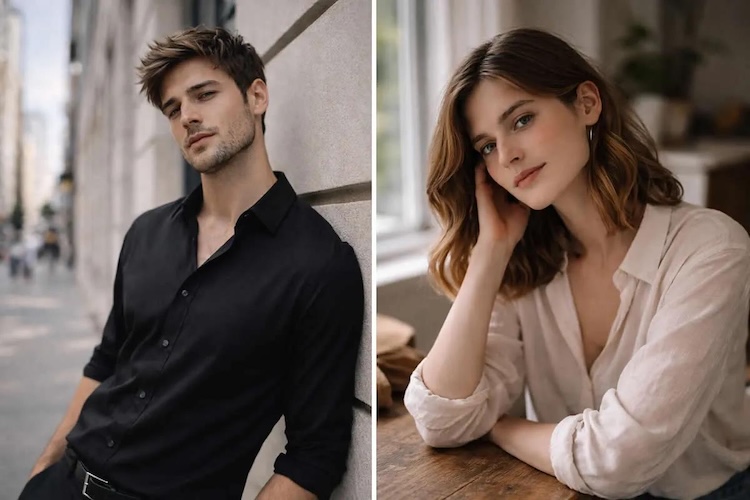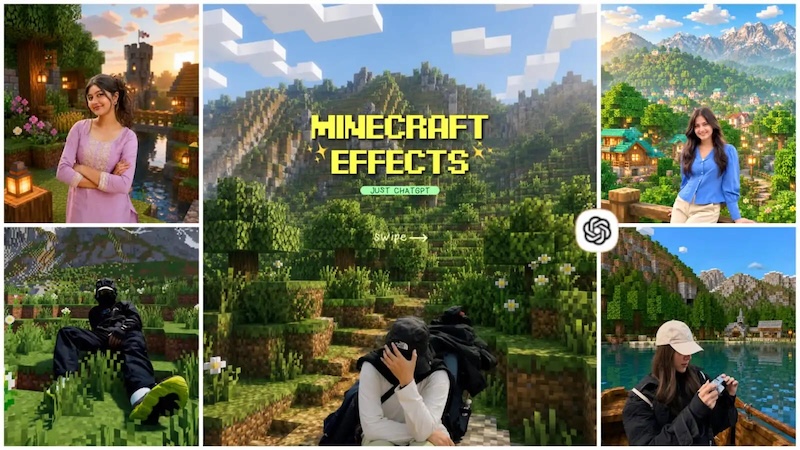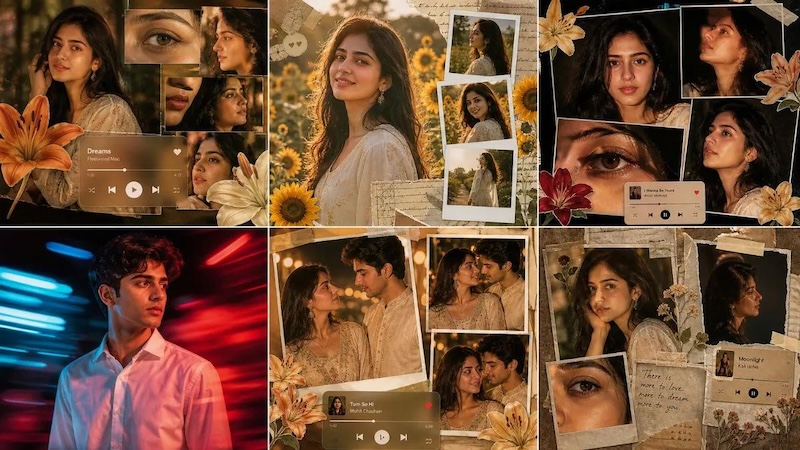
ChatGPT has become a go-to tool for creating viral image styles, allowing users to turn simple ideas into creative and eye-catching visuals. Whether you want to create cinematic portraits, fantasy scenes, 3D characters, or artistic illustrations, the right prompt can make a significant difference in the final result. In this guide, we have gathered some amazing ChatGPT image style prompts that can help you explore popular trends and create unique and engaging images for social media platforms, such as Instagram, TikTok, and Facebook.
Part 1: Top 10 ChatGPT Image Style Prompts for Stunning AI Images
ChatGPT image styles are trending on social media. Everyone is converting their images into eye-catching visuals using different AI styles. To help you explore these trends, we have listed the top 10 ChatGPT image style prompts that can transform ordinary pictures into stunning AI images.
1. Retro Film Style

“Transform the uploaded image into a nostalgic 1970s retro film photograph while preserving the person’s facial features, identity, pose, and natural proportions. Add warm vintage tones, subtle film grain, soft contrast, slightly faded colors, authentic analog texture, gentle light leaks, and a classic film-camera aesthetic. Keep the composition natural and realistic, with a timeless old-school atmosphere. Avoid excessive effects, distorted facial features, artificial skin, or changing the person’s identity.”
2. Ghibli-Inspired Style
“Convert the uploaded image into a whimsical hand-drawn Japanese animated fantasy aesthetic, inspired by charming storybook animation. Preserve the person’s recognizable facial features, hairstyle, pose, and clothing while adding soft painterly textures, expressive eyes, warm natural lighting, lush environmental details, gentle colors, and a magical atmosphere. Create a beautifully illustrated background with subtle clouds, greenery, and cinematic depth. Keep the result charming, detailed, and emotionally warm without making the character look unrecognizable.”
3. Oil Painting Style
“Turn the uploaded image into a detailed classical oil painting while preserving the subject’s identity, facial structure, pose, and clothing. Use visible but refined brushstrokes, rich layered textures, realistic skin tones, dramatic yet natural lighting, and elegant depth. Give the background a sophisticated gallery-style appearance with subtle painterly details. Create the feeling of a professionally painted portrait on a high-quality canvas while maintaining realistic proportions and recognizable facial features.”
4. Cinematic Photography
“Transform the uploaded image into a high-end cinematic photograph while keeping the subject’s identity, facial features, hairstyle, clothing, and pose unchanged. Add dramatic cinematic lighting, realistic shadows, soft depth of field, subtle lens effects, natural skin texture, rich contrast, and a sophisticated movie-still atmosphere. Create a visually compelling background with realistic environmental details and professional color grading. Keep the image photorealistic, polished, and natural without excessive filters.”
5. Editorial Fashion Style
“Convert the uploaded image into a luxurious high-fashion editorial photograph while preserving the subject’s identity, facial features, hairstyle, clothing structure, and natural proportions. Add professional studio lighting, elegant composition, refined shadows, realistic skin texture, subtle background blur, sophisticated color grading, and premium magazine photography aesthetics. Create a polished, contemporary fashion atmosphere with strong visual balance and cinematic detail. Keep the result realistic and stylish without changing the person’s recognizable appearance.”
6. Pencil Sketch Style
“Turn the uploaded image into a highly detailed hand-drawn pencil sketch while preserving the subject’s facial identity, hairstyle, pose, clothing, and proportions. Use realistic graphite shading, fine pencil strokes, delicate cross-hatching, natural highlights, and subtle paper texture. Make the artwork look like it was carefully drawn by a professional artist on high-quality sketch paper. Keep important facial details recognizable and avoid adding unnecessary elements or changing the original composition.”
7. Comic Book Style
“Transform the uploaded image into a dynamic modern comic book illustration while preserving the subject’s recognizable facial features, hairstyle, pose, and clothing. Add bold outlines, expressive details, dramatic shadows, vibrant colors, subtle halftone textures, and cinematic composition. Create an energetic illustrated background that complements the subject. Give the image a polished superhero-comic appearance while maintaining realistic proportions and ensuring the person remains clearly recognizable.”
8. Neon Cyberpunk Style
“Convert the uploaded image into a futuristic cyberpunk portrait while keeping the subject’s identity, facial features, hairstyle, pose, and natural proportions unchanged. Add glowing neon lights, futuristic architecture, colorful reflections, atmospheric fog, subtle holographic details, and dramatic nighttime lighting. Use a cinematic futuristic color palette and realistic textures to create an immersive sci-fi environment. Keep the subject photorealistic and recognizable without excessive technological accessories or facial alterations.”
9. Double Exposure Style
“Turn the uploaded image into an artistic double-exposure portrait while preserving the subject’s recognizable facial features and overall silhouette. Blend the portrait naturally with a second scene featuring mountains, trees, clouds, or a city skyline. Use elegant transparency, cinematic lighting, smooth transitions, subtle textures, and sophisticated tonal contrast. Make the overlapping elements visually balanced and meaningful while keeping the original face clearly visible and recognizable.”
10. Dreamy Fantasy Photography
“Transform the uploaded image into a dreamy fantasy photograph while preserving the person’s identity, facial features, hairstyle, clothing, and pose. Place the subject in an enchanting environment filled with soft glowing light, subtle mist, floating particles, beautiful flowers, magical scenery, and cinematic depth. Use realistic photography combined with delicate fantasy elements, natural skin texture, and elegant lighting. Keep the final result sophisticated, believable, and visually captivating rather than overly artificial.”
Part 2: How to Convert Simple Images into ChatGPT Image Style in 2026
Once you’ve the right ChatGPT image style prompt, the next step is to find an ideal tool that will convert your simple image into engaging visuals. That’s where HitPaw Edimakor comes in. HitPaw Edimakor is an all-in-one AI Video Editor that also offers powerful image generation capabilities. With its image-to-image feature, users can transform ordinary images into various styles using simple text prompts, such as 3D, Anime, Ghibli, Retro, Cartoon, Realistic, Cinematic, and more. The program also includes text-to-image capabilities, allowing users to turn prompts into engaging and professional-looking visuals within seconds. The tool is designed with a beginner-friendly interface, so users don’t need advanced photo-editing skills to create impressive results.
Key Features of HitPaw Edimakor
- Transform Images into Various Styles: HitPaw Edimakor enables users to turn simple images into creative styles, including Anime, 3D, Cartoon, Retro, Ghibli, Realistic, and Cinematic.
- Multiple AI Models: The program includes a wide range of AI models, each with unique features and capabilities, including Nano Banana, Nano Banana Pro, Seedream, Flux, Midjourney, Stable Diffusion, and more.
- Advanced Customization: One of the standout features of this tool is that it enables users to customize AI images according to their requirements. Users can adjust the image style, add effects, text, and filters.
- Quick AI Generation: With the help of this tool, users can transform images into multiple ChatGPT image styles within seconds, making it useful for creators who want to produce content quickly.
- Intuitive Interface: HitPaw Edimakor offers an easy-to-use interface, allowing non-tech and beginner users to create high-quality and professional-looking visuals without editing experience.


Step-by-Step Guide:
With HitPaw Edimakor, users can transform images into various styles with simple text prompts. Here is how to do it:
Step 1: Launch HitPaw Edimakor
Download, install, and launch the latest version of the program on your PC. Choose the “Toolbox” option from the left panel and select the “Reference Image.”
Step 2: Upload Reference Image
Next, choose the AI model, such as Nano Banana Pro, Seedream, Flux, or Midjourney. Click the “Upload” button and select the image that you want to convert into a different style.
Step 3: Enter ChatGPT Image Style Prompt
Copy and paste the ChatGPT image style prompt into the prompt box. Make sure to add detailed prompts to get accurate and high-quality results.
Step 4: Generate and Download
Finally, click on the “Generate” button to begin the image creation process. Within seconds, your AI image will be ready. Preview and download it in the desired format, such as PNG and JPG.
Final Thoughts
In 2026, ChatGPT image style can be achieved with a simple text prompt — no editing experience required. From cinematic and realistic visuals to anime, cartoon, retro, and 3D styles, users can experiment with different prompts to create unique and engaging images. To get realistic and accurate results, we recommend using HitPaw Edimakor. It is one of the best AI image generators available for Windows and macOS.
Leave a Comment
Create your review for HitPaw articles