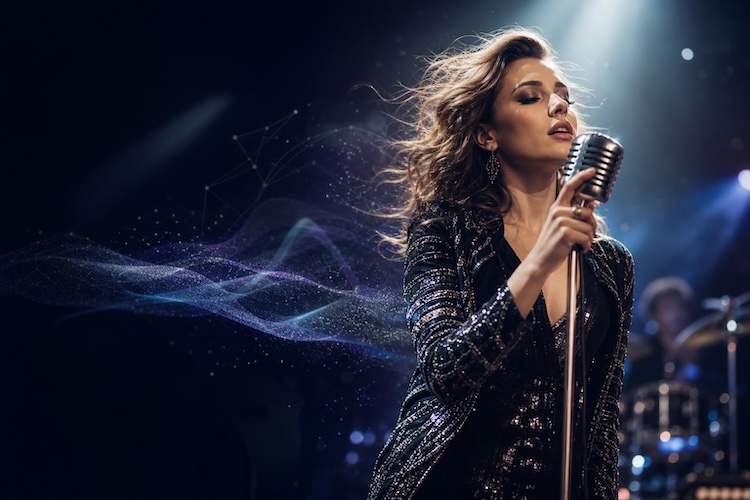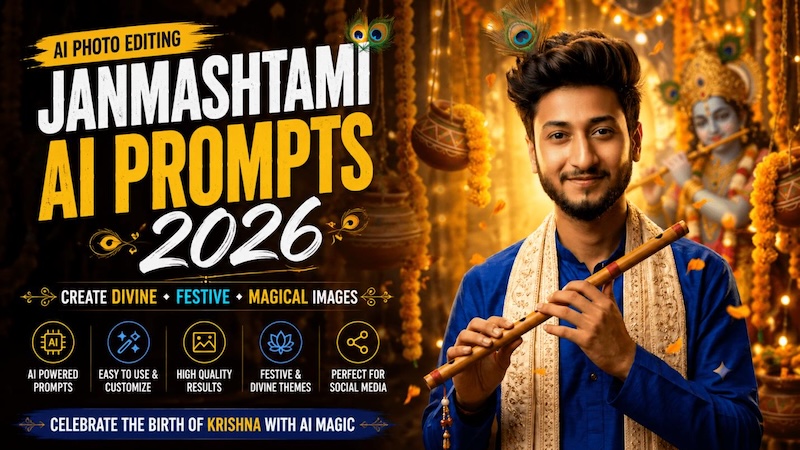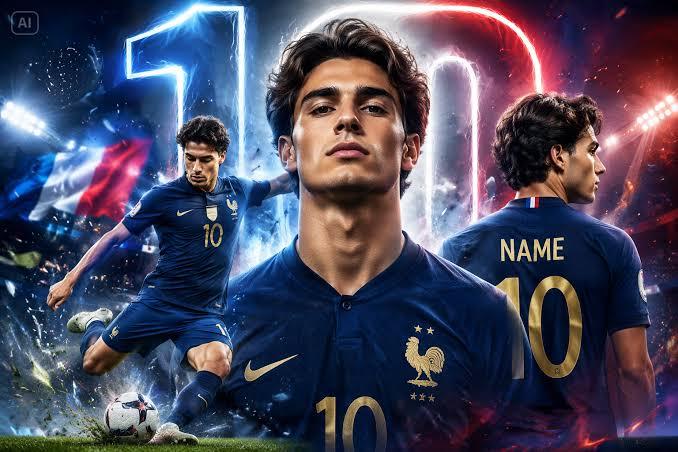
Creating eye-catching social media content can be challenging, especially when you want your posts to stand out in a crowded feed. Zayan Editz AI prompts make it easier to create creative, stylish, and engaging visuals without requiring advanced editing skills. With the right prompt, you can transform simple ideas into stunning images that are perfect for Instagram, Facebook, TikTok, and more. In this guide, we’ll mention 10 Zayan Editz AI prompts that will help you create high-quality visuals within seconds. In addition, we’ll also introduce one of the best AI tools that will convert prompts into engaging visuals.
Part 1: What Are Zayan Editz AI Photo Prompts?
Zayan Editz AI photo editing prompts are copy-ready text prompts used to create viral AI photos in popular media styles. These prompts provide detailed instructions about the subject, background, lighting, clothing, pose, colors, and overall visual styles. Zayn Editz AI prompts also include multiple image styles, such as cinematic 3D name art, neon wings, glowing portraits, dramatic backgrounds, luxury photoshoots, futuristic designs, and cinematic character edits. Users can copy these prompts and paste them into an AI image generator to create stunning visuals within seconds.
Part 2: 10 Viral Zayan Editz AI Prompts for Stunning Images
Looking for the best Zayan Editz AI prompts? Look no further! In this section, we’ve mentioned the top 10 prompts that will help you create high-quality and engaging social media posts without editing experience or professional help.
1. Traditional Cultural Style

“Create a sophisticated portrait inspired by traditional South Asian fashion and architecture. Show the person wearing an elegant cream-colored kurta with a beautifully detailed traditional waistcoat. Place them in a luxurious heritage courtyard featuring arches, warm lanterns, textured walls, and subtle decorative elements. Use golden-hour lighting, natural skin tones, realistic facial details, and cinematic depth of field. Keep the person’s identity and proportions accurate. Make the overall image refined, warm, culturally inspired, photorealistic, and suitable for an engaging social media post.”
2. 3D Name Art Portrait
“Create a dramatic 3D name-art portrait featuring the person standing confidently beside large metallic 3D text displaying “[YOUR NAME].” Use a dark studio background with glowing particles, subtle smoke, reflective surfaces, and cinematic spotlights. Make the text look premium with realistic metallic textures, depth, and elegant illumination. Keep the person’s facial identity accurate and dress them in a stylish modern outfit. Use sharp details, realistic shadows, dramatic lighting, and professional poster composition. Make the final design visually striking and optimized for social media sharing.”
3. Luxury Black and Gold Portrait
“Create an ultra-premium black-and-gold fashion portrait of the person in a sophisticated studio setting. Dress them in a perfectly tailored black outfit with subtle gold accessories. Add a dark textured background, elegant golden light strips, soft atmospheric haze, and reflective surfaces. Use dramatic side lighting to highlight facial structure while maintaining natural skin texture and recognizable features. Add cinematic color grading, realistic shadows, crisp details, and shallow depth of field. Make the final image look like a luxury magazine cover with a stylish vertical social media composition.”
4. Luxury Car Photoshoot
“Create a high-end cinematic photo of the person standing beside a luxurious black sports car at night. Dress them in a stylish black suit, white shirt, premium sunglasses, and elegant shoes. Place the scene on a modern city street surrounded by glowing skyscrapers, reflections, and soft neon lights. Use dramatic cinematic lighting, realistic shadows, detailed skin texture, shallow depth of field, and professional fashion photography composition. Maintain natural facial identity and proportions while creating a sophisticated, expensive, and social-media-ready appearance.”
5. Luxury Yacht Portrait
“Create a luxurious cinematic portrait of the person standing on a modern yacht during sunset. Dress them in a sophisticated white shirt, tailored trousers, elegant watch, and stylish sunglasses. Surround the scene with sparkling ocean water, distant mountains, warm sunlight, and soft reflections across the yacht. Preserve their natural facial identity and realistic proportions. Use golden-hour lighting, cinematic depth of field, realistic skin texture, subtle lens flare, and premium fashion photography aesthetics. Make the final image sophisticated, photorealistic, and perfect for social media.”
6. Futuristic Hologram Portrait
“Transform the person into a futuristic digital character standing inside a high-tech environment. Keep their face recognizable while adding a sleek futuristic outfit with glowing holographic details. Surround them with transparent digital screens, floating interface elements, blue light beams, and subtle particles. Use dramatic cinematic lighting and realistic reflections on nearby surfaces. Add sharp facial details, natural skin texture, atmospheric depth, and premium science-fiction aesthetics. Create a visually immersive vertical portrait that looks like a scene from a futuristic movie and works perfectly for viral social media content.”
7. Golden Hour Beach Portrait
“Create a peaceful cinematic beach portrait of the person standing near the ocean during golden hour. Dress them in a relaxed, stylish outfit with a lightweight shirt and trousers. Add gentle ocean waves, warm sunlight, soft clouds, distant horizon, and golden reflections across the water. Preserve natural facial features, realistic skin texture, and accurate proportions. Use soft cinematic lighting, subtle lens flare, shallow depth of field, and professional lifestyle photography aesthetics. Make the image calm, elegant, vibrant, photorealistic, and perfectly suited for Instagram and other social platforms."
8. Millionaire Lifestyle Portrait
“Create a sophisticated luxury lifestyle portrait of the person inside a modern penthouse overlooking a glowing city skyline at night. Dress them in an elegant designer-style suit with a premium watch and polished shoes. Add floor-to-ceiling windows, luxurious furniture, subtle ambient lighting, and city reflections in the background. Preserve their recognizable facial identity and natural proportions. Use cinematic lighting, realistic materials, detailed skin texture, shallow depth of field, and high-end editorial photography aesthetics. Make the final image confident, aspirational, photorealistic, and perfect for a premium social media post.”
9. Cosmic Galaxy Portrait
“Transform the person into a stunning cosmic-themed character standing in a surreal galaxy environment. Keep their facial identity realistic while surrounding them with colorful nebula clouds, glowing stars, distant planets, and subtle cosmic particles. Dress them in a sleek futuristic outfit with elegant illuminated details. Use dramatic rim lighting, realistic skin texture, cinematic depth, vibrant atmospheric effects, and sharp facial details. Create a visually immersive composition inspired by premium science-fiction artwork while maintaining photorealism. Make the final vertical image extraordinary, creative, and perfect for viral social media content.”
10. Rainy Umbrella Portrait
“Create a cinematic portrait of the person walking through a rainy downtown street while holding a transparent umbrella. Dress them in a stylish dark trench coat with elegant shoes and subtle accessories. Add glowing storefronts, wet pavement, reflections, falling raindrops, and colorful bokeh lights in the background. Preserve their facial identity, hairstyle, natural skin texture, and realistic proportions. Use moody lighting, shallow depth of field, realistic reflections, cinematic color grading, and professional photography composition. Make the final image atmospheric, emotional, photorealistic, and perfect for social media.”
Part 3: How to Turn Zayan Editz Prompts into Engaging Visuals
If you want to turn Zayan Editz AI prompts into engaging visuals, you must use an AI-powered tool with text-to-image capabilities. That is where HitPaw Edimakor comes in. It is one of the best AI video editor that also include image creation features. With its Text-to-Image feature, users can turn Zayan Editz AI prompts into high-quality visuals within seconds — no editing experience or professional help required. The best part of this tool is that it includes a wide range of AI models for image generation, such as Nano Banana, Nano Banana Pro, Midjourney, Stable Diffusion, Flux, and Imagen 4. The main feature of HitPaw Edimakor is editing, allowing users to customize images and videos according to their requirements.
Key Features of HitPaw Edimakor
- Text-to-Image: With the help of this tool, users can turn Zayan Editz AI prompts into high-quality images within seconds — no editing experience or professional help required.
- Multiple AI Models: The program supports a wide range of AI models, such as Nano Banana, Nano Banana Pro, Stable Diffusion, Midjourney, Flux, Imagen 4, and other advanced image-generation models.
- Advanced Customization Options: HitPaw Edimakor provides advanced customization options, allowing users to adjust prompts, image styles, aspect ratios, backgrounds, lighting, and colors.
- Format Supported: The best part of this tool is that it allows users to download images in multiple formats, including JPG, PNG, JPEG, and WEBP, making it ideal for social media platforms, such as Instagram, Facebook, and more.
- Easy-to-Use: The amazing feature of this tool is its intuitive and beginner-friendly interface. Simply copy and paste the text prompts, choose the AI model, and click on the “Generate” button.


Step-by-Step Guide:
Follow the instructions below to learn how to use Zayan Editz AI prompts to create high-quality visuals with HitPaw Edimakor:
Step 1: Select Text to Image
Download, install, and launch HitPaw Edimakor on your PC. Choose the “Toolbox” option and select the “Text-to-Image” tool from the main interface.
Step 2: Choose The AI Model
Click on the “Model” and select the preferred AI model. The program offers a wide range of options such as Nano Banana Pro, Seedream, Flux, Stable Diffusion, and more.
Step 3: Enter Zayan Editz AI Prompt
Once the AI model is selected, navigate down and enter the Zayan Editz AI prompt into the prompt box.
Step 4: Adjust Image Settings and Generate
Select the image settings, such as resolution, aspect ratio, and output quantity. Click on the “Generate” button, and within seconds your AI image will be ready. Download it in desired formats, such as JPG and PNG.
Final Thoughts
Zayn Editz AI prompts enable users to create Instagram-ready portraits, DP photos, biker edits, saree look, motion clone images, and cinematic AI photos. Use these prompts with HitPaw Edimakor to achieve studio-like results. The program enables users to generate images in 4K resolution and provides advanced editing capabilities.
Leave a Comment
Create your review for HitPaw articles