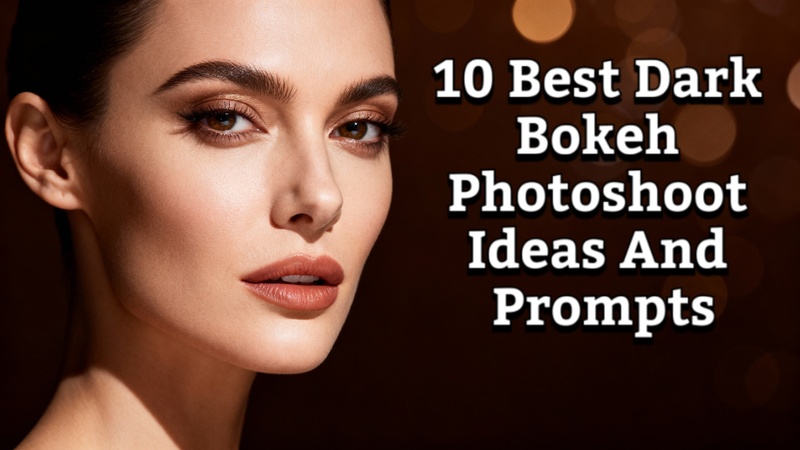
Bokeh photography has emerged as one of the most inventive methods for producing visually striking images. The dark bokeh photo prompt quickly makes portraiture, lifestyle photos, and artistic photographs stand out by adding mystery, depth, and elegance. This article will share with you 10 best dark bokeh prompts and the best way to use the Dark Bokeh effect to your photo with Edimakor AI.
Part 1: What Is the Bokeh Effect In Photography
The term bokeh describes the visual appeal of a photograph's out-of-focus regions. It is frequently perceived as a gentle, round pattern of light produced when a camera lens blurs light points. Bokeh gives the main subject a dreamlike, polished appearance by isolating it from the backdrop.
Important Details about Bokeh:
- Lens aperture affects bokeh; stronger bokeh is produced by a wider aperture
- It works best in dimly lit areas or when background light sources are dispersed.
- In order to emphasize the subject while preserving a melancholy, dramatic vibe, dark bokeh concentrates on producing blurred highlights in darker tones.
Part 2: 10 Best Dark Bokeh Photoshoot Ideas And Prompts
Discover the top ten dark bokeh photo ideas for 2026, complete with imaginative suggestions for both genders. Discover how to use dark bokeh effects to take visually striking, melancholy, and cinematic pictures.
1 Best 5 Dark Bokeh Photoshoot Ideas And Prompts For Man
1. Moody Night Portrait
Capture a man in a cityscape at night with neon lights blurred into the dark bokeh lights. Use a wide aperture and low ISO to emphasize facial features while keeping the background dreamy.
Convert this photo into a moody night portrait with dark bokeh lights, blurred neon city background, soft shadows on the face, sharp facial details, cinematic lighting, low exposure, and a dramatic urban night aesthetic.

2. Dark Blue Bokeh Studio Shot
Set up a dark blue bokeh background with studio lights behind the subject. This works perfectly for formal portraits, fashion, and product photoshoots.
Transform this image into a studio-style portrait with a dark blue bokeh background, smooth blurred lights, balanced contrast, sharp facial features, professional lighting, and a clean, modern fashion photography look.
3. Minimalist Silhouette with Dark Red Bokeh
Silhouette shots combined with dark red bokeh add drama. Position the light behind the subject and adjust focus for a soft, out-of-focus effect.
Edit this photo into a minimalist silhouette with dark red bokeh lights, soft glowing background, strong contrast, subtle highlights around the subject, artistic shadows, and a dramatic, cinematic mood.
4. Street Photography with Dark Chocolate Bokeh
Capture candid shots on dimly lit streets. Street lamps and car lights can create dark chocolate bokeh, enhancing the photo’s moodiness.
Enhance this street photo with dark chocolate bokeh lights, blurred urban background, warm tones, low-light atmosphere, realistic shadows, cinematic depth, and a moody nighttime street photography style.
5. Action or Motion Blur with Dark Green Bokeh
Add subtle motion blur while keeping lights in the background out of focus to create dynamic shots with a dark green bokeh background, ideal for sports or urban photography.
Convert this image into an action-style portrait with subtle motion blur, dark green bokeh background, dynamic lighting, sharp subject focus, blurred light trails, and an energetic urban photography feel.
2 Best 5 Dark Bokeh Photoshoot Ideas And Prompts For Woman
1. Romantic Candlelight Portraits
Use candles or fairy lights behind the subject to create a dark pink bokeh background. This produces soft, warm tones and highlights facial features beautifully.
Transform this photo into a romantic portrait with dark pink bokeh lights, candlelight glow, soft facial highlights, smooth skin tones, shallow depth of field, and a warm, elegant cinematic atmosphere.
2. Glam Fashion Photography with Dark Brown Bokeh
High-fashion shots in studios can benefit from a dark brown bokeh background. Position spotlights to create rich, elegant bokeh patterns.
Edit this image into a high-fashion portrait with dark brown bokeh background, elegant lighting, rich color tones, sharp facial details, smooth texture, and a luxury editorial photography style.
3. Moody Hair and Beauty Shots
Focus on facial details with a dark bokeh effect in the background. The effect draws attention to makeup, hair, or jewelry while adding depth.
Enhance this beauty photo with a dark bokeh background, soft glowing lights, sharp focus on makeup and hair, smooth skin texture, balanced contrast, and a professional beauty photography aesthetic.
4. Nighttime Window Light Portrait
Place the model near a window at night and use external city lights for dark bokeh wallpaper. This creates intimate, cinematic shots with dramatic lighting.
Convert this image into a nighttime portrait with window light, dark city bokeh outside, soft shadows, cinematic lighting, natural skin tones, and a moody, emotional storytelling atmosphere.
5. Artistic Water Reflection Bokeh
Reflections in water or glass combined with low-light conditions can produce soft, dark green bokeh, offering artistic, almost painterly visuals.
Transform this photo into an artistic piece with dark green bokeh reflections, soft water-like light patterns, a low-light mood, smooth blur, cinematic depth, and a creative, painterly photography style.
Part 3: Create The Best AI Dark Bokeh Photoshoots
Dark bokeh photoshoots are known for their cinematic depth, soft background blur, and dramatic lighting. With Edimakor AI, you can easily transform a simple photo into a professional-looking dark bokeh portrait.
Step 1: Capture a Photo
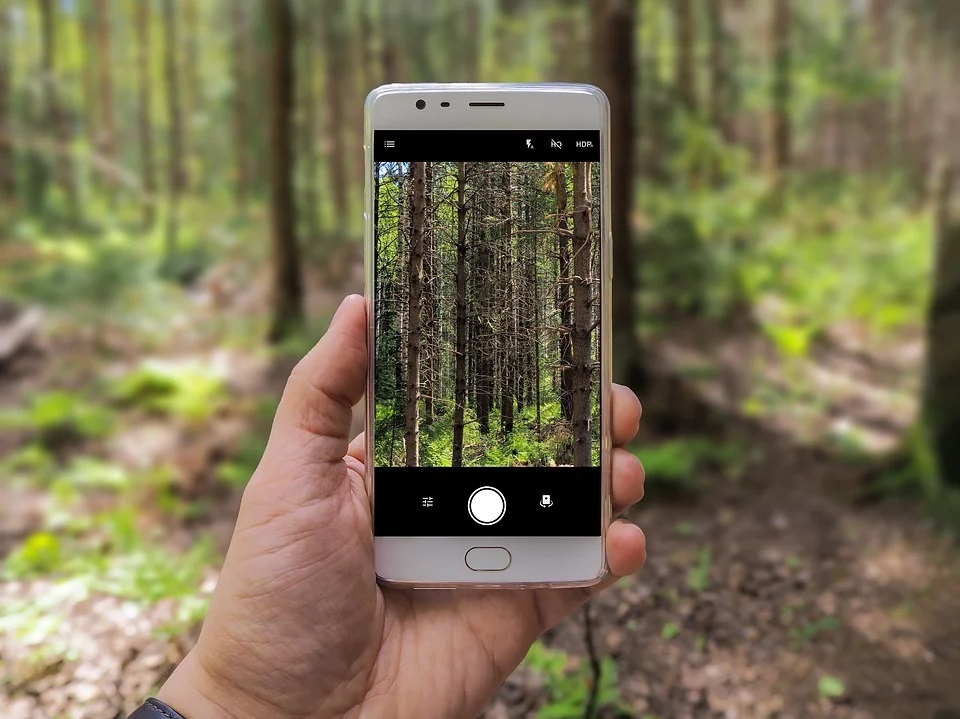
Start by shooting a clear, well-lit photo using your smartphone or camera. A simple background works best, as it helps Edimakor generate a cleaner dark bokeh effect.
Step 2: Open Edimakor & Access AI Image Tools
Launch Edimakor and go to the Toolbox. Navigate to the Image section and select the Reference Image generator tool.


Step 3: Upload Your Photo
The next step is to choose the model. Go ahead with Nano Banana and then upload the photo you just clicked into Edimakor.
Step 4: Enter a Dark Bokeh Prompt
Paste a dark bokeh AI prompt into the prompt box. You can also use Edimakor’s Prompt Generator to create a customized prompt for better results.
Step 5: Choose Output Settings
Choose the resolution, aspect ratio, and number of output images you want. Click Generate and wait a few moments while Edimakor creates your dark bokeh photoshoot.
Step 6: Preview, Save, and Share
Go to the My Creations section to view the output. Preview the image carefully to ensure it meets your expectations. Once satisfied, tap the folder icon in the top-right corner of the image to open the storage folder and easily download or share it.
Faqs On Dark Bokeh Photo
A1: Steer clear of cluttered backdrops or harsh, distracting lights that lessen the bokeh effect. Bokeh may appear fake or boring due to overexposure, tiny apertures, or uneven lighting. Controlled lighting and proper focus are essential.
A2: For natural bokeh, use wide aperture lenses; for digital bokeh, use AI photo technologies. While maintaining the main subject's sharpness and prominence, adjust the intensity, blur, and light form.
A3: Any part of an image that is out of focus is referred to as blur, whereas bokeh refers especially to visually appealing, circular or shaped highlights produced by light sources in the blurred areas.
A4: The strongest bokeh is produced by a wide aperture. The characteristic soft light circles are produced, and background blur is enhanced by the shallower depth of field that results from a wider aperture.
Wrapping Up
In 2026, dark bokeh photo prompt is ideal for producing gloomy, cinematic, and eye-catching images. There are countless opportunities for artistic expression when conventional photographic techniques are combined with AI tools like Gemini AI. The HitPaw Edimakor (Video Editor) may improve your images and videos by adding polish, light effects, and finishing touches to create images that are suited for social media.
Leave a Comment
Create your review for HitPaw articles