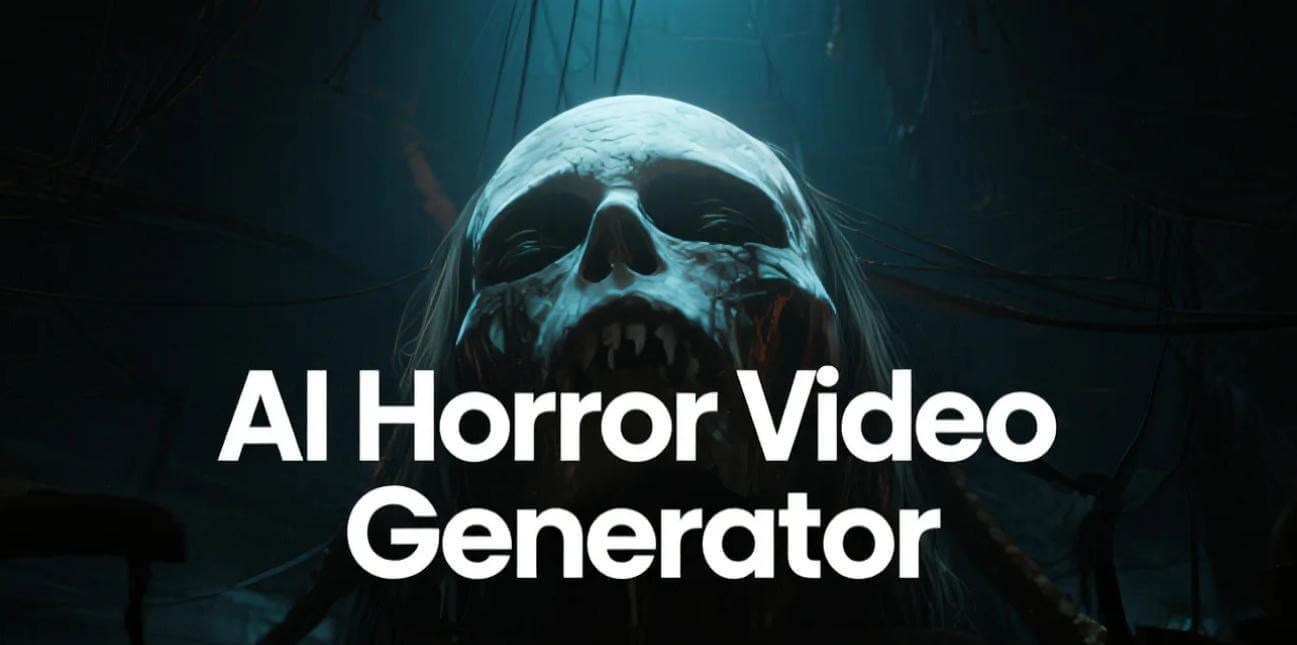
Horror movies and stories are very popular on social media and streaming platforms. However, creating horror movies requires time, creativity, video editing skills, and sometimes expensive equipment. This is where AI horror story video generators come in handy. These tools allow users to transform written scripts, text prompts, and creative ideas into scary videos featuring haunted houses, supernatural creatures, creepy characters, and suspenseful scenes. In this guide, we’ll mention the top 5 AI horror story video generators that will help you create engaging horror stories within minutes. Ensure to read this guide till the end.
Part 1: 5 AI Horror Story Video Generators You Can Try in 2026
There are hundreds of AI horror story video generators available in 2026, but not all of them are worth trying. Some tools specialize in turning text prompts into scary visuals, while others offer complete video creation features. Here are the top 5 AI horror story video generators available in 2026:
1 HitPaw Edimakor
Turning a story into a video used to take hours of editing and production work. Now, with HitPaw Edimakor, you can transform your ideas or scripts into fully generated videos in just a few clicks. It is an all-in-one AI Video Editor that enables users to generate videos, customize scenes, add voiceovers, and enhance their content without requiring professional editing skills. With the help of this tool, creators can generate high-quality horror stories with a simple text prompt or by uploading static images. Another amazing feature of this tool is that it enables users to create videos in multiple styles, such as horror, cinematic, 3D, anime, cartoon, realistic, and more. Whether you’re creating short scary clips for social media or longer storytelling videos for YouTube, HitPaw Edimakor provides a convenient workflow for turning creative ideas into engaging horror content.
Key Features of HitPaw Edimakor
- Story-to-Video: If you have an engaging horror story script, HitPaw Edimakor allows you to transform it into captivating visuals with animations, voiceovers, and atmospheric scenes.
- Text-to-Video: The program also supports a text-to-video feature, allowing users to turn simple text prompts into engaging videos. Simply enter the prompt, choose the AI model, and click on the “Generate” button.
- Advanced Customization: HitPaw Edimakor offers advanced customization features, allowing users to edit their videos according to their requirements. Users can add background music, insert text, apply filters and effects, and more.
- Free Version: One of the standout features of this tool is that it offers a free version, allowing users to create high-quality horror stories without spending a single penny. The free version supports story-to-video and text-to-video features.
- Beginner-Friendly: This tool offers an easy-to-use interface, which is ideal for non-tech and beginner users. You don’t need advanced video editing skills or prior production experience to get started.


Step-by-Step Guide:
Learn how to create engaging AI horror story videos with HitPaw Edimakor by following a few simple steps:
Step 1: Select AI Video Generator
Go to the HitPaw Edimakor official site and download the latest version of the program on your PC. Choose the “AI Video Generator” tool and select the “Story-to-Video.”

Step 2: Enter Your Story
Copy and paste your script into the prompt box. Next, choose a style at the bottom, with a wide range of options available, including horror, cyberpunk, Ghibli, 3D cartoon, and more.
Step 3: Generate Your Story
Select the video settings, such as duration, aspect ratio, target audience, and language. Once all the requirements are complete, click on the “Generate” button.
2 Runway
Runway AI is a creative platform that uses advanced technology to create videos and tell visual stories. The platform is designed for creators who want to generate high-quality videos without relying on traditional editing software. One of the standout features of this tool is that it provides advanced video editing capabilities, allowing users to customize AI videos according to their requirements.
Pros
- Gen-4.5 model creates videos with maximum realism from text or photos.
- Runway enables users to create horror stories with simple images and prompts.
- Offers tools to enhance the visual quality of your video.
- Supports multiple AI models, such as Google Veo, Vidu, Wan 2.7 and more.
Cons
- High-resolution video and advanced models can be expensive.
- The platform lets you generate videos up to 10 seconds only.
3 Google Veo
Google Veo 3 is a powerful AI video generator created by Google DeepMind that turns text and images into high-quality videos. Released in May 2025 at Google I/O 2025, it builds on earlier versions by automatically adding dialogue that matches the visuals. For horror creators, Veo can help bring frightening concepts to life, including abandoned buildings, shadowy figures, supernatural encounters, and more.
Pros
- Simulates realistic physics, including gravity, fluid movement, and object interaction.
- Adapts video style, tone, and atmosphere based on descriptive user prompt.
- Users can download videos in multiple formats, such as MP4.
- Creates synchronized dialogue, ambient sounds, and effects.
Cons
- No free version available.
- Only enables users to create 8-second videos.
4 Kling
Developed by Kuaishou Technology, Kling AI has become one of the most talked-about AI video generators on the planet. This tool enables users to create high-quality videos from a text prompt or by uploading images. The best part of this tool is that it supports various video styles, including horror, cyberpunk, realistic, 3D, anime, and more. For horror creators, Kling AI can transform imaginative ideas into visually striking scenes featuring haunted mansions, terrifying creatures, and more.
Pros
- Generate up to 6 distinct camera shots in a single prompt cycle.
- Turns your subject into a music video-style scene with attitude and motion.
- Users can use it directly from their web browser. Also available on Android and iOS.
- Free plan of Kling adds up to about 216 credits per month.
Cons
- Requires a stable and active internet connection.
- When servers are busy, generation time can be slow.
5 Vidnoz AI
Vidnoz AI is one of the newest AI video generators on the market. It offers features such as AI avatars, text-to-speech, customizable video templates, and more. One of the standout features of this tool is that it offers built-in horror story templates that users can use to create horror content within seconds. The program also offers the Avatar Lite feature, allowing users to create digital twins in 40+ languages, including English, Chinese, and Spanish.
Pros
- Supports 1900+ realistic AI avatars from different industries and roles.
- 2000+ natural-sounding AI voices in 140+ languages, including English.
- Text-to-video feature enables users to create high-quality videos with simple prompts.
- Works seamlessly with Windows, macOS, Android, and iOS.
Cons
- Free version offers limited features compared to the paid version.
- Limited video editing capabilities.
Final Thoughts
If you’re looking for a tool to create horror stories, you’re in the right place. This guide has provided you with the best AI horror story video generator available in 2026. Among them, HitPaw Edimakor is the best option. This tool enables users to create high-quality horror stories with a simple text prompt — no editing experience required.
Leave a Comment
Create your review for HitPaw articles