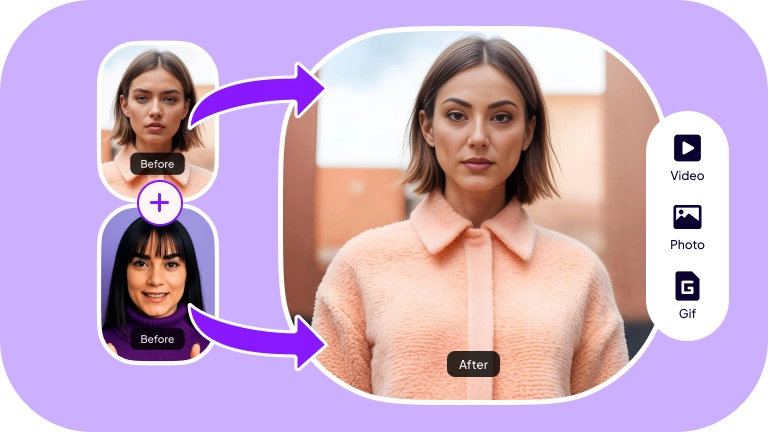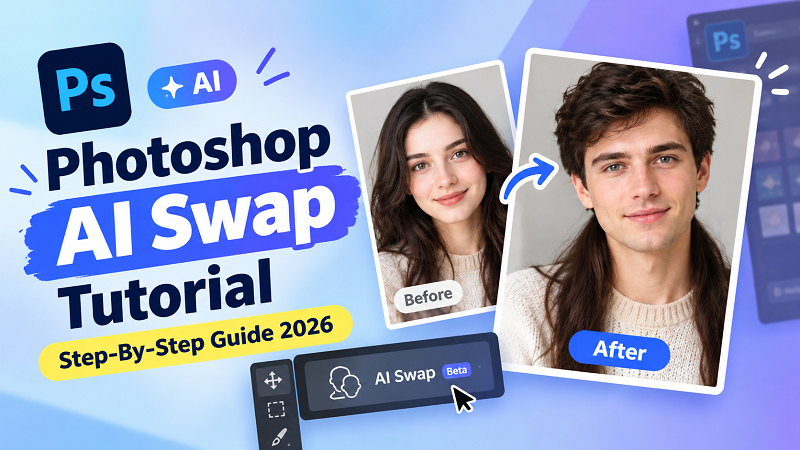
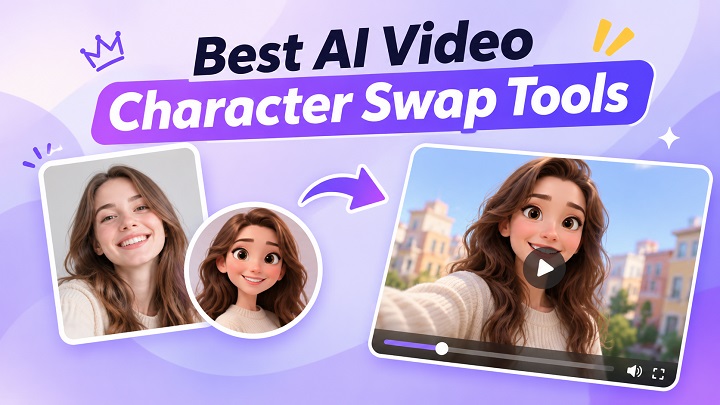
An AI video character swap can mean several different things: replacing only a face, changing a full head, transferring a performance to a new character, or rebuilding the person while preserving the original camera movement. The best choice depends on how much of the subject must change and how much control you need after generation. This guide compares five practical options, beginning with an editor that keeps swapping and post-production in one workflow.
Part 1: What Is an AI Video Character Swap?
AI character replacement analyzes a source clip frame by frame, tracks the person, and synthesizes a new identity or character while trying to preserve motion, timing, lighting, and the surrounding scene. Face-swap tools alter the face region; head-swap tools replace a larger area; motion-transfer and video-to-video systems can redraw the whole body. That distinction matters: a face-only tool may be ideal for a talking-head clip but unsuitable for an anime character, mascot, costume, or full-body dance replacement.
For a clean result, use a well-lit source video, avoid long occlusions, and supply reference images that show the replacement character from useful angles. Fast turns, hands crossing the face, motion blur, and crowded scenes remain difficult for many systems. Always review the complete render rather than judging a single preview frame.
Part 2: Quick Comparison of the Best AI Video Character Swap Tools
| Tool | Best for | Swap scope | Platform | Key trade-off |
|---|---|---|---|---|
| HitPaw Edimakor | All-in-one swap and editing | Face, head, body/character workflows | Windows / macOS | Desktop installation |
| Higgsfield Genjutsu | Targeted character or object replacement | Full character or selected element | Web | Credit-based generation |
| Viggle AI | Motion-driven character replacement | Full-body character and motion | Web / app | Results depend on pose and motion |
| DeepSwap | Fast online identity replacement | Face and head-focused | Web | Less timeline control |
| Media.io | Simple browser-based experiments | Face/gender-oriented swaps | Web | Less suitable for complex full-body continuity |
Part 3: Top 5 AI Video Character Swap Tools
1. HitPaw Edimakor
HitPaw Edimakor is the strongest recommendation here for users who want to perform an AI swap and then continue editing in the same desktop project. Its AI Swap workflow supports video, image, and GIF inputs, recognizes faces in an imported clip, lets the user choose a detected target, and accepts a custom replacement image. After generation, the swapped result can return to the editor for trimming, captions, audio, effects, and export instead of requiring a second application.
Why it stands out:
- A guided AI Swap workflow for single- or multi-face material.
- An integrated timeline for polishing the generated clip.
- Related tools for broader character work, including head, body, and character creation workflows.
- A practical fit for creators who need both generation and conventional video editing.


Step 1 Open Edimakor and choose AI Swap from the AI tools area.

Step 2 Select the video swap option and import the source clip.
Step 3 Run facial recognition, select the person to replace, and upload a clear reference image.
Step 4 Start the swap and wait for Edimakor to generate the replacement.
Step 5 Inspect the result, make any required timeline edits, and export in the preferred format and resolution.
2. Higgsfield Genjutsu
Higgsfield Genjutsu is designed for video transformation rather than a basic face overlay. Its official documentation describes two relevant modes: Motion Transfer can rebuild a scene around a new character while keeping the source motion and camera, while Objects Swap targets a person, product, outfit, text, or other selected element. Users can upload a 4–30 second reference video and add multiple reference images, making it useful when the goal is a true character replacement rather than only a new face.
- Best for: cinematic recasting, product localization, costume changes, and short clips where preserving movement and camera work matters.
- Limitations: generation uses cloud credits, complex scenes may require several reference angles, and results should be checked for identity drift and unintended changes outside the target area.
3. Viggle AI
Viggle AI focuses on character animation and motion transfer. Its newer Remake workflow analyzes existing footage and plans what to replace while retaining the filmed movement. This makes Viggle especially attractive for dance clips, memes, stylized characters, mascots, and social videos in which full-body movement is more important than a photorealistic talking-head face. It can also replace more than one character in supported workflows.
- Best for: full-body motion, dance references, stylized or illustrated characters, and fast social-video experiments.
- Limitations: silhouette changes, extreme rotations, and contact between multiple people can expose artifacts. Use a reference image with a clear full body and a source clip whose pose is compatible with the new character.
4. DeepSwap
DeepSwap is a browser-based face editor built around quick identity replacement in videos, images, and GIFs. The workflow detects faces, lets the user assign a target identity, and processes the material online. It is simpler than a full video-to-video character model and is therefore most appropriate when the body, clothes, movement, and background should remain unchanged.
- Best for: fast face or head-oriented swaps, meme clips, and users who do not want to install a desktop editor.
- Limitations: it is not the first choice for replacing an entire costume or non-human character, and browser processing gives less frame-level control than an editor with a timeline.
5. Media.io
Media.io provides a lightweight online route for users who want to test AI face and gender transformations without setting up a complex production pipeline. Its upload-and-generate workflow is easy to understand and works well for simple portraits or short clips. It belongs in this list as an accessible alternative, but users seeking full-body character recasting should prefer Edimakor, Higgsfield, or Viggle.
- Best for: beginners, short browser-based experiments, and face- or gender-oriented transformations.
- Limitations: complex motion, long-form continuity, and precise full-character control are outside its strongest use case; account, credit, or export restrictions may also vary by plan.
Part 4: How to Choose the Right Character Swap Tool
Start by defining the replacement boundary. If only the identity must change, a face-focused tool is faster. If hair, head shape, clothing, or body proportions must also change, use a head, body, or full-character workflow. For a new character that must follow the source performance, motion-transfer systems are usually the better fit.
- Choose Edimakor when you need an approachable swap plus timeline editing, captions, audio, and export in one project.
- Choose Higgsfield when you want targeted scene transformation and can provide several strong references.
- Choose Viggle when body motion and character animation are the main creative requirement.
- Choose DeepSwap when a quick online face replacement is enough.
- Choose Media.io when ease of access matters more than advanced full-character control.
Before committing credits or a paid plan, test a short representative section containing the hardest motion in the video. Compare facial consistency, hands, hair edges, clothing stability, background preservation, temporal flicker, and export quality. Product limits and pricing can change, so verify the current official plan before publishing a budget estimate.
Reminder:
This guide is for informational purposes only and does not constitute legal advice. Before using the relevant features, please make sure to:
- Consult a qualified legal professional in your jurisdiction to evaluate any legal risks that may apply;
- Carefully read and fully understand the Edimakor Terms of Service and Edimakor Privacy Policy;
- Ensure that all generated content complies with applicable local, state, and federal laws and regulations, particularly those related to synthetic media and digitally manipulated content.)
FAQs about Video Character Swap AI Tools
A1: HitPaw Edimakor is the most balanced choice in this comparison because it combines the AI swap workflow with a full editor. Higgsfield is stronger for targeted video transformation, while Viggle is particularly useful for motion-driven full-body characters.
A2: Yes. Full-character and motion-transfer tools can redraw the person rather than only replacing the face. Results depend on reference quality, motion complexity, occlusion, and the difference between the original and replacement silhouettes.
A3: No. Face swapping changes a limited facial region. Character swapping may replace the head, body, outfit, style, or entire person while retaining the source movement and camera.
A4: Use a clean source clip, provide sharp reference images from relevant angles, avoid heavy occlusion, and test short segments. When possible, finish the result in a timeline editor and cut away from frames that remain unstable.
A5: Legality depends on consent, ownership, jurisdiction, and intended use. Obtain permission, avoid deception or harmful impersonation, and consult a qualified professional when the project involves commercial rights or sensitive synthetic media.
Conclusion
The best AI video character swap tool is the one that matches the scope of the replacement. Face-only tools are efficient for identity changes; motion-transfer tools are better for complete characters; and a full editor is valuable when the generated shot still needs trimming, captions, sound, color, and delivery. For most creators who want a guided workflow with room to refine the result, HitPaw Edimakor offers the clearest all-in-one path.
Leave a Comment
Create your review for HitPaw articles