AI Swap Generator - Edimakor
 AI-powered
AI-powered
AI Swap
- AI swap in videos, images, and GIFs easily.
- AI swap of single or multiple people in different scenes.
- Replace visual subjects with mosiac, anyother characters or funny memes/stickers.
- Transform appearances between masculine and feminine styles with the AI swap tool.
- Support high-definition AI swaps with up to 4K clarity.
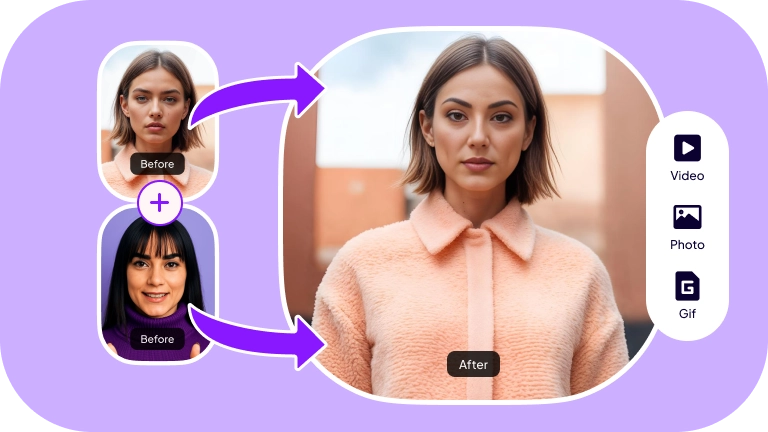







Why Choose Edimakor AI Swap

AI Swap for Single or Multiple People Easily
Edimakor supports seamless AI swapping in videos, GIFs, and images. Whether you're modifying a single face or performing a multi AI swap, the process is quick and efficient. It allows you to replace up to 20 faces simultaneously, with advanced AI ensuring natural and realistic results every time.
Create and Edit AI Swap Videos in One Place
With Edimakor, you can easily create and edit AI-swapped videos all in one platform. After AI face replacement, you can enhance the video with editing tools such as multi-track editing, AI effects, transitions, and background changes.
Add Voiceovers and Subtitles to AI Swap Videos
Add voiceovers and automatic subtitles to your AI-swapped videos, making them more engaging and accessible in multiple languages. The AI voice cloning and changing features helps you customize voices, giving your content a diverse touch.
How to AI Swap in a Video with Edimakor AI Face Changer
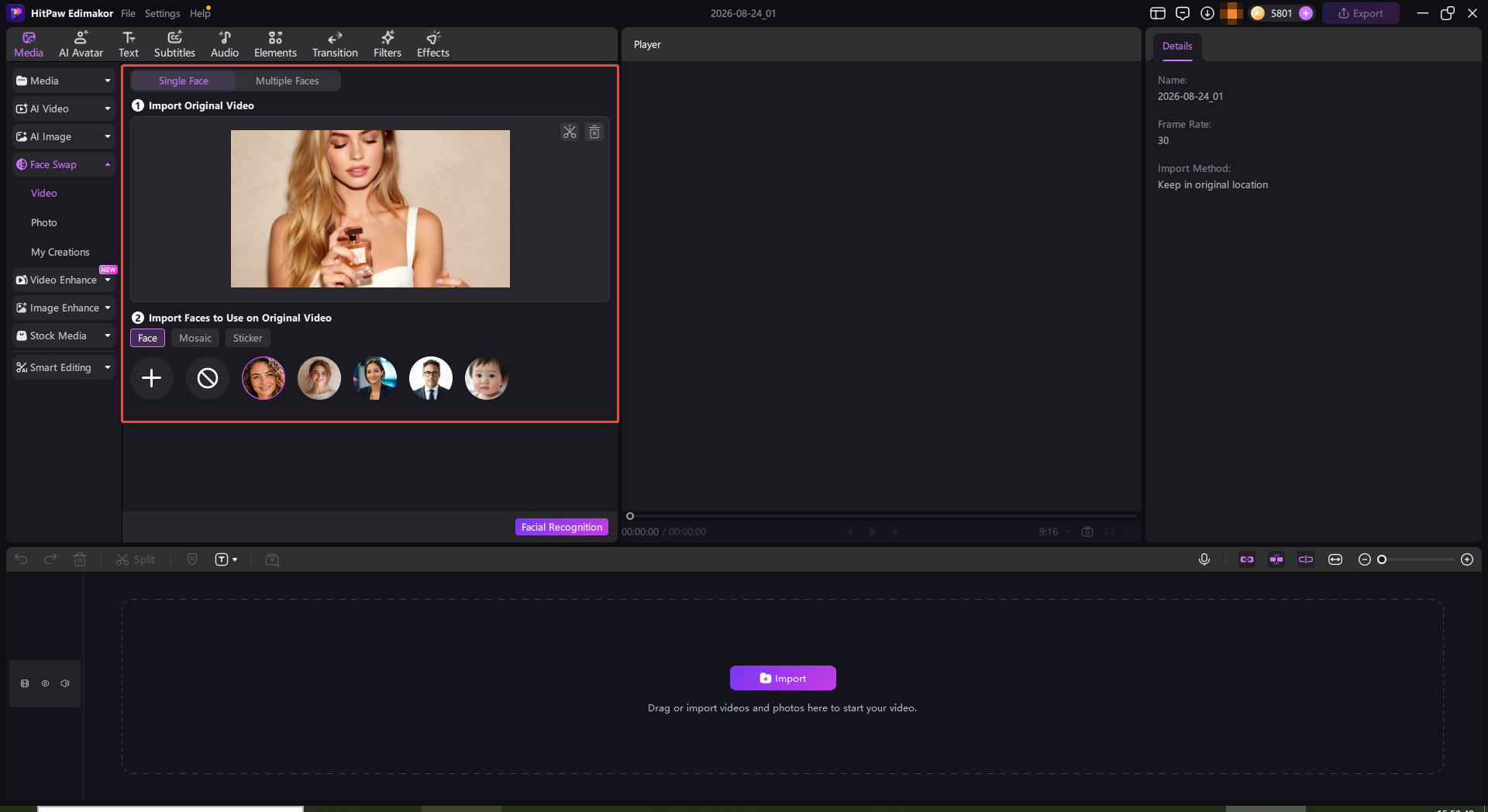
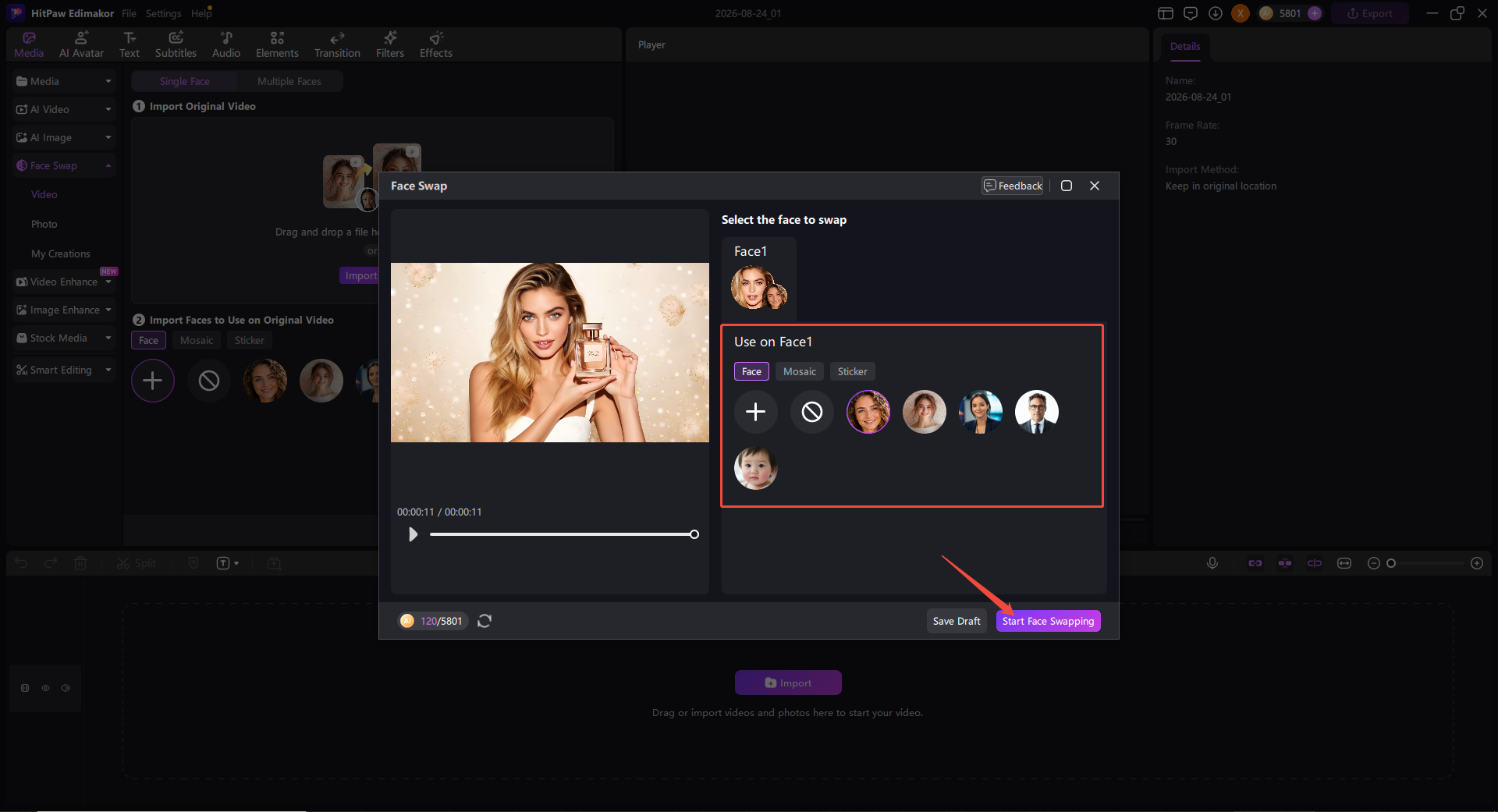
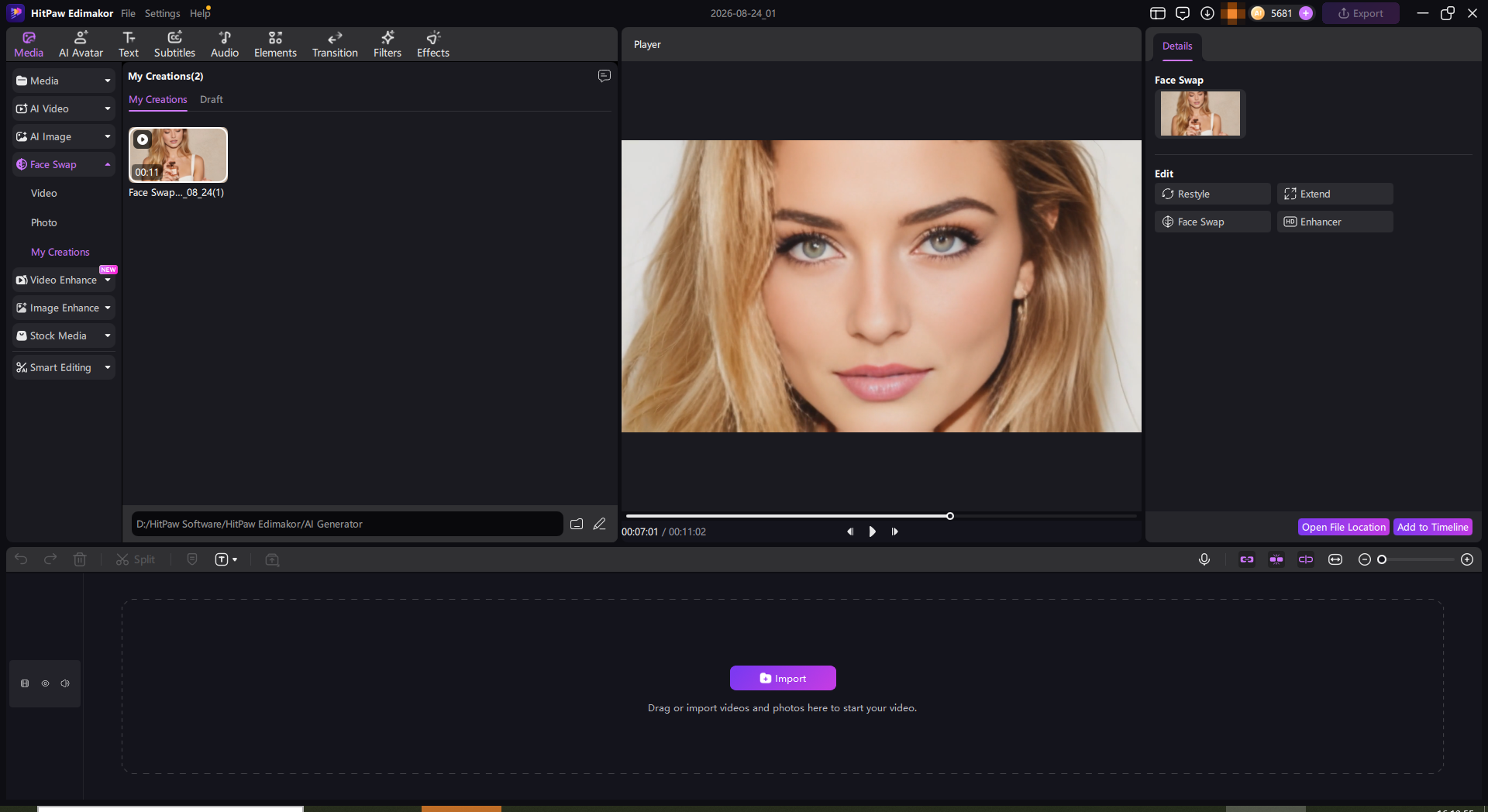
AI swap in Videos with Edimakor in Any Scene
Social Media Videos
See AI swapping in action in everyday scenarios, delivering unexpected and delightful visual transformations.
Educational Videos
Learn the ins and outs of AI swapping through engaging, story-driven tutorials with real-world applications.
Training Videos
Master AI swapping with immersive, hands-on lessons and engaging narratives.
Marketing Videos
Craft memorable and impactful campaigns with visually striking, emotionally resonant content powered by AI swapping.
Personal Videos
Create captivating, unique, and often humorous personal content by experimenting with imaginative AI swapping vlogs.
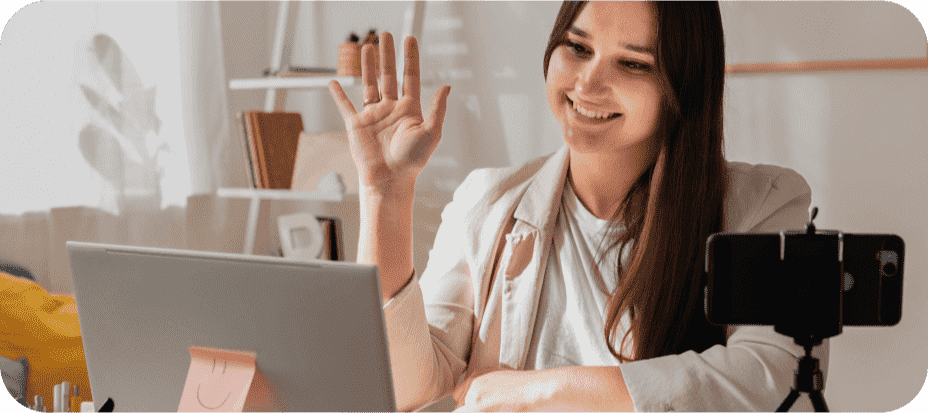
Educational Videos
Learn the ins and outs of AI swapping through engaging, story-driven tutorials with real-world applications.

Training Videos
Master AI swapping with immersive, hands-on lessons and engaging narratives.

Marketing Videos
Craft memorable and impactful campaigns with visually striking, emotionally resonant content powered by AI swapping.

Personal Videos
Create captivating, unique, and often humorous personal content by experimenting with imaginative AI swapping vlogs.

As a Seattle-based content creator, I've been blown away by Edimakor's AI swap feature. It's allowed me to effortlessly AI swaps in my videos, opening up endless creative possibilities. Highly recommended for any Pacific Northwest creator looking to take their video editing to new heights.

Edimakor's AI swap is simply outstanding. It allows me to effortlessly modify faces in my videos.

Michael Davis
I was amazed by the seamless AI swapping capabilities of Edimakor. It's a game-changer for my video editing needs!

Maya Carter
FAQs about Edimakor AI Swap
Edimakor AI Swap is easy-to-use software for modifying faces in videos, photos, and GIFs.It helps create natural-looking AI swap content for entertainment, social media, storytelling, marketing, and creative video projects.
The legality varies by jurisdiction. It's generally acceptable for personal use, but using it for malicious purposes or without consent can lead to legal consequences.
Yes, with advancements in technology, AI swap can be applied in real-time through applications and software, allowing users to AI swaps during video calls and streaming. There are many real-time AI Swappers that exist.
Yes, concerns include privacy violations, misinformation, and potential misuse for malicious purposes, such as creating fake content that can harm reputations or spread false information.
Absolutely! Filmmakers use AI swap technology to create special effects, de-aging actors, or bringing historical figures back to life in a visually compelling manner.
For the best result, use a clear, front-facing replacement photo with good lighting and a visible face. AI swap usually look more natural when the source and target faces have similar angles, lighting conditions, image quality, and facial expressions.
Yes. After creating a AI-swapped video, you can continue editing it in Edimakor. Add subtitles, voiceovers, transitions, visual effects, background changes, music, and other edits without switching to another video editor.
Other Hot Edimakor AI Features
-
AI Text-based Editing
-
AI Text to Video
-
AI Image to Video
-
AI Talking Animal
-
AI Voice Clone
-
AI Speech to Text Converter
-
AI Script Generator
-
AI Video Generator
-
AI Photo Cutout and Background Changer
-
Auto AI Subtitle Generator
-
AI Vocal Remover and Instrumental Remover
-
AI Talking Photo
-
AI Video Lip Sync
-
AI Avatar
-
AI Video Translator
-
AI Video Background Remover
-
AI Audio Editor
Tips & Tricks for Edimakor AI swap
 Edimakor
You
+ Edimakor - Turn ideas
into dynamic
videos
John Smith