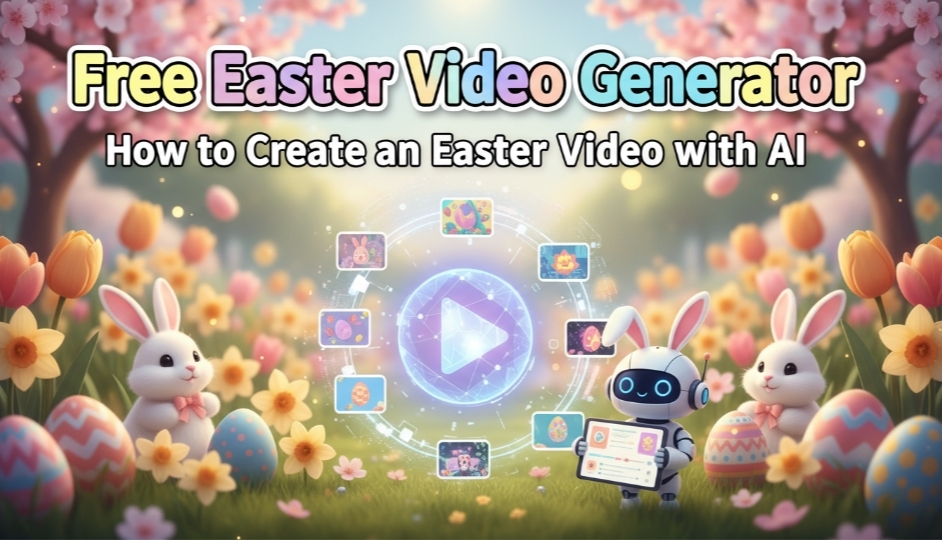
Making entertaining and imaginative videos for Easter celebrations is quite simple with the help of an Easter video generator. In only a few minutes, you can create bunny animations, joyful messages, and Easter video clips. HitPaw Edimakor is one of the easiest and most professional Easter video generators. In this guide, we cover templates, text-to-video, and image-to-video methods for creating your perfect Easter videos.
Part 1. 3 Easy Ways to Create Happy Easter AI Videos
Making joyful AI Easter videos may be quick and enjoyable. AI is ideal for social media and family greetings since it can create festive movies using templates, text prompts, or photos.
Method 1. AI Easter Videos with Ready-Made Templates
The simplest approach to creating Easter films that appear professional without requiring sophisticated editing abilities is to use pre-made themes. With HitPaw Edimakor pre-made animations, templates let you produce sophisticated films in a matter of minutes.
Step 1: Launch HitPaw Edimakor
On your PC or web browser, open HitPaw Edimakor . Even if you have never edited a movie before, the user-friendly interface makes it easy to create your first Easter film.



Step 2: Select Templates
Choose Spring Easter after navigating to the Templates section. There are several pre-made festive video templates that can be used for holiday greetings, eggs, or bunnies.
Additionally, you can create a new project and find video templates in AI Video , which offer even more video inspiration and effects.
Look around and pick a template that complements your theme. With the animation elements, music, and effects all included in the templates, you can quickly produce a polished Easter video.
Step 3: Upload the Image and Generate
Upload your image and click Generate once you have made your selection. The video is quickly produced by AI and is available for preview, download, and further editing. For quick Easter posts on Facebook, Instagram, or TikTok, templates are ideal.
Method 2. Generate AI Easter Videos from Text
You have complete creative power when using text-to-video. Rather than using pre-made templates, you can verbally specify exactly what you want, and the AI will create your funny ai easter meme ai video based on your instructions.
Step 1: Open HitPaw Edimakor and Select Text to Video
Install HitPaw Edimakor and go to the toolbox. Choose Text-to-Video . This mode gives you total creative control over animations and images by enabling you to define the scene verbally.
Step 2: Enter your prompt and Hit Generate
Input a prompt based on the scene you want, and then generate a video.
Easter bunny AI video hopping in a garden filled with pastel eggs, surrounded by spring flowers, with soft sunlight and cinematic camera movement.Method 3. Create AI Easter Videos from Images
You can create vibrant Easter animations from still photographs by using the image-to-video tool at the best Easter video generator, Hitpaw Edimakor. This technique is ideal for turning images, paintings, or digital artwork into Easter Bunny AI video clips.
Step 1: Open HitPaw Edimakor and Go to AI Video
In HitPaw Edimakor, begin a new project. From the left side menu, go to the AI Video section and then hit the Image to Video option.
You can also access the same option by opening the toolbox portion from the main interface and choosing Image-to-Video mode inside the AI Video section.
Step 2: Upload Image, Enter your Prompt, and Generate
Add a prompt after uploading a picture. To make your easter video, click Generate.
Generate a video of [the child] in the picture holding a colorful Easter basket, excitedly searching for hidden Easter eggs in a sunny spring garden, surrounded by blooming flowers, green grass, and pastel decorations. The child is smiling brightly, wearing a cute bunny-themed outfit, with soft sunlight casting warm highlights. Colorful eggs are hidden behind bushes and under flowers, creating a magical Easter egg hunt adventure atmosphere, vibrant colors, cinematic lighting, high detail, shallow depth of field, whimsical and heartwarming scene.
Part 2. Best Easter Video Prompts & Examples
Make distinctive and memorable Easter material. Concepts include animated eggs that unveil surprises, humorous dancing bunnies, or bunnies delivering eggs. Your Easter video will be interesting and social media shareable thanks to these ideas.
1. Bunny Delivering Eggs in a Sunlit Village
Create a heartwarming scene with a cheerful bunny hopping through a sunlit village, carrying a basket of colorful eggs. Soft morning light, spring flowers, and cinematic camera movement make the easter bunny ai video visually appealing and festive.
2. Funny Meme-Style Bunny Dancing with Eggs
Animate a bunny dancing playfully around scattered Easter eggs, adding funny expressions or music. This style works perfectly for ai easter meme ai video content, making your audience laugh and increasing the likelihood of social media shares.
3. Animated Eggs Opening with Surprise Messages
Part 3. Tips to Make Your Easter Videos Go Viral
Creating viral Easter videos is easy, but making them stand out takes creativity.Here are some tips for your viral easter videos.
1. Use Bright, Pastel Colors
Soft pinks, blues, yellows, and greens grab attention. Easter eggs, flowers, and decorations boost visual appeal and shareability.
2. Add Cheerful Music or Sound Effects
Lively tunes, bunny hops, bells, or birds enhance engagement and make videos more fun to watch and share.
3. Keep Videos Short and Engaging
10–30 second clips work best for TikTok, Reels, and Stories. Quick, dynamic scenes keep viewers hooked.
4. Add Humor or Surprise Elements
Funny twists (like a bunny popping from an egg) increase entertainment and share potential.
5. Use Trending Styles and Themes
Use popular AI Easter styles, music, effects, and hashtags to boost visibility and reach.
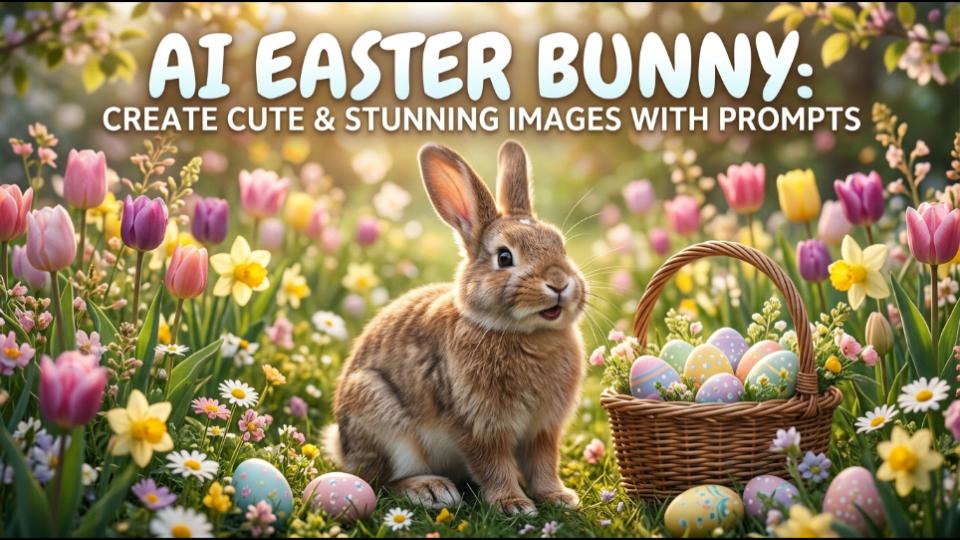
Want to know more about Easter trends? Learn more at AI Easter Bunny: Create Cute & Stunning Images with Prompts
FAQs
A1: HitPaw Edimakor is unquestionably the greatest and most dependable tool for making Easter Bunny AI videos. It provides a variety of methods for creating movies into vibrant Easter animations, and pre-made templates for speedy results.
A2: HitPaw Edimakor's video generator makes it simple to create an amusing AI Easter meme movie. All you have to do is create a lighthearted or entertaining prompt that describes the desired scene, like a bouncing bunny with chicks.
A3: Absolutely! Easter movies made with HitPaw Edimakor are ideal for a variety of social media posts, such as Facebook stories, YouTube Shorts, Instagram reels, and TikTok clips. To make them more interesting, you can add captions, hashtags, festive frames, and background music.
Conclusion
Creating captivating Easter material is quick and simple with an Easter video generator. With templates, text prompts, or images, you may create AI Easter video clips, humorous AI Easter memes, or adorable AI Easter bunny animations. Anyone may create excellent Easter movies with HitPaw Edimakor and share them with their loved ones and social media followers. Make your Easter posts unforgettable by starting to create now.
Leave a Comment
Create your review for HitPaw articles