Imagine you have downloaded a Reddit video, but a watermark ruins the look. Many people face this issue and want a clean video without loss of quality. Therefore, in this guide, you will learn simple ways to remove the Reddit watermark without compromising resolution. By the end, you will know if it's legal to get a clean video ready for sharing or personal use.

Part 1. How to Remove Reddit Watermark from Videos/Images
To learn how to remove the Reddit watermark from images or videos, try the given solutions featuring desktop, online, and app:
1. Remove Reddit Watermark Desktop [Videos & Images]
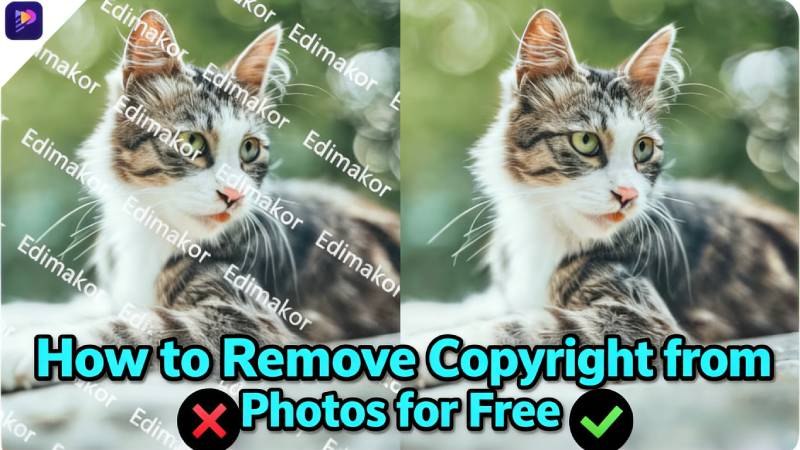
Those who prefer desktop tools can rely on HitPaw Edimakor to remove watermarks from videos and images. This AI tool lets you process multiple images, and you preview them later to determine accuracy. Additionally, Edimakor enables one to choose the remove watermark or subtitles option to achieve tailored outcomes. Since these traits make it a versatile choice, you can blur your video and image via presets or manual sliders.
Overall, the tool features an intuitive interface and requires no learning curve to remove watermarks. As you have the option to remove Reddit watermarks from photos and videos, simply drag the selection box over the watermark. Later, the AI will handle the rest and offer you perfect results without further affecting the original quality.
How to Remove Reddit Watermark with HitPaw Edimakor
To know how to remove the Reddit watermark using this tool in 3 simple steps, here is a simple guide for you:


Step 1: Locate the Watermark Remover for Video on Edimakor
Go to the “Toolbox” and tap on the “Remove Watermark” tool.
Step 2: Highlight Watermark & Choose the Remove Settings
When directed to the new interface, tap the “Drag or Click to Add” option, then import your Reddit image/video.
Step 3: Remove the Reddit Watermark
After that, drag the selection box over the watermark and select the “Remove Watermark” tool on the right. Once done, press the “Remove” button and wait for the AI to process the video watermark.
2. Remove Reddit Watermark Online
Users can use the Unwatermark AI site to remove the Reddit watermark online. For that, the tool offers support for importing videos in multiple formats, such as MP4, MOV, and MKV. You can use its Brush tool to highlight the video watermark, which is adjustable up to 60px, for precise results. Moreover, Unwatermark lets you reset the settings or preview the results after the watermark is removed.
To know if it's the foremost option over HitPaw Edimakor, dive into the given comparison table in detail:
| Metrics | HitPaw Edimakor | Unwatermark AI |
|---|---|---|
| Tool Type | Full AI video editor + watermark remover for both videos and photos | Online watermark remover only |
| Main Use Case | Edit, enhance, and remove watermarks in full projects | Remove watermarks from clips/files |
| Platform | Windows & Mac | Web-based |
| Watermark Removal | Built‑in, 1‑click removal in the full editor | Manual select |
| Editing Tools | Multi-track timeline, cuts, transitions, effects, audio tools | Offers a basic photo editing tool |
| Ease Of Use | Beginner‑friendly interface | Simple upload/download flow |
| Batch/Workflow | Manage whole video projects end‑to‑end | Per‑file operations |
| Offline Use | Yes (Desktop software) | No (Needs browser + internet) |
As the table clearly highlights, HitPaw Edimakor is the best watermark remover for Reddit that is beginner-friendly and versatile. Beyond the photo and video watermark remover, you can leverage its other AI and editing features for additional video enhancement, customization, and professional-level results.
3. Remove Reddit Watermark Mobile
If you want to remove the Reddit watermark from mobile, use Video Eraser: AI Editor with the option to see before and after. Users just have to select the range containing the watermark, and the object Remover will cut it out instantly with the Brush or Lasso tools. Users can adjust the brush width via a slider and enable tracking to follow the watermark across frames for more accurate removal.
Part 2. How to Stop Reddit from Adding Watermarks to Images
Though you have chosen the right watermark remover for Reddit, you can limit this app from adding the watermark. In this regard, you can disable the “Saved image attribution” option in your app's settings. Note that this can only be done in the mobile app; on the web, right‑click and select “Open image in new tab.”
Instructions: Tap the “Profile” icon and choose the “Settings” option in the Reddit app. After that, locate the “Advanced” section and toggle the “Saved Image Attribution” option.
Part 3. Is It Legal to Remove Reddit Watermarks?
While learning how to remove the Reddit watermark on images and videos, it's important to know if it's right. Ideally, it depends on how you use the content, as in most cases, removing a watermark from a Reddit video or image can violate copyright or the creator’s rights. This matters especially if you share or reuse it without permission.
However, if the content is your own, you can remove the watermark freely. For others’ content, it’s best to ask for permission or give proper credit. In addition, always follow copyright rules and platform guidelines to avoid legal issues.
Conclusion
To sum up, many users want to learn how to remove the Reddit watermark on desktop, online, and mobile apps. From desktop to online and mobile methods, this guide has explained all solutions to help you get clean images and videos without quality loss. Among all, HitPaw Edimakor stands out as the best choice, offering easy AI-powered watermark removal and advanced editing features for high-quality results.
Leave a Comment
Create your review for HitPaw articles