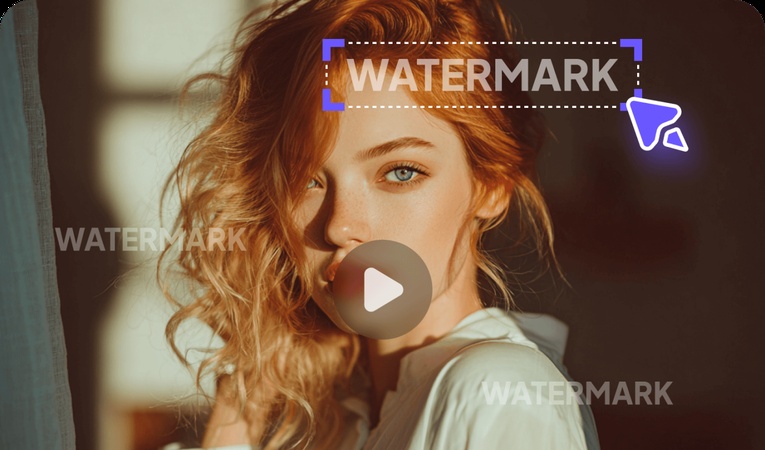
Watermarks kill the overall aesthetic of an otherwise captivating video. Having an efficient watermark removal facility is a privilege. Getting rid of the logo enables you to get a clean frame without any distractions. It is also helpful in your personal branding and enhancing content originality. The following article explores the details to remove Storyblocks watermark from a video for a distraction-free frame.

Part 1. What is a Storyblocks Watermark Remover
A Storyblocks watermark remover is a tool or method used to remove preview watermarks from Storyblocks videos. It typically works by replacing the watermarked file with a properly licensed, high-quality version.
Part 2. How to Remove Storyblocks Watermark from Video on a Computer
Wave goodbye to boring watermark removers, because HitPaw Edimakor offers you a creative way to blend the logo into the surroundings. This tool provides 4 modes to remove the stock watermark from your footage. Follow the guide below and learn how you can do this:
Step 1. Select the Remove Watermark Feature
To begin with, select the Remove Watermark feature and enter the next window.


Step 2. Import a Storyblocks Video
Using the next interface, enter the Video tab and import the videos with a Storyblocks watermark.
Step 3. Select and Remove the Watermark
Select the Remove Watermark radio button and draw a box around the logo. Now, click the Remove button to eliminate the Storyblocks logo from the video.
Part 3. How to Remove Storyblocks Watermark from Video Online
Online tools provide a quick method to remove a logo from your videos. The following steps explain how to remove the Shutterstock watermark using EzRemove online:
- First, upload the video with a Storyblocks watermark and draw a box around it for indication. Now, select the Remove Watermark button to see the results on the next page.
- Once the logo is removed, click the Download button at the top right to save the video on your device.
Part 4. How To Download Storyblocks Video Without a Watermark
To save a video from Storyblocks without a watermark, you must buy their paid plans. Follow the guide below and see how you can download a video from this platform without its logo. You just have to select and open the desired video on Storyblocks and purchase a paid plan to save it on your device.
Part 5. How to Remove Storyblocks Watermark from Photos
Videos or images, every media file downloaded from Storyblocks has a watermark. The following steps feature a detailed guide to removing a Storyblocks watermark from a stock image:
Step 1. Import an Image in the Photo Tab
To start the process, enter the Photo tab in the left panel and import a photo with the logo.
Step 2. Remove Watermark from the Image
Now, select the Remove Watermark radio button and click Remove to effectively eliminate the logo.
Final Tips
In conclusion, this article was a detailed guide to removing the Storyblocks watermark from videos. We looked into HitPaw Edimakor for seamlessly eliminating the logo from a video. This blog also suggested an online facility for removing logos for users looking for quick outcomes. However, HitPaw Edimakor is the superior choice as a watermark remover, be it from videos or images.
Leave a Comment
Create your review for HitPaw articles