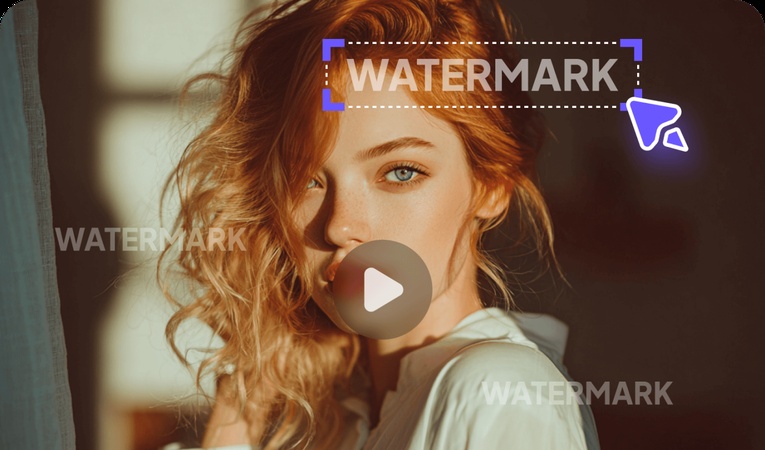
OpenAI recently unveiled Sora 2, and with its significantly improved video quality compared to its predecessor, it's likely to capture the interest of any video creator or content maker. However, as of now, Sora 2 leaves a watermark on videos. If you need to remove the Sora 2 watermark, this article is for you. Here, we'll explain everything from the simple Sora 2 Watermark Removal Methods from basic approaches to professional techniques using AI watermark removal technology.
Teil 1. Was ist ein Sora2-Wasserzeichen?

The Sora2 watermark refers to the mark automatically inserted into videos created using Sora2, OpenAI's AI video generation tool. This watermark appears as a semi-transparent overlay at the bottom or corner of the video, indicating that the content was generated by AI. Removing the Sora2 watermark is necessary when the video is used for private projects or commercial purposes, or when a clean video without a watermark is required for YouTube content or promotional videos. This guide provides step-by-step instructions on how to effectively remove the watermark. The instructions are easy to understand, so even beginners can follow them without difficulty. Please read through them carefully.
Part 2. Sora2 Watermark Types and Removal Principles
Sora2 watermarks primarily come in two forms: static watermarks and dynamic watermarks . in two distinct forms. Static watermarks appear in a fixed position across the entire video, while dynamic watermarks change position based on the video's motion. The latest AI watermark removal technology operates by automatically detecting the watermarked area and analyzing surrounding pixel information to restore it naturally. Modern watermark removal programs utilize AI algorithms to process videos by erasing the watermark section and filling in the background. Even free watermark removal programs can leverage these capabilities. In the next part, we'll explain the specific method for removing Sora2 watermarks using this technology.
Part 3. How to Remove Sora2 Watermarks for Free with Edimakor
While there are various watermark removal programs available, this part will introduce HitPaw Edimakor in this part. Edimakor is an AI-based video editing program equipped with AI watermark removal technology, enabling watermark removal from both images and videos. It's convenient, allowing clean results with just a few clicks. Moreover, it supports Korean for easy use. Free Watermark Removal Trial is available, so you can start without any burden. Follow the tutorial outlined below step by step.


Key Features
- High accuracy with AI-based automatic watermark detection and removal
- Capable of handling various watermark types, not limited to Sora2 watermarks
- Instant preview allows immediate verification of results
- Natural restoration processing without compromising video quality
- Supports various video formats, enabling processing of any file
How to Remove Video Watermarks
Below, we'll guide you step-by-step through removing watermarks using Edimakor. Follow each step carefully.
Step 1: Download Edimakor from the official HitPaw website and proceed with the installation.
Step 2: Once installed, launch the program, select ‘Remove Watermark’, and upload your file. Edimakor supports various video formats including MP4, MOV, AVI, and more.
Step 3: Once your video is uploaded, select the desired function from the various options provided in the right section. The Edimakor Watermark Removal Program can remove watermarks, subtitles, and even blur watermarks like mosaics. Click the function you want, then select the watermark area you need to remove.
Step 4: Once you've set the area correctly, click the ‘Remove’ button. The watermark removal AI will automatically begin analyzing the selected area, so it's crucial to select only the watermark portion precisely.
Step 5: For the ‘Subtitle Removal’ method, another option provided by Edimakor for removing watermarks, follow the same process as for watermark removal. Select the area where the subtitle you wish to remove is located, then click the Remove button.
Step 6: Once the watermark removal is complete, you can immediately check the ‘Result’ section on the left to verify that the Sora2 watermark has been cleanly removed.
Part 4. Important Considerations When Removing Sora2 Watermarks
There are several important precautions to take when using watermark removal software. If you are trying watermark removal methods for the first time, this section details the key points to be aware of. Please be sure to review the information below.
1. Verify Copyright and Terms of Service
Before proceeding with Sora2 watermark removal, you must review OpenAI's Terms of Service. Watermark removal may be restricted for certain commercial uses, so it's crucial to verify the license based on your intended purpose. Consider paid subscription plans as well.
2. Back Up Your Video to Prevent Quality Loss
When using free watermark removal tools, be aware that the quality of your original video may be degraded. Especially if the watermark is on a complex background or moves dynamically, perfect removal might be difficult. Therefore, always back up your original file before proceeding.
To Sum Up
This article covered methods and precautions for removing watermarks from Sora2 videos. By utilizing AI watermark removal technology, even beginners can easily create professional-level, clean videos. Try the watermark removal program introduced here: HitPaw Edimakor. Edimakor offers a free trial for watermark removal and features an intuitive Korean interface, making it easy for anyone to use. Try it to cleanly remove watermarks from videos created with Sora2 and produce high-quality content.
Leave a Comment
Create your review for HitPaw articles