YouTube is quickly becoming the go-to platform for podcasters, and it's easy to see why. It allows creators to reach a large audience, share video and audio content, and build a loyal community. Whether you want to share educational content, discuss trending topics, or interview industry experts, starting a YouTube podcast can be a great opportunity. How to start a podcast on YouTube? If you want to learn how to create a podcast on YouTube, you're in the right place. This guide provides you with the step-by-step instructions you need to plan, create, edit, and publish your first YouTube podcast.
Part 1: What is a Podcast on YouTube?

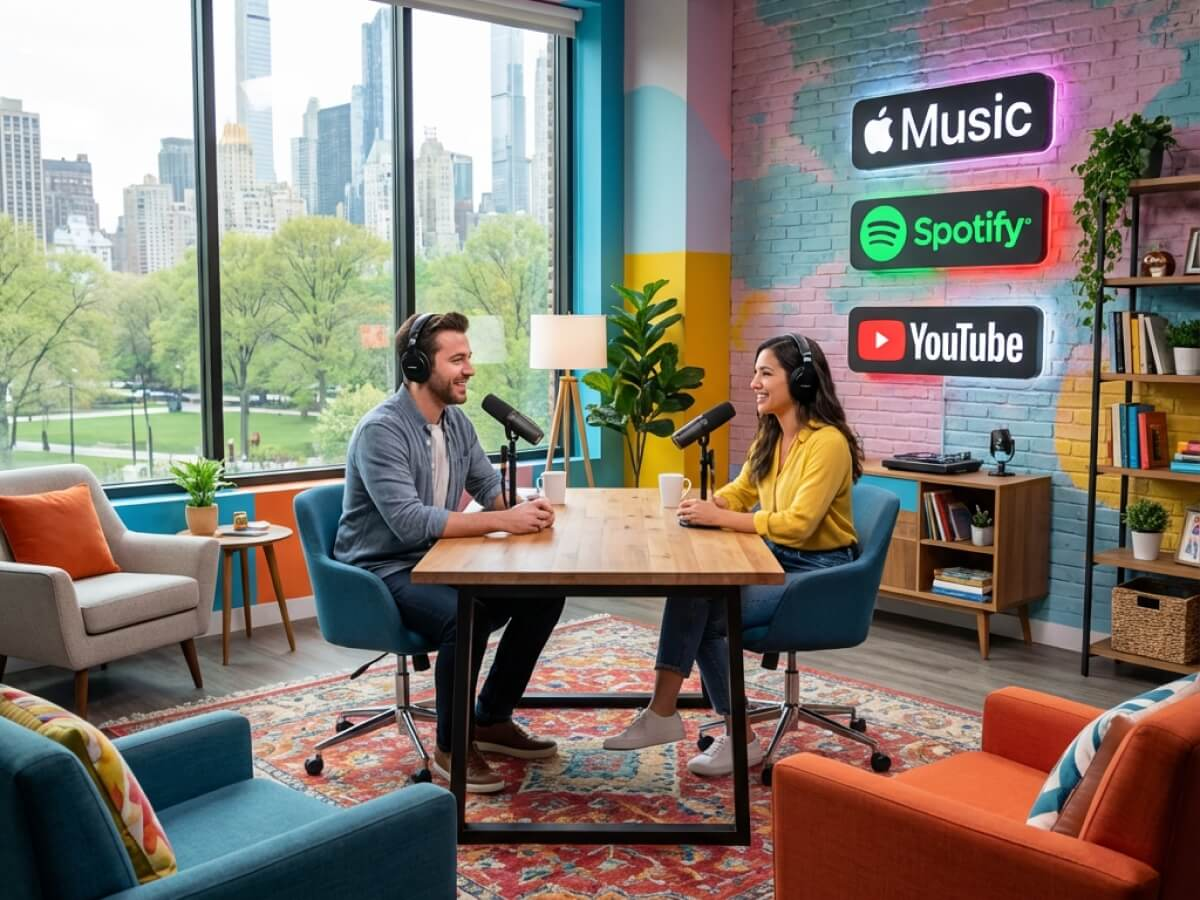
A YouTube podcast is essentially a podcast that is distributed on the YouTube platform. While traditional podcasts are typically audio-only and distributed through podcast hosting platforms and apps like Apple Podcasts or Spotify, YouTube podcasts can include both audio and video content. Creators can record face-to-face conversations, interviews, discussions, educational sessions, and more. One of the biggest advantages of YouTube podcasting is that it allows creators to reach a wider audience through search results, recommendations, and YouTube Shorts.
Part 2: How to Start a Podcast on YouTube: Step-by-Step Guide
How to start a podcast on YouTube? If you want to begin your YouTube podcasting journey, first you have to create a podcast and then upload it on YouTube. To get started, you need to choose a podcast topic, plan your episodes, and more. Follow the step-by-step guide below to learn how to create, edit, and publish your first YouTube podcast.
Step 1: Choose an Engaging Topic
The first step on how to make a podcast on YouTube is to choose a topic that matches your interest, knowledge, and target audience. Think about the subject you enjoy discussing and the type of content your viewers would love to watch. You can also explore YouTube and find popular examples of podcasts in your chosen niche to understand current trends and audience preferences. Here are some popular podcasts on YouTube:
- The Joe Rogan Experience
- The Colin and Samir Show
- The Huberman Lab
- The Mel Robbins Podcast
- The Diary of a CEO
Step 2: Select and Set Up Your Equipment
The next step is to select and set up your podcast equipment. Here is the equipment you need to create high-quality and engaging podcasts:
- A laptop or a PC
- Camera
- Microphone
- Lighting
- Video recording software
- Video editing software
Once you have your equipment ready, set up a quiet recording space with minimal background noise and distractions. Position your camera at eye level and make sure your face is clearly visible in the frame. Use a microphone to capture audio, and proper lighting can improve the overall appearance.
Step 3: Edit Your Podcast
After the podcast recording is complete, move on to the next step: editing your podcast. Choose reliable editing software that helps you remove unwanted pauses, background noise, and mistakes. For video editing, we recommend using HitPaw Edimakor. It is an all-in-one video editor that enables users to customize podcasts according to their creative needs. With HitPaw Edimakor, you can add background music, subtitles, transitions, effects, and filters to make your podcast more engaging.
Step 4: Publish on YouTube.
Once your podcast is edited and ready, the next step is to publish it on YouTube. Here is how to publish a podcast on YouTube in 2026.
- Launch YouTube on your desktop and log in with your account.
- In YouTube Studio, click "Create" and select the "Upload Video" option. Choose your video file.
- Next, enter an engaging podcast title and write a description that explains the episode's content.
- Once you've filled in all the details, click on the "Publish" button to upload your podcast on YouTube.
Part 3: Best Practices for a YouTube Podcast Video
Starting a podcast on YouTube is an exciting venture, but to truly thrive, you'll need to follow some best practices. Here are some tips that you can use to transform your simple podcast into professional-looking content.
- Keep Your Playlist Clean and Organized: Mixing podcast episodes with unrelated videos can confuse viewers and make your content harder to follow. To provide a seamless experience, separate your podcast from other content.
- Create a Catchy Thumbnail: Having an attractive thumbnail on your YouTube video is essential for grabbing viewers' attention and encouraging them to click on your podcast. Use high-quality images, bold text, and contrasting colors to make it standout.
- Enable Subtitles: Subtitles make your podcast more accessible and easier to watch in sound-off environments, which is common on YouTube. Plus, it also helps creators translate their podcast into multiple languages, including English.
- Video Description and Timestamps: Write descriptions that clearly summarise the episode and highlight its main theme. You can also include timestamps to help viewers navigate to specific sections, such as key discussions or interviews.
Part 4: Benefits of Uploading Your Podcast on YouTube
There are many platforms where you can share your podcast, but why choose YouTube? The platform offers several advantages that make it an excellent choice for both beginners and experienced podcasters. Here are the top benefits:
- YouTube has approximately 2.5 billion monthly users, making it a platform with a vast potential audience. This allows podcasters to reach viewers from different countries and introduce their content to a new audience.
- YouTube offers a wide variety of content, making it a one-stop platform for users seeking different types of content. From educational discussions and business interviews to entertainment, gaming, and lifestyle podcasts.
- One of the standout features of YouTube is that it is easy to use, making it an ideal option for younger audiences and older generations to consume content. Its simple interface allows users to search for podcasts with minimal effort.
Bonus Tips: How to Create an Engaging Podcast For YouTube Using HitPaw Edimakor
Using the traditional method to create a podcast for YouTube can be time-consuming and expensive. That's where HitPaw Edimakor comes in. It enables users to create a high-quality podcast within minutes. It is an all-in-one video editor that also offers video and audio creation capabilities. With its podcast generator, users can easily create engaging podcasts for YouTube, Spotify, Apple Podcasts, and more. One of the standout features of this tool is that it offers an easy-to-use interface, which is ideal for non-tech and beginner users. HitPaw Edimakor also includes advanced video editing capabilities, allowing users to customize videos according to their requirements.


Key Features of HitPaw Edimakor
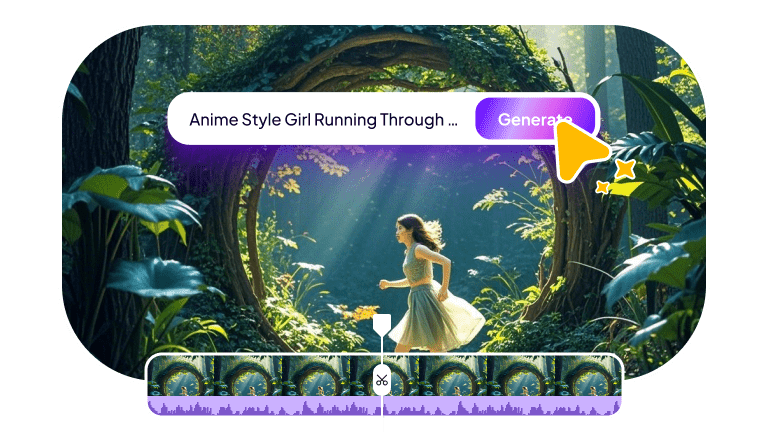
- Create Engaging Podcasts : HitPaw Edimakor offers amazing tools, allowing users to create high-quality and engaging podcasts without editing experience or professional help. Simply enter the prompt, choose an AI voice and avatar, and click on "Generate."
- Multiple AI Avatars : If you don't want to appear in front of a camera, don't worry. HitPaw Edimakor includes 1000+ AI avatars that you can use to create engaging video podcasts without recording yourself.
- High-Quality AI Voices: The program also includes 500+ AI voices creators can use to generate natural-sounding voiceover for their video podcast. Users can choose from different voices, languages, and speaking styles to match their podcast's theme.
- Advanced Customization: One of the best parts of this tool is that it offers advanced video customization features, allowing users to edit podcasts according to their creative needs. Users can add background music, choose filters and effects, and more.
- Intuitive Interface: HitPaw Edimakor offers an easy-to-use interface, which is ideal for non-tech and beginner users. Its straightforward layout enables users to access AI tools without requiring advanced editing skills.
Step-by-Step Guide:
If you want to create a high-quality YouTube podcast easily, you're in the right place. Here is how to create a YouTube podcast with HitPaw Edimakor:
Step 1: Download, install, and launch HitPaw Edimakor on your PC, and select the "AI Avatar" option from the main interface. Scroll down and enter the script for your YouTube podcast. Users can also upload an audio file.
Step 2: Next, click on the "AI Voice" option and select any suitable voice for your podcast. The program offers a variety of voices in multiple languages, including English, Chinese, Russian, Turkish, and more.
Step 3: Now, choose the "AI Avatar" for your video. HitPaw Edimakor offers a wide range of avatars, each from different roles and industries, such as doctors, nurses, teachers, students, and more.
Step 4: Once all the requirements are complete, click on the "Generate" button, and within seconds your YouTube podcast will be ready. Preview the result and click on the "Download" button.
Final Thoughts
How to start a podcast on YouTube? In this guide, we've mentioned step-by-step instructions that will help you create an engaging podcast for YouTube. If you don't want to create a podcast using the traditional method, then we have also introduced an AI-powered alternative: HitPaw Edimakor. This tool allows you to create video podcasts using an AI avatar, realistic voices, and easy-to-use editing features.
Leave a Comment
Create your review for HitPaw articles