 AI-powered
More AI, Less Editing



AI Video Editor All-in-One
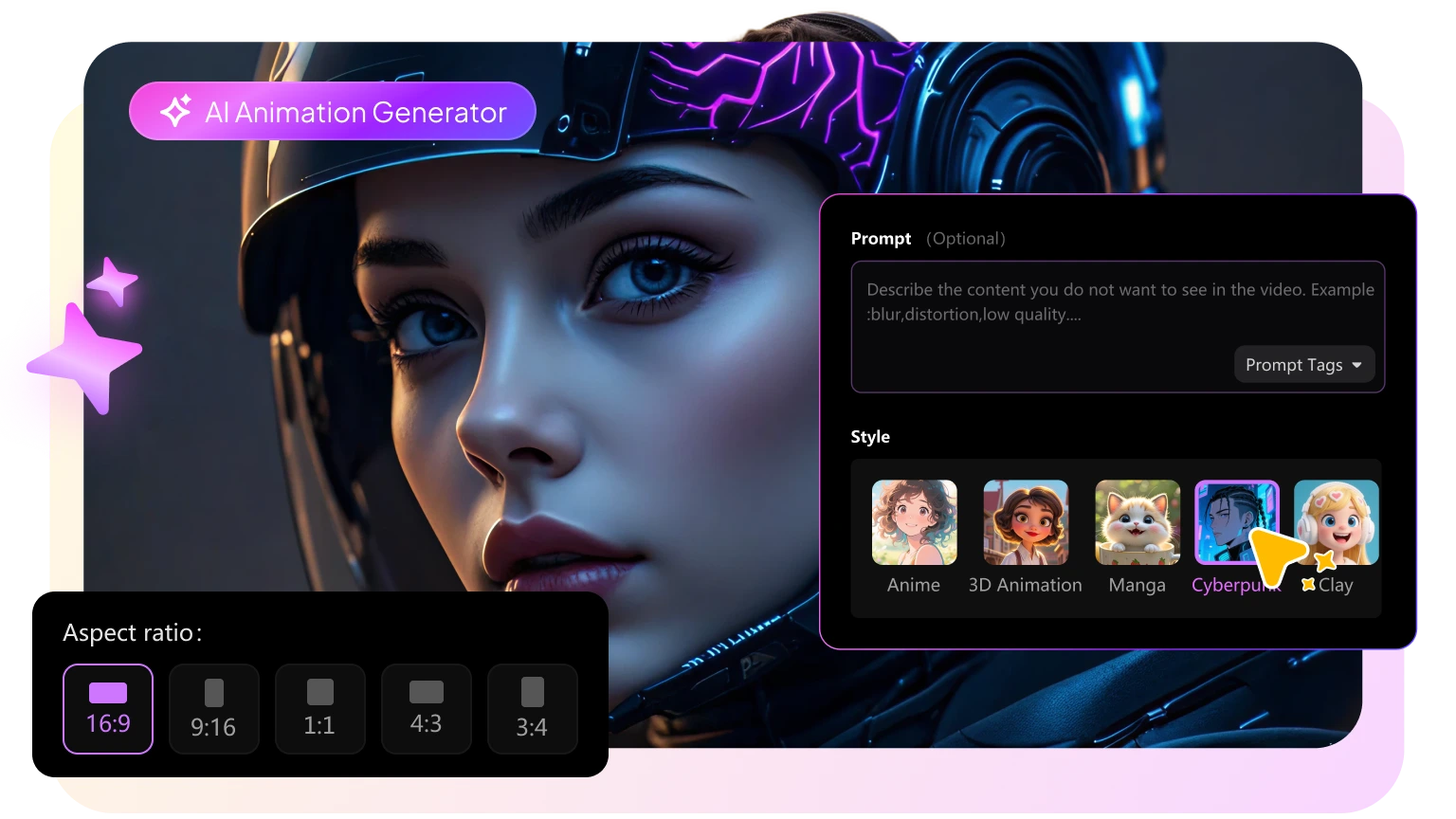
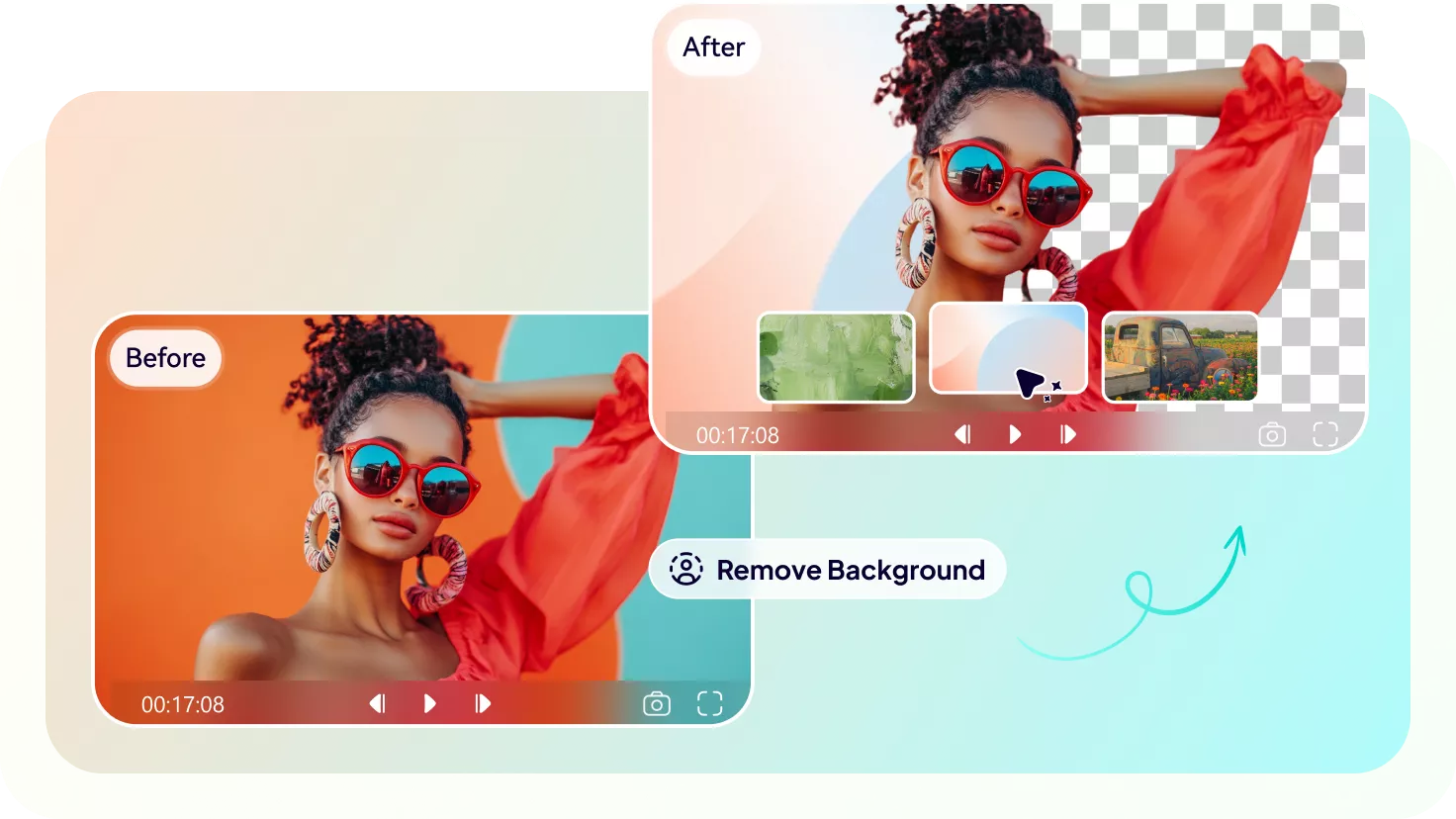
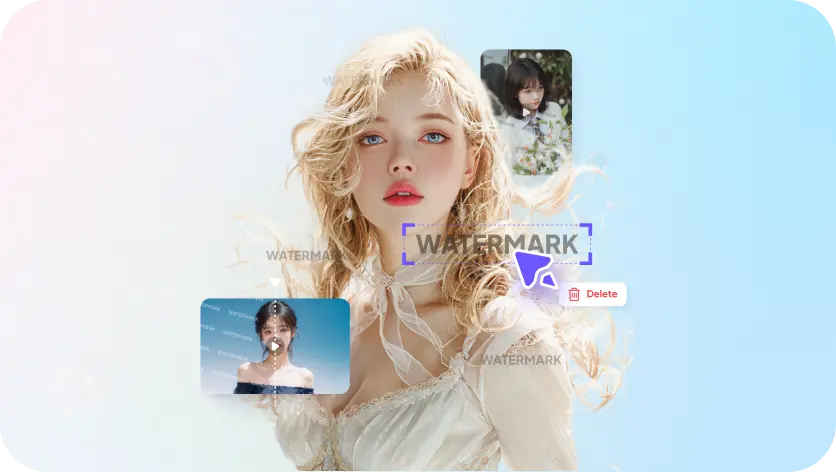
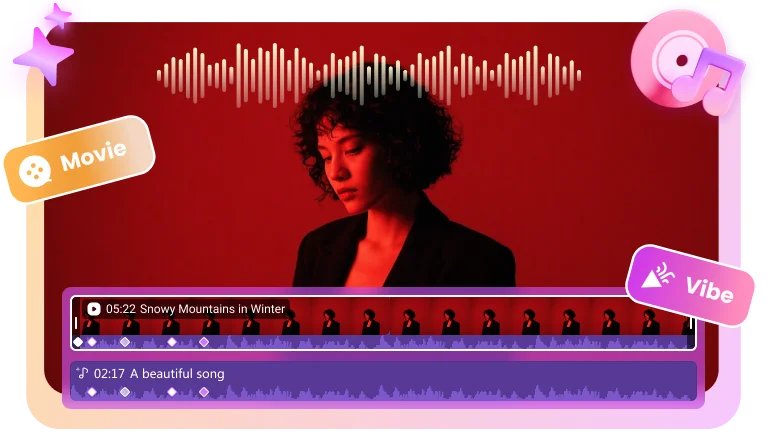
More Edimakor AI Features to Improve Your Efficiency
Various Media Assets to Improve Your Creativity
Effects: 1000+ cinematic tools to add dramatic flair, dynamic lighting, and pro-level enhancements—making every frame stand out.

Filters: Your cinematic color palette. Instantly set the perfect mood and elevate your visual storytelling.

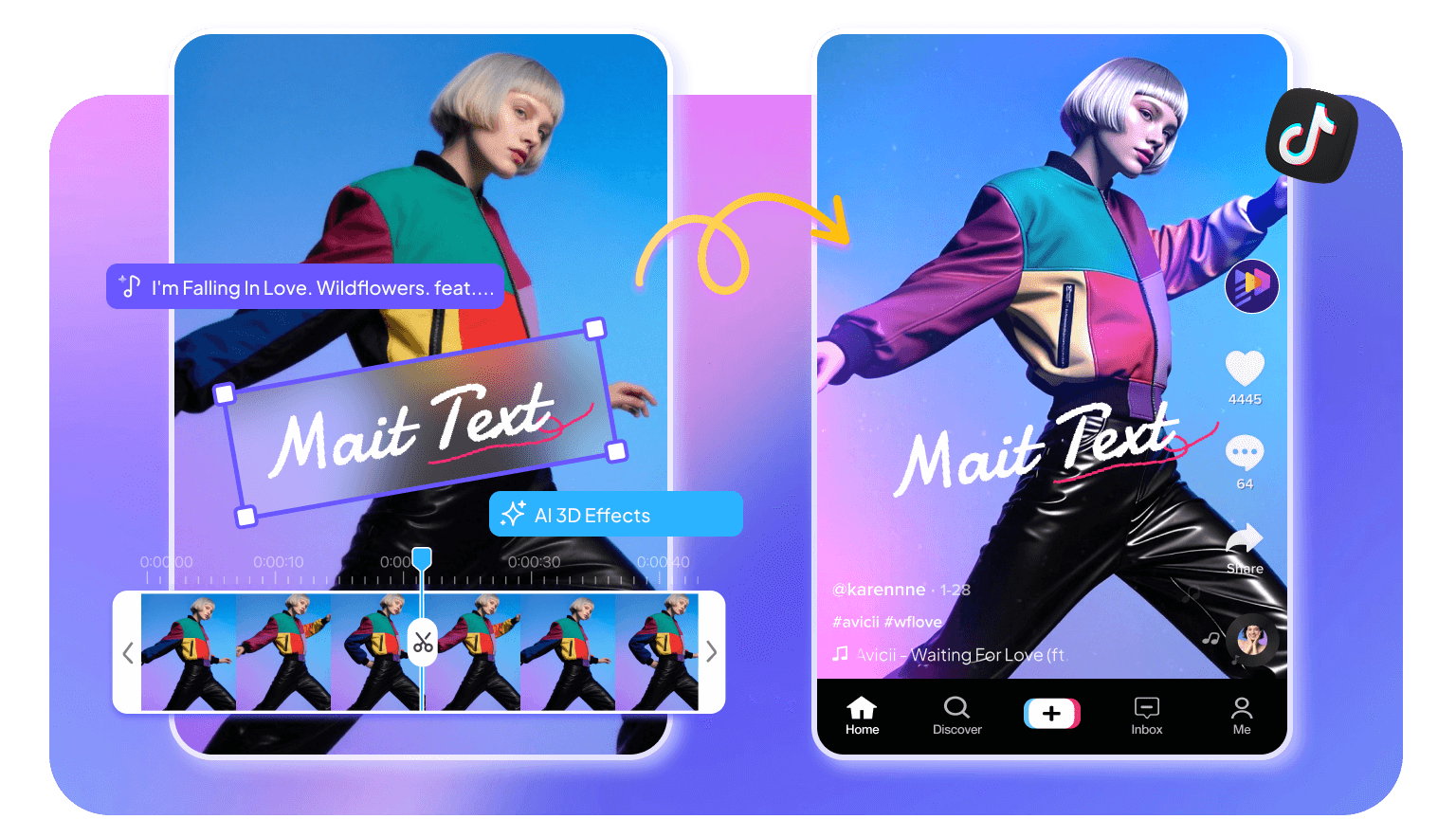
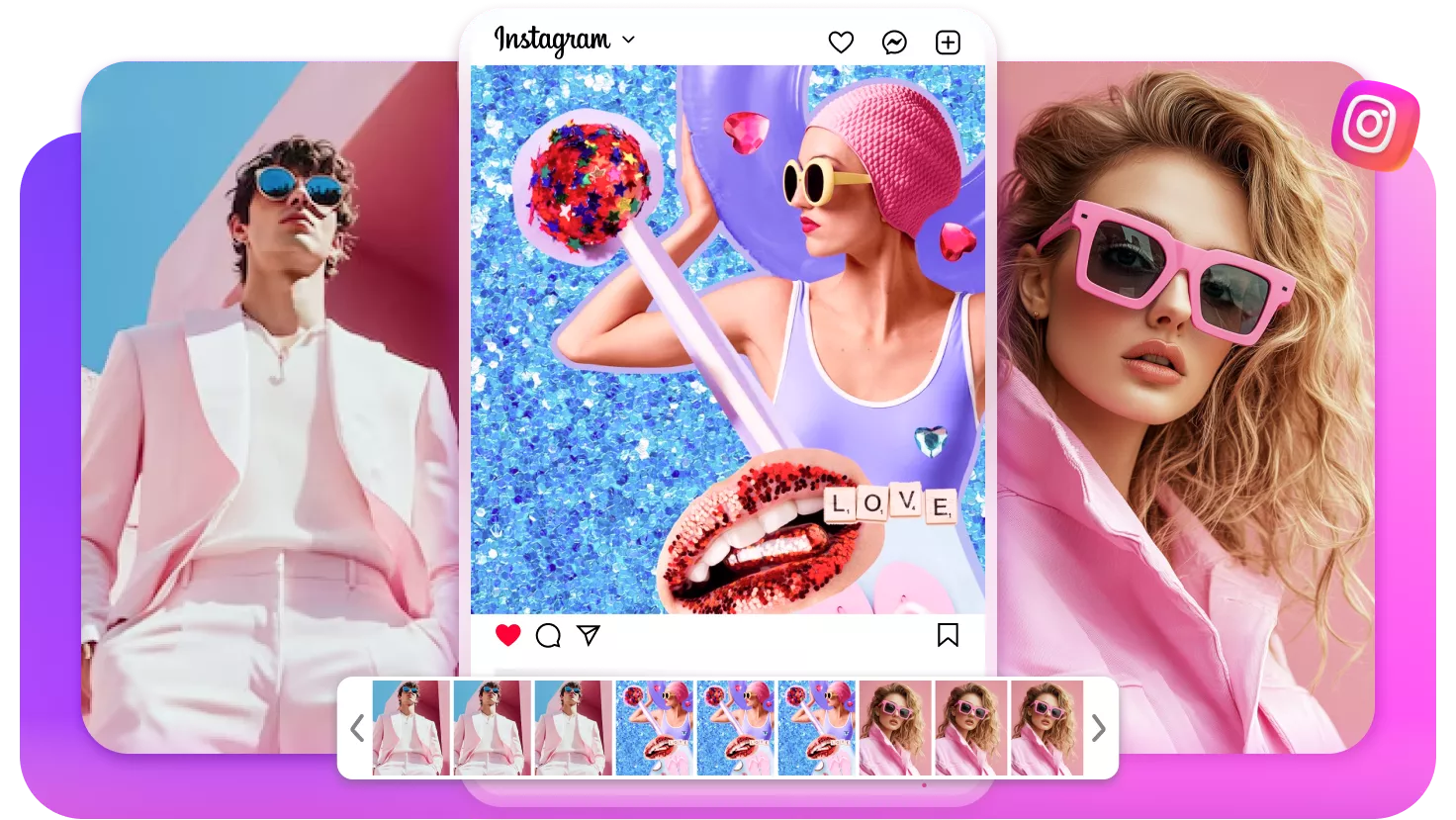
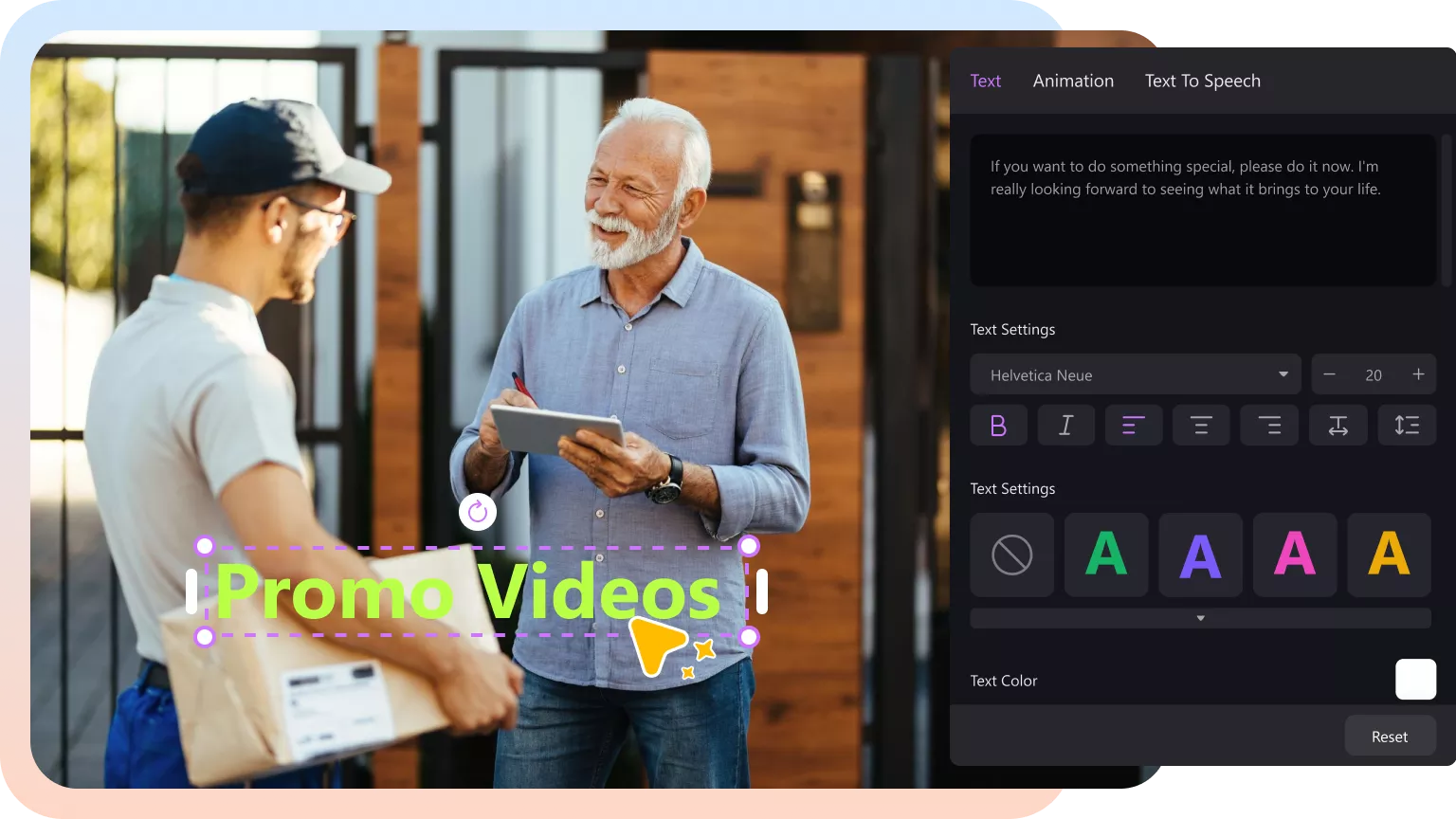
Text: Deliver powerful messages. Instantly access 1000+ stylish animations and fonts, then customize with a tap.

Transitions: Your creative toolkit for flow. Connect scenes seamlessly with 200+ smooth and dynamic effects designed to control your story’s pacing.

Photos & Videos: Explore 50k+ premium stock photos and video clips to instantly enhance your content.

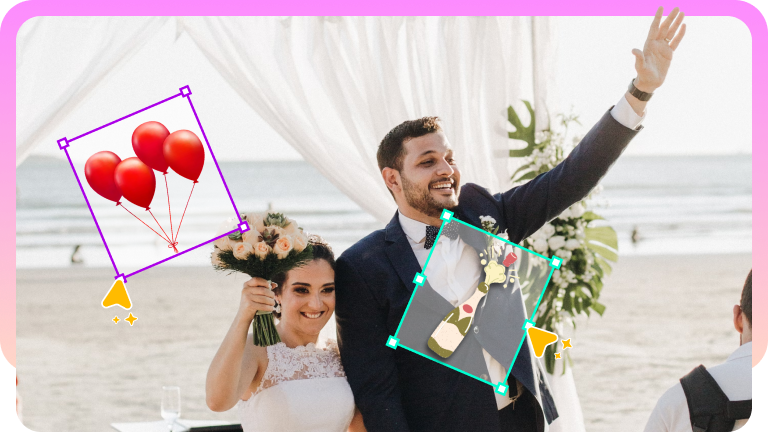
Stickers & GIFs: Instantly shift the vibe. Access 500+ playful stickers and trending GIFs to add humor, style, and personality in one tap.

Video Templates: Save time with 50k+ customizable video templates for any style, trend, or occasion.
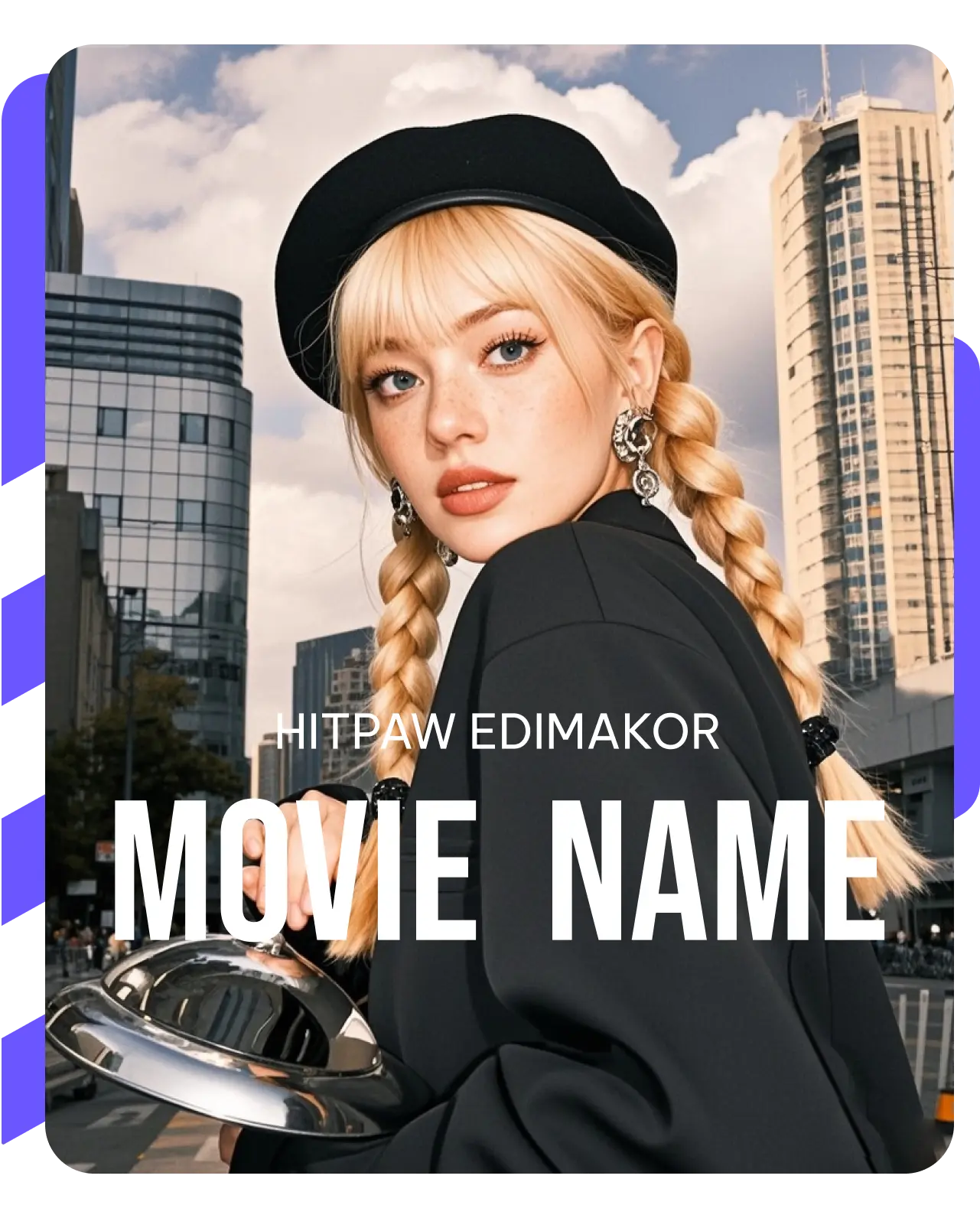
What's New, Find Tips on Our Community


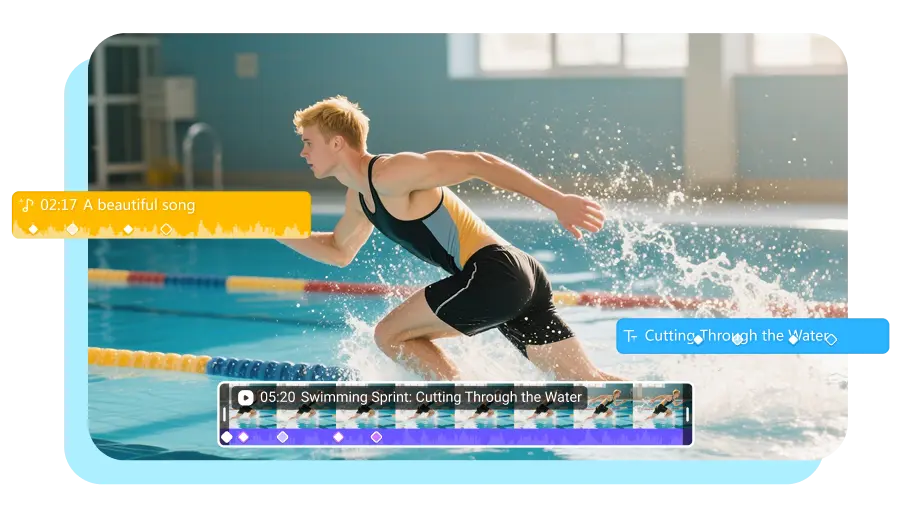
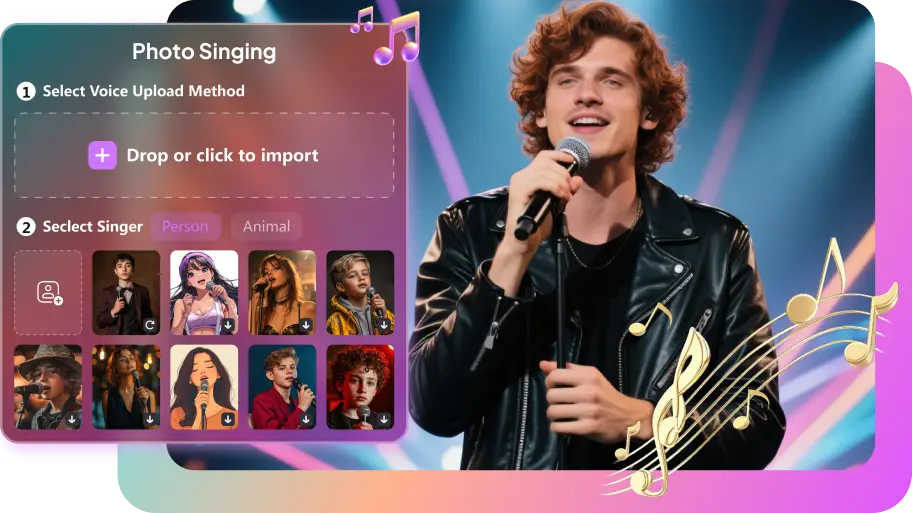
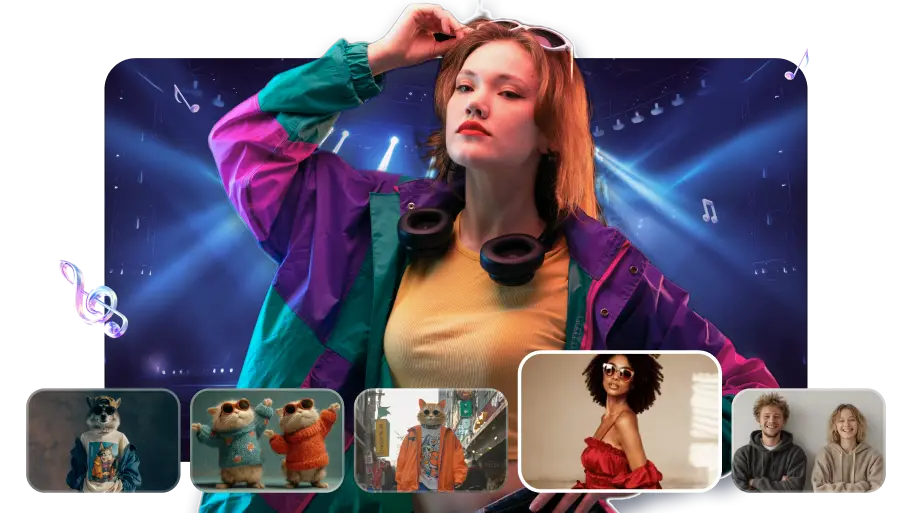





This tool is amazing for creating videos quickly and easily. The best part is how simple it is to use and get around. It's been a game-changer for me, especially with all the awesome themes I can add to my videos. Love it!

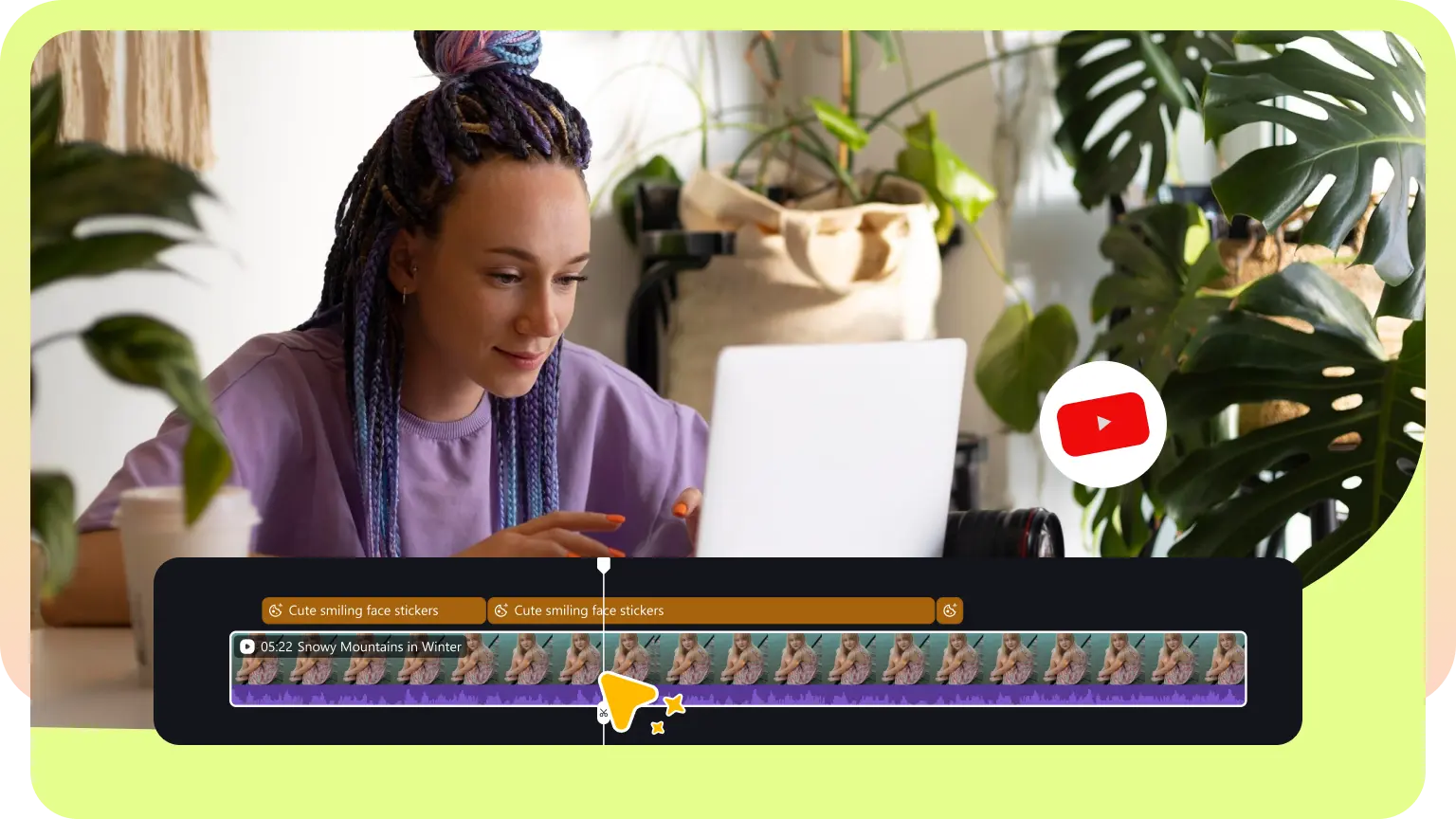
Edimakor is an easy but powerful video editor. You can easily edit your videos with unlimited tracks on the timeline and easy-to-use editing tools and create stunning videos with stickers, transitions, filters, texts, etc.

CNET
Edimakor truly revolutionizes the way I approach video editing, making a significant difference in my overall editing experience. It takes my videos to new heights and empowers me to unleash my creativity like never before.

Jack William
Edimakor is your perfect video editing companion whether you are a creative professional or someone who wants to put together a bunch of clips as a memorable montage. It offers a variety of useful features, including a robust audio library, text modes, stickers, filters, and more.

Beebom
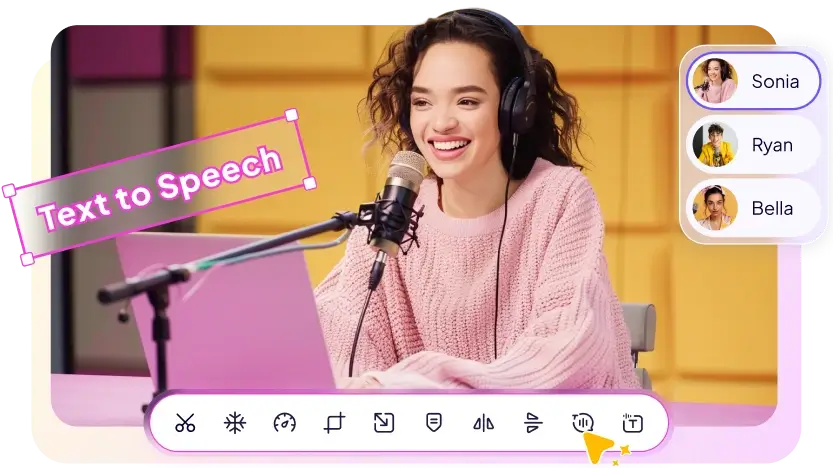
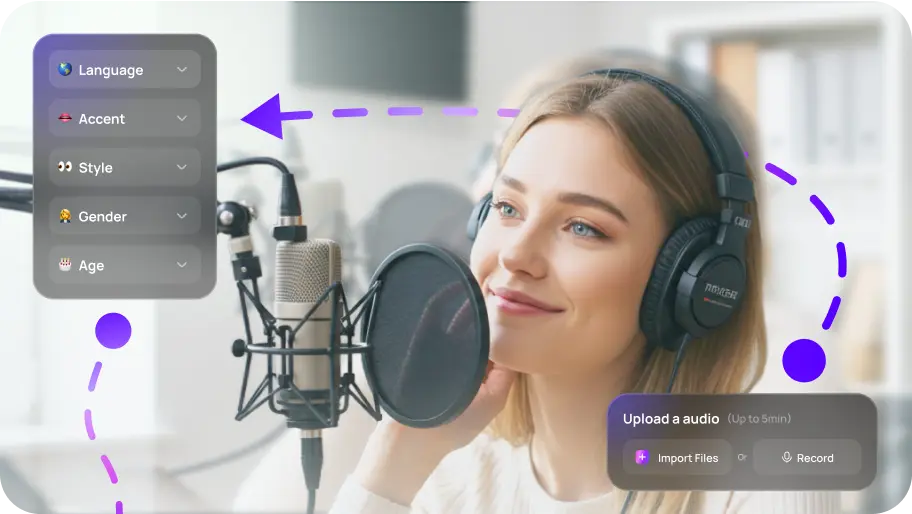
Creating online courses requires clear narration, and Edimakor's TTS nails it. The lifelike voice adds a professional touch to my course content, making it engaging and easy to follow. Highly recommended for educators and course creators!”

Isabella Brown
We recommend HitPaw Edimakor if you want to edit videos easily and safely. You can make changes at any time, such as cutting, rotating, and cropping. It has all the necessary features. It also lets you add music, songs, or background voices to videos. HitPaw Edimakor is a versatile AI video editor. It supports a wide range of file formats and has tools driven by AI. In other words, it’s an effective tool for both new and experienced video editors.

BlinkList
200M+
Downloads160+
Countries50M+
User in the world50+
LanuagesFAQs about Edimakor
Edimakor is free to get started. You can use all non-AI features for free and export videos without limits (watermark included).New users also receive 30 free credits to try all AI-powered features.
Yes. AI image and video generation, as well as AI Avatars, can be used by purchasing AI credits only.
Yes. Edimakor is available online at https://app.edimakor.ai/en/studio/home.
Currently, we recommend using Edimakor on the web. The mobile app is still under development.
Edimakor brings multiple leading AI models together in one platform, including Google Veo 3, Kling, Nano Banana, Hailuo, Vidu, and Pixverse. With 20+ AI features designed to streamline video creation, Edimakor helps creators work faster and turn ideas into high-quality videos—even with no prior experience.
No. Sorry that Edimakor has only desktop version and web online at this moment. APP version is under development. Desktop version enables users to use it on Windows and Mac OS. If you want to use on mobile, it's better to try Edimakor online.
Yes, you can use videos created with Hitpaw Edimakor for commercial purposes. The software is specially designed to support business use cases, including marketing,advertising,training,and promotional content for social media platforms like Youtube and Tiktok. For pricing-related information, please refer to the purchase page.
 Edimakor
Sarah Anderson