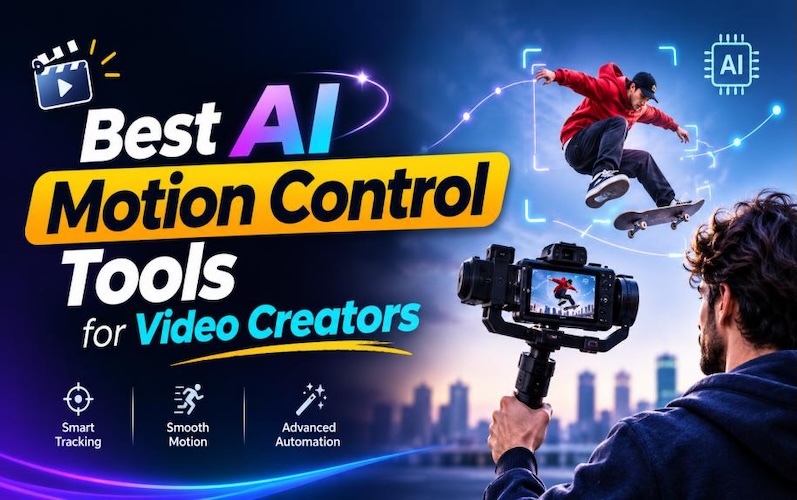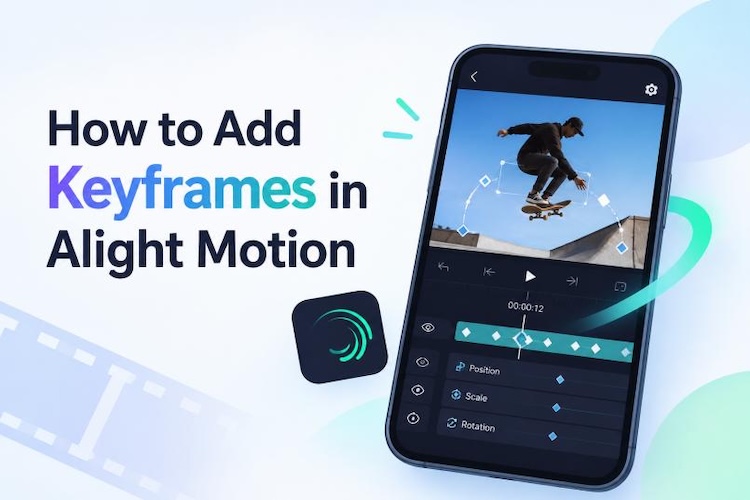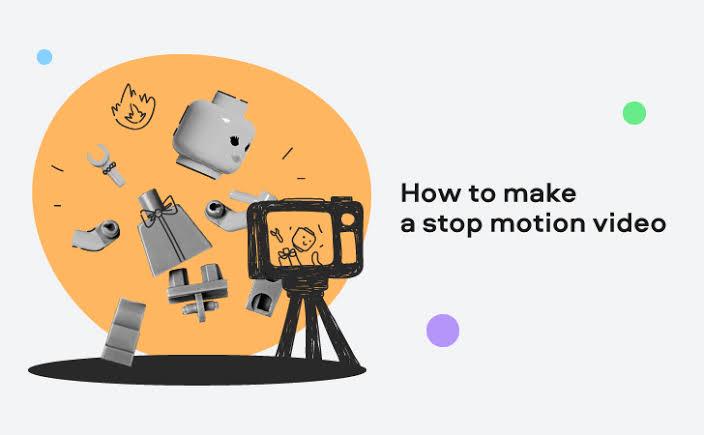
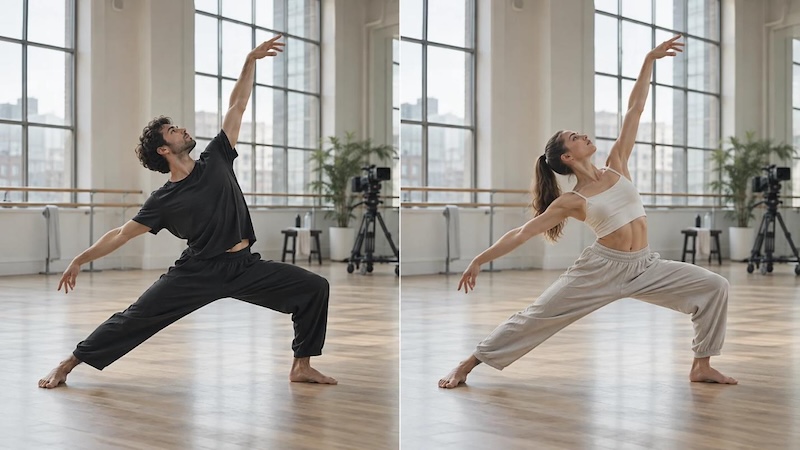
The idea of making a still photo dance or move like a real person sounded almost too good to be true. However, advancements in artificial intelligence have made this possible with AI-powered motion transfer tools. These platforms allow users to take movements, gestures, facial expressions, and actions from a reference video and apply them to a static image. The process eliminates the need for complex animation skills or time-consuming manual editing. In this guide, we’ll mention the top 5 tools that allow users to transfer motion from video to image and create realistic animation with minimal effort.
Part 1: What is AI Motion Transfer?
AI motion transfer is a technology that takes movements from a reference video and applies them to a character or person in a static image. It uses artificial intelligence and machine learning algorithms to analyze body movements, facial expressions, gestures, and other actions before recreating them in the selected image. For example, if you upload a picture of a person and provide a TikTok dance video as a reference, an AI motion transfer tool can make the person in the picture perform similar dance movements. Similarly, you can use this technology to recreate walking, running, talking, waving, and other actions.
Part 2: Top 5 Tools to Transfer Motion From Video to Image
Looking for the best tools to transform motion from video to image? Look no further! Below, we’ve mentioned the top 5 tools that will help you bring static pictures to life using AI-powered motion transfer technology:
1. HitPaw Edimakor
If you want accurate and high-quality motion transfer from video to image, we recommend using HitPaw Edimakor. It is an all-in-one video editing platform that also has a motion control feature, allowing users to transfer movements from a reference video to a static image. With the help of AI, users can recreate different actions, gestures, and body movements while maintaining the appearance of the original subject. Simply upload a source image and a reference video containing the movements you want to replicate. The AI will analyze the reference footage and transfer them to the uploaded image. Another advantage of HitPaw Edimakor is that it combines AI-powered generation with traditional video editing capabilities. This means users can easily customize their videos without editing experience.
Key Features of HitPaw Edimakor
- Motion Control: HitPaw Edimakor includes an advanced motion control feature, allowing users to transfer movements from a reference video to a static image. Its AI technology analyzes the subject’s body movements, gestures, and actions in the reference footage and recreates them in the selected image.
- AI-Powered Video Generation: Users can use AI-powered video generation capabilities to turn creative ideas and images into engaging video content. Simply enter the prompt or upload the reference image, adjust the settings, and click on the “Generate” button.
- Advanced Video Editing: One of the standout features of this tool is that it includes advanced video editing capabilities, allowing users to customize videos according to their creative needs. Users can change the background, eliminate unwanted clips, apply effects, and more.
- Compatibility: HitPaw Edimakor works seamlessly with multiple devices, including Windows and macOS. The best part of this tool is that it supports multiple Windows versions, such as XP, Vista, 7, 8, 8.1, 10, and 11.
- Intuitive Interface: The program offers an easy-to-use interface, which is ideal for non-tech and beginner users. Its well-organized layout makes it simple to navigate between different editing options and AI-powered features.


2. Kling AI

Kling AI’s Motion Control feature, introduced as part of Kling 3.0, is a powerhouse for serious motion transfer work. It uses a skeleton-driven approach that analyzes bone structure and joint movements from reference footage and applies them to a character or person in a static image. This allows users to recreate complex body movements, gestures, and dance routines while maintaining the subject’s overall appearance. Another notable advantage is its ability to produce detailed movements while maintaining visual consistency throughout the generated clip.
Pros
- Advanced AI-powered motion transfer capabilities.
- Skeleton-driven technology for recreating body movements.
- Supports complex gestures, dance moves, and actions.
- Reduces the need for manual animation and editing.
Cons
- High-quality output requires more processing time.
- Some advanced features may require a paid subscription.
3. Mobbi AI
The next tool to transfer motion from video to image on our list is Mobbi AI. It is an AI-powered platform that allows users to transform static images into animated videos using motion references. Instead of manually creating animations, users can provide a source image and a reference video to generate content featuring similar movements and actions. One of the standout features of this tool is that it works entirely in a web browser, meaning no software downloading or installation is required.
Pros
- Simplifies the image-to-video motion transfer process.
- Web-based tool, meaning no software downloading is required.
- Users can download videos in multiple formats, including MP4.
- Free version is available with advanced motion control features.
Cons
- Requires a stable and active internet connection.
- Downloading videos from this tool requires a paid subscription.
4. Loova
Loova AI Mimic Motion is a tool that lets you add motion from a video onto a static image. It works by transferring the body movement, gestures, and expressions from the video and applying them onto your image. You just need to upload a reference video and an image, and AI takes over the heavy lifting. This allows users to recreate different actions, such as dancing, walking, waving, and other body movements, without manually creating animations. Plus, users do not need advanced video editing or animation skills to experiment with motion transfer.
Pros
- Easy to use: upload and go; no expertise required.
- Offers realistic motions, ideal for TikTok and YouTube.
- Makes videos much faster than editing manually.
- Supports multiple resolutions, such as 1080P and 4K.
Cons
- Very fast moves can cause a glitch in the video.
- Lower reference images can produce blurry videos.
5. Viggle AI
The final motion transfer tool on our list is Viggle AI. It is a web-based motion transfer tool that enables users to animate static images by applying movements from reference videos. Powered by AI, it analyzes body movements, gestures, and actions from the reference footage and recreates them in the uploaded image. One of the standout features of this tool is that it also includes an image-to-video feature, allowing users to create high-quality videos from a reference image.
Pros
- Allows users to transfer movements from reference videos to static images.
- Ideal for content creators, marketers, and more.
- Suitable for recreating dance moves, gestures, and body movements.
- Web-based tool; no software downloading required.
Cons
- Limited free version compared to others.
- Motion control is available in the paid version.
Final Thoughts
Motion transfer tools enable users to create engaging and realistic animations by transferring movements from reference videos to static images. Above, we’ve mentioned the top 5 tools to transfer motion from video to image. Among them, HitPaw Edimakor is the best option available in 2026.
Leave a Comment
Create your review for HitPaw articles