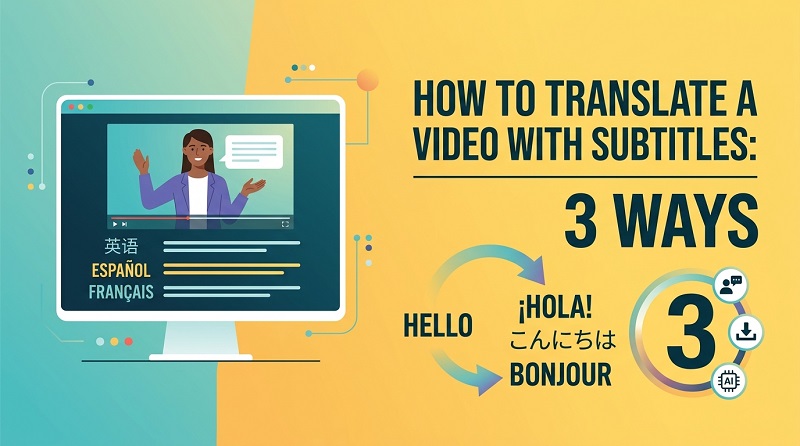
A product video can explain features, demonstrate benefits, and build customer confidence. However, language barriers can prevent international customers from understanding its message.
Simply translating the on-screen text may not be enough. Viewers may also need translated narration, natural speech, and culturally appropriate visuals.
Effective ways to translate product videos help brands communicate clearly across markets. The right method depends on your budget, audience, and video format.
4 Practical Ways to Translate Product Videos for Different Markets
There are several ways to translate product videos. Each method offers a different balance of cost, production effort, and viewer experience.
1 Subtitle Translation Only
Subtitle translation adds text in the target language while keeping the original audio. It is one of the simplest ways to make an existing product video accessible.
Pros
- Affordable for smaller businesses.
- Preserves the original speaker’s voice.
- Works well for short product demonstrations.
- Supports silent viewing on social platforms.
Cons
- Viewers must read while watching.
- Long subtitles can cover product details.
- Spoken language remains unchanged.
Best For:
This method suits product tutorials, feature demonstrations, and videos with clear visuals. It is also useful when your audience already understands the original narration.
2 Subtitles and Voiceover
This approach combines translated subtitles with new narration. The original video remains intact, but viewers can listen to an explanation in their preferred language.
Pros
- Improves accessibility and understanding.
- Keeps important information on screen.
- Supports audiences who prefer listening.
- Avoids the need for reshooting.
Cons
- Requires accurate voiceover timing.
- Poor narration can feel disconnected.
- Professional voice talent may increase costs.
Best For:
Product explainers, instructional videos, and promotional content with detailed narration.
3 AI Dubbing and Lip Sync
An AI video translator can translate speech and generate narration in another language. Some tools also adjust the speaker’s mouth movements to match the new audio.
Pros
- Reduces manual dubbing work.
- Offers multiple language and voice options.
- Can make dialogue feel more natural.
- Helps localize presenter-led product videos.
Cons
- Translation errors still require review.
- Lip sync may not look perfect.
- Voice quality varies between languages.
Best For:
Videos featuring presenters, product reviewers, and spokespersons. AI dubbing is especially useful when re-recording the original speaker is impractical.
4 Full Video Localization
Full localization adapts more than dialogue. It can include translated graphics, product terminology, cultural references, calls to action, and market-specific details.
Pros
- Creates a more locally relevant experience.
- Adapts messaging to audience expectations.
- Supports regional campaigns and promotions.
- Keeps language and visuals consistent.
Cons
- Requires more planning and review.
- May involve substantial editing.
- Market-specific versions need separate checks.
Best For:
International advertising campaigns, localized ecommerce pages, and brands entering new markets.
How to Translate Product Videos with an AI Video Translator
An AI video translator can reduce the time needed to prepare multilingual content. Instead of manually translating every line and recording every voiceover, you can automate parts of the process.
HitPaw Edimakor combines video editing with AI translation, subtitles, and dubbing features. Its AI Translator supports more than 130 languages, while voice options and lip-sync capabilities help create localized versions of presenter-led videos.
What Makes Edimakor Stand Out?
Edimakor offers several useful capabilities for multilingual product videos.
- AI Translation and Subtitles: Translate spoken content and generate subtitles in supported languages.
- AI Dubbing: Create translated narration using available AI voices.
- Subtitle Removal: Remove existing subtitle text from supported videos before adding localized subtitles. Review the result carefully.
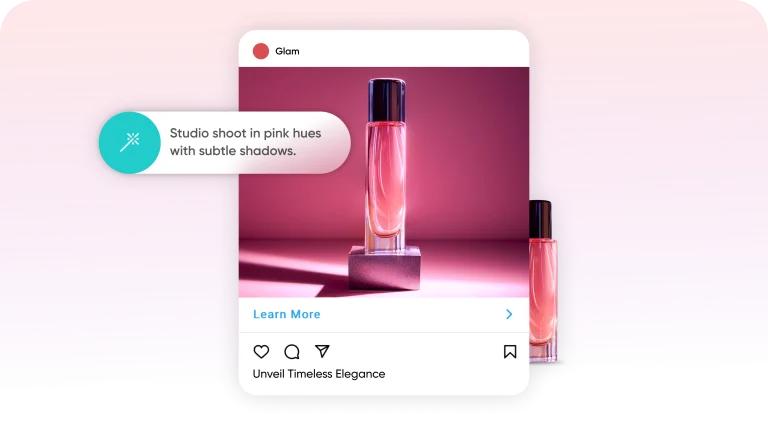
- Multilingual Video Creation: Use Edimakor’s commercial video tools to create additional product video versions for different audiences.


These features can help businesses adapt existing content and create new promotional variations without organizing a separate shoot for every market.
Step 1: Import Your Video
Open HitPaw Edimakor and select “Video Translator” from the main interface. Import the product video you want to translate. Before continuing, confirm that the original video contains the correct product information and visuals.

Step 2: Select the Target Language
Choose the language you want your audience to hear or read. Review the available translation settings and select the appropriate options for your video. Check whether your preferred voice and language combination is supported.
Step 3: Remove Existing Subtitles
If the source video contains burned-in subtitles, consider removing them before creating the localized version. Use Edimakor’s available subtitle removal feature . If the original subtitles are a separate editable track, remove that track instead.
Step 4: Customize Subtitles and Dubbing
Configure the translation, subtitle, and voice options available in the AI Translator workspace. Choose a suitable voice for your audience and review the translated text before finalizing it.
Step 5: Refine Lip Sync and Export
Preview the translated video from beginning to end. Check whether the narration matches the speaker’s delivery and whether the subtitles appear at the right time. Correct awkward pauses, mistranslations, and formatting problems before exporting the finished video.
Tips for Translating Product Videos Accurately
Automation can speed up video subtitle translation, but human review remains important. Use these checks before publishing each localized version.
- Check Technical Terminology: Verify product names, specifications, measurements, and feature descriptions.
- Adapt Text for Screen Space: Shorten subtitles without changing their meaning.
- Review Voice and Timing: Match narration with the correct scenes and actions.
- Localize Cultural References: Adapt jokes, idioms, examples, and expressions when necessary.
- Verify Product Information: Confirm prices, warranties, availability, and promotional claims for each market.
Also, check text embedded in packaging, charts, and demonstrations. Translating narration alone will not localize these elements.
FAQs
A1: Import the video into a translation tool, select the target language, and generate subtitles or dubbed audio. Review the translation, timing, and product details before exporting.
A2: Yes. An AI video translator can automate speech recognition, translation, subtitle creation, and dubbing. Results still need review for accuracy and natural delivery.
A3: Yes. You can use translated subtitles or AI-generated narration with your existing footage. AI dubbing may also help localize videos featuring a presenter.
A4: Use a bilingual subtitle option if available, or retain the original subtitle track and add a translated track. If the original text is burned into the video, preserving it may require a different editing approach.
A5: Some AI tools support AI lip sync translation. Results depend on the speaker’s visibility, video quality, language, and selected feature. Always preview the output before publishing.
Conclusion
When you effectively translate product videos, it helps businesses communicate with customers across language barriers. You can start with subtitles, add voiceover, or use AI dubbing and lip sync for presenter-led content. Full localization offers a more complete experience for individual markets.
HitPaw Edimakor brings translation, dubbing, and video editing tools into one workflow. Try Edimakor to start creating localized product videos for your international audience.
Leave a Comment
Create your review for HitPaw articles