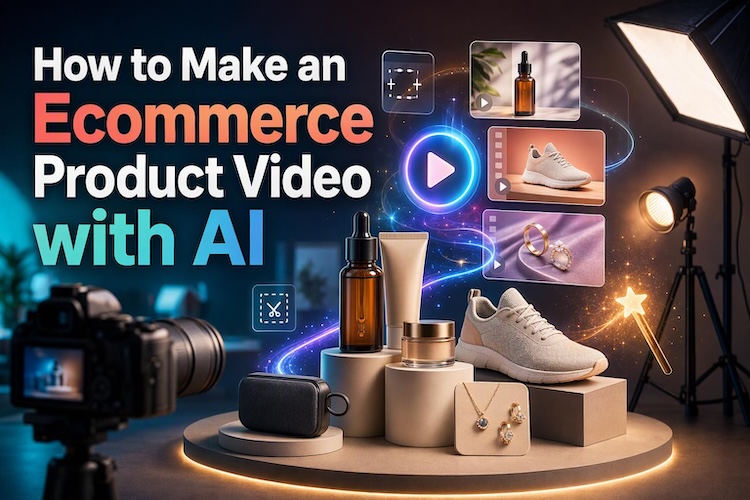
Product videos help shoppers understand an item’s appearance, features, and use. However, traditional production can require cameras, lighting, actors, and editing time. AI tools offer another approach to make promotional videos.
Whether you sell skincare, electronics, clothing, or home accessories, you can create ecommerce product video for online stores and social media with AI. This guide explains five video formats and shows how the commercial video maker simplifies the creation process.
5 Main Types of Ecommerce Product Videos
Different products need different video formats. Choose a style based on what you sell, the information shoppers need, and the platform where you plan to publish.
1. Product Showcase Video
A product showcase focuses on the item itself. Smooth camera movements, close-ups, and controlled lighting highlight its shape, materials, colors, and details.
Works Well For:
Online store listings, Amazon product pages, Shopify stores, and short social media product video ads.
Materials to Prepare:
Clear product photos from multiple angles, close-ups of important features, a simple background, and a prompt describing the desired movement.
2. Avatar Product Presentations
AI avatar videos use a digital presenter to explain a product’s features and benefits. They are useful when you want a human-like spokesperson without filming a presenter.
Works Well For:
Product introductions, promotional explainers, landing pages, and educational product videos.
Materials to Prepare:
Product images, a concise script, key selling points, and a suitable avatar or reference image if supported.
3. UGC-Style Product Videos
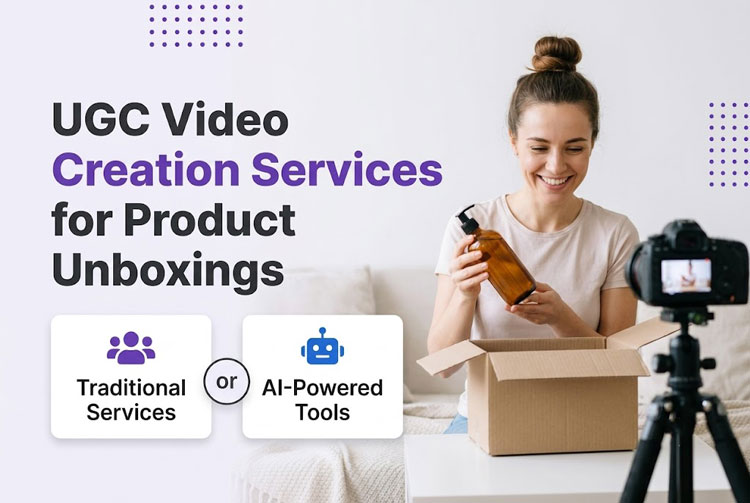
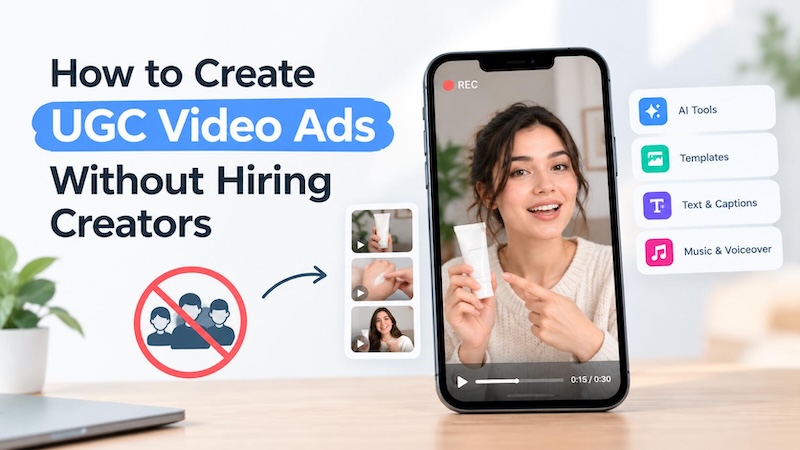
User-generated-content-style videos imitate the casual presentation of creator reviews and recommendations. They often show a person introducing a product, demonstrating its use, or explaining its benefits.
Works Well For:
TikTok ads, Instagram Reels, social commerce, and creator-style campaigns.
Materials to Prepare:
Product photos, a conversational script, reference footage if available, and a clear description of the desired presenter and setting.
4. Product Commercials
Commercial videos place products in attractive settings. For example, a skincare bottle might appear on a bathroom counter, while a backpack appears during a travel scene.
Works Well For:
Brand campaigns, seasonal promotions, paid advertisements, and product launches.
Materials to Prepare:
High-quality product images, brand colors, a target audience, a campaign message, and references for the lighting or visual style.
5. Product Demo Videos
Demo videos show how an item works or how customers can use it. They focus on practical features rather than appearance alone.
Works Well For:
Electronics, software, kitchen appliances, beauty products, and products with multiple functions.
Materials to Prepare:
Product images, feature descriptions, demonstration steps, a script, and screen recordings or reference clips when relevant.
How to Make Ecommerce Product Videos with AI
HitPaw Edimakor offers AI-powered tools for creating product showcases, promotional videos, and advertisements. You can also refine the generated results using editing tools.
1 Why Choose Edimakor to Make Ecommerce Videos?
Key Features
- Commercial Video Maker : It supports small businesses and ecommerce sellers who need product marketing content without a large production setup.
- AI Script Generator: Turn product information into a structured script. Describe the product, audience, and main benefit to develop a script.
- Realistic AI Avatars: It offers avatar tools and AI voices, giving you alternatives to recording a presenter yourself.
- Flexible Generation Controls: Guide the output with product photos, prompts, and reference materials supported by your selected workflow.
- Simple Editing Workflow: Adjust scenes, captions, music, and other video elements after generation. You can refine the final result for different campaigns.


2 How to Create AI Product Videos with Edimakor
Follow these steps to turn product images into an advertisement with our commercial video maker. Menu labels and available controls may vary by software version.
Step 1: Choose an AI Ads Mode
Open HitPaw Edimakor and enter the “AI Ads” workspace. Choose a suitable workflow, such as Ads Video. Select a format based on your goal, whether you want a clean product presentation or a more dynamic advertisement.

Step 2: Upload Product Images
Upload clear photos of the product. Use multiple angles when the selected mode supports them. Include close-ups of important details, such as a bottle cap, fabric texture, packaging, or product controls. Remove distracting backgrounds from source images when necessary.
Step 3: Add References and Prompts
Enter a prompt describing the scene, movement, lighting, and overall style. If the workflow supports reference videos , upload one to guide the desired pacing or visual style. Include accurate product details and avoid requesting changes to essential features.
Step 4: Generate and Review
Choose the available aspect ratio, duration, resolution, and audio options. Check the settings before generating to avoid unnecessary revisions. Then click Generate to get the video. Inspect each scene before uploading.
Common AI Ecommerce Product Video Problems
AI can create convincing visuals, but it may introduce inconsistencies. Review every generated video before publishing, especially when product accuracy matters.
The Product Looks Different
AI may alter packaging, colors, proportions, or small details. Start with clear product photos and provide multiple reference angles when supported. Use prompts that explicitly ask the model to preserve the original product’s appearance. Reject results that misrepresent the actual item.
Avatars Overlap Products
An AI presenter may cover the item or appear awkwardly positioned. Specify where the avatar and product should appear. Keep important details visible, and adjust the composition or regenerate the scene if necessary.
Product Text Looks Distorted
Generated videos may display incorrect letters or altered labels. Avoid relying on AI-generated text for essential packaging details. Use clean source images and add accurate promotional text during editing whenever possible.
The Motion Looks Unnatural
Fast movements can make products appear unstable or change shape. Request simple actions, such as a slow rotation, gentle camera push, or subtle background movement. Shorter scenes can also make visual problems easier to identify and correct.
FAQs
A1: AI can reduce production effort by turning product images and prompts into promotional videos. It helps sellers create content for product pages, advertisements, and social media.
A2: Yes. Tools such as Edimakor can generate product videos from images and prompts, so a camera, studio, or presenter may not be necessary.
A3: They can be used in AI product advertising, subject to the tool’s license, platform rules, and applicable laws. Check product accuracy and ensure all claims, endorsements, and demonstrations are truthful before publishing.
Conclusion
AI makes ecommerce product video production more accessible for sellers who want engaging product presentations. Choose the right format, prepare accurate product images, and review every generated scene carefully.
Edimakor’s Commercial Video Maker brings AI ad generation and editing tools together to help streamline this process. Try HitPaw Edimakor to turn your product photos into engaging ecommerce videos.
Leave a Comment
Create your review for HitPaw articles