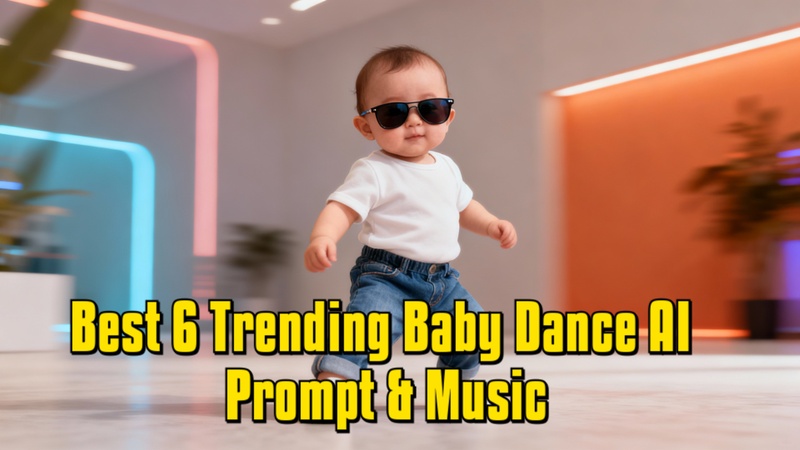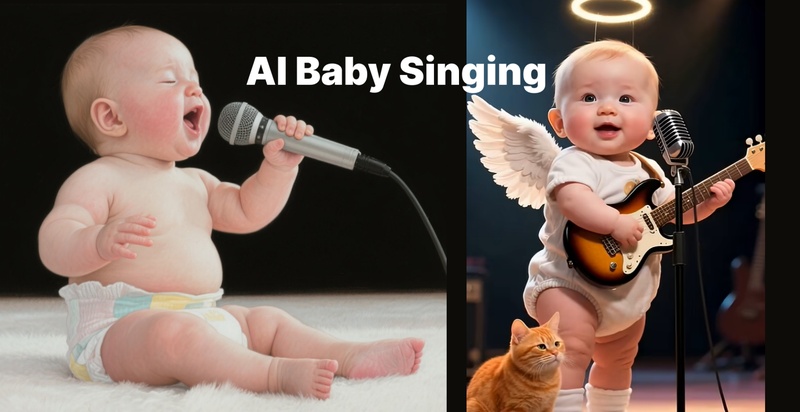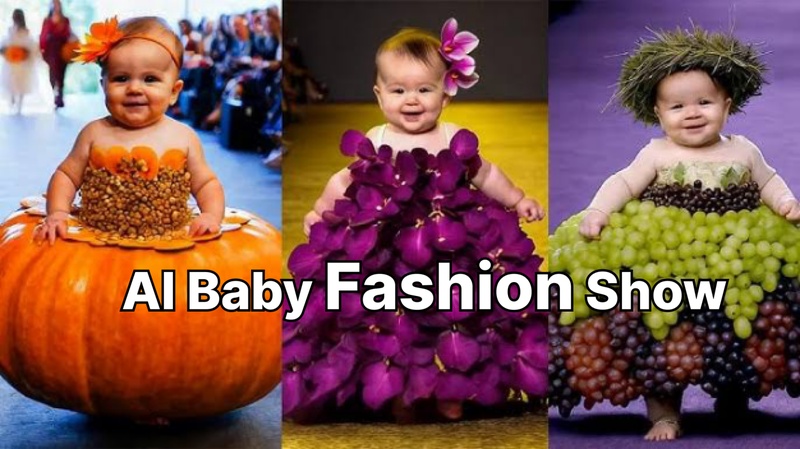
AI music videos for children are everywhere right now. From dancing dinosaurs to singing vegetables, these colorful videos attract millions of views on YouTube. Many of them are now created with AI tools instead of large animation studios.
As more creators explore AI music video prompts for kids, prompt writing has become an essential skill. With the right prompt formula, you can create engaging children's music videos quickly and consistently.
Part 1. AI Music Video Prompt Formula for Kids
A good kids’ AI music video prompt follows a clear structure. The more specific your prompt is, the more consistent the AI output will be.
1 Universal Prompt Formula
[Character] + [Action] + [Environment] + [Style] + [Mood] + [Camera Motion]
        "Cute dinosaur singing the alphabet song inside a colorful classroom,
        bright 3D cartoon style, cheerful mood, smooth floating camera
        movement."
This structure helps AI clearly understand what to generate and improves visual consistency.
2 Beginner Template
"Friendly [character] [action] inside a [environment] with [style], [mood], and [camera motion]."
        "Friendly teddy bear playing drums inside a candy land with 3D cartoon
        style, bright mood, and smooth camera movement."
Part 2. AI Music Video Prompt Levels for Kids
Not every AI music video prompt needs the same level of detail. You can start simple and add more structure for better control.
Basic Kids AI Music Video Prompt
Basic prompts are ideal for testing concepts quickly.
The prompt clearly defines the character, action, and visual style.
Structured Kids AI Music Video Prompt
Structured prompts add more details about the environment, lighting, and camera movement.
"Three cartoon kittens singing the ABC song inside a colorful kindergarten classroom with rainbow lighting and smooth zoom camera movement."
The additional scene details help create a richer and more consistent animation.
Pro Kids AI Music Video Prompt
Advanced prompts are useful for multi-scene videos and recurring characters.
"Same smiling baby dinosaur with blue overalls singing counting songs across different classroom scenes with colorful Pixar-style animation."
Repeating the same character description helps maintain consistency throughout the video.
This progression from simple to detailed prompts makes it easier to build an effective AI prompt system for kids music videos while improving scene quality and character consistency.
Part 3. 15+ AI Music Video Prompt Examples for Kids
Now, let's look at some ready-to-use kids music video prompts you can copy or adapt to fit your own AI nursery rhyme video generator prompts, educational songs, and children's music video projects.
Kids Nursery Rhyme AI Music Video Prompts
Prompt 1
"Happy cartoon sheep singing beside a red barn with sunny lighting and playful farm animation.""Baby ducks marching near a pond while singing counting songs with pastel cartoon visuals."
Kids Cartoon Dance AI Music Video Prompts
Prompt 1
"Cartoon monkeys dancing at a jungle party with glowing lights and colorful balloons.""Cartoon penguins dancing on an ice disco floor with sparkling lights and playful expressions."
Kids Educational AI Music Video Prompts
Prompt 1
"Friendly alphabet letters jumping around a colorful classroom while singing educational songs with cheerful cartoon animation.""Cartoon planets teaching the solar system inside a glowing galaxy with cinematic children's animation."
"Animated numbers dancing across a rainbow classroom while teaching counting through music."
Kids Fantasy Story AI Music Video Prompts
Prompt 1
"Little princess singing beside friendly dragons inside a magical glowing castle with fantasy cartoon animation.""Cartoon pirates searching for treasure while singing adventure songs on a tropical island."
Kis Bedtime Lullaby AI Music Video Prompts
Prompt 1
"Sleeping teddy bears floating through dreamy nighttime clouds with soft moonlight and peaceful watercolor animation."Part 4. How to Create AI Kids Music Videos Using Edimakor
You can turn AI music video prompts into a complete kids’ music video using HitPaw Edimakor. It lets you create music, visuals, and final edits in one workflow.
Step 1: Open HitPaw Edimakor
Open HitPaw Edimakor and enter the main editing workspace.
Step 2: Create Your Song
With the built-in AI music generator , you can easily turn simple prompts into fun kid's songs, such as alphabet learning, animal-themed songs, or counting songs. If you need help getting started, follow this AI kids music creation tutorial for a full walkthrough.

Step 3: Create Visuals from Prompts
Use the 15+ AI music video prompts above to generate visuals for kids’ songs. For better output, include detailed character descriptions, actions, settings, and camera movements in each prompt.
Tips:
Generate images using the AI image generator guide , then convert them into videos with the Image-to-Video guide .
Step 4: Export Your Final Video
Import everything into the timeline editor. Arrange scenes, sync audio, add subtitles, and export your kids’ music video for YouTube or TikTok.
Watch the full workflow below to see how all steps come together inside HitPaw Edimakor.
Part 5. Kids' AI Music Video Prompts: Common Mistakes to Avoid
Even strong ideas can produce weak results if the prompt is unclear. Here are three common mistakes beginners make when creating children music video AI prompts.
1 Using Prompts That Are Too Vague
"Cartoon children dancing inside a colorful classroom with rainbow
        balloons and cheerful animation."
Small details give the AI clearer visual direction.
2 Adding Too Many Actions in One Scene
Too many actions can make scenes look chaotic and inconsistent.
Instead, focus on one main action and one supporting action.
3 Forgetting Character Consistency
If a character looks different in every scene, the video can feel disconnected.
To maintain consistency:
- Repeat clothing details
- Repeat colors
- Repeat animation style
- Repeat facial expressions
FAQs
A1: Yes. Most AI video tools allow you to upload custom images, music, and voiceovers.
A2: Use this simple formula:
A3: Repeat the same character details in every prompt, including clothing, colors, and animation style. This helps maintain a consistent appearance across scenes.
A4: Tools like Edimakor help you combine clips, add music, create subtitles, and export complete AI music videos in one place.
Conclusion
Strong AI music video prompts for kids can make a huge difference in the quality of your videos. The more specific your prompts are, the easier it becomes to create engaging characters, consistent scenes, and memorable animations.
Combined with tools like HitPaw Edimakor, turning simple ideas into polished kids' music videos becomes a much smoother process.
Leave a Comment
Create your review for HitPaw articles