Motion tracking software
has completely changed how creators edit videos today. What once required complex manual work can now be done in just a few clicks. From tracking moving objects to adding effects, this technology helps bring videos to life.
Today, editors require
to save time and improve accuracy. In this article, we'll explore the top 5
for beginners and professionals.
Part 1: What is Motion Tracking?
Motion tracking is one of the powerful videos editing techniques that helps editors to follow the movement of an object or person within a video. In simple terms, it allows you to attach text, graphics, effects, or animations to a moving subject. Therefore, they stay in the correct position throughout the clip.
What Is Motion Tracking Used For? (Common Use Cases)
- Adding text labels that follow moving objects.
- Blurring faces, license plates, or sensitive details.
- Attaching visual effects like glows or animations.
- Creating cinematic transitions and camera shake effects.
- Tracking subjects for advertisements or social media content.
- Enhancing videos with AR-style graphics using an AI motion tracking video editor.
Motion tracking is a key feature in the best motion tracking video editing software today.
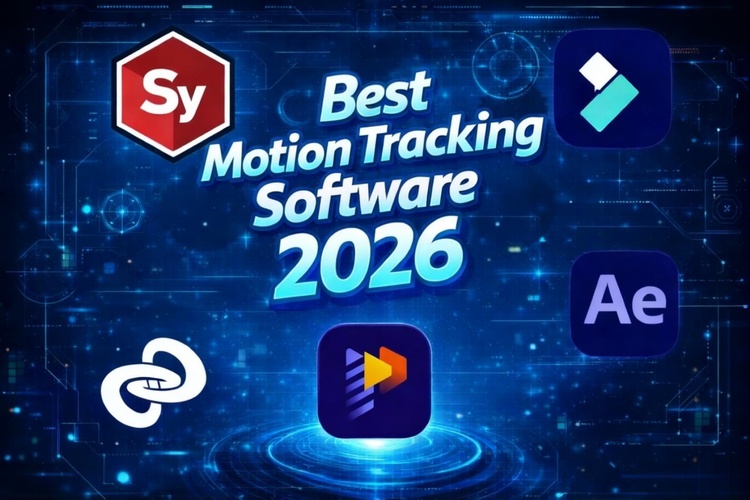
Part 2. 4 Best Motion Tracking Software: Free vs Paid
Let's discuss the best free motion tracking software in the market, including their pros and cons.
1. Hitpaw Edimakor
HitPaw Edimakor is an intuitive AI motion tracking video editor. Moreover, it is an all-in-one video editing platform that helps both beginners and pros to create polished content with ease. It consists of a drag-and-drop interface, AI motion tracking, automatic subtitles , voice cloning, background removal, and more.

Pros:
- User-friendly AI-powered tools for quick results.
- Comprehensive features including motion tracking and auto subtitles.
- Suitable for beginners and experienced editors.
Cons:
- Some advanced pro-level tools are limited.
- Watermarks on free exports without upgrade.
Pricing: Non-VIP users can try it once for free.Premium features require paid plans starting at $19.95/month, $49.95/year, $69.95/perpetual.


2. SynthEyes
SynthEyes is a professional 3D camera tracking and match-moving solution widely used in VFX and post-production workflows. It's known for precise tracking and advanced motion analysis. Therefore, it is one of the typical motion tracking video editors widely used.
Pros:
- Extremely accurate 3D camera & object tracking.
- Supports automatic and manual workflows.
- Export to major VFX and 3D software.
Cons:
- Not a full video editor with motion tracking.
- Steep learning curve for beginners.
Pricing : A monthly subscription for $62, an annual subscription for roughly $325/year ($27.08/month), and a perpetual license for $655.
3. 3DEqualizer
3DEqualizer is a high-end 3D tracking and matchmoving solution widely used in film. Also, it is used in VFX production to analyze camera movement and reconstruct scenes for visual effects.
Pros:
- Extremely accurate 3D motion tracking solution.
- Handles complex shots & lens distortion at a professional level.
- Integrates with major VFX pipelines.
Cons:
- Not beginner-friendly.
- Expensive pricing plans.
- Focused on 3D VFX workflows.
Pricing: Subscriptions from ~€65/week (~$70+), ~€169/month, or permanent licenses ~€7,699 (~$9,000+) for full features and support.
4. Adobe After Effects
Adobe After Effects is widely known as one of the best tracker motion analysis software solutions for professional visual visual effects. It's an advanced video editor with motion tracking tools. Even though it is not free motion tracking software, it offers a 7-day free trial before subscribing.
Pros:
- Industry-standard motion tracking and VFX toolset, ideal for professionals.
- Deep integration with Adobe ecosystem (Premiere, Photoshop).
- Supports plugins and evolving AI motion tracking software enhancements.
Cons:
- Subscription pricing can be costly for casual users.
- Steep learning curve for beginners.
- Not a free motion tracking video editor except trial.
Pricing: Starts at around $22.99/month for After Effects alone or higher bundles with Creative Cloud.
Part 3: How to Use Motion Tracking in HitPaw Edimakor For Free
HitPaw Edimakor is an AI motion tracking video editor that is simple for beginners to apply motion tracking effects without complex editing skills.
You can follow these three quick steps to start using motion tracking for free:
Step 1: Import Your Video
Download and open HitPaw Edimakor. Next, you can import your video file into the editor. Finally, drag it onto the timeline so you can begin editing.
Step 2: Select Motion Tracking
Click Videos and go to AI Tools and enable the "Motion Tracking" option from that section. This feature helps the software to detect moving objects automatically, making it a powerful AI motion tracking software tool.
Step 3: Start Tracking the Object
Highlight the subject you want to track, and click "Start Tracking." Once it is complete, you can attach text, effects, or stickers that follow the motion perfectly.
You can follow the above steps to enjoy motion tracking features in HitPaw Edimakor for free. Enjoy creating professional videos easily at your fingertips.
Part 4. Conclusion
In this guide, we explored AI-powered tools like HitPaw Edimakor to industry standards like Adobe After Effects. Therefore, depending on your requirements, choosing the right motion tracking video editor depends on your editing needs, budget, and skill level.
Leave a Comment
Create your review for HitPaw articles