Tribute Video Maker
AI Tribute Video Maker — Create Memorial Videos
Instantly choose from a variety of customizable tribute video templates. With AI-powered narration, subtitles, and music, you can easily personalize every detail and create a touching video ready to share.
 Handy video editor
 Rich Video Templates
 Extensive Media Library
 Dynamic Text Animations







Honor Every Moment
Heartfelt Tribute Video Templates
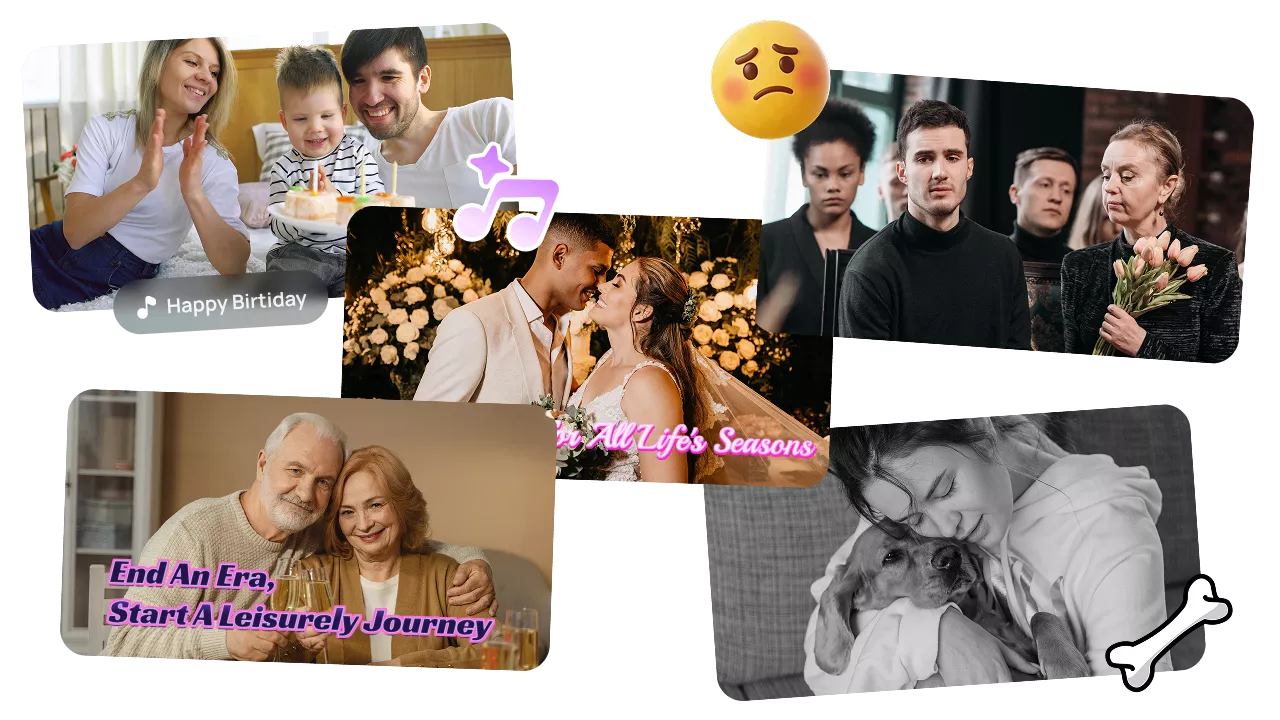
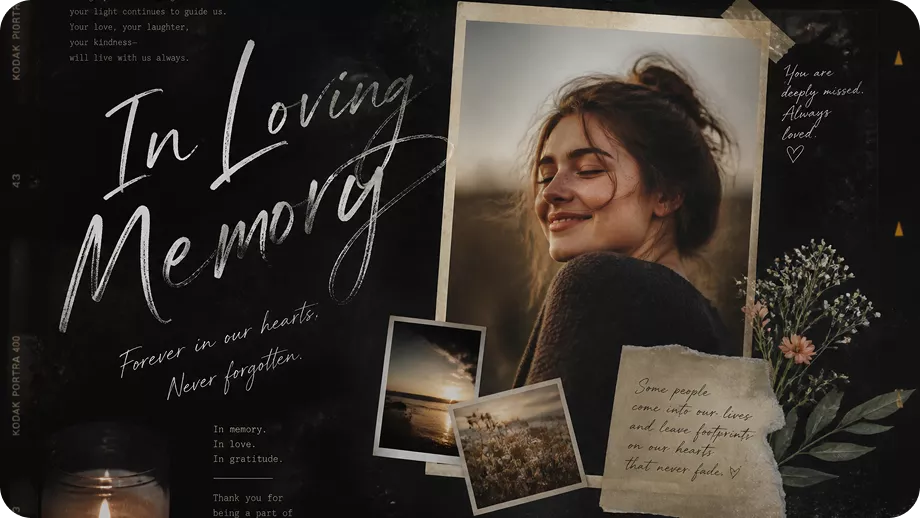
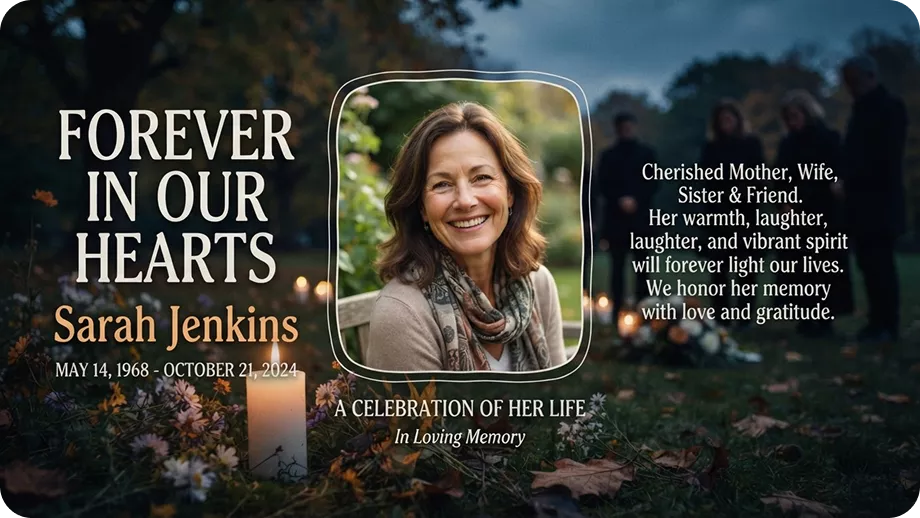
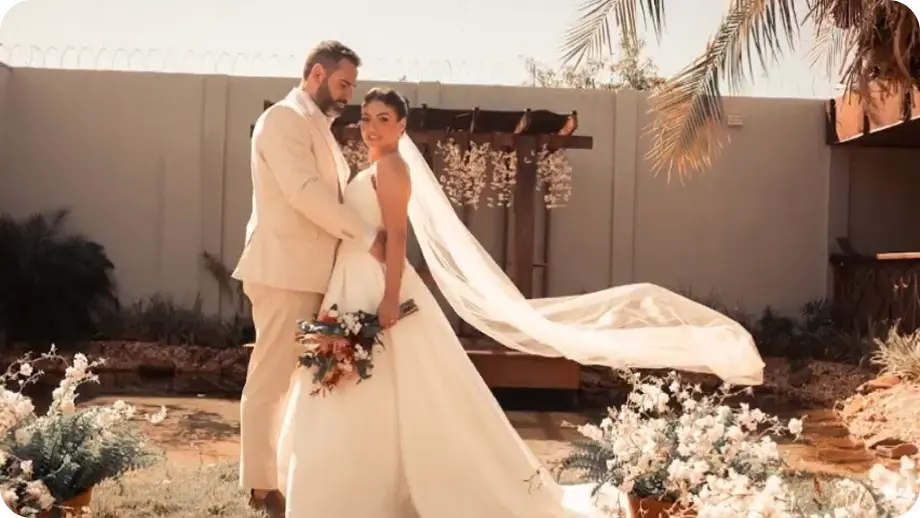
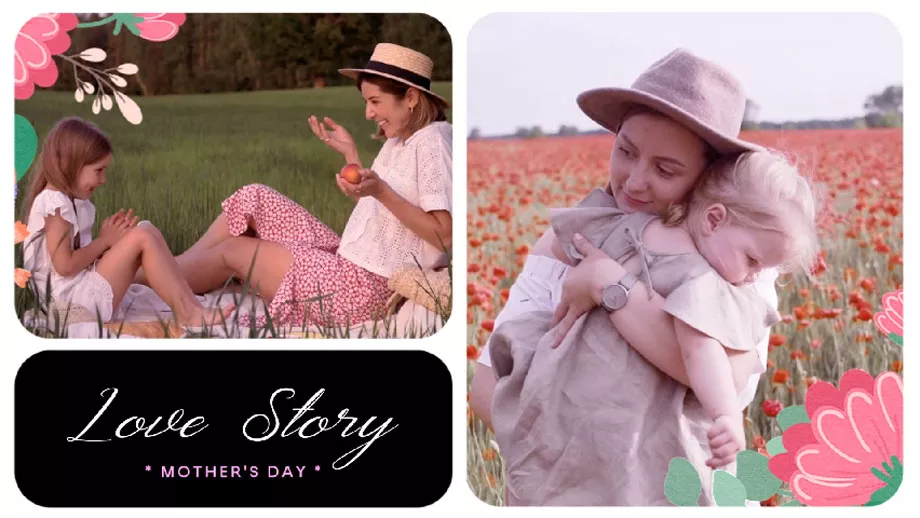
Honor special people and key life moments with beautiful video templates. With Edimakor, you can easily create touching tributes for funerals, birthdays, weddings, retirements or other important life moments. Powerful AI tools help you customize photos, videos, text and music to polish a tribute. Share your meaningful memories with everyone in just a few steps.
Key Features of Edimakor's Tribute Video Maker
Designed for creators who want to capture heartfelt moments, Edimakor helps you quickly create high-quality tribute videos—no editing skills required.

Turn Simple Ideas into Complete Tribute Videos
Simply enter your prompts. Edimakor can generate the script, scenes, and visuals based on your needs. It helps to create personalized videos for different occasions and themes. Greatly reduce your time spent on planning and editing.
Emotional Music and Voiceovers for Tributes
Set the perfect mood using original background music and voiceovers without copyright concerns. AI-generated audio can match different moods, while expressive voiceovers bring warmth and emotion to funeral memories, celebrations, and other tribute videos.
Restore Tribute Moments with AI Enhancement
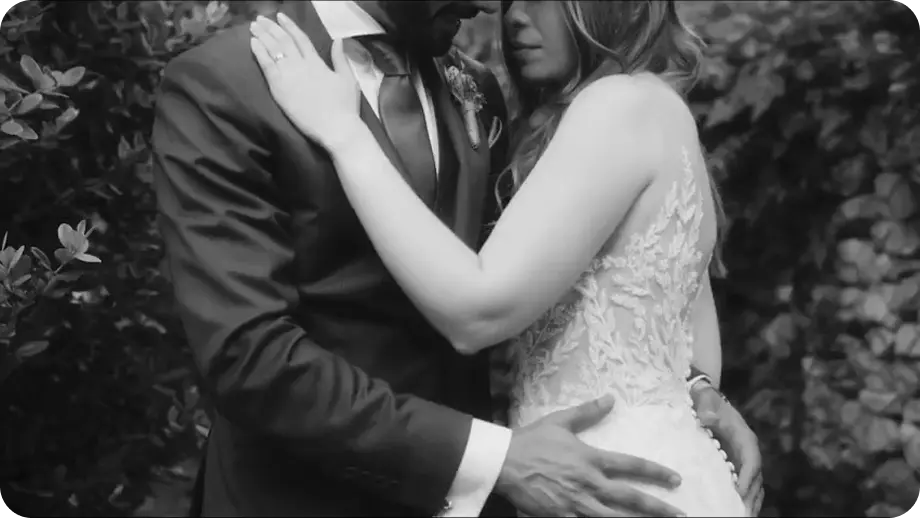
Let your old photos and blurry videos regain original clarity. Whether you’re working with black-and-white images, or low-quality videos, Edimakor helps you recover details and enhance quality. Give you improved visuals ready for tribute videos.
Go Beyond Templates with Creative Tools
More than just templates, Edimakor gives you more advanced AI tools to personalize every detail. Add unique touches to your tribute videos and express your missing and affection.
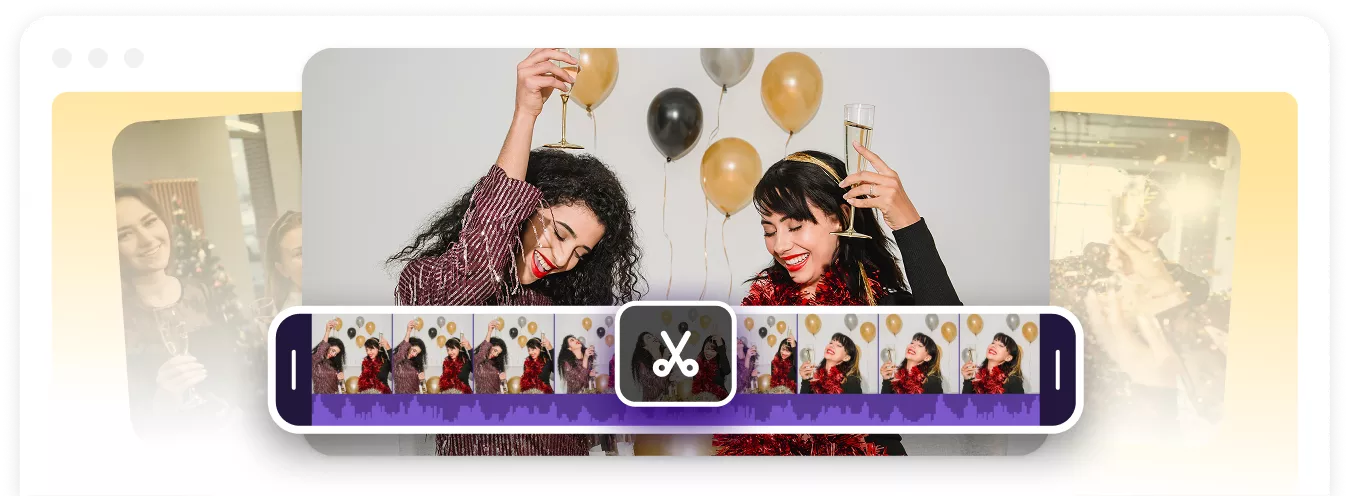
Cut or Trim Clips
Refine your tribute video by removing unwanted sections and keeping the most meaningful moments. You can adjust each clip with precision, ensuring your story flows naturally and captures every precious memory.
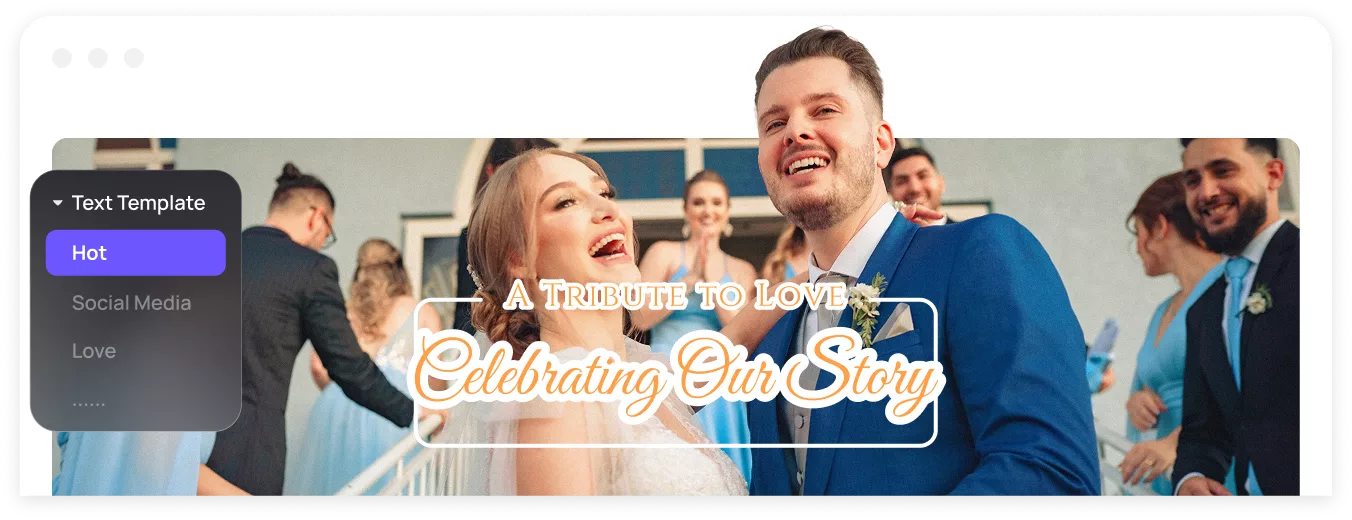
Elegant Fonts
Add a personal touch to your tribute videos with carefully selected fonts and text styles. Choose designs that match the mood of your story. Customize text to honor your loved ones with heartfelt elegance.
Music Library
Set the right emotional tone with a wide selection of royalty-free music. You can also create comforting music with AI by yourself. Expressive melodies and ambient music will enhance your tribute.
Creative Animations
Graceful transitions and soft visual effects make your tribute video lively. Subtle text reveals elevate your video's visual flow. With these, you can create a warm, comforting viewing experience for your audience.
Rich Video Templates
Enrich your tribute with stock footage and AI creations. Beautiful backdrops and customizable media quickly adapt to any occasion. You can easily create a unique tribute video that reflects your personal memories.
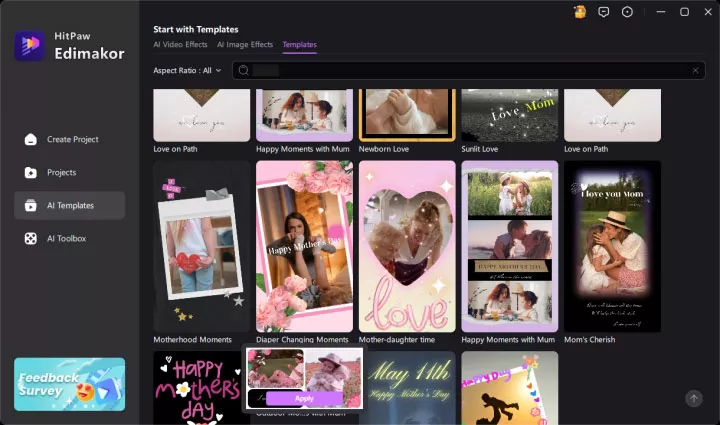
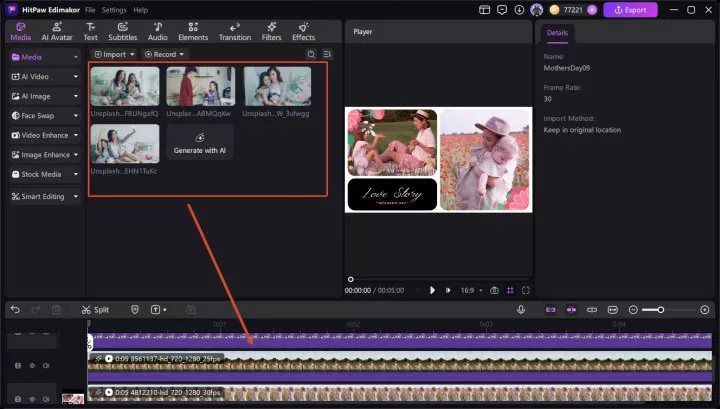
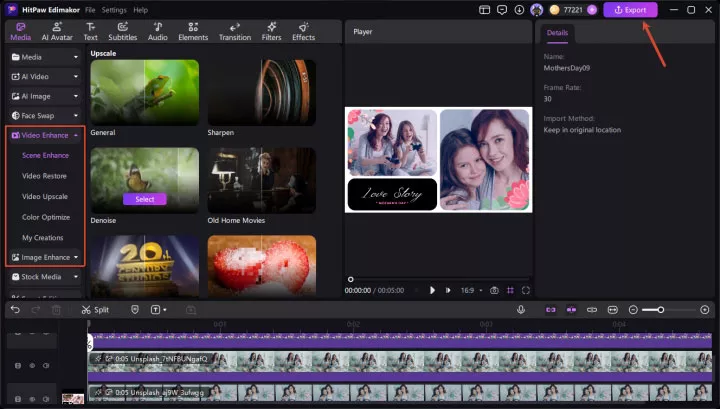
How to Make a Tribute Video in 3 Easy Steps
Why Choose Edimakor to Make Tribute Videos

Customizable & Flexible
Tailor every detail from templates and styles to music and voiceovers for tribute videos that truly reflect your honored story.

Beginner-Friendly
No design or editing skills needed. Our intuitive workflows guide you step by step, so anyone can create polished videos in minutes.

Break Language Barriers
With multilingual prompt support, you can create tribute videos in different languages to connect with loved ones worldwide.

I needed to create a memorial video for my grandfather’s service on very short notice. Edimakor made the process so gentle and simple. Restoring his old black-and-white photos with AI brought back so many vivid memories for our entire family.

The AI music generator and elegant fonts allowed me to set just the right mood for my father’s retirement tribute. I’m not a professional editor, but the pre-designed templates made the final video look like a cinematic masterpiece.

Jane Burke
Trimming clips, adding typewriter captions, and syncing music was seamless. We played the tribute video during our friend's celebration of life, and there wasn't a dry eye in the room. I’m truly grateful for this tool.

Violeta Brown
FAQs about Tribute Video Maker
The best tribute video maker should offer easy editing tools, ready-to-use templates, and AI-powered features. Edimakor stands out as an exceptional choice. It helps you combine photos, videos, music, and narration to create a meaningful tribute. Both beginners and experienced creators can create high-quality tribute videos easily .
Start by collecting photos, videos, or messages that represent the person’s life journey. Next, choose a suitable tribute template, arrange them chronologically and add gentle music. Finally, add elegant text captions or narration to tell the touching life story.
A good tribute sentence usually expresses appreciation, love, or unforgettable memories. You can highlight the person’s kindness, achievements, or the special moments you shared together. Simple and heartfelt words often create the strongest emotional connection.
A tribute video can include childhood memories, family moments, personal achievements, or messages from loved ones. You can create videos for funerals, birthdays, weddings, retirements, or anniversaries. Adding photos, stories, music, and meaningful quotes can make the tribute more memorable.
Ideal tribute videos usually run between 3 to 10 minutes. The length depends on the number of memories and messages you want to include. Keeping the video focused helps maintain attention while preserving the emotional impact.
 Edimakor
You
+ Edimakor - Turn ideas
into dynamic
videos
Steven Holland