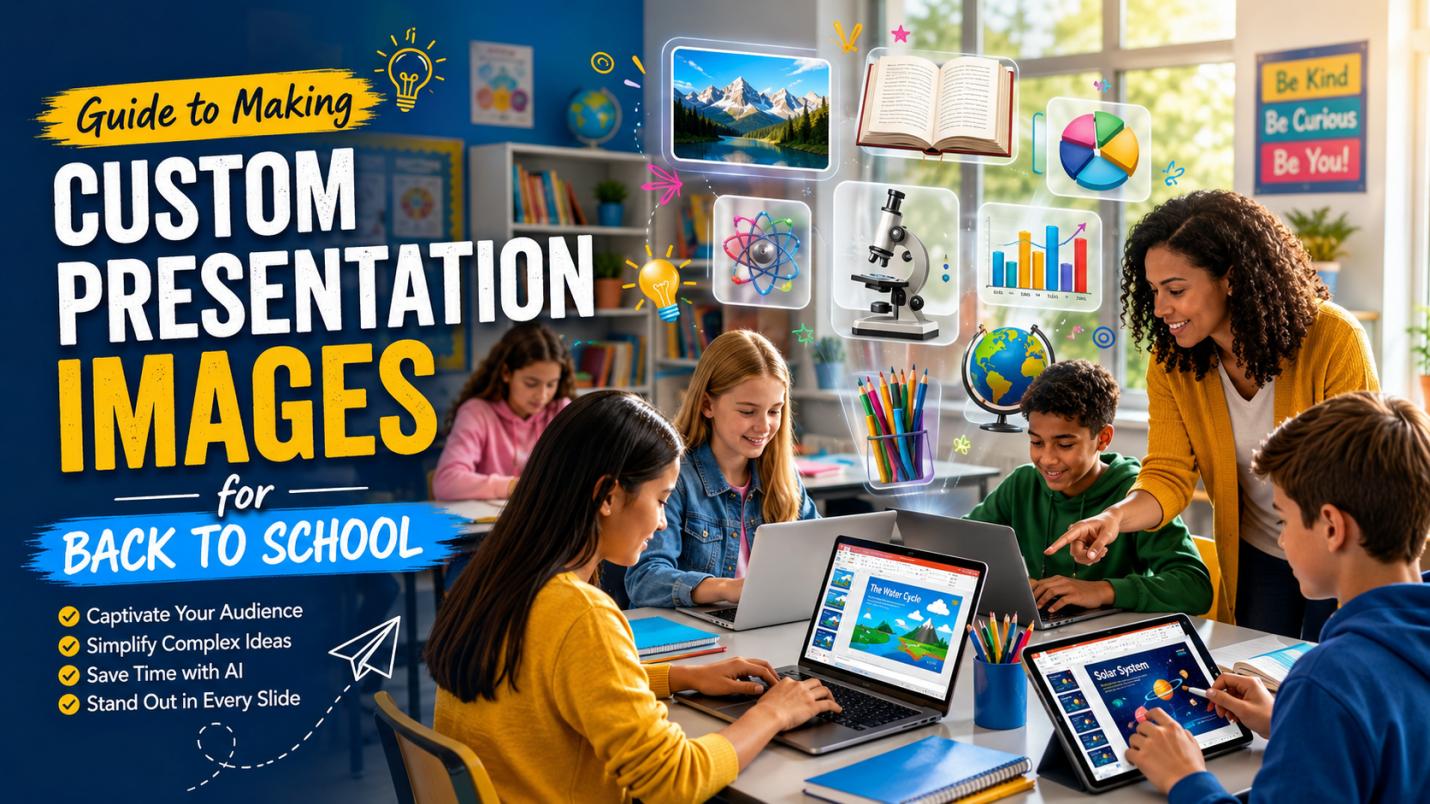
Back-to-school season is one of the busiest times for both students and teachers. Classroom introductions, science projects, lesson presentations, and school orientation slides all need attractive visuals that keep audiences engaged. While stock photos are easy to find, they often feel generic and may not match the exact topic of a presentation. AI image generation makes it possible to create unique presentation images in minutes. This guide explains what makes an effective presentation image, why traditional stock photos sometimes fall short, and how Edimakor AI helps you create personalized visuals for any back-to-school presentation. You’ll also find practical examples and ready-to-use AI prompts.
What Makes a Good Presentation Image?
Selecting a high-impact presentation image requires more than just picking a “pretty” picture. First, the image must be contextually relevant. It should directly support the spoken or written word on the slide to reinforce memory. Second, visual clarity is vital when busy or low-resolution images distract rather than inform.
Third, look for emotional resonance. Images that evoke curiosity or warmth can foster a better learning environment. Finally, maintaining stylistic consistency across all slides ensures a professional look. A great image serves as a visual anchor, making complex educational concepts easier for students to digest and remember.
The Pain Points of Traditional Stock Images
Finding the perfect “free images for presentations” often leads to several common frustrations that can hinder your creative workflow:
- Generic and Overused: Many stock images feel sterile and “canned,” leading to presentations that look identical to thousands of others.
- Lack of Specificity: Finding an image that fits a niche academic topic or a specific classroom scenario is often impossible.
- Hidden Costs and Licensing: Many “free” images come with licensing terms and copyright restrictions that can be confusing for students and teachers to navigate.
- Time-Consuming Searches: Educators often spend hours scrolling through irrelevant results just to find one passable visual.
- Diversity Gaps: Traditional libraries frequently lack authentic representation of diverse student populations and modern classroom settings.
The Easy Solution: Create Presentation Images with Edimakor AI
The days of scouring endless pages of search results are over. Edimakor AI offers a revolutionary way to generate AI presentation images that are perfectly tailored to your needs. Instead of settling for what exists, you describe what you want. Edimakor’s advanced AI understands the nuances of educational themes, allowing you to create everything from photorealistic classroom settings to whimsical 3D illustrations. It empowers students and teachers to become designers, turning abstract ideas into high-definition visuals in seconds.
Key Features of Edimakor AI for Education
- Text to Image Generation: Type a prompt like “a futuristic chemistry lab for kids” and watch the AI generate multiple options in seconds.
- Multiple Aspect Ratios: Whether you need a 16:9 image for a standard slide deck or a 9:16 image for a mobile-friendly guide, Edimakor provides the right dimensions.
- Stylistic Control: Choose from various art styles, including 3D, Oil painting, sketch, or photorealistic, to match the tone of your presentation.
- Advanced AI Models: Edimakor uses cutting-edge latent diffusion models to ensure that the lighting, textures, and compositions of generated images are realistic and visually stunning.
- High Resolution: All images are generated in high definition, ensuring they look crisp on large classroom projectors or digital screens.
- Speed and Efficiency: Visuals are generated in seconds. This allows for rapid iteration and brainstorming during the presentation design process.
Steps to Create Custom Presentation Images
Creating bespoke visuals for your back-to-school project is a straightforward process with Edimakor. Follow these 3 steps to bring your ideas to life:
Step 1: Access Edimakor AI
Start by visiting the official Edimakor website. Go to the “Text to Image” section.
Create NowStep 2: Select the AI model and Enter AI Prompt
Choose the best AI model and then, in the text input box, describe the image you want in detail. Click the “Generate” button to let the AI process your request.

Step 3: Download and Add to Presentation
Review the generated variations and select the one that best fits your slide. Download the image and insert to your presentation.
Presentation Image Examples and AI Prompts
Visualizing the possibilities can help you craft better prompts. Here are four scenarios where AI-generated “images of presentation” can elevate your back-to-school materials.
1. Back to School Presentations Image
This image is best for your first “Welcome” slide or a semester overview. You want to use bright, bold colors that showcase the fun and energy of a brand-new school year for all your students.
A stunning, high-quality 16:9 photo of a bright and sunny school hallway during the daytime. The scene features rows of colorful lockers, a clean and shiny floor that reflects the light, and a large “Welcome Back” banner hanging from the ceiling. The whole image feels happy, inviting, and full of positive energy for the new semester ahead.
2. Student Self-Introduction
A self-introduction presentation should help classmates and teachers quickly learn who you are. Use an image that reflects your personality, hobbies, interests, or future goals. A customized AI-generated portrait or lifestyle scene makes your introduction more engaging and memorable than a generic background.
A high-quality 16:9 digital illustration of a smiling high school student standing in a bright classroom. Around the student, floating elements represent their interests, including books, a soccer ball, a paintbrush, a guitar, and a small telescope. A colorful bulletin board in the background displays the words “Hello, I’m Alex!” The lighting is warm and welcoming, with a modern, vibrant educational style.
3. Classroom Rules and School Guide
School rules can be fun to look at if you use the right kind of art. Use simple icons and friendly, happy scenes to help your students understand and remember the guidelines in a very positive way.
A simple and clean digital drawing of a group of happy, diverse students sitting together in a circle. They are all smiling and being very kind to each other. The background is a soft, calming pastel blue color. There are small, clear icons like a book, a heart, and a smile. The style is modern, flat, and very friendly.
4. Group Project Presentation Image
For group work, you need a picture that shows teamwork and smart ideas. A cool, high-tech look can make your group’s project look very smart and professional, especially for science or technology topics.
A very cool, cinematic 16:9 picture of a high-tech science lab from the future. Three students in lab coats are working closely together. They are all looking at a large, glowing 3D model of a DNA strand that floats in the air. There are soft blue neon lights and smart scientific tools in the background. It looks like a major discovery.
Why AI Presentation Images Improve Learning
Visual content helps students absorb information more quickly. A presentation with engaging graphics captures attention, supports memory retention, and makes lessons more enjoyable. Teachers can illustrate complex ideas more effectively, while students can create presentations that stand out during classroom discussions.
Unlike traditional stock photos, AI-generated visuals can be tailored to specific lessons, age groups, and classroom themes. This personalization helps make presentations feel more relevant and engaging.
FAQs About AI Presentation Images
A1: Generally, yes. Images created with tools like Edimakor AI are typically free for personal and educational use, but always check the specific terms of service for commercial applications.
A2: Be specific. Use adjectives to describe the mood (e.g., “ethereal,” “gritty,” “vibrant”) and mention the medium (e.g., “Oil painting,” “vector art,” “macro photography”).
A3: Edimakor AI offers free credits for new users. After the first login, users can receive 60 free credits to explore AI-powered features and create content. For users who need more credits or advanced features, paid plans are also available.
Conclusion
The back-to-school season is a perfect time for new creative starts. Using custom AI images ensures your work is both unique and engaging. Edimakor AI makes this process fast and simple, providing high-quality visuals for any school project. Whether you are a teacher or a student, these tools help you succeed with professional-grade slides. Stop relying on boring stock photos today. Try Edimakor AI now and see how easy it is to make your presentations amazing!


Leave a Comment
Create your review for HitPaw articles