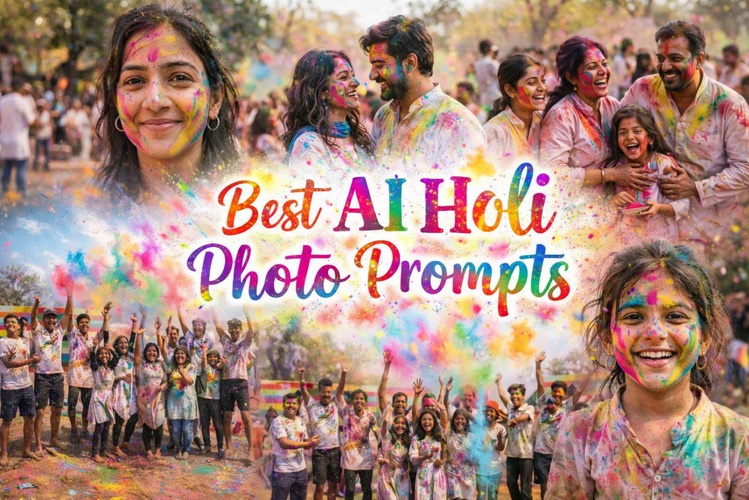
AI Holi photos are rapidly becoming a viral trend across social media, with creators using AI to recreate the festival’s iconic explosions of color in striking visual styles. Inspired by India’s joyful Holi Color Festival—a celebration of spring, love, and unity marked by throwing vibrant powders—AI-generated Holi images offer endless creative possibilities. In this guide, you’ll find 20 ready-to-use AI Holi photo prompts to help you instantly create eye-catching visuals.
Part 1: Ready-to-use Holi AI Photo Prompts
1. Expressive Color Portrait
Ideal for capturing facial expressions with dramatic Holi colors and soft background depth.

Close-up portrait of a person smiling softly, Holi colors on face, shallow depth of field, natural light, professional portrait photography.
2. Golden Hour Portrait
Ideal for warm, emotional Holi portraits with natural outdoor lighting.
Outdoor Holi portrait at golden hour, soft sunlight, warm tones, gentle color powder on skin, lifestyle photography.3. Colorful Romantic Smile
Perfect for showing affection and happiness between couples during Holi.
Couple smiling at each other with Holi colors on faces, soft natural light, romantic mood, candid photography.4. Sunset Couple Silhouette
Perfect for cinematic romance with dramatic lighting and color clouds.
Couple silhouette at sunset, colorful Holi powder in air, backlighting, cinematic composition.5. Laughing Family Together
Ideal for capturing genuine happiness and connection in family celebrations.
6. Group Color Explosion
Perfect for dynamic friend group shots filled with motion and excitement.
7. Pure Joy Smile
Ideal for capturing bright emotions and colorful expressions in kids.
Child smiling brightly with Holi colors on face, soft daylight, joyful mood, child portrait photography.8. Festive Costume Portrait
Ideal for charming portraits with traditional elements and color accents.
Part2: How to Create AI Holi Photos with HitPaw Edimakor
HitPaw Edimakor stands out as the ultimate AI Holi image generator for creators. This powerful software combines multiple AI models with intuitive video editing features. You don't need technical skills to produce professional-quality Holi images.
Step 1: Download HitPaw Edimakor and Open AI Image


Launch Edimakor to reveal its clean interface. Create a new project and find " AI Image " in the left sidebar. Or navigate Toolbox → Text to Image for quick access. The beginner-friendly design guides you naturally.
Step 2: Upload Your Image and Enter a Prompt
Select your AI model from Google Nano Banana, Seedream 3.0, or 4.0 options. Type Holi AI photo prompt into the text field. Adjust aspect ratio for Instagram (1:1) or videos (16:9). Generate up to four images simultaneously.
Step 3: Generate the Image and Share It
Click "Generate". Images appear in the "My Creations" gallery automatically. Download in high resolution or share directly to social platforms. Convert static photos into dynamic videos using built-in editing tools. This feature creates competitive TikTok content instantly.
Part3: Tips for Generating the Best AI Holi Photos
Mastering Holi AI prompts takes simple techniques that boost quality dramatically. These practical tips help you create professional festival images every time.
- Specify lighting clearly: Golden hour sunlight or dramatic evening glow adds realism and mood instantly
- Name exact colors: Red gulal, blue water dye, or green powder creates authentic festival vibes naturally
- Choose art styles: Photorealistic, anime, or cyberpunk, and transform basic prompts into unique masterpieces
- Add camera angles: Wide shots capture crowds while close-ups highlight emotional expressions perfectly
Conclusion
AI Holi photo prompts are transforming how festivals are celebrated and shared. With 20 ready-to-use prompts, anyone can create stunning visuals instantly. HitPaw Edimakor makes AI image creation simple and fun—no camera or skills needed. Just type, generate, and share your next viral Holi moment.
Leave a Comment
Create your review for HitPaw articles