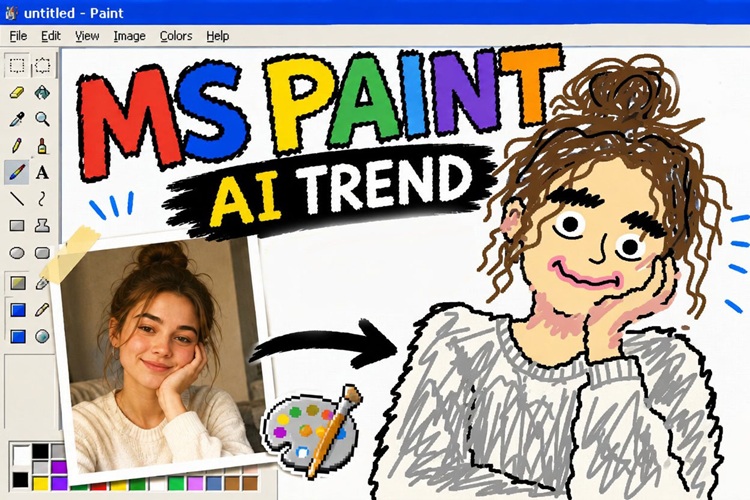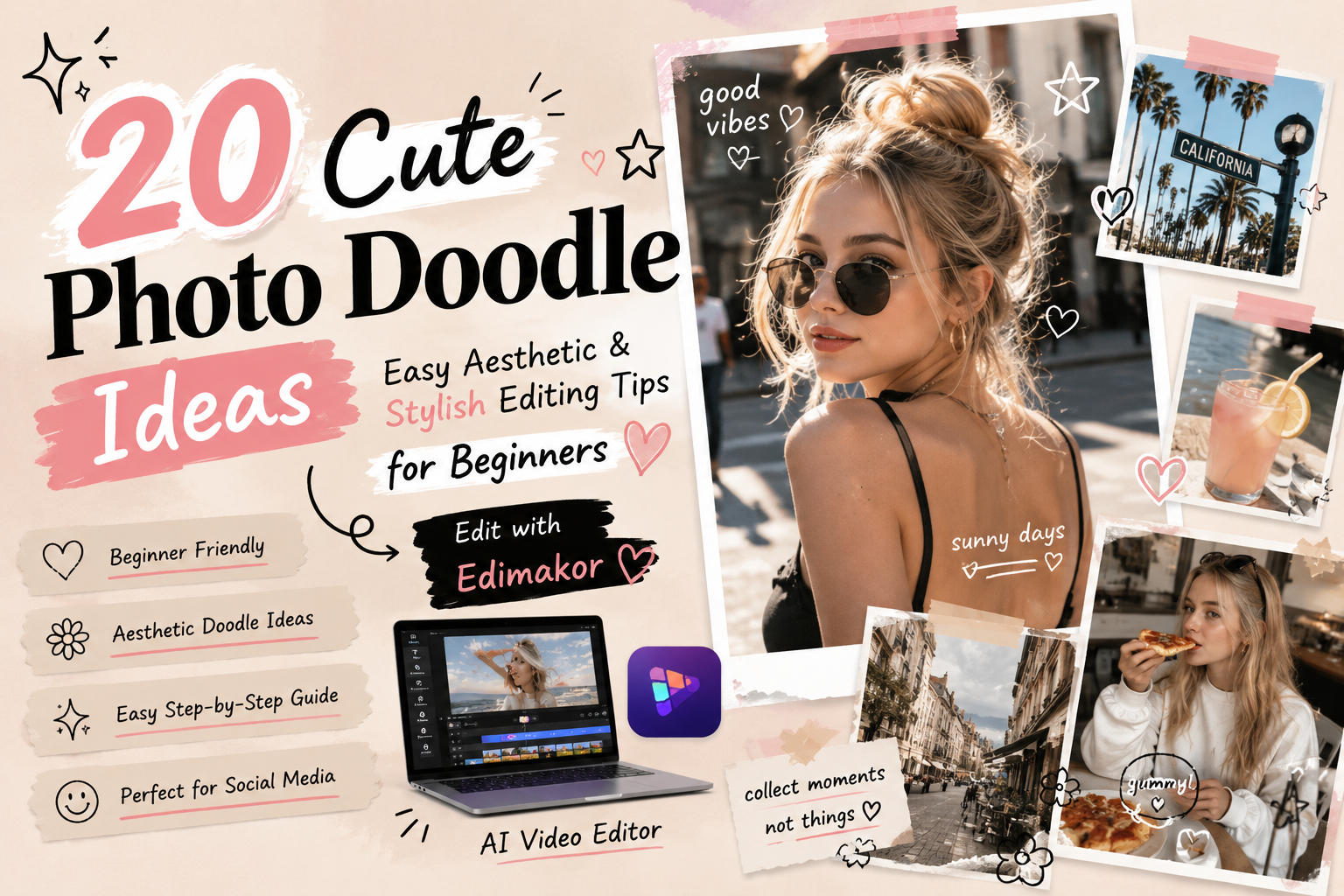
Adding a few cute doodles to your photos can instantly make your social media posts more eye-catching and creative. Thanks to modern editing apps and AI tools, anyone can create stylish photo edits, even without drawing skills.
In this guide, you'll discover 20 cute photo doodle ideas that beginners can easily try, along with practical tips for creating aesthetic photo edits and AI-powered photo doodle techniques to make your images stand out.
Part 1. 20 Easy & Cute Photo Doodle Ideas for Beginners
From classic styles to more unique designs, this section introduces a wide range of cute photo doodle ideas you can easily try.
1. Classic Heart & Star Scatter Doodles
This is a simple editing style where you randomly place hearts and stars in the empty spaces or background of your photo. You can finish it with just a tap using a pen tool in most editing apps, so no advanced skills are needed. It works especially well for selfies and couple photos. Varying the size of the doodles helps create a more balanced and less repetitive look.

2. Soft Hand-Drawn Frame Doodles
This style draws a loose, hand-drawn frame around the edges of your photo using curved or wavy lines. Keeping the lines slightly imperfect creates a handmade and warm aesthetic. It works especially well for everyday shots taken at cafés or outdoors, giving a nostalgic film-like feel. Using a simple white or black line helps keep the result clean and easy to control.
3. Minimal Korean-Style Line Art Doodles
A popular Korean SNS editing style where simple line illustrations are layered over photos. Common motifs include the sun, clouds, flowers, and leaves. The key is minimalism—avoid over-detailing and keep the design clean. This style works especially well with natural, film-like photos and creates a trendy aesthetic photo editing look.
4. Stylish White Pen Doodle Effects
This editing style uses white pen-like drawings over darker or muted photos. It blends easily with almost any image and is very beginner-friendly. You can add short text, dates, or small icons to achieve a clean and stylish aesthetic. It’s one of the easiest cute doodle on photos techniques to start with.
5. Soft Face-Frame Doodles
This technique draws soft circular or oval lines around a person’s face or head. Adding multiple layers or small dots increases the cuteness. It is commonly used for profile pictures and selfies because it naturally draws attention to the subject and enhances the visual focus in social media posts.
6. Y2K-Style Handwritten Text Decoration
This style adds large, playful handwritten text to the bottom or corners of a photo, inspired by early 2000s social media and instant photo aesthetics. It works especially well for group shots with friends. Adding hearts, stars, sparkles, and fun doodles around the text enhances the Y2K vibe and creates a nostalgic, cheerful feel.
7. Speech Bubble Conversation Doodles
Add speech bubbles near a person or pet and write short expressions inside them. Simple phrases like “What?!” or “So sleepy…” instantly make the photo more engaging and fun. This style is especially effective for pet photos or reaction shots and can increase interaction on social media posts.
8. Date & Memo-Style Text Additions
Add dates like “2026.06.05” or short mood notes such as “sunny day” in a handwritten memo style. This makes photos feel like a visual diary and helps preserve memories. Placing the text small and near the edges keeps the composition clean and uncluttered.
9. Instagram-Style Username Tag Doodles
Add a username like “@username” in the corner of your photo. It can also act as a watermark to protect your content. Using white or black text ensures readability. This style is especially useful for creators who want a consistent and branded aesthetic.
10. Cute Cat Ear & Bunny Ear Doodles
Draw simple cat ears or bunny ears on top of a person’s head. Even basic triangle-shaped ears can instantly make a photo look cute. Adjusting color and texture can make the character effect more expressive. This is popular for group photos, especially for birthdays and special events.
11. Blush Cheek Enhancements for a Soft Look
Add soft pink blush or small dots on the cheeks to create a cute, anime-like expression. Using natural tones like coral or salmon pink helps the effect blend smoothly with skin tones. This simple trick is often used as a playful gift-style edit for friends.
12. Colorful Line Overlays for a Pop Aesthetic
Overlay multiple colored lines across the photo to create a vibrant and energetic look. Bright combinations like yellow, pink, and light blue work especially well. For a Y2K aesthetic, use diagonal and intersecting lines. This style fits summer festivals and outdoor photography.
13. Stamp-Style Vintage Doodle Effects
This style mimics rubber stamps or ink impressions placed on photos. Popular phrases like “LIMITED” or “good vibes” add a vintage urban feel. Use only a few stamps to avoid clutter, and place them in corners or empty spaces for a balanced composition.
14. Sticker Decoration for a Playful Look
Use built-in sticker elements in editing apps to decorate your photos. To keep the design cohesive, stick to one theme—such as flowers, animals, or a single aesthetic style. This helps maintain a clean and visually consistent result.
15. Character-Style Transformation Doodles
Turn people or pets into cartoon-like characters by adding exaggerated facial features or illustration-style elements. Even simple additions like stylized eyes or eyebrows can create a strong character effect. This technique is more advanced but can produce highly engaging and shareable results.
16. Moody Filter + Doodle Combination
Apply muted or black-and-white filters first, then add handwritten text and line doodles on top. This combination creates an emotional and cinematic aesthetic that is difficult to achieve with filters alone. Short English phrases like “stay wild” or “catch the moment” enhance the mood.
17. Fan-Themed Photo Decoration
Decorate concert or fan event photos with names, messages, and themed doodles. Using hearts, flowers, and your favorite idol’s color palette creates a strong fan aesthetic. A consistent color theme helps unify the overall composition and makes the post more visually appealing to fellow fans.
18. Cute Couple Photo Doodles
Add handwritten elements like “♡”, “forever”, or anniversary dates to couple photos. Adjusting the style between playful and minimal depending on the photo improves the overall result. Matching frames for both partners’ photos is also a popular trend for anniversaries and travel memories.
19. Seasonal Holiday-Themed Doodle Edits
Add festive elements from popular holidays such as Christmas, Halloween, Valentine’s Day, Easter, or Thanksgiving to your photos. Simple icons like Santa hats, pumpkins, hearts, or Easter eggs can instantly bring out the holiday mood.
20. Collage & Split Layout Doodle Design
Combine multiple photos into a collage or grid layout and add doodles in the gaps and borders. This allows you to tell a story that a single image cannot capture, making it ideal for travel diaries and daily recaps. Keeping doodles subtle helps maintain a clean and cohesive overall design.
Part 2. Tips for Making Your Photo Doodles Look Stylish
Just following these four key points can dramatically improve the final result.
- Limit your color palette to 3 colors or fewer: Picking one color from the main tones of your photo helps create a more cohesive look.
- Use empty space effectively: Place doodles in corners or edges so they don’t distract from the main subject.
- Vary pen thickness for depth: Use thicker lines for main doodles and thinner lines for text to create a sense of dimension.
- Match your doodle style to the photo tone: Use colorful doodles for playful photos, and white-pen styles for monochrome or muted images.
Part 3. How to Create AI Photo Doodle Edits Easily Without Drawing Skills
Even if you are not good at drawing, you can still create high-quality doodle-style edits using AI-powered tools.
1 Best Free Editing Tool for Beginners
HitPaw Edimakor is an all-in-one AI-powered editor for both video and photo editing. With its intuitive interface, beginners can start editing right away. It also provides a wide range of hand-drawn-style assets, text options, and stickers. The Japanese UI support makes it especially user-friendly.
Time-Saving Editing with AI Templates
Using pre-designed templates allows you to create high-quality visuals in just a short amount of time.
Rich Doodle & Decoration Assets
A wide variety of hand-drawn illustrations, stickers, and text designs are available, making it easy to turn your photos and videos into cute and stylish visuals.
You can freely add text to images or videos using various fonts and design styles, expanding your creative possibilities.
With one click, you can separate subjects from the background, making compositing and creative editing extremely easy.
Use transitions and filters to make your videos more visually engaging and impactful.
Generate original images from text prompts and easily create unique visual assets.
Intuitive and Easy-to-Use Interface
The drag-and-drop-based UI allows beginners to complete editing tasks without confusion.
Supports Both Photo and Video Editing
Not only for images, but also for video editing, making it suitable for social media posts and YouTube content creation.
2 Steps for Creating Photo Doodle Edits
Step 1: Import the Photo You Want to Decorate
Click “New Project” in the menu, then drag and drop your image file into the timeline to import it.
Step 2: Add Text and Decorative Elements
From the left panel, choose text, effects, elements, or filters, then place them onto your image. You can fine-tune each element in the right-side panel.
Step 3: Export Your Work
Click the “Export” button in the top right corner, choose your resolution and format, and export to save your file.
Part 4. 10 Ways to Use Cute Photo Doodles for Social Media-Worthy Posts
Understanding when and how to use doodle edits can significantly improve the overall quality of your photos. Below are 10 practical use cases tailored for different social media posting scenarios.
Scene 1. Make Friend Outing Photos Even Cuter
A popular style is adding names or nicknames for each person in group photos using speech bubbles or arrows. Adding the date and location in a handwritten style creates a scrapbook-like aesthetic. Combining multiple shots into a collage before adding doodles is also very effective.
Scene 2. Turn Couple Photos into a Purikura-Style Edit
Add hearts and stars around couple photos, along with handwritten notes about anniversaries or special dates. Writing names and meaningful messages at the bottom increases emotional value. Personalizing the text makes the photo truly unique.
Scene 3. Decorate Birthday Posts with a Festive Look
Add handwritten “Happy Birthday” text along with ribbons, confetti, and party-themed illustrations. Scattering colorful dots or streamers across the image enhances the celebratory mood. These edited images can even be printed as personalized gifts.
Scene 4. Make Travel Photos Emotional and Aesthetic
Add the city or country name and date using white pen or fine black handwriting. For overseas trips, English text often looks more stylish. Short reflective phrases like “I’ll come back here again” help preserve memories, especially in wide shots of skies or oceans.
Scene 5. Instagram Story Aesthetic Edits
Instagram Stories are vertical, leaving extra space at the top and bottom, which is perfect for short handwritten doodles. Since stories disappear after 24 hours, they are ideal for experimenting with different styles. Combining doodles with interactive stickers like polls or links makes posts more engaging.
Scene 6. Add Hand-Drawn Elements to Fan Photos
Decorate concert or fan event photos with messages and support notes written in a handwritten style. Many users match pen colors to their favorite idol’s theme color, creating a unified aesthetic across posts. This style also helps connect with other fans.
Scene 7. Korean-Style Picnic & Café Photo Edits
Overlay minimalist Korean-style line art on food and drink photos. Simple motifs like suns, clouds, and waves in muted tones create a soft aesthetic similar to Korean photo books. Combining this with filters helps unify the overall tone.
Scene 8. Make Seasonal Event Photos More Special
Add seasonal doodles such as fireworks, autumn leaves, pumpkins, snowflakes, or Christmas-themed icons to your photos. Posting consistently with a similar seasonal style each year can turn your profile into a visual diary or an album-like feed that captures your yearly memories.
Scene 9. Create Original Cards and Photo Collages
Combine multiple images into a single collage and add handwritten messages in the empty spaces to create postcard-style designs. These can be printed as greeting cards or used as personalized gifts. Layouts can be simple grids or freely arranged depending on the purpose.
Scene 10. Turn Everyday Selfies into Cute Social Media Posts
Combine cat ears, blush cheeks, and memo-style text like “today’s outfit” to create a friendly lifestyle aesthetic. Keeping a consistent editing style helps build a recognizable profile identity and can attract more followers over time.
Part 5. FAQs About Cute Photo Doodle Ideas
Here are some frequently asked questions from beginners about photo doodle editing.
A1. You can use smartphone photo editing apps or AI tools like Edimakor on PC to draw directly on your images using pen tools. Choosing an app with stabilization features helps you create smoother and cleaner lines.
A2. The easiest options include scattering hearts and stars, adding dates, and using simple white pen text. You can experiment freely using the undo button while practicing.
A3. Limit your color palette to three colors or fewer, and pick one dominant color from the photo itself. Also, pay attention to spacing and use empty areas effectively.
A4. A good design balances empty space and visual elements without overpowering the main subject. The key is to avoid over-decoration and focus on a clean, minimal composition.
Conclusion
Photo doodle editing can be turned into a stylish and visually appealing image just by focusing on a few basic points such as color count, spacing, and pen thickness.
If you are not confident in drawing, try getting started with the AI-powered tool HitPaw Edimakor. With its rich素材 library and intuitive interface, it significantly lowers the barrier to photo editing and makes creative design much easier.
Leave a Comment
Create your review for HitPaw articles