If you have ever experienced strange spacing or errors when copying text generated by ChatGPT into a document, it might be due to a text watermark. In this article, we have thoroughly outlined how to detect and remove ChatGPT watermarks that are invisible to the unassisted eye but still present. From information about ChatGPT watermark removal sites to AI-based programs that can handle watermarks in image or video content, we've detailed everything so that even first-time users can easily follow along. Please refer to the content below.
Part 1. What is a ChatGPT watermark?
A ChatGPT watermark is a marker inserted to indicate that the text is generated by AI, which is not visible to the unassisted eye. When you copy text and paste it into documents or presentation materials, it can cause strange spacing or formatting errors, so it's important to check for the presence of watermarks in important materials beforehand. It rarely appears in general Q&A but is more commonly inserted in long texts like essays or reports. Although ChatGPT watermarks are not officially announced by OpenAI, if you use ChatGPT to write papers or use it in various ways, it might unknowingly be stored with the text, so it's good to know the method for removing ChatGPT watermarks in advance. In the next part, we'll learn how to test whether a watermark actually exists in the text before attempting to remove it.
Part 2. How to detect a ChatGPT text watermark
Before starting the actual process of removing a ChatGPT watermark, it's necessary to first verify if the watermark actually exists. In this part, we'll guide you step-by-step on how to directly check for invisible special characters using a code editor, so even first-time users can follow along easily.
- First, visit the official website of Visual Studio Code and download the program.
- After running VS Code, click File > New File to create a new document. Then, copy the text generated by ChatGPT and paste it into this window. When checking long texts like essays or reports, the possibility of finding a watermark is higher, so if there is any suspicious text, try pasting it at this stage.
- Now it's time to visually check for hidden special characters. Click View > Render Whitespace in the top menu of VS Code. Special whitespace characters like U+202F, which can be ChatGPT watermarks, can be checked using this method, so examine carefully.
- If you see small dots or symbols that are not usually visible between the text, it is likely a ChatGPT watermark. Especially if unusual space characters appear repeatedly between words or in the middle of sentences, you can assume that a watermark has been inserted.

Part 3. Top 4 free sites for removing ChatGPT watermarks
Once the watermark detection is complete, it's time to start removing the ChatGPT watermark. In this part, we introduce four representative sites where you can remove watermarks for free, so choose the tool that suits your situation and use it.
1. Mark.ai.kr
Mark.ai.kr is a text watermark detection and removal site developed in Korea, designed with a Korean interface, making it easy for anyone to use. It offers the feature of automatically detecting watermarks when you paste text copied from ChatGPT, so it's recommended for checking Korean documents.
Advantages
- Convenient use with intuitive Korean support
- Accurate automatic detection of special character watermarks
- Provides detection of Unicode characters, special patterns, and HTML entities
Disadvantages
- May be slightly slow when processing large amounts of text
- Complexly formatted documents may be difficult to process perfectly
- Only provides simple detection features without rewriting functionality
2. Bypass.hix.ai
Bypass.hix.ai is a good program for bypassing AI detection and removing watermarks, and it also provides a text rewriting feature. It's useful in situations where AI detection needs to be avoided, such as academic papers or reports, while maintaining the original meaning of the text but changing the sentence structure.
Advantages
- Bypass AI detection and remove ChatGPT watermarks
- Can naturally rewrite while maintaining the original meaning of the text
- Provides multiple versions of the text, offering a wide range of choices
Disadvantages
- Not completely free, requires a paid subscription plan
- Accuracy may be slightly lower for Korean text compared to English
- Texts with many technical terms or proper nouns may be difficult to transform
3. Undetectable.ai
Like ByPass, Undetectable.ai is a site that can be used to transform AI-generated content to make it look like it was written by a human, while also serving as a ChatGPT watermark removal site. It offers a variety of writing style options so that you can adjust the text to the tone you want.
Advantages
- Can rewrite text and remove ChatGPT watermarks
- Allows writing like a person with various writing style options
- Creates natural text using watermark removal AI technology
Disadvantages
- Does not support image or video watermarks
- Requires a paid plan for proper use
- Korean content may be more awkward compared to English
4. GPT Clean Up
ChatGPT Text Cleaner is a watermark removal program that is good for organizing ChatGPT text, and as the name suggests, it provides a feature to quickly detect and remove hidden watermarks in text generated by ChatGPT. Especially, without complicated settings, it automatically detects and organizes special characters like U+202F when you just paste the text, so if you're looking for a quick and easy watermark removal method, it's recommended.
Advantages
- Good for removing watermarks with ChatGPT text-specific features
- Automatically detects and removes special characters with simple pasting
- Organizes while maintaining the original meaning and format of the text as much as possible
Disadvantages
- Only supports text tools, not image data
- Only supports simple cleanup, no rewriting feature
- May need to be divided into multiple tasks when processing large amounts of text
Part 4. Recommended AI-based video watermark removal program – Edimakor
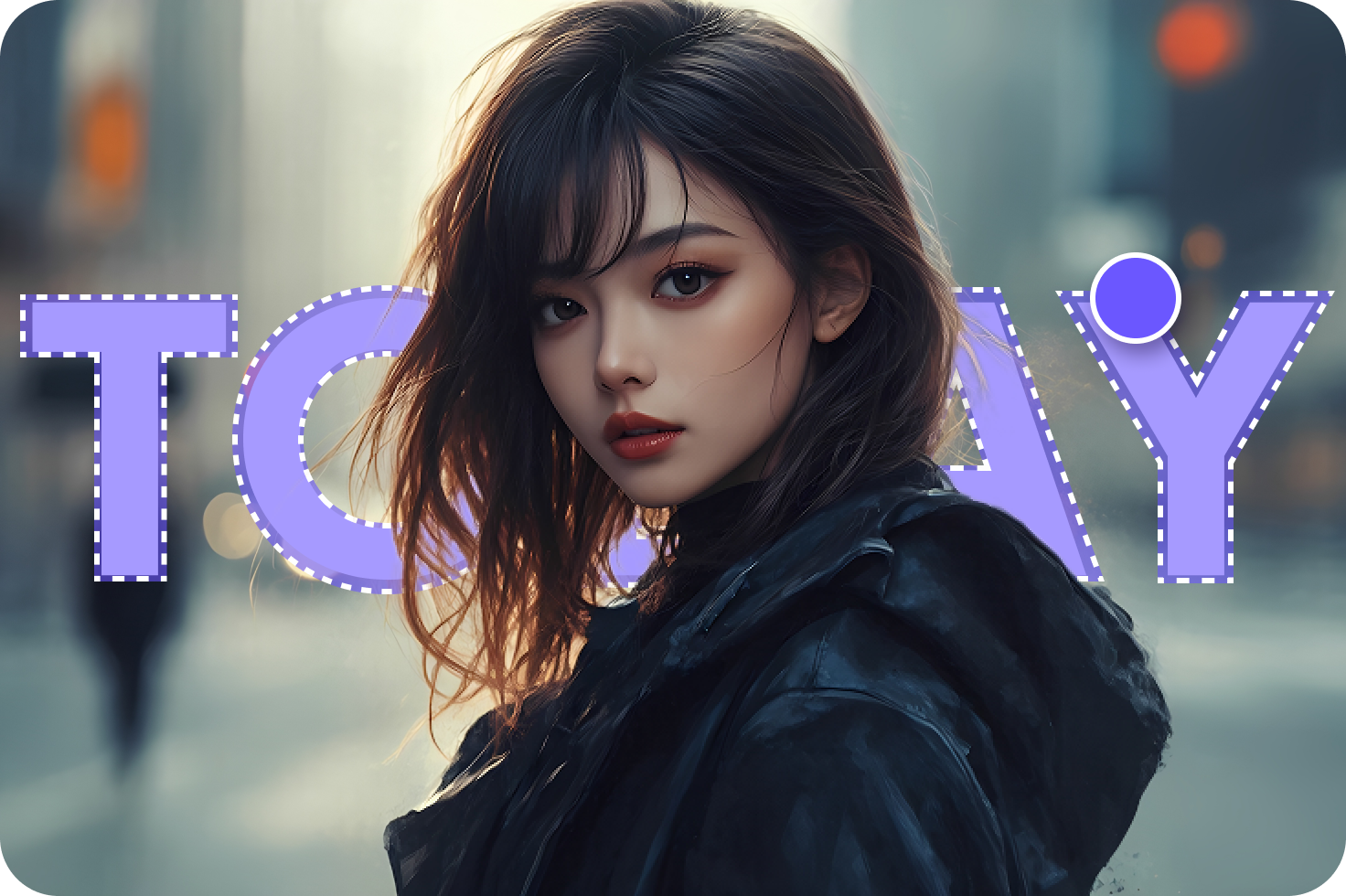
While the ChatGPT text watermark removal sites introduced earlier are useful, if you need to remove watermarks left in image watermarks generated while using GPT or video content like Sora2, try using the program introduced in this part. HitPaw Edimakor is an AI-based video editing program and an all-in-one watermark removal program that can neatly remove watermarks from images and videos. It is especially recommended as it perfectly supports a Korean interface, making it easy for beginners to use. Even complex watermark removal tasks can be completed in just a few clicks, so take a look at the features introduced now.
Key Features
- AI-based automatic watermark detection and precise removal feature
- Supports both images and videos Watermark removal Supported
- Batch processing support for simultaneous removal of watermarks from multiple files
- High-quality output and original quality retention technology applied
- Detailed editing possible with intuitive Korean timeline editing
Now I will guide you step-by-step on how to perform AI watermark removal using HitPaw Edimakor, so even first-time users can follow along easily.
Step 1: After downloading HitPaw Edimakor from the official website, proceed with the installation. The program supports both Windows and Mac.


Step 2: First, run the program and select 'Remove Watermark' on the main screen of Edimakor.
Step 3: The method for removing watermarks using Edimakor is simple. If the file requiring watermark removal is a video, click ‘Video’ from the menu on the left and upload the file that needs removal.
Step 4: Once the video upload is complete, select the necessary menu from the right menu. As a watermark removal program, Edimakor provides watermark removal, subtitle removal, and blur features for videos. Choose the necessary feature and select the watermark area that needs removal.
Step 5: If you have selected the area correctly, click the ‘Remove’ button to remove the watermark. If there are other parts to remove besides just logos, you can try using other features. Edimakor's watermark removal AI also supports subtitle removal, so if you want to insert new subtitles like in the example, you can also use the ‘Subtitle Removal’ feature.
Step 6: You can check the image with the watermark removed in the ‘Result’ section on the left, and make sure to click on the file to verify if it has been removed properly. If it hasn't been removed properly, go back to step 3 and remove it using the same method.
Part 5. Points to note when removing ChatGPT watermarks
In this part, we'll let you know the important points you need to be aware of when using watermark removal programs for text and images, so make sure to check them before starting your work.
1 Checking copyright and usage rights
The most important thing is the copyright issue. Even if the text or image is generated by ChatGPT, you must check whether you have the right to use the content before performing watermark removal. If you have created the content yourself, there is no problem, but removing the watermark from content created by someone else without permission can lead to legal issues, so be careful.
2 Keeping a backup of the original file
Before starting the ChatGPT watermark removal work, it is important to always back up the original file separately. In the case of text, formatting may be broken during the process of removing special characters, and in the case of images or videos, unexpected errors may occur during the application of the watermark removal method, so keep this in mind.
3 Considering the possibility of quality degradation
Remember that quality degradation can occur when using watermark removal programs. For text, the original meaning may be slightly altered during the rewriting process, and for images or videos, natural removal may be difficult if the watermark is in an important area or on a complex background. Once the ChatGPT watermark removal work is complete, make sure to thoroughly check the entire content again, and if necessary, perform additional correction work.
Conclusion
We have now learned in detail how to detect and remove special character watermarks inserted in ChatGPT text. By using the free watermark removal sites introduced in this article, you can also cleanly remove text watermarks, so try using the currently needed watermark removal program. And if you want to remove watermarks from images or video content generated by ChatGPT, don't forget to use HitPaw Edimakor .
Leave a Comment
Create your review for HitPaw articles