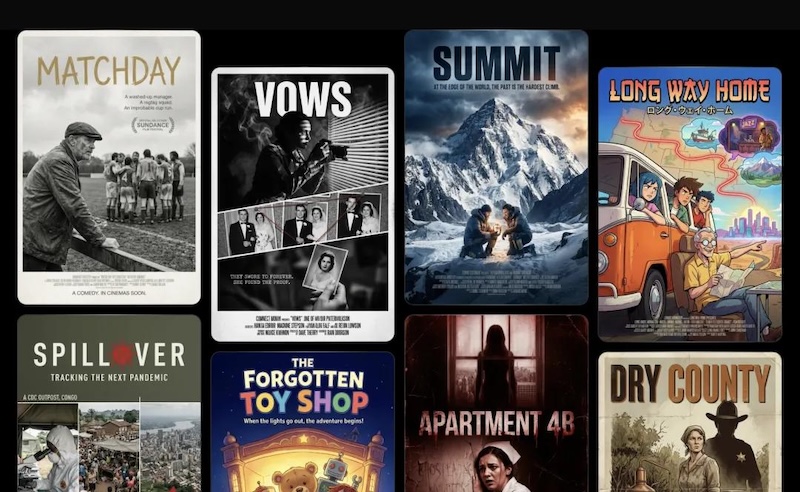
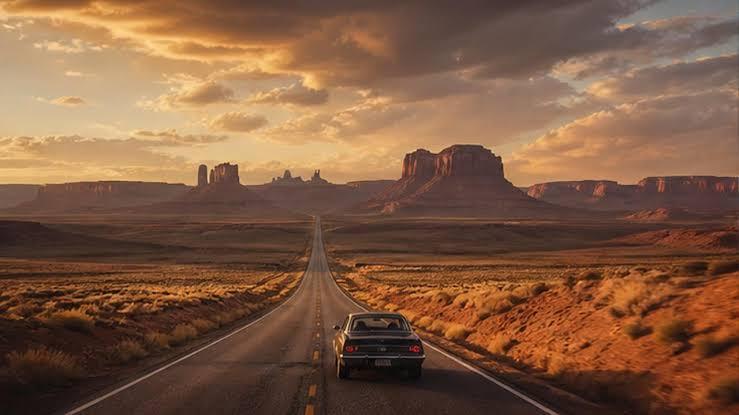
A cinematic video prompt combines visual style, timed action, and camera-and-sound cues for the model to resolve. By describing elements such as lighting, camera angles, character movements, background details, and sound effects, you can guide AI video generators to produce more realistic and engaging scenes. Whether you want to recreate an intense action sequence, a romantic movie moment, or an epic sci-fi scene, a well-structured prompt can make a big difference. In this guide, we will share 10 must-try prompts to create iconic cinematic scenes and also introduce the best script-to-movie generator available in 2026.
Part 1: Top 10 AI Prompts for Creating Iconic Movie Scenes
Thanks to AI, creating cinematic AI video becomes easier than ever. With a simple text prompt, you can easily produce engaging and high-quality visuals without editing experience. Here are the top 10 AI prompts for making iconic movie scenes:
1. Epic Superhero Battle Scene

“Create an epic superhero battle in a futuristic city at night. A powerful masked hero stands on top of a skyscraper as enormous explosions illuminate the dark skyline. Suddenly, a mysterious villain emerges from the smoke, unleashing a powerful energy blast. The hero jumps between collapsing buildings, dodging attacks before delivering a spectacular counterattack. Use dramatic slow-motion shots, dynamic camera movements, realistic destruction, glowing visual effects, intense orchestral music, and Hollywood-style cinematic lighting.”
2. Post-Apocalyptic Survival Scene
“Generate a realistic post-apocalyptic movie scene featuring a lone survivor walking through an abandoned city. Destroyed buildings, burning vehicles, broken streetlights, and abandoned cars create a terrifying atmosphere. The survivor carries a backpack and carefully searches for supplies while distant explosions echo through the streets. Suddenly, mysterious shadows appear between the buildings. Use wide establishing shots, handheld camera movements, atmospheric fog, muted colors, realistic environmental details, and suspenseful cinematic background music.”
3. High-Speed Car Chase Scenes
“Create an adrenaline-filled Hollywood car chase through the crowded streets of a modern metropolitan city. A professional driver speeds through narrow roads while several black SUVs pursue him aggressively. Vehicles drift around sharp corners, narrowly avoid traffic, and crash through roadside barriers. Capture the action using low-angle tracking shots, aerial drone footage, interior dashboard perspectives, and dramatic slow motion. Add realistic engine sounds, screeching tires, explosive impacts, cinematic motion blur, and an intense action soundtrack.”
4. Psychological Thriller Scene
“Generate a suspenseful psychological thriller scene inside an abandoned mansion during a stormy night. A detective walks slowly through a dark hallway while holding a flickering flashlight. Strange noises emerge from an upstairs room, forcing him to investigate. As he approaches the door, a mysterious silhouette suddenly appears behind a dusty mirror. Use slow tracking shots, extreme facial close-ups, flickering lights, deep shadows, atmospheric fog, realistic sound design, and unsettling background music to build tension.”
5. Emotional Father and Son Scene
“Create a deeply emotional cinematic scene featuring a father and his young son standing together at a railway station during sunset. The father is preparing to leave for a distant journey, while his son struggles to hide his sadness. They share a heartfelt conversation before embracing tightly. As the train slowly departs, the father waves through the window while the child watches tearfully. Use warm golden lighting, expressive facial close-ups, gentle camera movements, realistic environments, and emotional orchestral music.”
6. Detective Mystery Investigation Scene
“Produce a gripping detective mystery scene inside an old-fashioned police investigation room at midnight. A brilliant detective examines mysterious photographs, handwritten letters, and crime scene evidence scattered across a wooden desk. Rain hits the window as he discovers a hidden connection between several suspects. Suddenly, the telephone rings, revealing an unexpected clue. Use moody cinematic lighting, dramatic close-ups, slow camera movements, realistic expressions, atmospheric shadows, and suspenseful orchestral music to create a captivating crime thriller atmosphere.”
7. Zombie Apocalypse Escape Scene
“Generate a terrifying zombie apocalypse scene on a deserted highway surrounded by abandoned vehicles. A frightened survivor runs toward an old truck while hundreds of zombies emerge from the distant fog. He jumps inside and desperately attempts to start the engine as the creatures surround the vehicle. Suddenly, the engine roars to life, and the truck crashes through the zombie crowd. Use handheld camera movements, intense close-ups, realistic zombie makeup, dramatic lighting, cinematic action sequences, and terrifying sound effects.”
8. Samurai Revenge Scene
“Create a breathtaking samurai revenge scene in an ancient Japanese village during a heavy snowfall. A mysterious warrior wearing traditional black armor walks slowly toward a wooden temple where his enemies are waiting. Cherry blossom trees surround the battlefield as strong winds move through the snowy landscape. The warrior draws his katana, initiating an intense sword fight against multiple opponents. Use elegant slow-motion movements, cinematic wide shots, dramatic close-ups, realistic sword choreography, atmospheric lighting, and traditional Japanese orchestral music.”
9. Futuristic Robot War Scene
“Produce an epic futuristic war scene in a technologically advanced city where giant combat robots fight against an invading army of mechanical machines. Explosions illuminate enormous skyscrapers as military aircraft fly between damaged buildings. A powerful humanoid robot rises from the rubble and activates its glowing energy weapons. Capture spectacular battles using sweeping aerial shots, low-angle camera movements, detailed robotic designs, realistic explosions, metallic sound effects, dramatic lighting, and powerful science-fiction orchestral music.”
10. Emotional Space Exploration Scene
“Create an emotional science-fiction movie scene featuring a lonely astronaut exploring an abandoned space station orbiting a distant planet. He discovers an old family photograph floating inside a damaged laboratory, reminding him of his life on Earth. As he looks through the observation window, a beautiful sunrise appears over the alien planet. Use intimate facial close-ups, slow cinematic camera movements, realistic zero-gravity effects, breathtaking planetary visuals, atmospheric lighting, and emotional piano music to create a powerful storytelling moment.”
Part 2: Best Script-to-Movie Generator Available in 2026
Once you’ve the right cinematic AI prompt, the next step is to find a reliable script-to-movie generator that can turn your ideas into stunning video scenes. HitPaw Edimakor is a popular AI video editing platform, but many users don’t know that it also works as a script-to-movie generator. It allows users to transform written scripts and creative ideas into engaging video content with the help of AI-powered features. From generating scenes and adding voiceovers to incorporating background music and applying cinematic effects, HitPaw Edimakor provides several tools to simplify the filmmaking process.
Key Features of HitPaw Edimakor
- Script to Movie: HitPaw Edimakor is one of the best script-to-movie generators available in 2026. The program uses AI technology to turn a simple text prompt into engaging visuals within seconds.
- 1000+ Templates: The program includes 1000+ video templates, allowing users to create various types of videos without starting from scratch, including how-to guides, tutorials, cinematic movies, social media posts, and more.
- Multiple AI Models: HitPaw Edimakor offers a wide range of AI models, each with unique video creation capabilities, such as Seedance, Google Veo, Happy Horse, Wan 2.7, and Kling.
- Realistic AI Avatars: The program also includes realistic AI avatars that users can incorporate into their videos to create engaging character-driven scenes. Users can choose different avatar styles to match the tone.
- Easy-to-Use: HitPaw Edimakor offers an easy-to-use and intuitive interface, allowing users to create engaging movie scenes with simple text prompts — no editing experience or professional help required.


Step-by-Step Guide
Below, we’ve provided step-by-step instructions to create engaging movie scenes with HitPaw Edimakor:
Step 1: Select AI Video Generator
Open your web browser and go to the HitPaw Edimakor official site. Launch the program and select the “AI Video Generator” from the main interface
Step 2: Choose Script to Video Option
Once you’re in the tool, select the “Script-to-Video” option. This mode enables users to create engaging videos from a text prompt.
Step 3: Generate and Download
Copy and paste your script into the prompt box. Adjust the video settings and click on the “Generate” button. Preview the results, and click on the “Export” button to download.
Final Thoughts
Creating iconic movie scenes with AI has become easier than ever in 2026. With the right cinematic prompts and a reliable script-to-movie generator, anyone can turn creative ideas into visually appealing movie-style videos. If you’re looking for an easy way to transform scripts into cinematic videos, HitPaw Edimakor is worth exploring.
Leave a Comment
Create your review for HitPaw articles