Many free video editing programs have been released, but have you ever felt inconvenienced by the watermark that remains after editing? On the other hand, purchasing expensive paid programs seems like a big investment if you don't plan to use them frequently. Choosing a video editing app without a watermark from the start can solve these problems at once. Please pay attention to HitPaw Edmakor, a free video editing program without a watermark that we will introduce from now on.
Part 1: Why is video editing without a watermark important?
There are several reasons why video editing without a watermark is important. Below are some representative reasons.
First, it enhances immersion. Watermarks can disrupt the flow of the video, distract the viewer's attention, and reduce immersion. Especially in videos produced for purposes like presentations or educational materials, watermarks can be particularly disruptive. On the other hand, videos without watermarks allow viewers to focus on the content, providing a better viewing experience.
Second, it increases professionalism. Watermarks can make viewers doubt the technical skills or professionalism of the video creator. On the other hand, videos produced with a video editing app without watermarks show that the creator has pride and confidence in their work, which can build trust with the audience.
Third, it increases usability. Videos with watermarks can only be used for limited purposes. On the other hand, videos without watermarks can be utilized in various places and easily shared with others, increasing the value of the video.
Fourth, it is advantageous for revenue generation. Videos without watermarks created using free video editing programs can generate revenue through various methods such as ad revenue and paid subscriptions. They also help increase revenue by lowering viewer drop-off rates.
Part 2: The best free video editing app without watermark worries - HitPaw Edimakor
As mentioned earlier, videos with watermarks can be distracting to viewers, and creators also prefer videos without watermarks. Let me introduce HitPaw Edimaker, a free video editing program without a watermark that can solve these worries at once. HitPaw Edimaker is a site and app where you can edit videos without a watermark while maintaining video quality.
Now, I will explain how to edit videos for free without a watermark.
How to edit videos without a watermark using HitPaw Edimakor
Step 1: Click the button below to start the free download. The Mac version is also available for download in the same way.
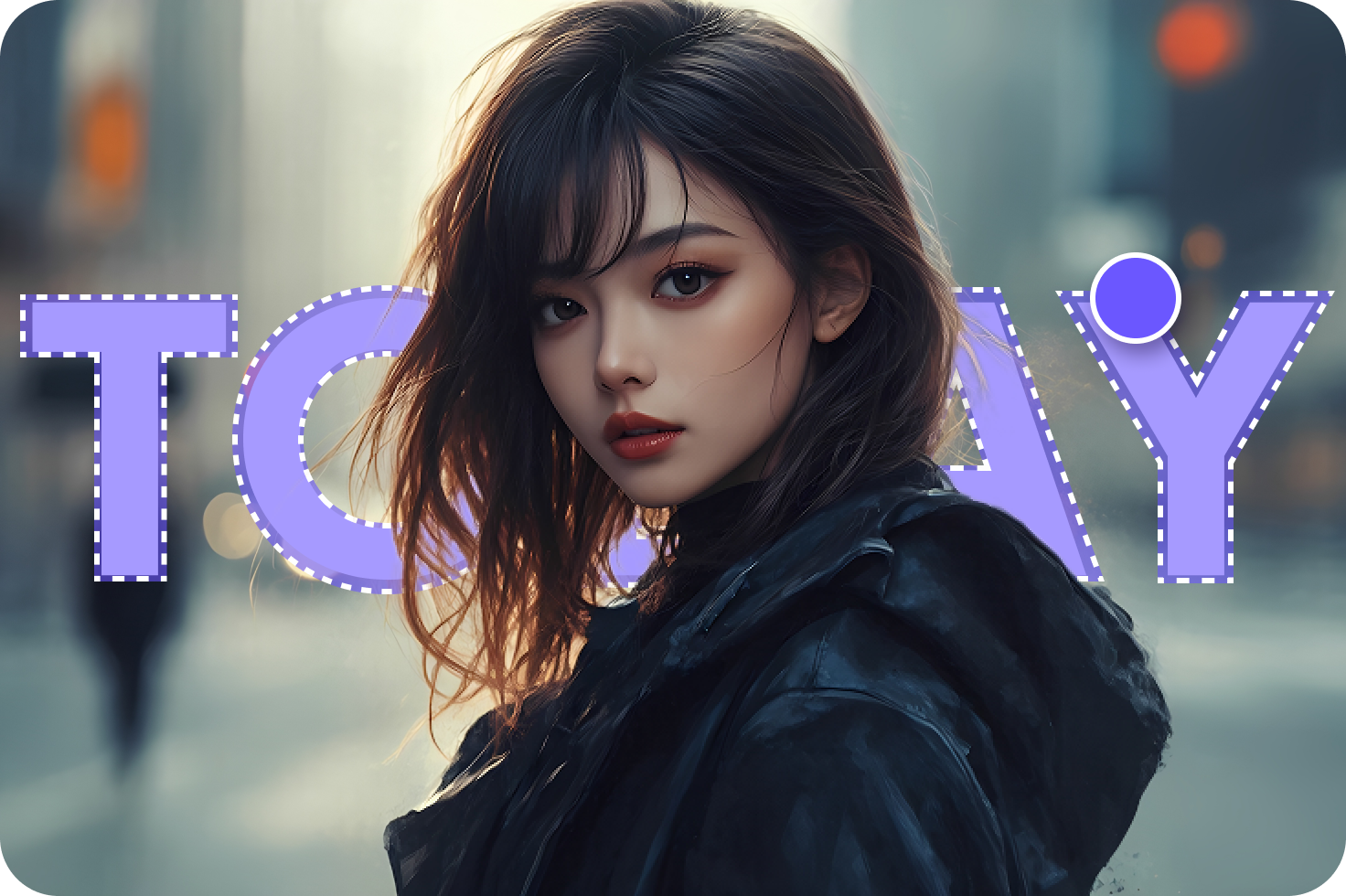
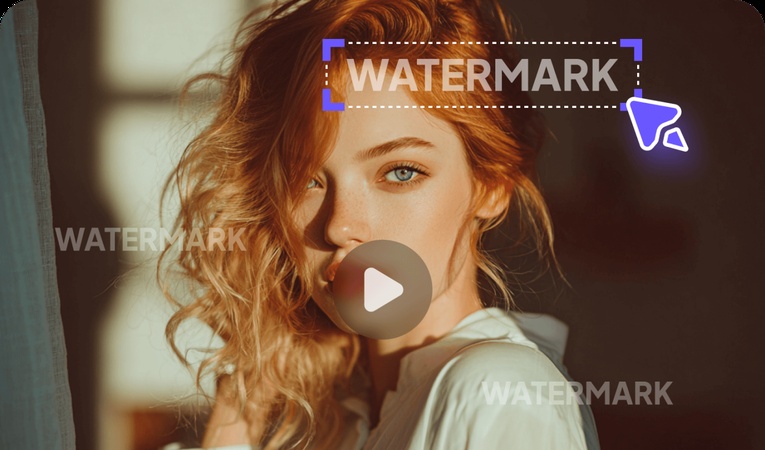
Step 2: Launch HitPaw Edimakor, click the “Remove Watermark" function in Edimakor. .
Step 3: Click to upload image or video from the left menu.
Step 4: Once removal is complete, you can preview the result to see how it turned out.



If you are looking for a free video editing program without a watermark, I recommend the HitPaw Edimakor product.
Part 3: Recommended free video editing programs without watermarks
1. Shotcut
- Supports advanced editing features
- Free video editing app without watermark
- Advanced editing features
- Various filters and effects
- Transitions
- Adding subtitles
- Supports various operating systems
- Compatibility issues
- Limited 3D editing features
- Stability issues due to being open-source
- Fewer advanced effects compared to other editing programs
2. VSDC
- Supports various file formats
- Use of various editing tools
- Various output options
- Can output optimized for social media platforms
- Pro service is required for free video editing without a watermark
- No Korean language support
- Complex interface
3. DaVinci Resolve
- A free platform specialized in color grading
- Supports professional-level editing features
- Supports color grading features
- Audio editing
- Multicam editing
- Provides various output options
- Supports 3D editing features
- Difficult for beginners
- Complex interface
- Some features are limited in the free version
- Korean language support is not perfect
4. Windows Movie Maker
- Supports only basic functions like cut and paste
- Easy to use
- User-friendly interface
- Basic functions like cut and paste
- Available for free
- Limited features
- Many restrictions when using advanced features
5. Blender
- Useful for 3D modeling, animation work, rendering, compositing, game creation, and AR/VR content creation
- Editing tools specialized for 3D modeling
- Useful for animation, games, AR/VR content creation
- Editing tools suitable for 3D modeling
- Specialized for animation and game creation
- Service distributed for free
- Active user community
- Interface difficult for beginners
- Partially paid features
- High system requirements
6. KineMaster
- Multi-track support and various editing options
- Can save projects to the cloud
- Adding background music
- Provides audio mixing, voice recording functions
- Multi-track support
- Allows editing video and audio separately on multiple tracks
- Not a free video editing program without a watermark
- Partially paid features
- Some advanced features are limited
Shotcut is open-source video editing software that can be used on various operating systems. This program provides a user-friendly interface and powerful features, and has the following characteristics:
Core Features
Advantages
Disadvantages
VSDC Free Video Editor is free video editing software targeting all users from beginners to experts. This program can be used on the Windows operating system and provides the following main features. However, it has the disadvantage that editing videos without a watermark requires a paid subscription.
Core Features
Advantages
Disadvantages
DaVinci Resolve is free video editing and color grading software developed by Blackmagic Design. This program provides professional-grade video editing and color grading features while being offered for free, making it popular among many users.
Core Features
Advantages
Disadvantages
Windows Movie Maker is free video editing software developed by Microsoft, which was pre-installed from Windows XP to Windows 7. This program was designed to allow users to easily edit videos, add titles, insert music, and apply effects. It is one of the editing programs without a watermark.
Core Features
Advantages
Disadvantages
Blender is open-source 3D computer graphics software that provides various functions such as modeling, animation, rendering, and compositing. This program can be used by everyone from professionals to beginners and is utilized in various fields. Also, since it is a free tool, free video editing without a watermark is possible.
Core Features
Advantages
Disadvantages
KineMaster is a free video editing app that can be used on mobile devices. This app provides professional video editing features, allowing users to easily cut, paste, add effects, and insert music into videos.
Core Features
Advantages
Disadvantages
Conclusion
So far, we have introduced free video editing programs and apps without watermarks. While there are many video editing sites without watermarks, removing watermarks often requires payment, and the complex interface makes it difficult for beginners to easily access.
However, by using HitPaw Edimakor, you can easily edit videos without a watermark. It has a non-complex, beginner-friendly interface and includes all the necessary functions for editing, making it possible for anyone to edit. If you are looking for a video editing program without a watermark, be sure to use HitPaw Edimakor.
Leave a Comment
Create your review for HitPaw articles