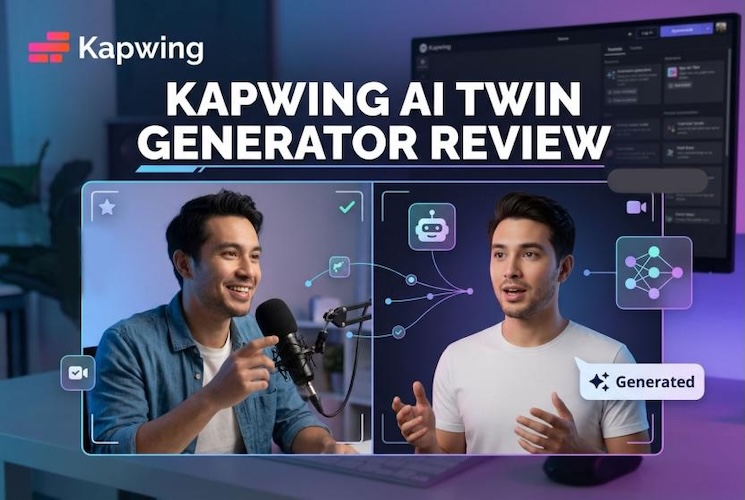
An AI twin is a digital copy of a real person that looks and sounds like you and can deliver any script on camera without a single recording session. You type the words, and your twin presents them. Kapwing has built this idea into its online video editor.
In this review, we cover how the Kapwing AI Twin Generator works, what it costs, where it falls short, and which Kapwing alternative may suit you better.
How Does Kapwing AI Twin Generator Work
Kapwing’s AI Twin Generator lets you make a digital version of yourself without setting up a camera. Your twin copies your look, voice, and how you talk, then reads your script with built-in lip sync.
1 Create a Digital Version of Yourself
First, you add reference images of yourself. Kapwing uses them to build your twin. Next, you set up a voice so your twin sounds like you. If you do not want to use your own face, you can pick a stock twin instead. Kapwing offers more than 50, with different ages and accents.
2 Generate Videos with Your AI Twin
Once your twin is ready, you type or paste a script. Kapwing then makes a lip-synced video in under 60 seconds. After that, you can edit the video in the same browser. This is useful for product demos, training videos, and news updates. When something changes, you only update the script.
Pros and Cons of Kapwing AI Twin Generator
Kapwing's strength is its all-in-one workflow, while its weaknesses are mostly access and cost. Here is how they balance out.
Pros
- No filming needed. Reference images and a voice recording are enough to create your twin.
- Fast results. A lip-synced video can be ready in about a minute.
- Stock twins are included. You can start immediately without building a personal twin.
- Built-in editor. You can trim, add subtitles, and resize in the same place.
- Consistent look and voice. Episode one sounds the same as episode fifty.
- Works in the browser. There is nothing to install.
Cons
- Credits can run out. AI features use credits, so heavy users may need a bigger plan.
- Full-scale use costs more. The best plans are priced for teams, not casual users.
- It is not a photo-first tool. You build a twin from reference images. You cannot just animate one photo in seconds.
- Less control over the character. Style and look options are narrower than in some other tools.
- Quality depends on your inputs. Poor reference images can give weaker results.
Pricing Plans of Kapwing AI Twin Generator
The AI Twin tool comes with Kapwing’s regular plans. AI features run on credits, so how much you can make depends on your plan.
| Plan | Price | What matters for AI Twin |
|---|---|---|
| Free | $0 | Small monthly credit allowance. Good for a quick test. |
| Pro | About $16/mo (yearly billing) | More credits and fewer limits. Suits solo creators. |
| Business | About $50/mo (yearly billing) | Higher AI limits and team tools. Suits small teams. |
| Enterprise | Custom | Custom limits and support. Needs a sales call. |
A Simpler Alternative to Create Your AI Twin Videos
You do not need a full twin. You only want to turn one photo into a talking video. If so, HitPaw Edimakor is worth a look. It is a video editor with built-in AI tools. Its AI Twin Generator animates your still portrait with lip sync. It also lets you change your character and pick a voice. As a result, it feels lighter and quicker for short clips.
Key Features
- Voice Cloning: Record your voice or upload an audio clip, and your avatar can sound just like you. Edimakor supports voice cloning in 35+ languages, so you aren’t stuck with one accent.
- Customizable Characters: Start with your own portrait or build a custom avatar from scratch.
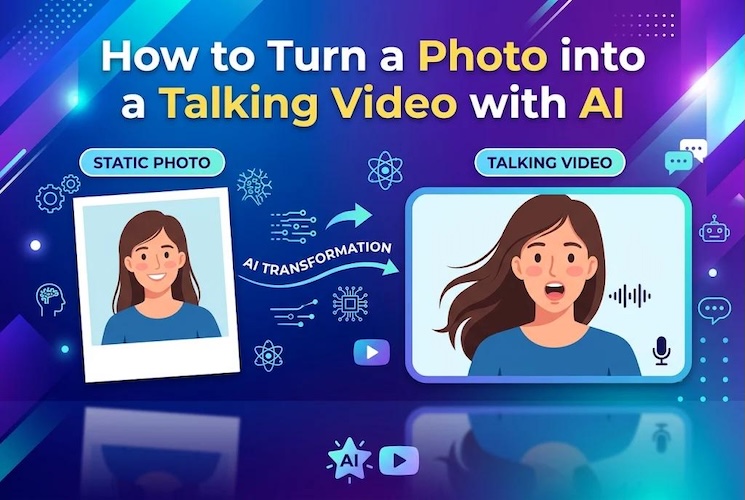
- Talking Video Generation: Upload a photo, add a script, and get a lip-synced video. It’s a quick way to turn a still picture into a presenter, with no camera involved.
- Subtitle Support: Edimakor can add subtitles for you automatically, so you don’t have to type out every line.
- Video Translation: You can translate your video content into other languages and share it with people who don’t speak your language. One video can do the job of several.


Let’s check how this AI Twin Generator works:
Step 1: Launch Edimakor and find the AI Talking Photo tool in the main menu.

Step 2: Click Upload and choose a clear photo. A front-facing face works best.
Step 3: Adjust your character's look. You can edit it easily with AI.
Step 4: Pick an AI voice, upload an audio file, or record your own. You can also use voice cloning.
Step 5: Click Generate. Edimakor matches the lip movement to the voice. Then you can download the result or add it to the timeline for more edits.
Kapwing vs. Edimakor: Which AI Twin Generator Should You Use?
Both tools make talking videos, but they suit different jobs. So the better choice depends on what you need.
| Kapwing AI Twin | HitPaw Edimakor | |
|---|---|---|
| Main idea | A full digital twin of you | Custom digital twin avatars |
| Starting point | Reference images or a stock twin | One portrait photo |
| Best for | Repeat videos, training, team content | Quick clips, social posts, photo animation |
| Voice options | Voice setup for your twin | Voice cloning, TTS, or recorded audio |
| Editing | Browser-based editor | Full video editor with subtitles and translation |
| Good fit for | Teams that publish often | Solo creators who want fast results |
FAQs
A1: An AI digital twin video is made to copy a real person, including their look and voice. An AI avatar can be any digital character. It may be a stock face or a cartoon. So every twin is an avatar, but not every avatar is a twin.
A2: Kapwing has a free plan, but AI features use credits, and the free allowance is small. It works best for testing. If you plan to use it regularly, you’ll need a paid plan.
A3: Yes. Most teams use AI twins for product demos, ads, and training clips. Just make sure you only use your own likeness, or one you have permission to use, and check each platform’s rules on AI-generated content.
Conclusion
Kapwing AI Twin Generator is a good pick if you want a full digital version of yourself for repeat videos. Credits and subscription costs also matter when choosing the right tool.
For users who want more than AI video generation, Edimakor AI Twin offers a complete solution. Download Edimakor today and create professional videos with its powerful AI features.
Leave a Comment
Create your review for HitPaw articles