One of the most popular creative tools for producing highly stylized visual art is lovart ai. Many users describe it as a formidable rival to Midjourney because of its user-friendly design, varied style library, and reasonably priced credit system. This guide thoroughly examines its actual performance, cost, and top options.
Part 1: What Is Lovart AI? A Quick Look
It's critical to examine Lovart's design philosophy, essential features, and distinctions from conventional AI art platforms in order to fully comprehend where the tool stands.
1 What Is Lovart AI
Lovart AI is an online picture creation platform for photographers, marketers, artists, and regular people who desire artistic visuals without having to master complicated software. Through straightforward text prompts or image submissions, it provides a variety of photorealistic, digital painting, cinematic, anime, and high-fashion designs.

2 Lovart's Unique Value Proposition in the AI Art Space
Lovart markets itself as a creator-friendly tool that can be used by both novices and experts. It prioritizes a simple user interface, fast generating speeds, and controllable styles over overloading users with many settings. It is accessible while still delivering high-quality outcomes since it sits between Canva-like simplicity and Midjourney's creative capability.
Key Features at a Glance
- With Lovart AI's extensive library of styles, which includes portraits, anime, cinematic visuals, fantasy themes, and more, users may effortlessly produce original images that align with many creative orientations.
- HD and ultra-HD modes are among the various resolution settings that Lovart offers. This guarantees crisper details, smoother textures, and more polished images appropriate for marketing materials, social media posts, and artistic endeavors.
- Images are produced in a matter of seconds, enabling artists to quickly test various ideas. Particularly when creating several iterations for content or design jobs, this quick method keeps people active.
3 Who is Lovart AI Best Suited For
- Lovart's quick turnaround times and eye-catching styles will help creators who require eye-catching images for posts, thumbnails, and reels retain great engagement and consistent branding across platforms.
- Lovart allows artists to swiftly test visual concepts, experiment with new ideas, and combine AI recommendations with their own creative direction.
- For marketers who require daily visuals for advertisements, banners, and campaigns, Lovart works wonderfully. Its refined styles enable firms to create eye-catching graphics without having to hire outside designers for each project.
- Lovart's powerful anime and portrait capabilities will appeal to fans of stylish character designs. The platform creates vivid colors, expressive expressions, and crisp linework that are ideal for fan art or storytelling.
Part 2: Lovart Pricing Structure: Credits, Subscriptions, and Value
Lovart employs a hybrid approach that combines optional credit purchases with subscription-based access. Examining Lovart's subscription structure, credit packages, and overall value in comparison to other art platforms on the market is helpful before determining whether it fits your workflow.
Lovart Pricing of Subscriptions
| Plan | Monthly Price | Credits/m | Concurrent Tasks |
|---|---|---|---|
| Starter | $16/month | 2,000 | 2 tasks |
| Basic | $27/month | 3,500 | 4 tasks |
| Pro | $45/month | 11,000 | 8 tasks |
| Ultimate | $99/month | 27,000 | 10 tasks |
Lovart Pricing of Credits
| Credit Package | Ideal For | Value Notes |
|---|---|---|
| Small Credit Pack | Light users generating a few images/videos | Good for testing styles or occasional prompts |
| Medium Credit Pack | Regular creators who need dependable credits | More cost-effective than small bundles |
| Large Credit Pack | Heavy users & professionals | Best price-per-credit ratio |
| Extra Creator Pack | Studio-grade work requiring hundreds of renders | Designed for commercial-grade workflows |
Is It Worthy to Buy?
Yes, for people who require AI art that is accessible and doesn't have a steep learning curve. Lovart offers flexible credit packs and is more reasonably priced than Midjourney. However, alternatives like Nano Banana or Midjourney can be more cost-effective for particular use cases if you need very high detail or large batch production capabilities.
Part 3: Lovart Output Quality and Art Styles Tested
We evaluated Lovart's skills in several well-known styles, emphasizing realism, detail clarity, quick reactivity, and picture ratio flexibility in order to gauge its actual performance.
Testing Lovart's Fidelity
Lovart excels in fashion, animation, and stylized portraiture. Colors stand out, lines stay straight, and skin tones mix organically. Lovart is excellent at maintaining consistency throughout several generations, even though it is not as thorough as Midjourney.
Analyzing Resolution, Detail Consistency, and Image Ratio Options
Lovart provides a variety of ratio choices, such as 1:1, 3:4, 9:16, and 16:9. Reels, posters, and thumbnails can benefit from its HD outputs, which look clear and have no noise.
Ease of Prompting for Specific Artistic Styles
You do not need to be an expert prompt writer because Lovart comes with style presets. For novices or busy artists, simple prompts might nonetheless result in visually striking paintings.
Exclusive Lovart Styles: What Makes Them Unique
- Anime Dream
- Ultra Portrait
- Fantasy Matte
- Fashion Editorial
- Glow Cinematic
Part 4: Usability and User Experience (UX)
User experience plays a huge role in determining whether a platform feels comfortable for long-term creative work
The Lovart Interface: Beginner-Friendly or Complex
Lovart has an easy-to-use UI. The dashboard clearly displays every element, and there is little involvement needed during the generation process. The method is perfect for quick content generation because even novice users can grasp it in a matter of minutes.
Part 5: Lovart AI vs. Competitors (The Nano Banana Alternative)
To judge Lovart's real value, we need to compare it with its competitors
Lovart vs. Nano Banana
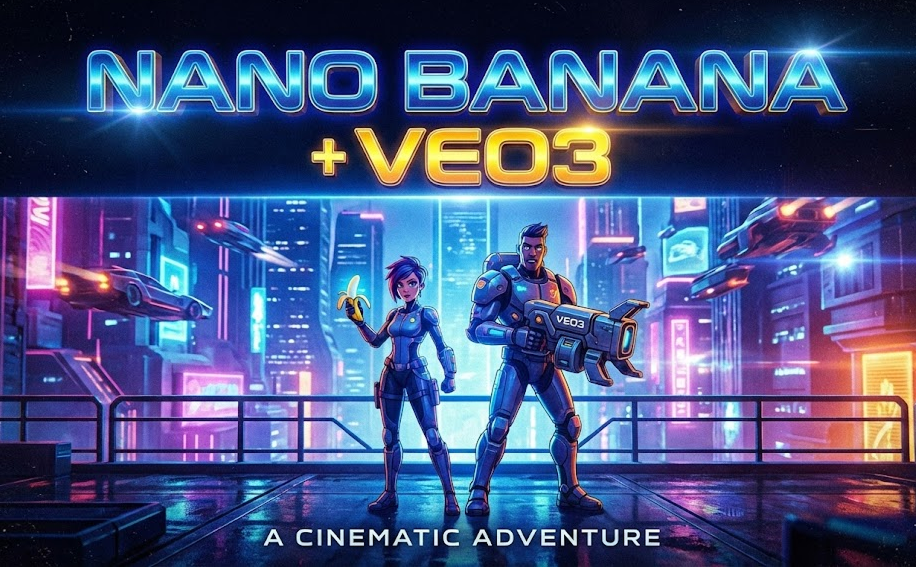
Particularly for surreal art, Nano Banana offers more whimsical, experimental techniques. Lovart is superior for artists looking for consistent, eye-catching images since it excels in realism, portraits, and anime.
Lovart vs. Edimakor AI Image Generator
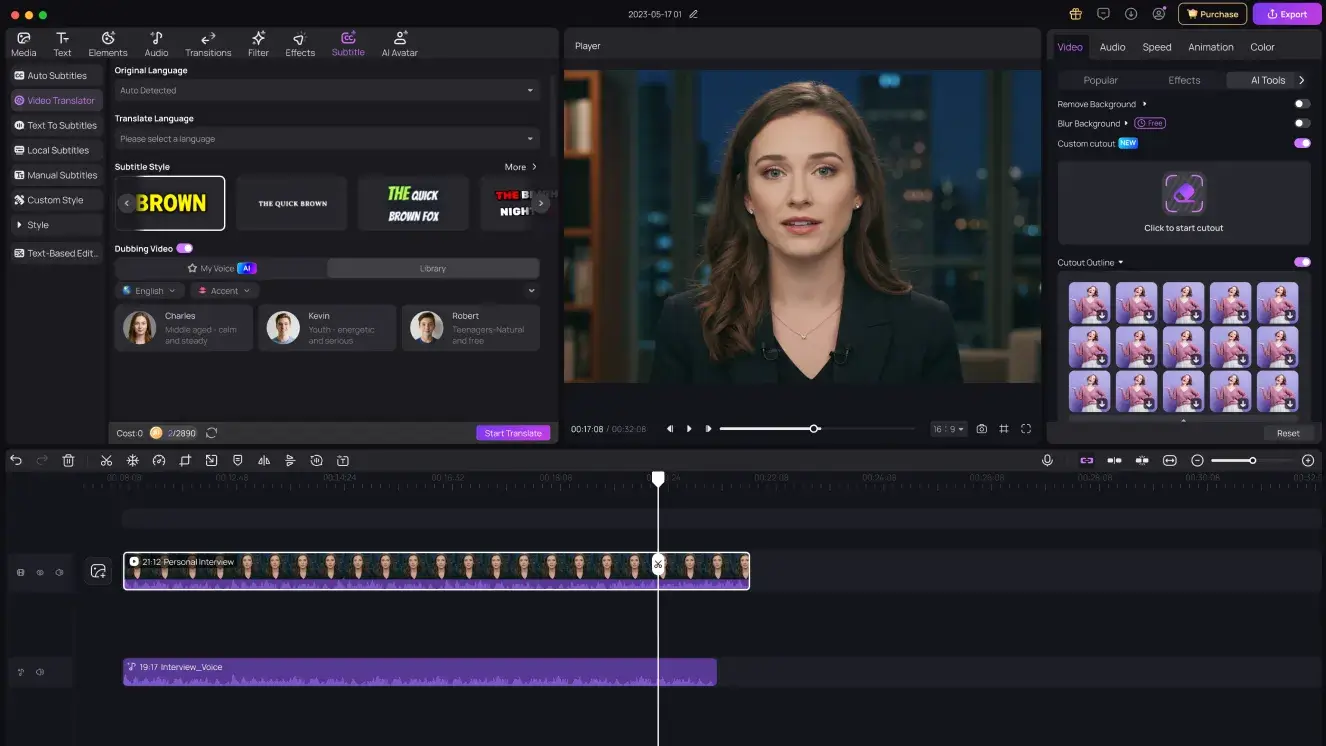
The goal of Edimakor's AI Image Generator is to create images quickly, cleanly, and with no watermarks or advertisements. You can use a variety of creative options to restyle any image or transform basic instructions into sophisticated visuals in a matter of seconds. It was designed for users who demand a seamless workflow, speedy generation, and flexible editing within a single video editing environment.


Key Features of Edimakor AI Image Generator
- Integrates with popular advanced AI models like Nano Banaba Pro
- Instantly converts text into AI images with impressive clarity.
- Supports image restyling for easy transformations.
- Offers a reference-image mode for more controlled outputs.
- High-quality generation with no ads and no watermarks.
- Completely free to use inside Edimakor.
How to Use Edimakor AI Image Generator
Step 1: Open HitPaw Edimakor, go to the toolbox, and select the Image section where the AI Image Generator options are available.
Step 2: To use text to image, enter your prompt, choose the number of outputs, and hit Generate.
Step 3: To use the reference image feature, import the image, enter your prompt, choose the number of outputs, and hit Generate.
Step 4: To use Image restyler, import your image, choose a style, and hit Generate.
Lovart vs. Midjourney
Although it takes expertise and Discord guidance, Midjourney is still the master of ultra-realistic detail. Lovart is easier to use, quicker, and more accessible, allowing novices to create excellent artwork with less work.
Part 6: How to Use Lovart AI
Now that we've reviewed Lovart's pricing and quality, it's time to look at how the platform works:
1 How to Create Images from an Image with Lovart AI
- Open the platform and sign in to your account so the editor and model options unlock.
- Choose the picture you want to enhance or transform. Lovart will analyze it and prepare the style settings.
- Describe the changes you want, then hit Generate to create variations based on your uploaded image.
2 How to Create Images from Text with Lovart AI
- Access your dashboard so you can start a new text-to-image project.
- Enter a clear description of the scene or object you want Lovart to create, then click Generate to see multiple AI outputs.
- Once you find the image that matches your vision, simply download it to your device in your preferred resolution.
3 How to Fix Common Errors in Lovart AI Generations
- If faces distort → lower creativity settings
- If hands look wrong → use portrait preset
- If colors clash → choose color-balanced styles
- If anatomy appears stretched → switch to standard ratio
Key Takeaways
With its clean pictures, variety of styles, and user-friendly controls, Lovart AI offers strong creative versatility. The output quality is suitable for most creators, and the price is fair. Lovart is still a good option, even though tools like Midjourney offer deeper artistry. It improves content and visual production workflow when paired with HitPaw Edimakor (Video Editor) .
Leave a Comment
Create your review for HitPaw articles